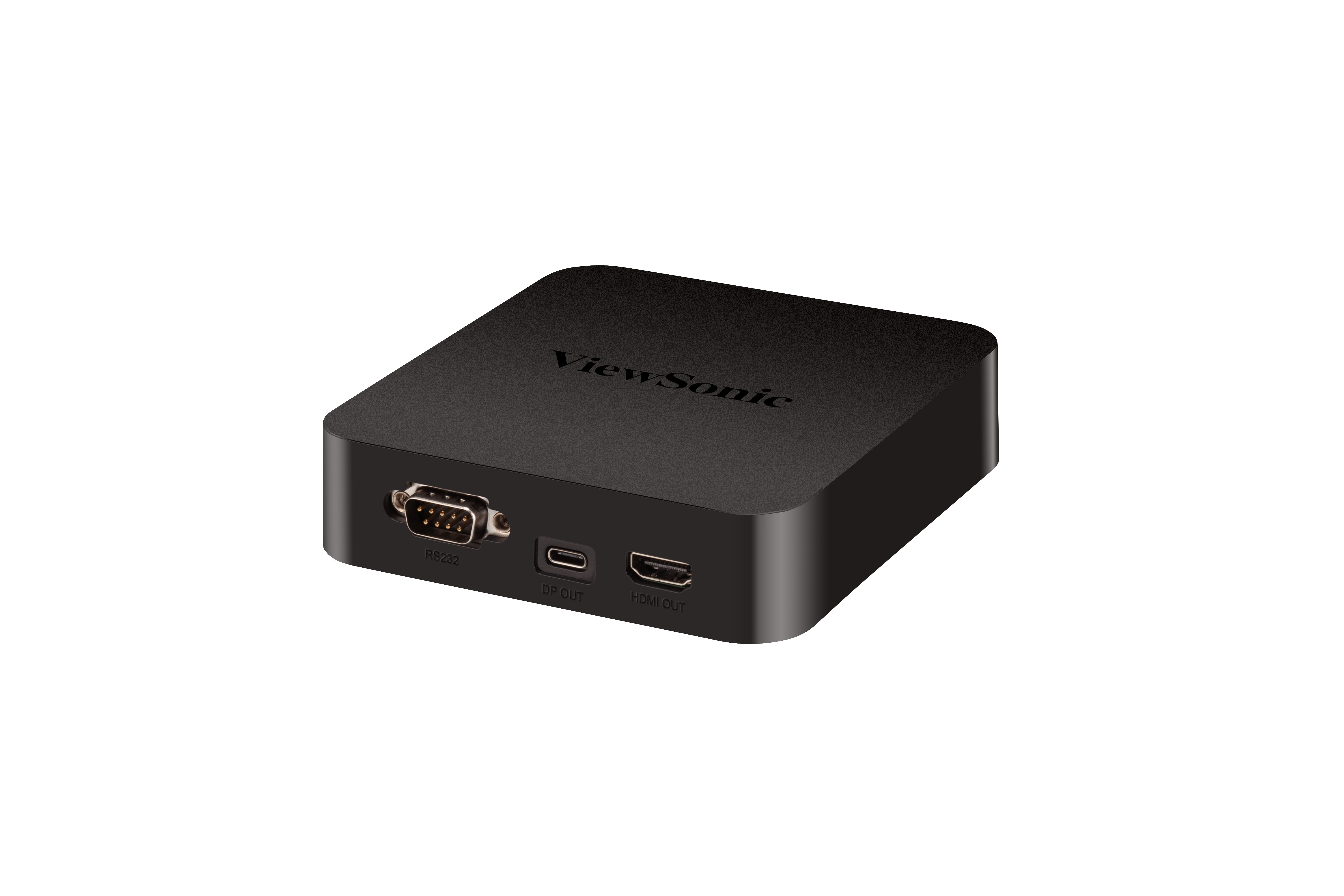
ViewSonic ViewBoard Box
Screen Sharing Box with Built-in Android
- Extend the myViewBoard canvas to multiple large displays
- A simple screen switch among multiple displays
- Android environment for web browsing, multimedia, and more
- myViewBoard’s rich whiteboarding tools
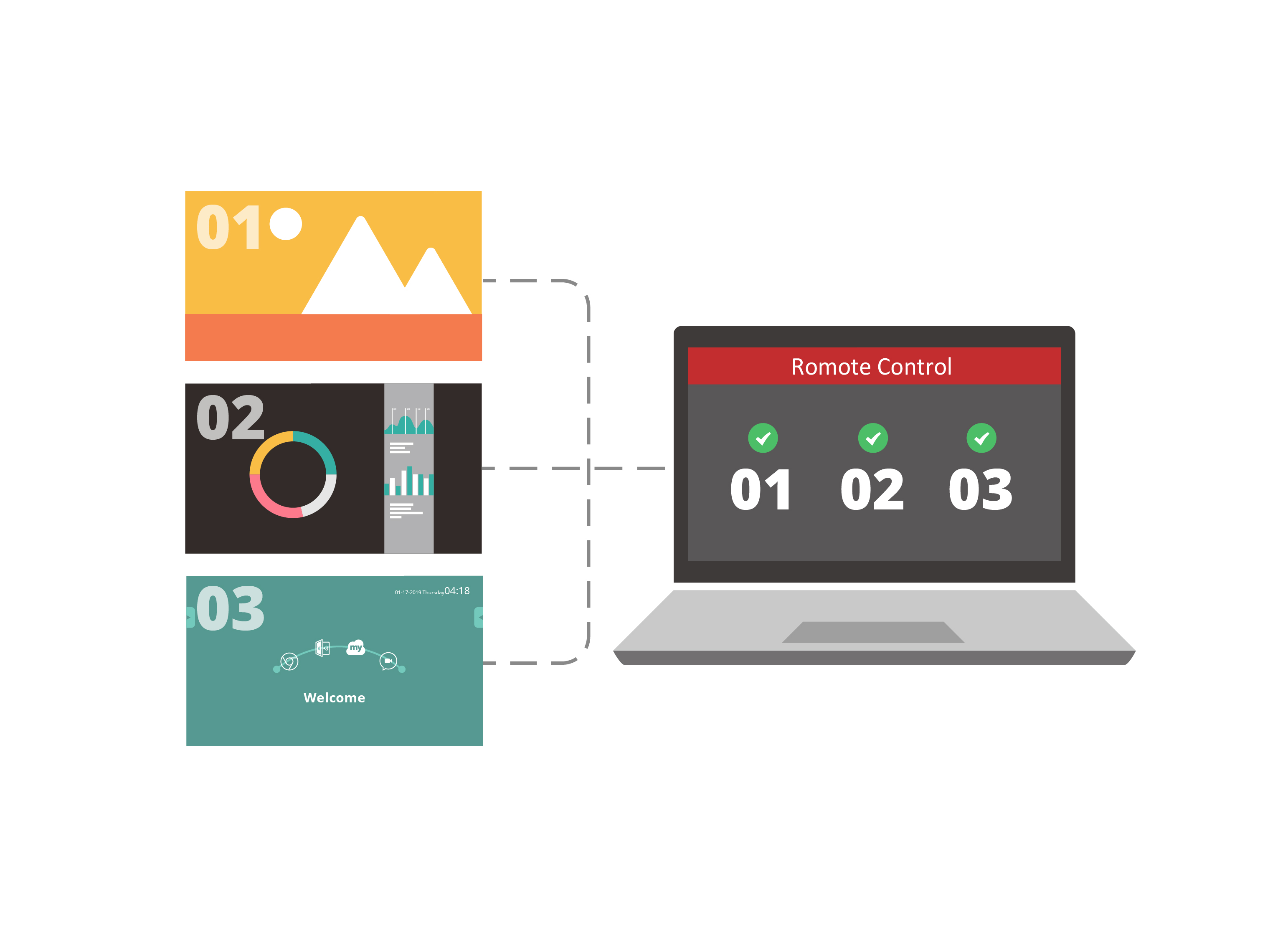
- Remote display management
ОБЗОР
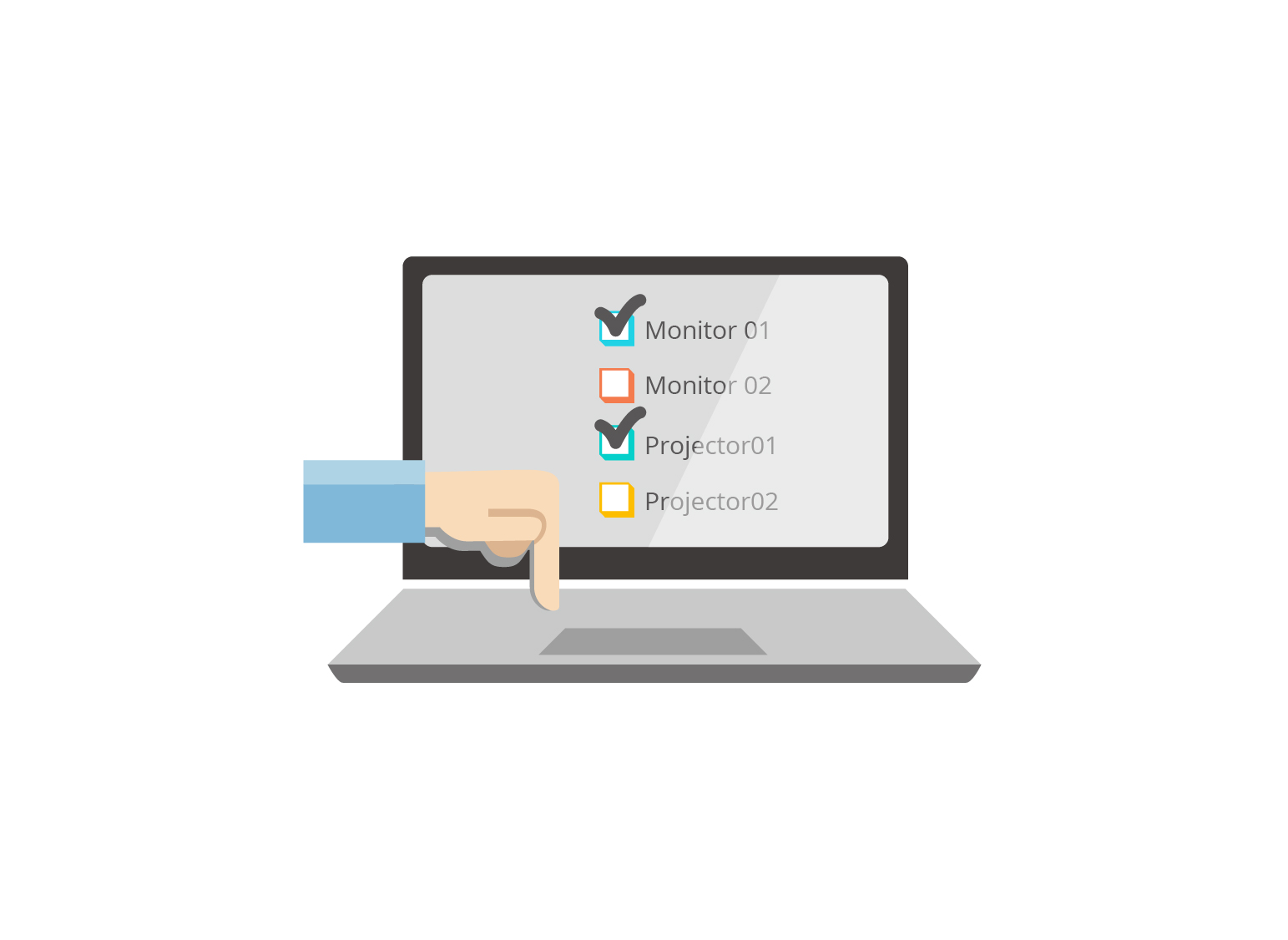
Designed for displays and projectors without an embedded OS, the myViewBoard Box VBS100 allows a presenter to share their myViewBoard canvas to any HDMI display over the Internet. With several myViewBoard Boxes, a host can control and show the same content to multiple displays, or selectively cast the content from one presenter while sharing it to another display. Built-in Android OS and myViewBoard canvas, users can work in PC and whiteboarding environments on any HDMI display as well. myViewBoard Box VBS 100 is a fitting solution for multi-group presentations such as any student-focused learning environments or activity-centric meeting rooms.Extend myViewBoard canvas to multiple large displays
Extend a presenter’s myViewBoard canvas to many HDMI displays such as monitors, projectors, interactive displays, etc.
* Works with the canvas version of myViewBoard & myViewBoard for Windows
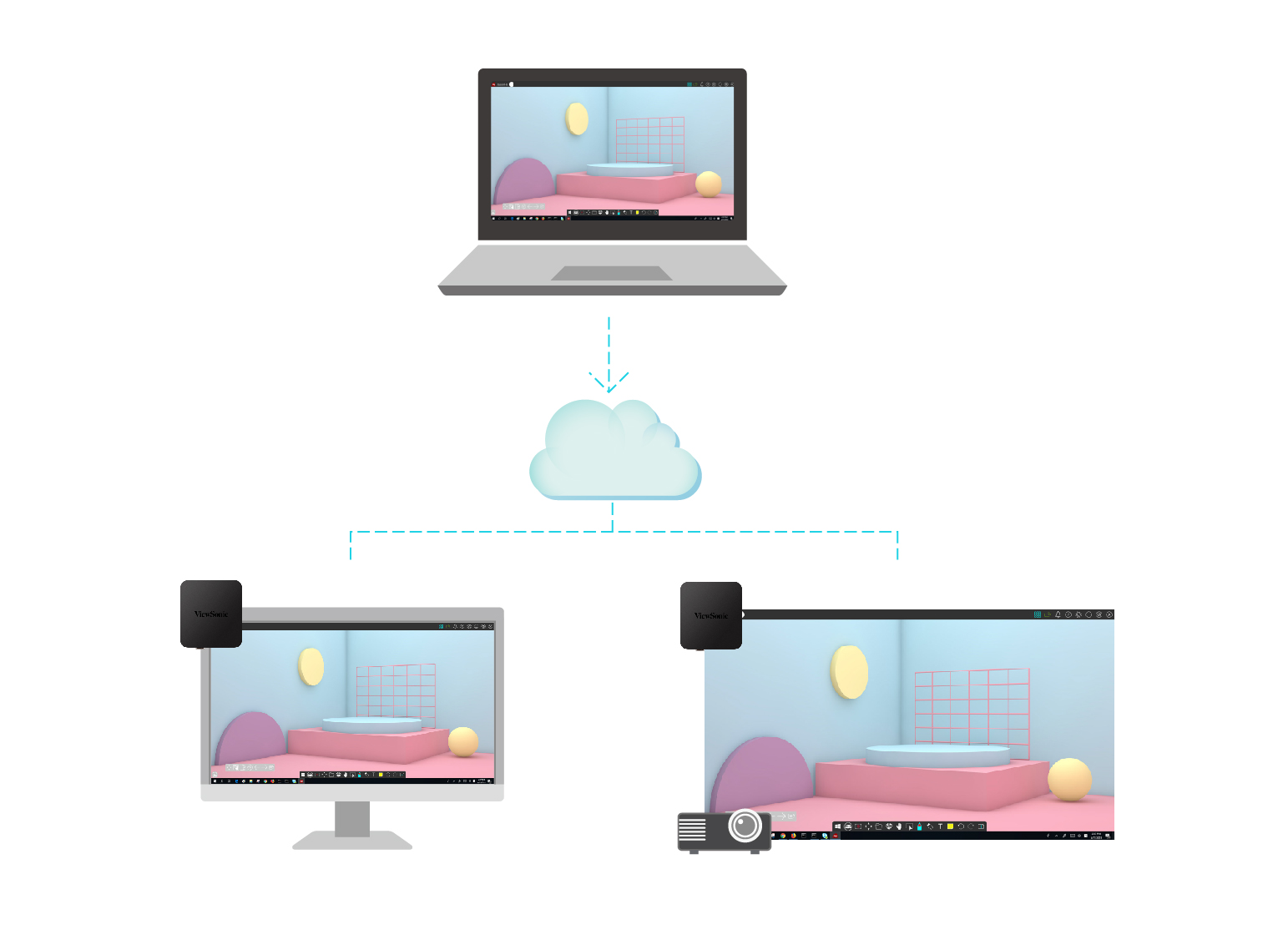
A simple screen switch among multiple displays
Connect via a simple code or via QR code and your content can be instantly mirrored from one laptop to a multitude of displays. All can be controlled by the host under the myViewBoard canvas.
* Works with the canvas version of myViewBoard & myViewBoard for Windows
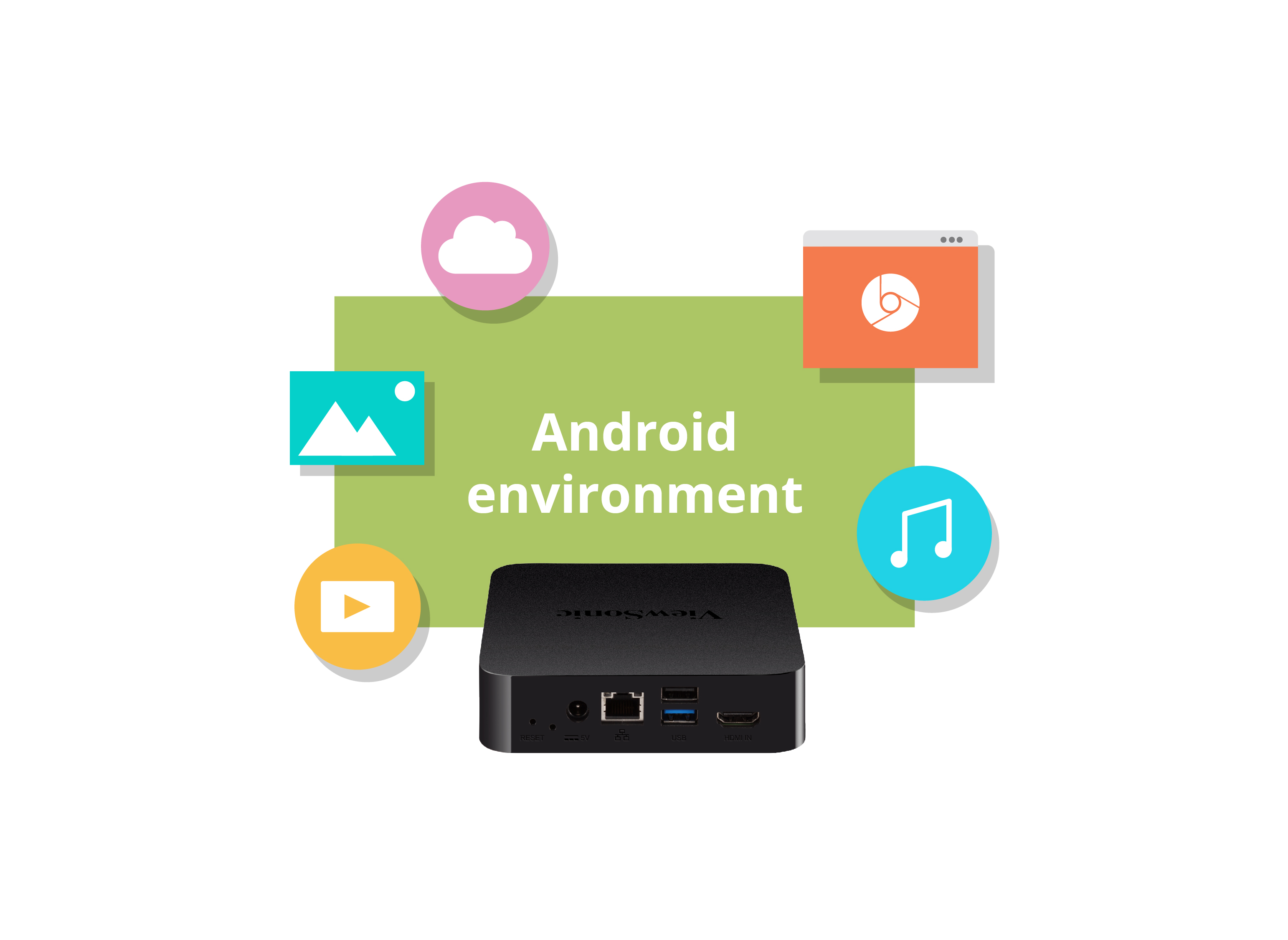
Android environment for web browsing, multimedia, and more
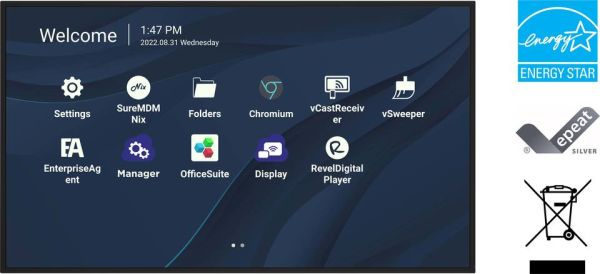
Transform any monitor or projector into a display with a PC environment; users can surf the Internet, play multimedia, access cloud files, etc.
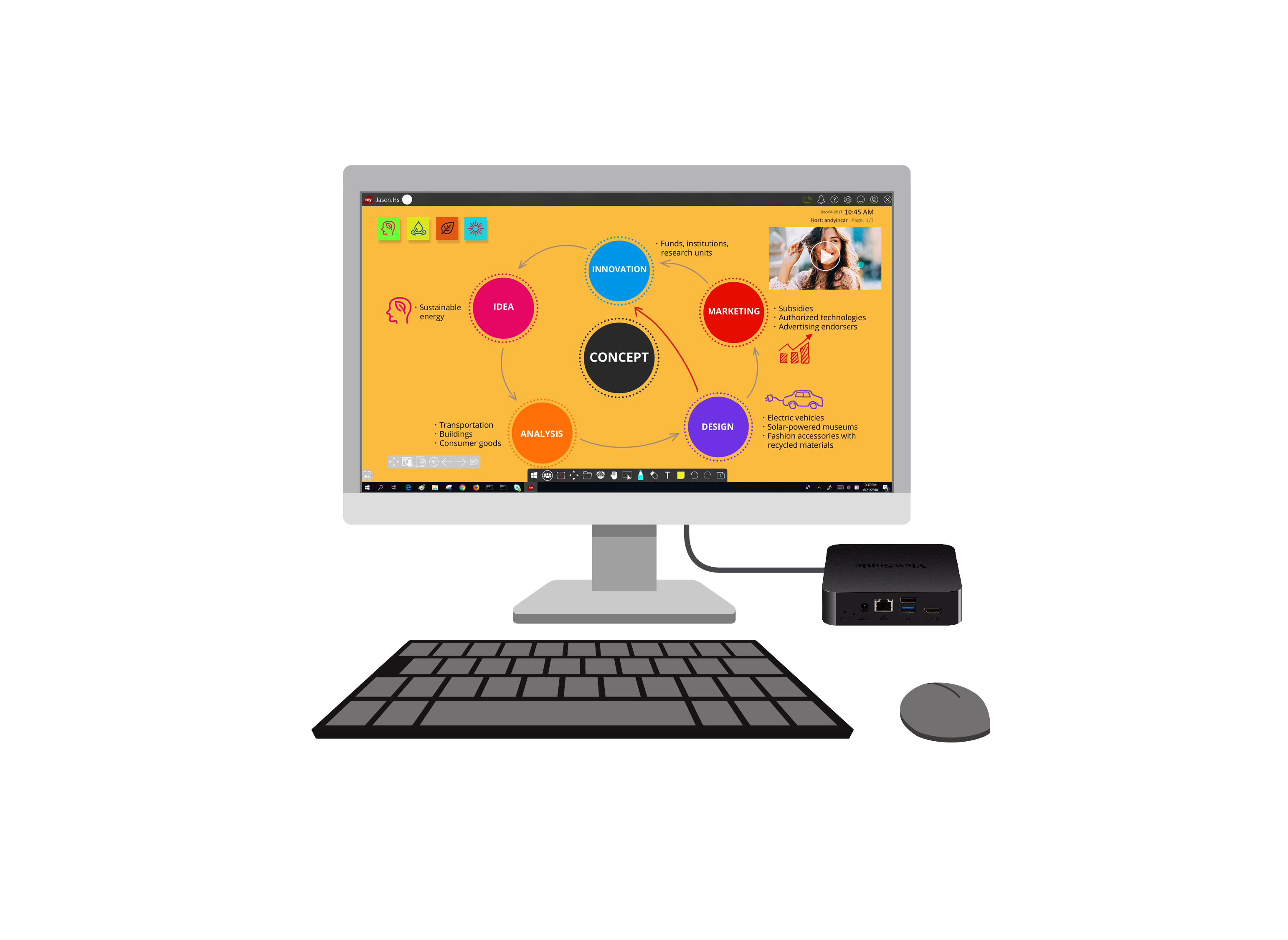
myViewBoard’s rich whiteboarding tools
Create rich content with a wide array of annotating pens, painting tools, media files, and cloud integration on an unlimited amount of pages for discussion and presentation.
Remote display management
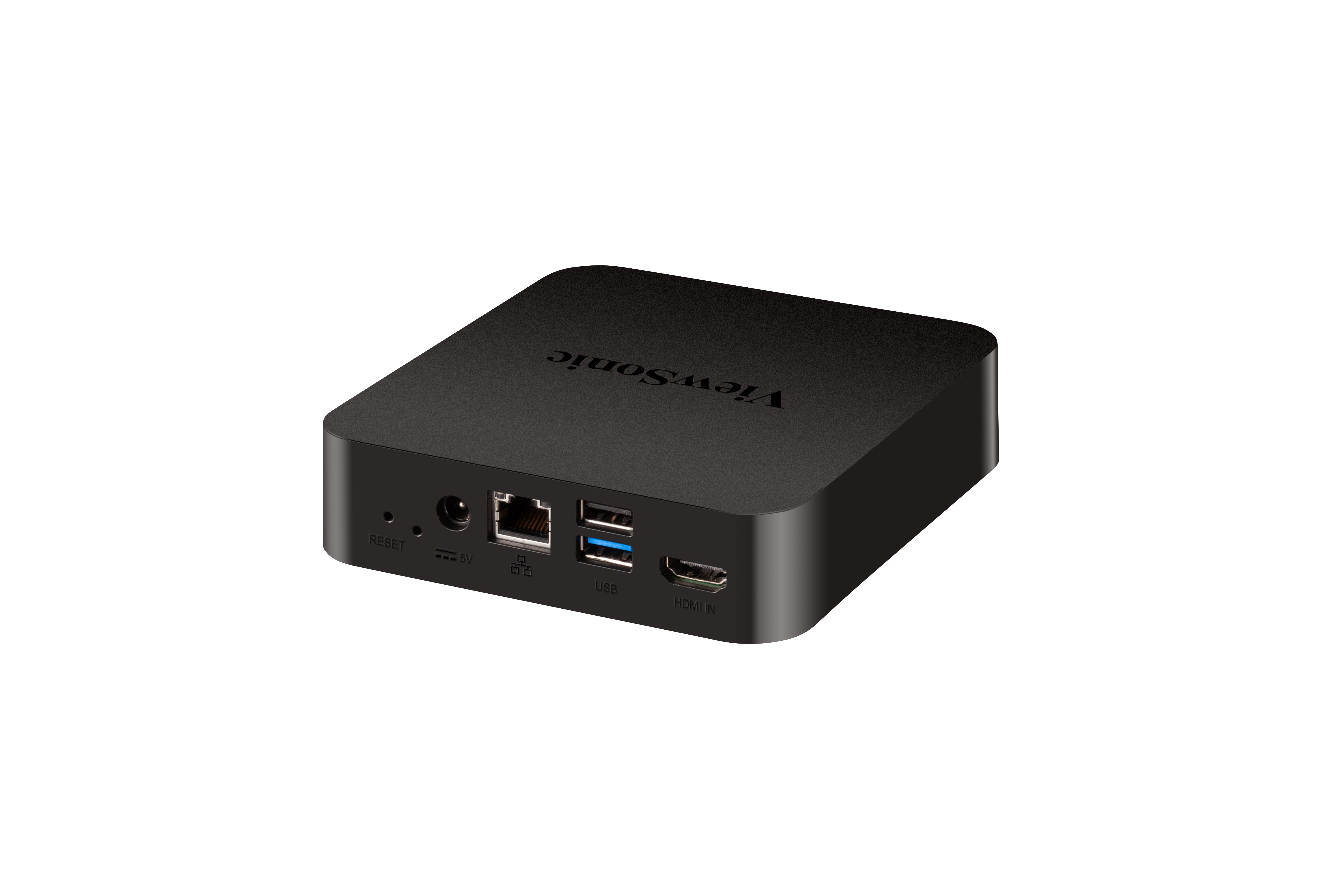
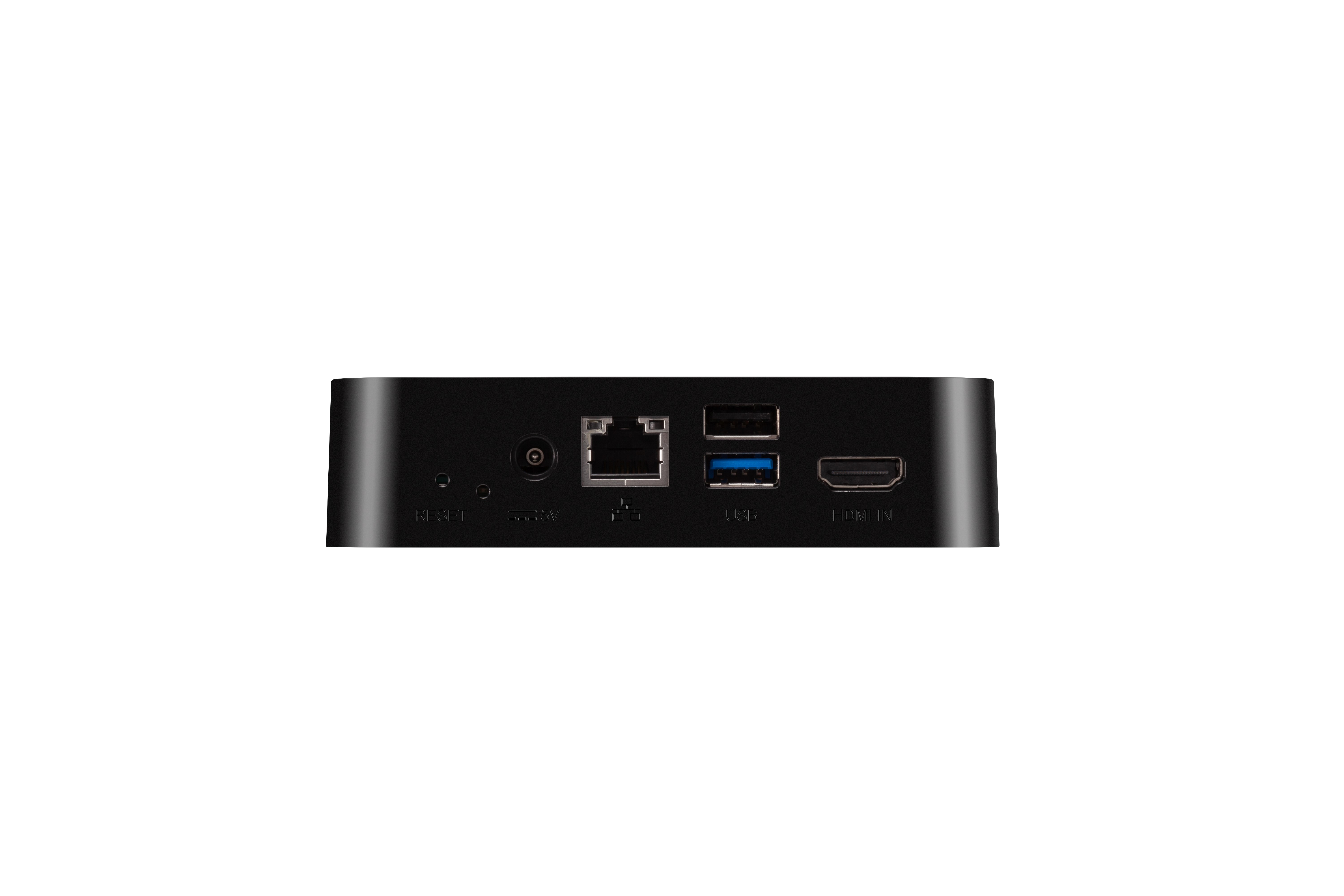
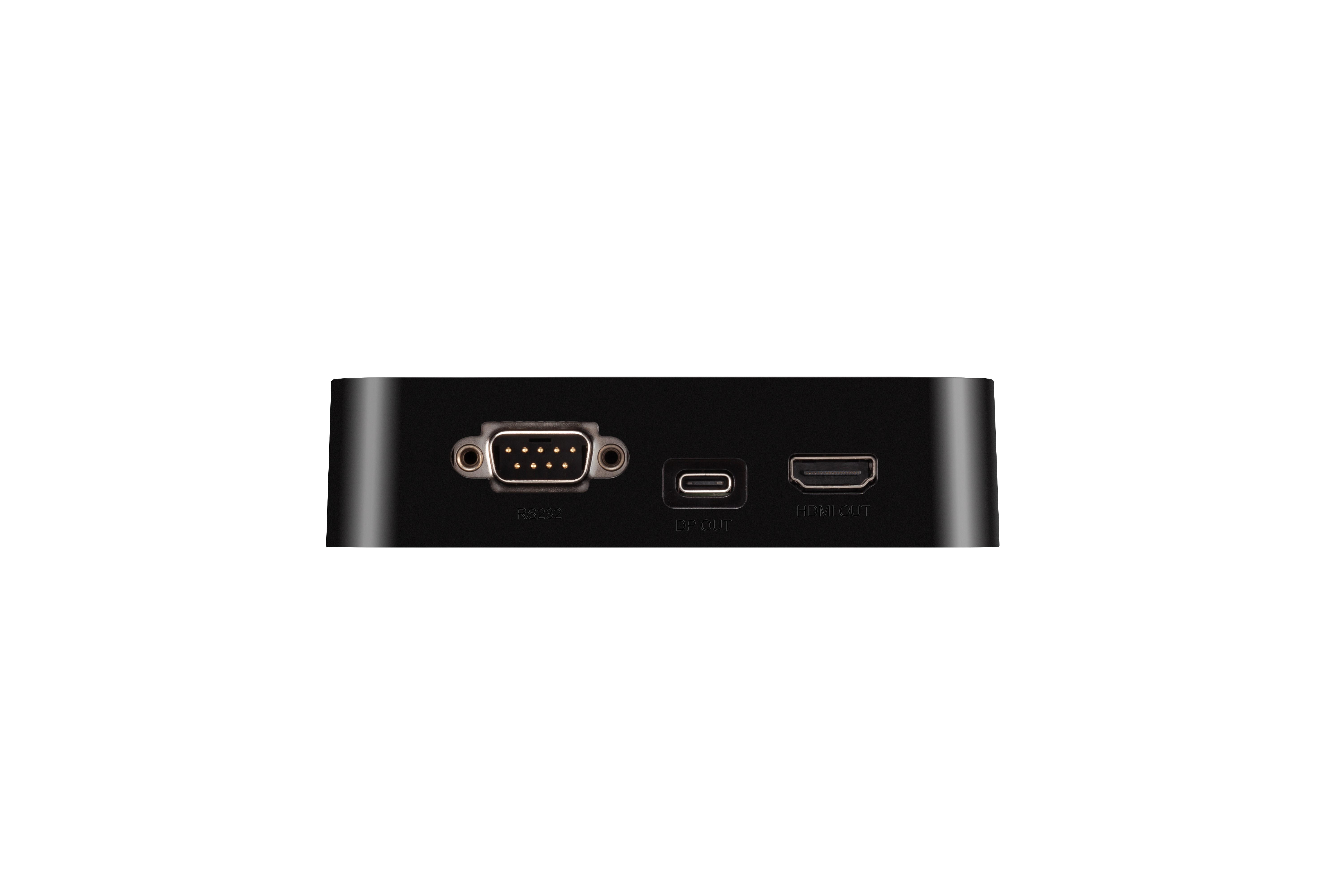
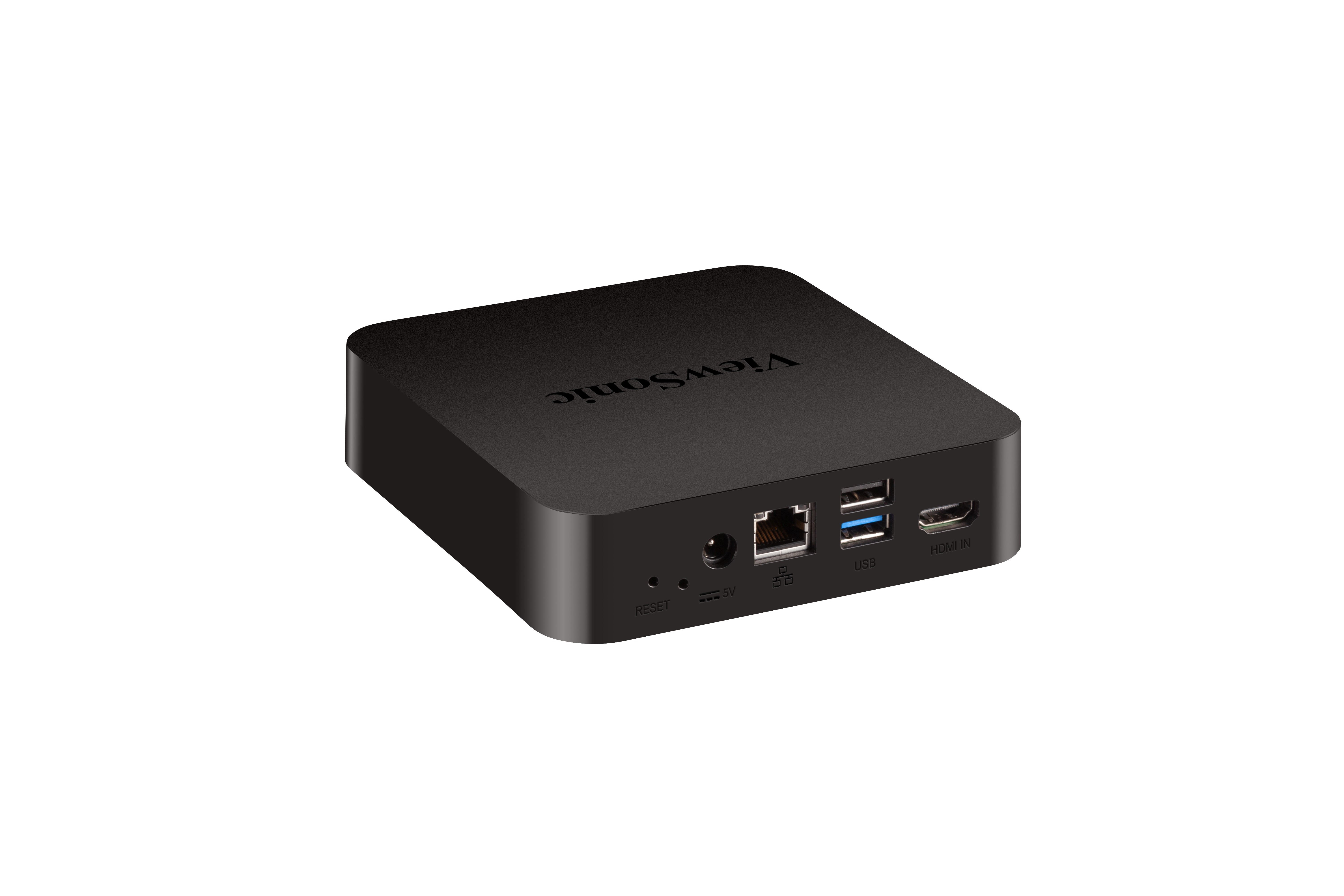
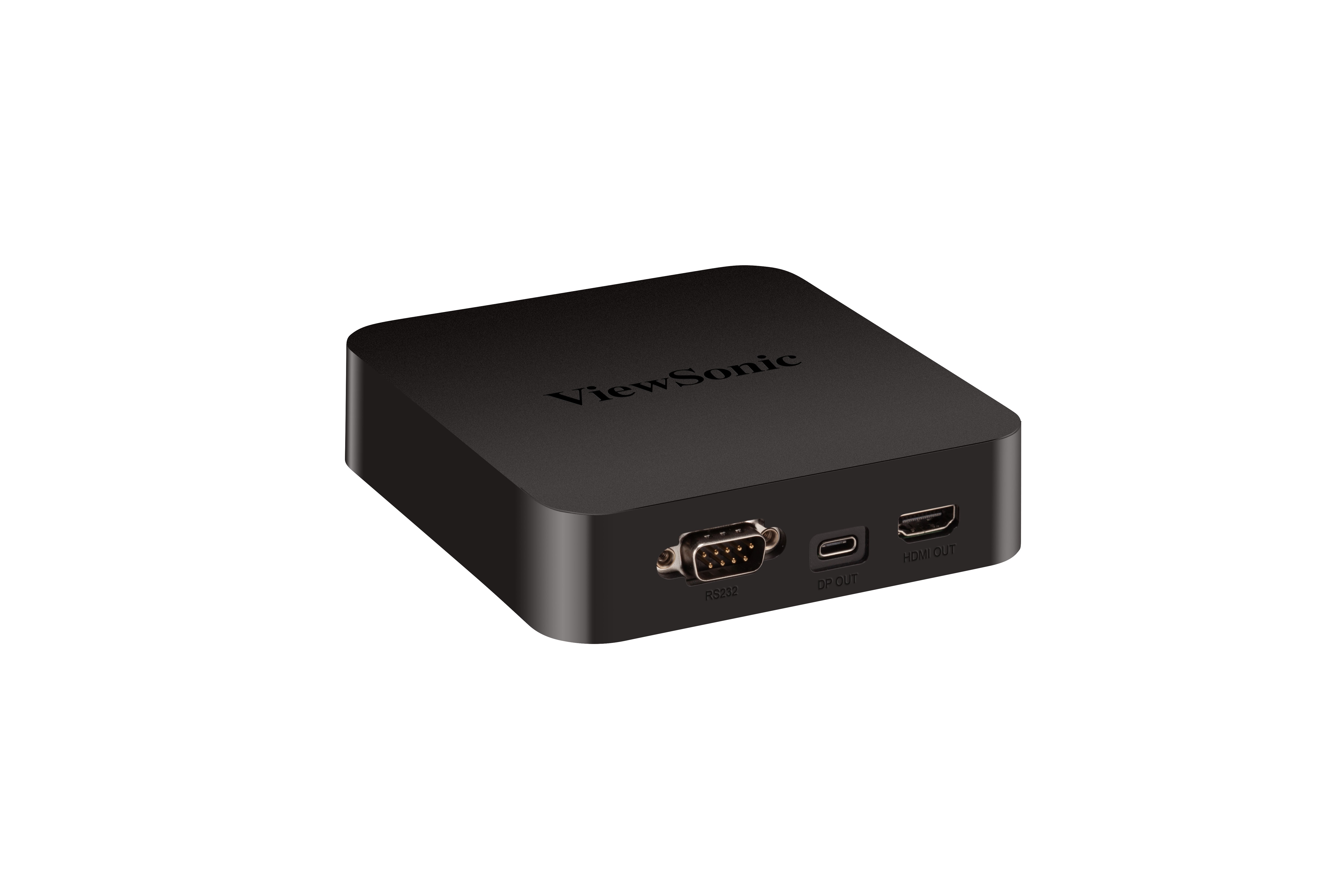
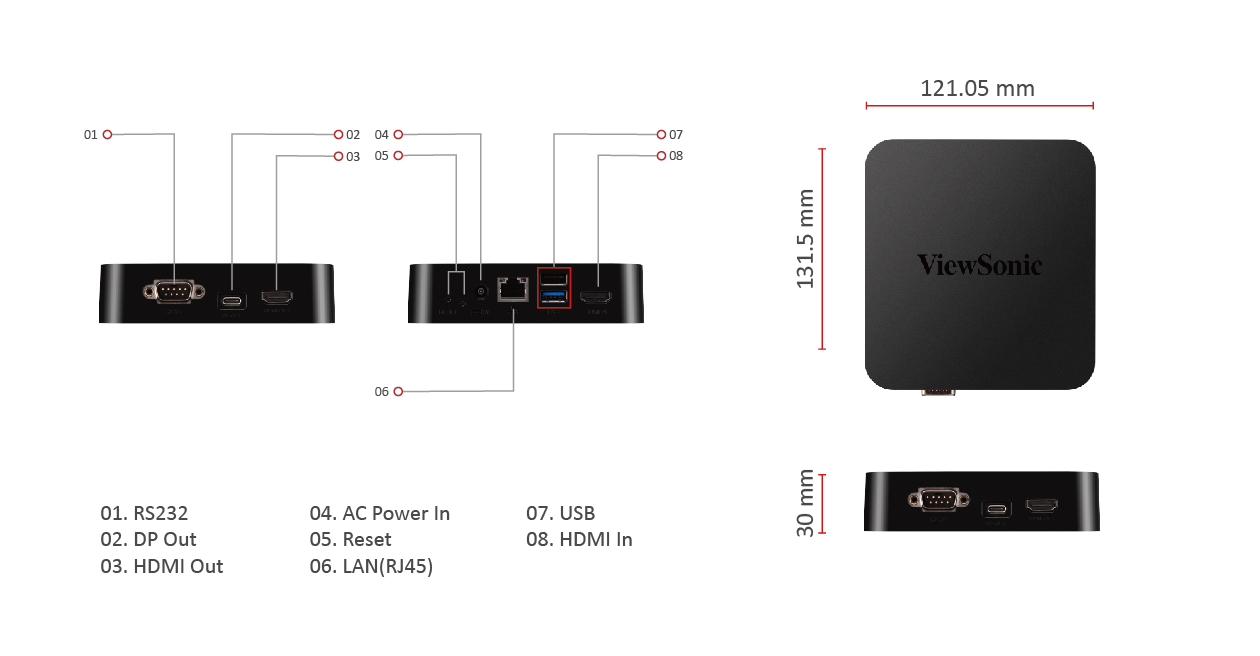
By using an RS-232 or RJ45 connection, myViewBoard Box enables IT departments to manage displays remotely - type in RS-232 commands or use compatible software like ViewBoard vController, 42Gear, etc. Manage settings such as: On/Off, display signal source, audio, and other general items.
Dimensions & I/O Ports
Совместимо с VIEWSONIC VIEWBOARD BOX
43" презентационный дисплей с разрешением 4K
55" презентационный дисплей с разрешением 4K
Коммерческий дисплей 65" 4K для беспроводных презентаций (WPD)
Коммерческий дисплей 24x7 65" 4K
65" презентационный дисплей с разрешением 4K
75" презентационный дисплей с разрешением 4K
86" презентационный дисплей с разрешением 4K
98" презентационный дисплей с разрешением 4K