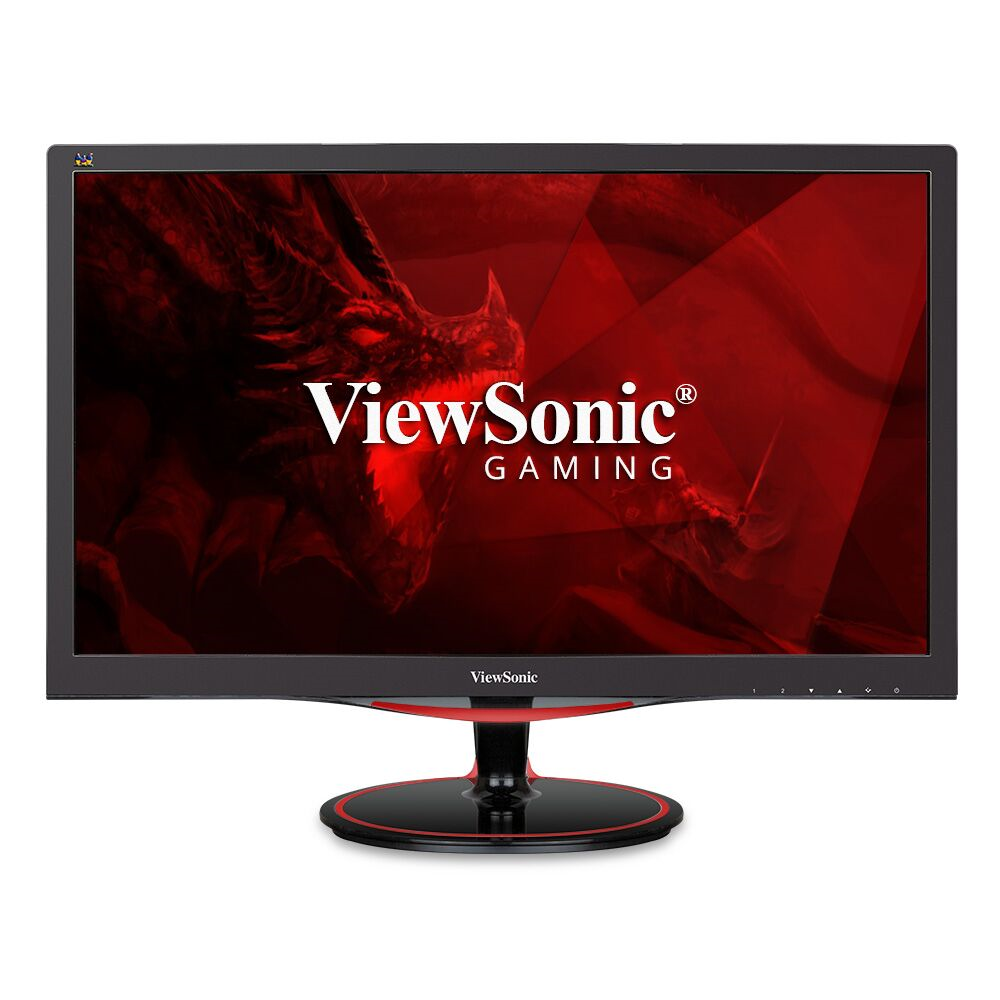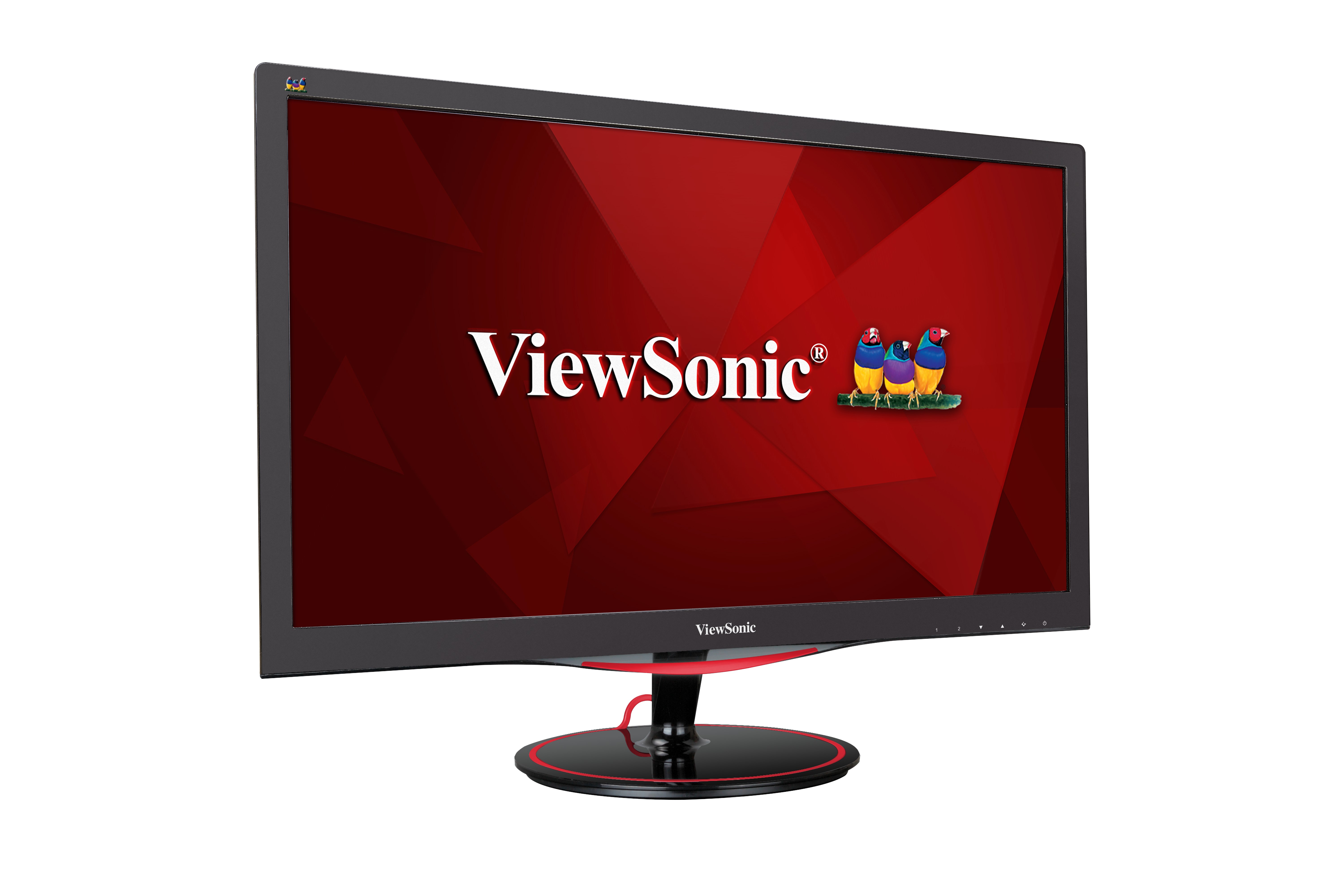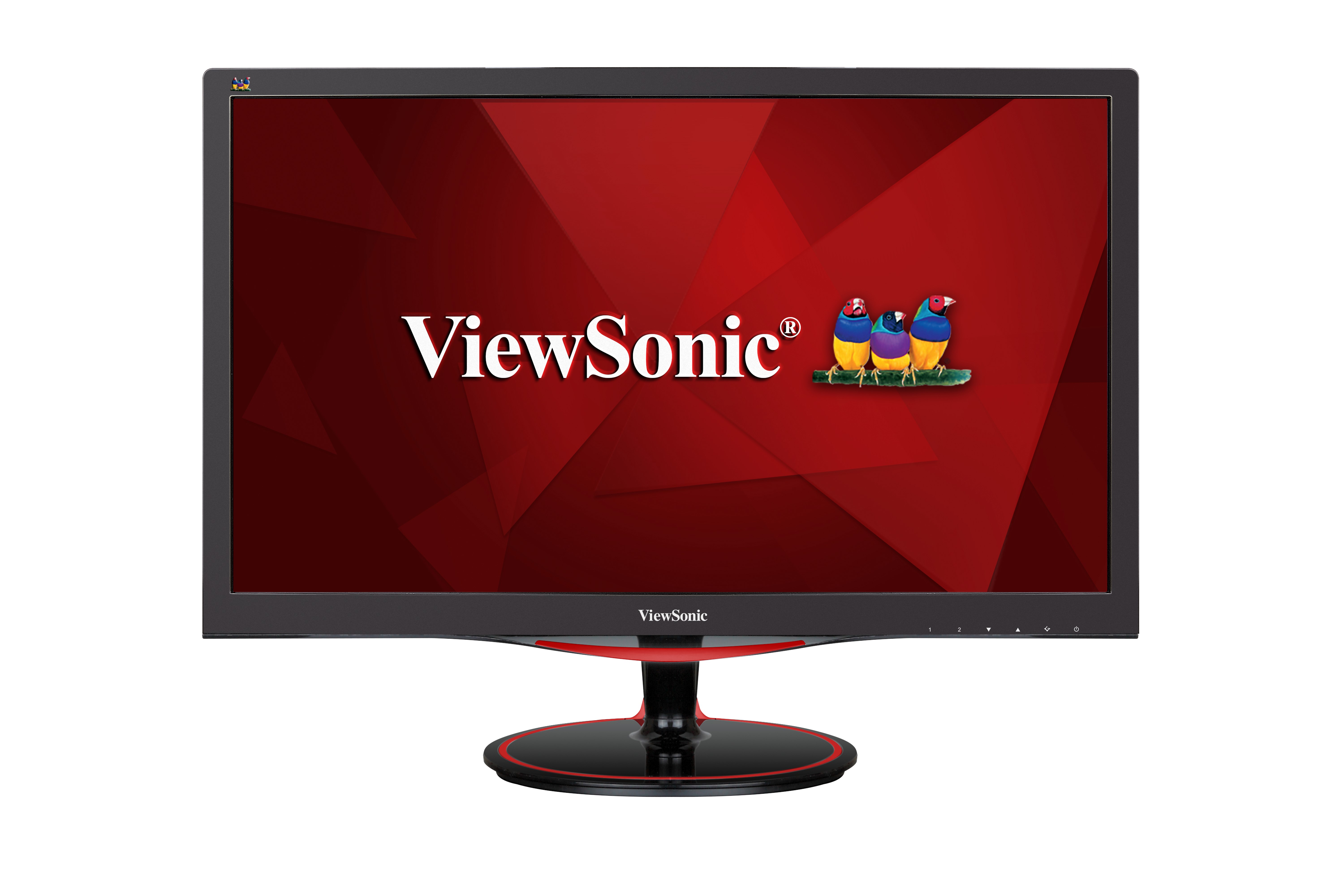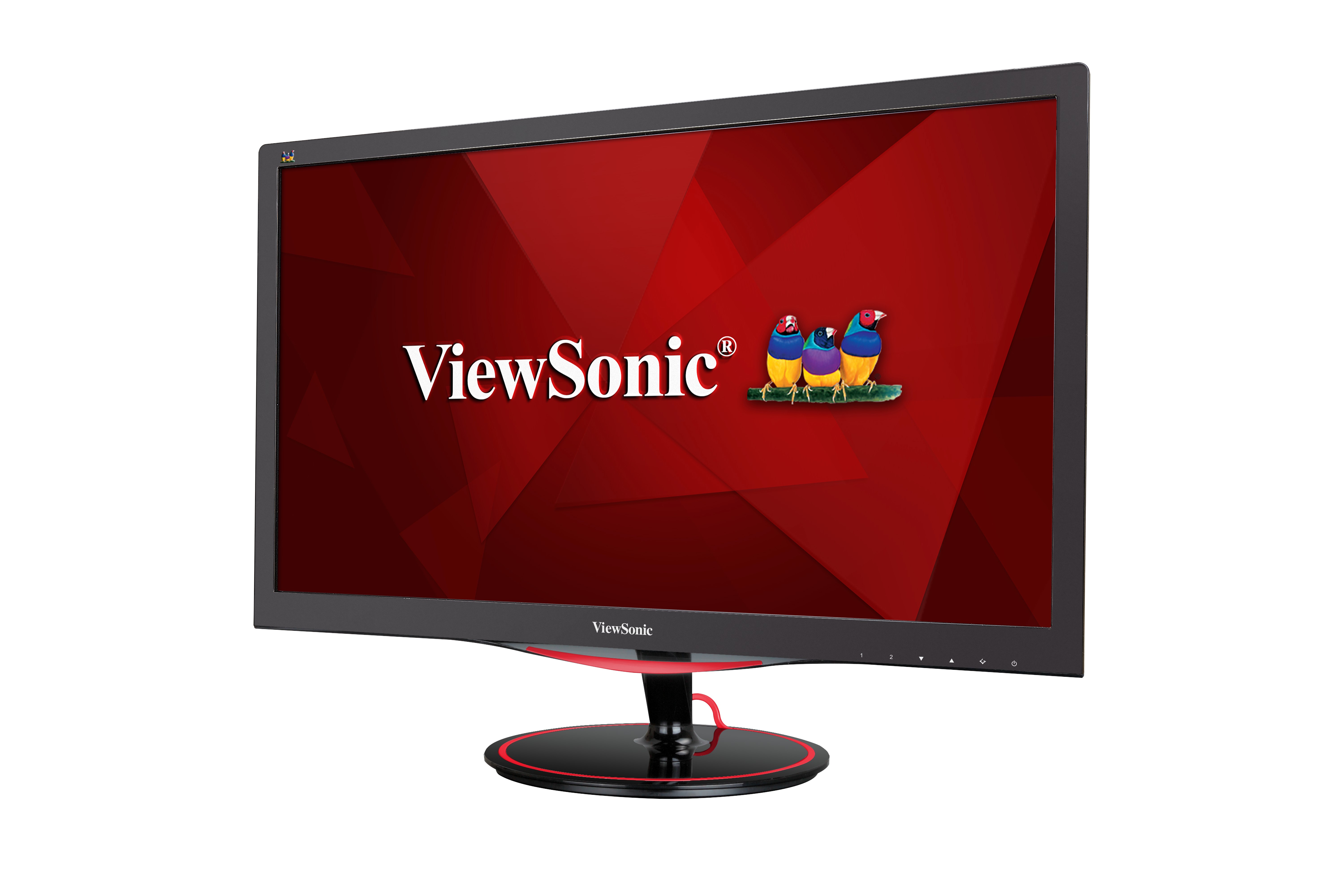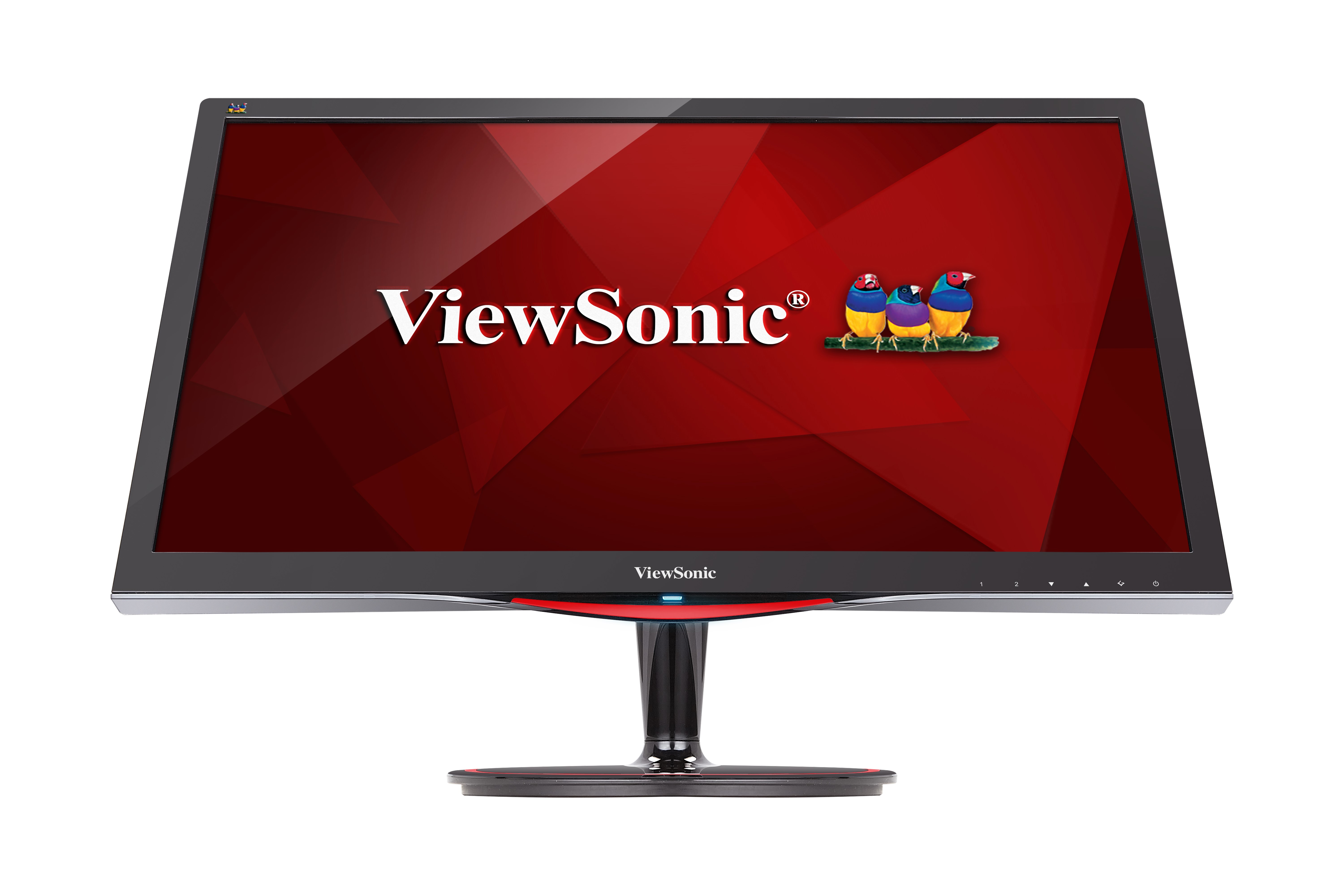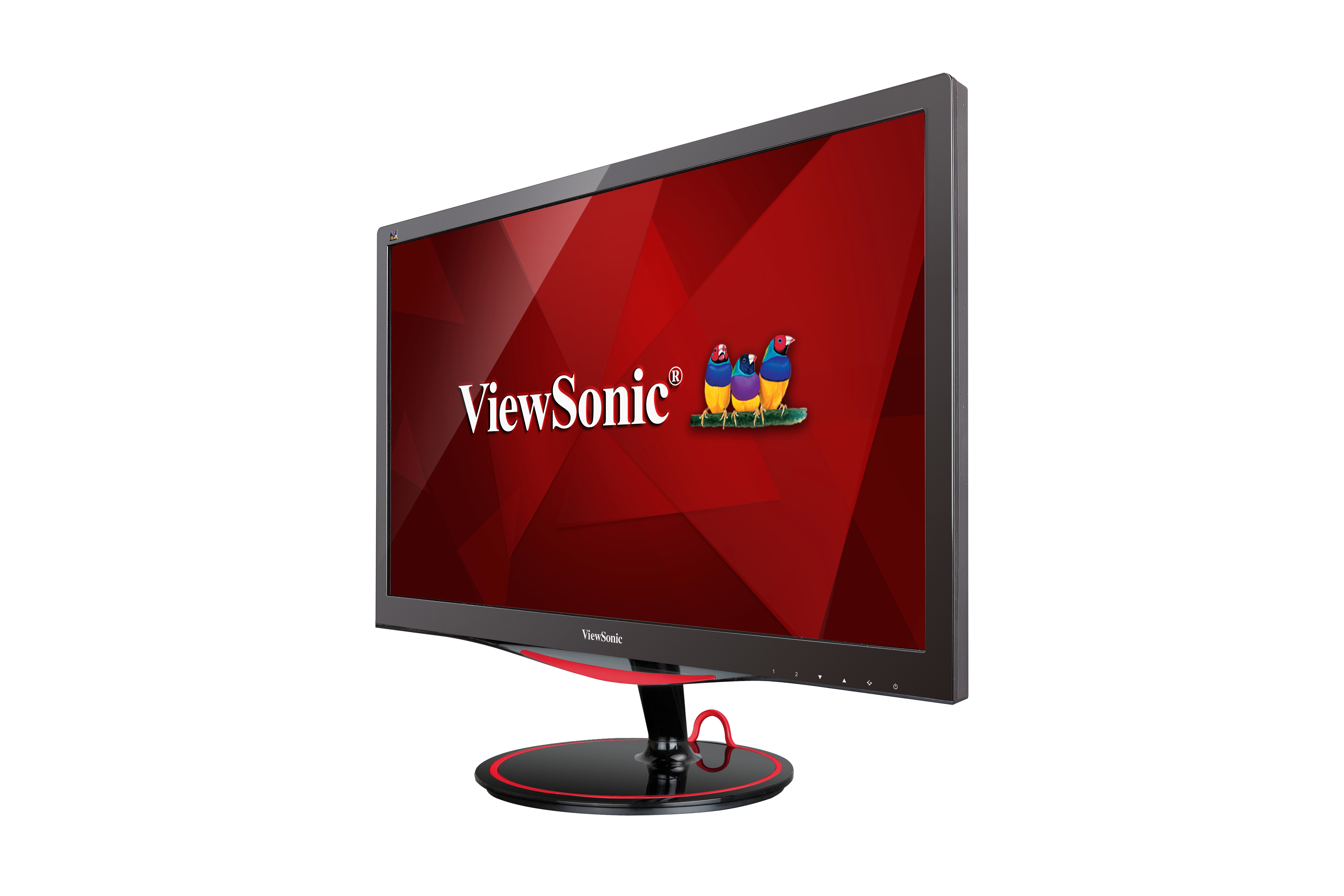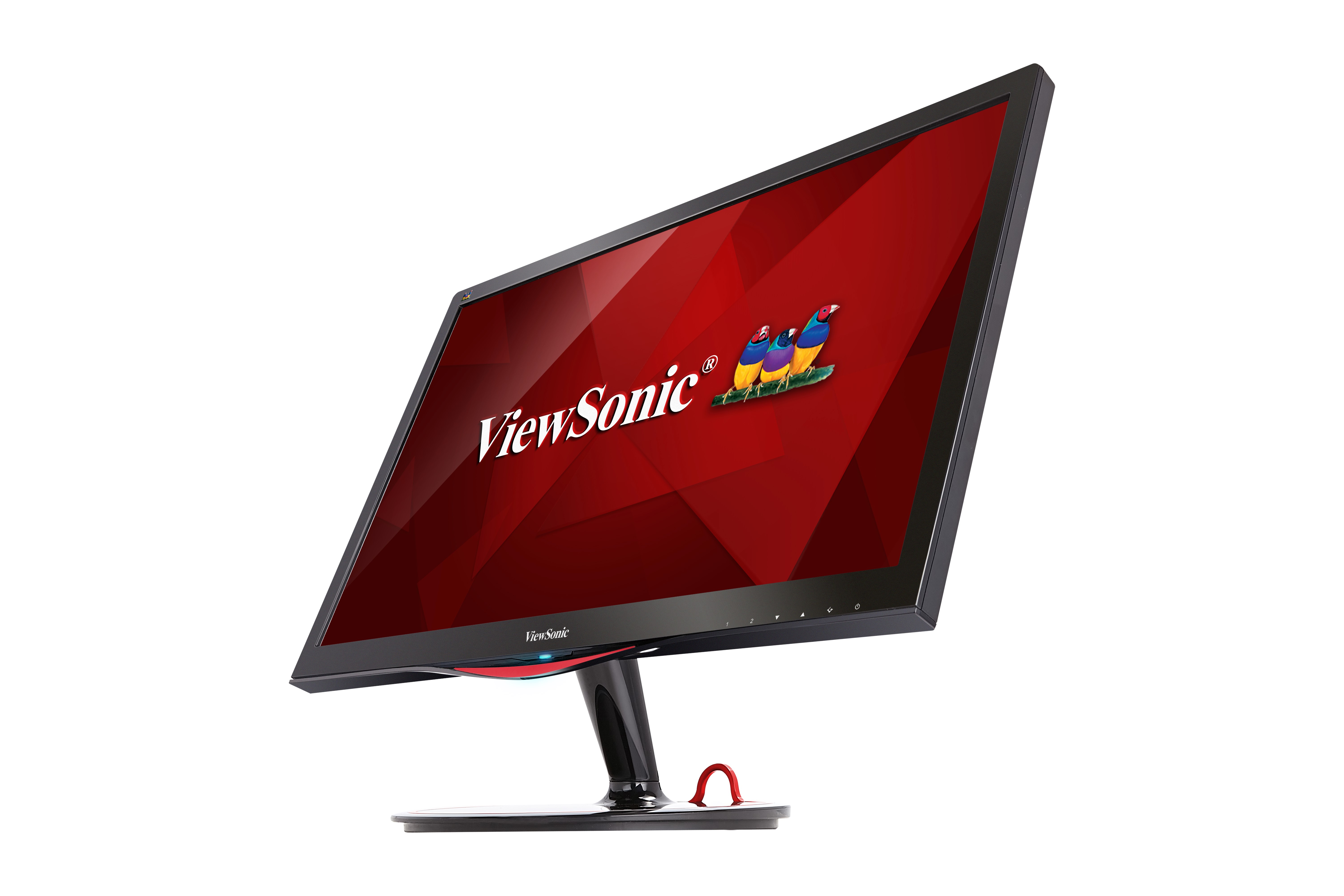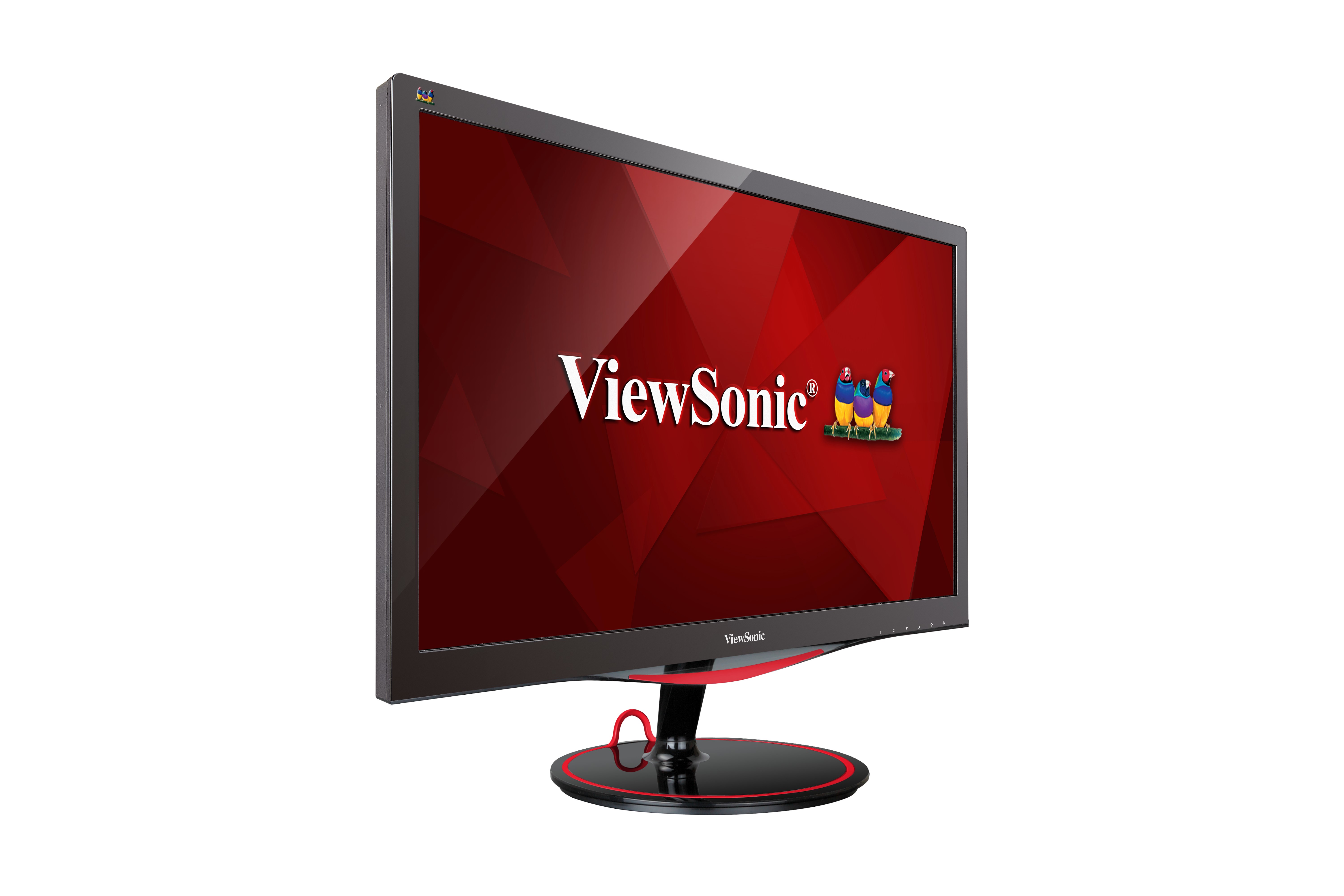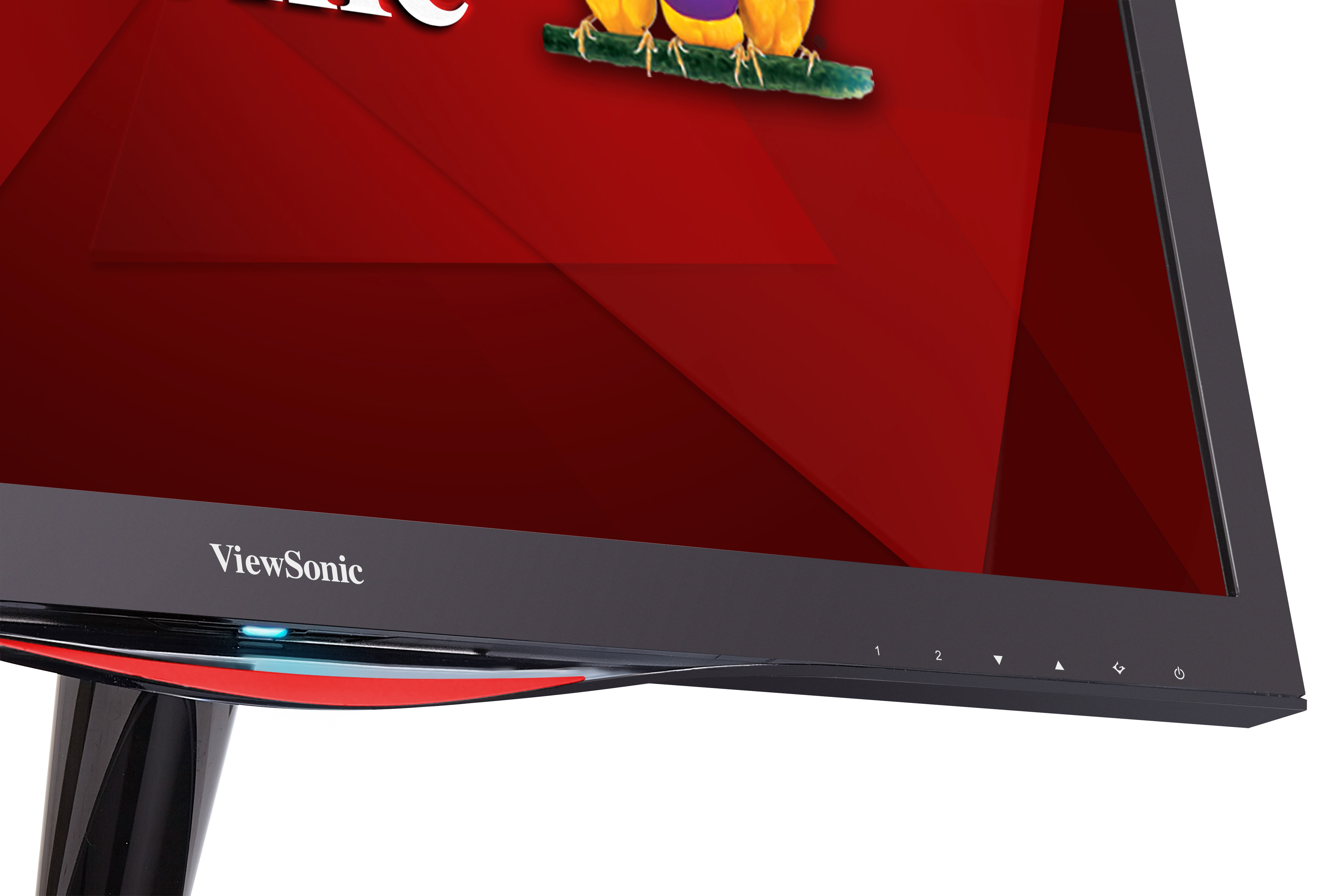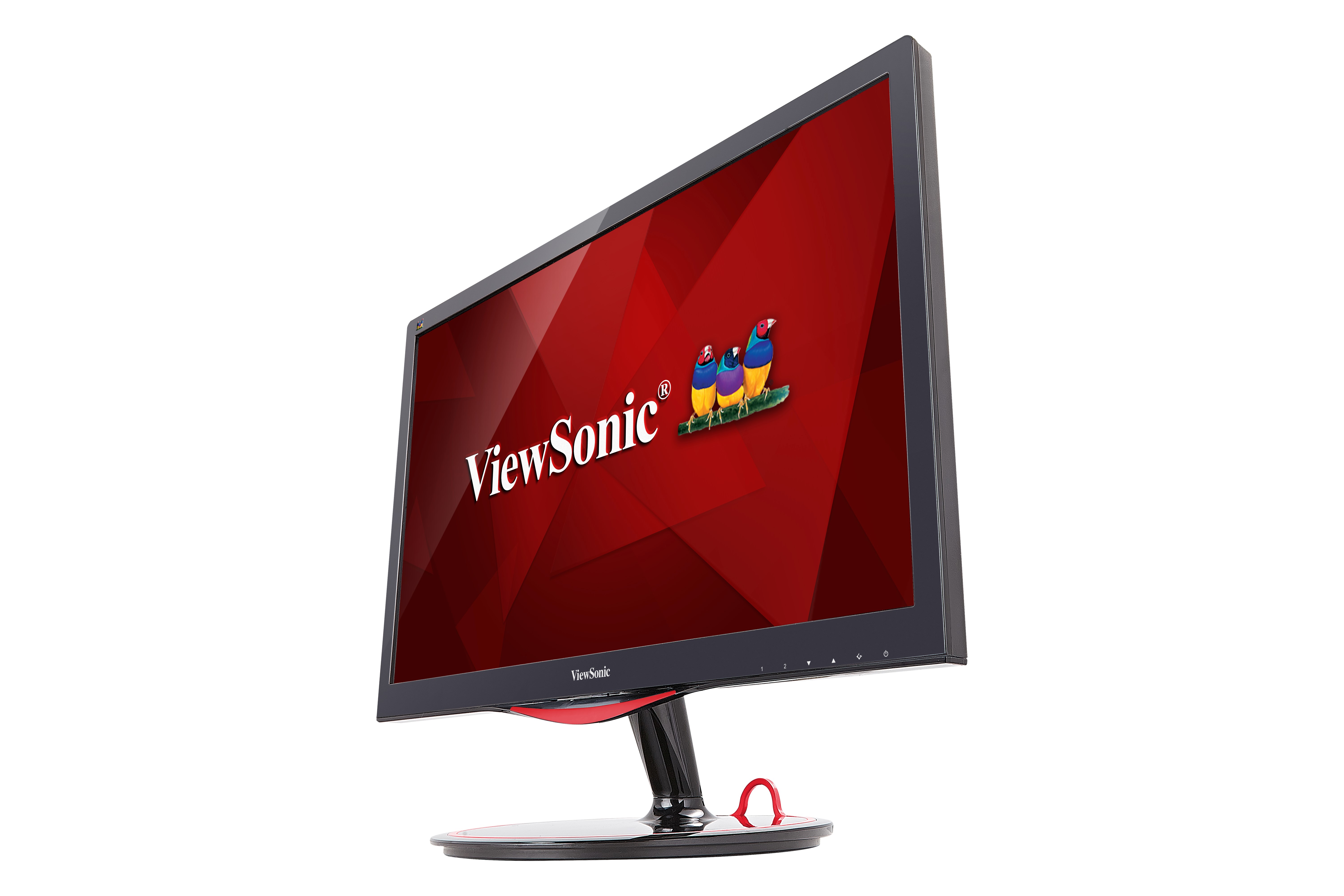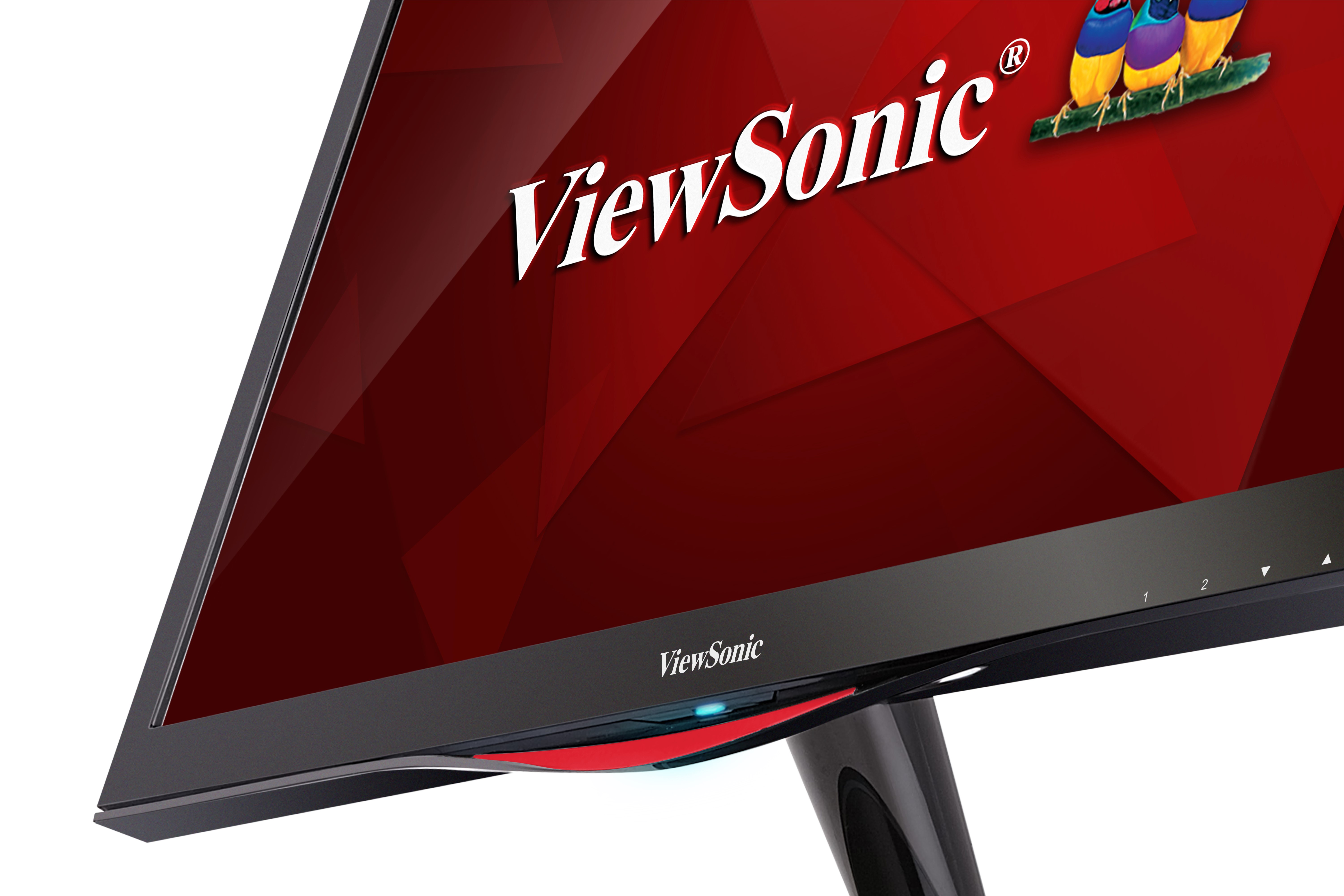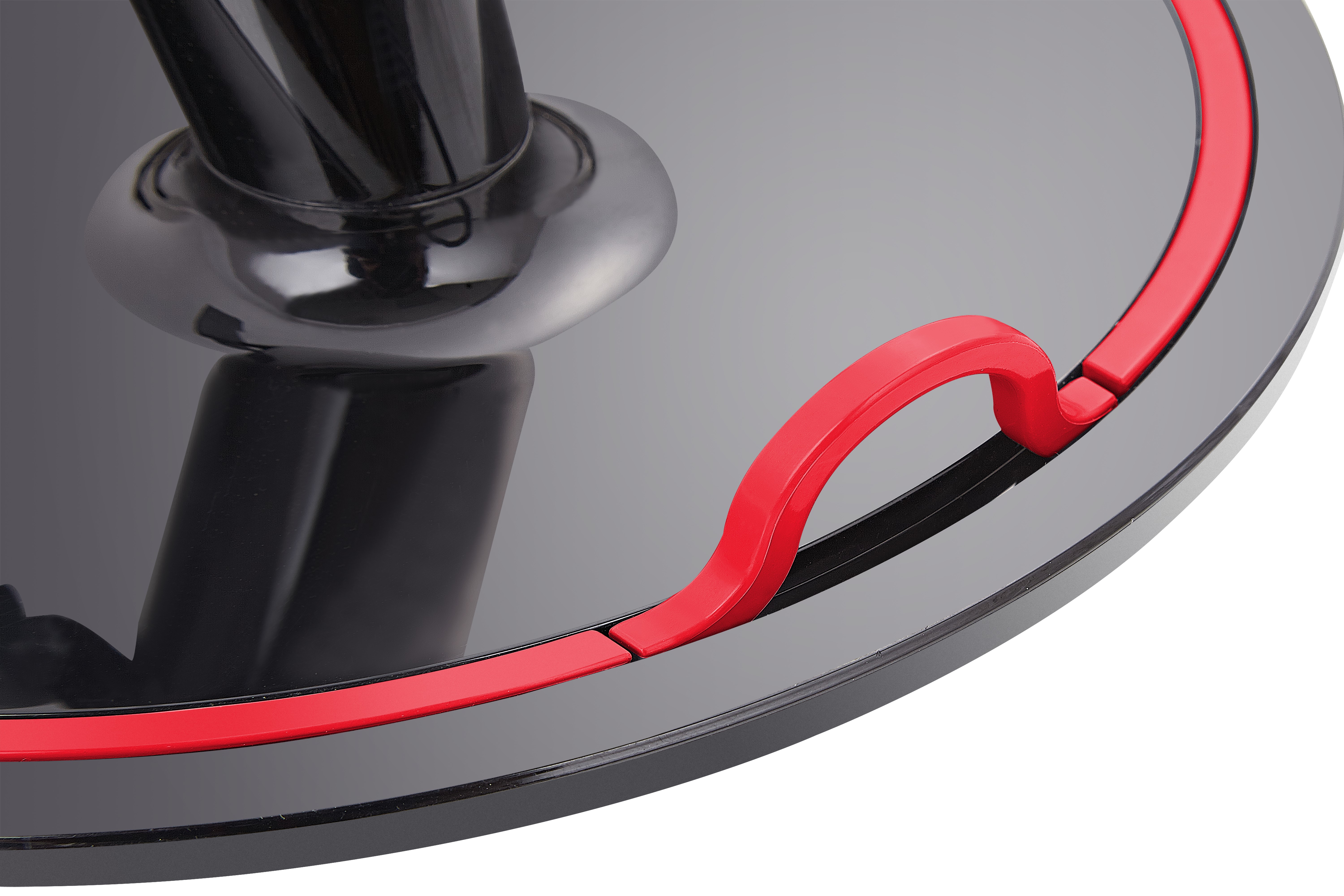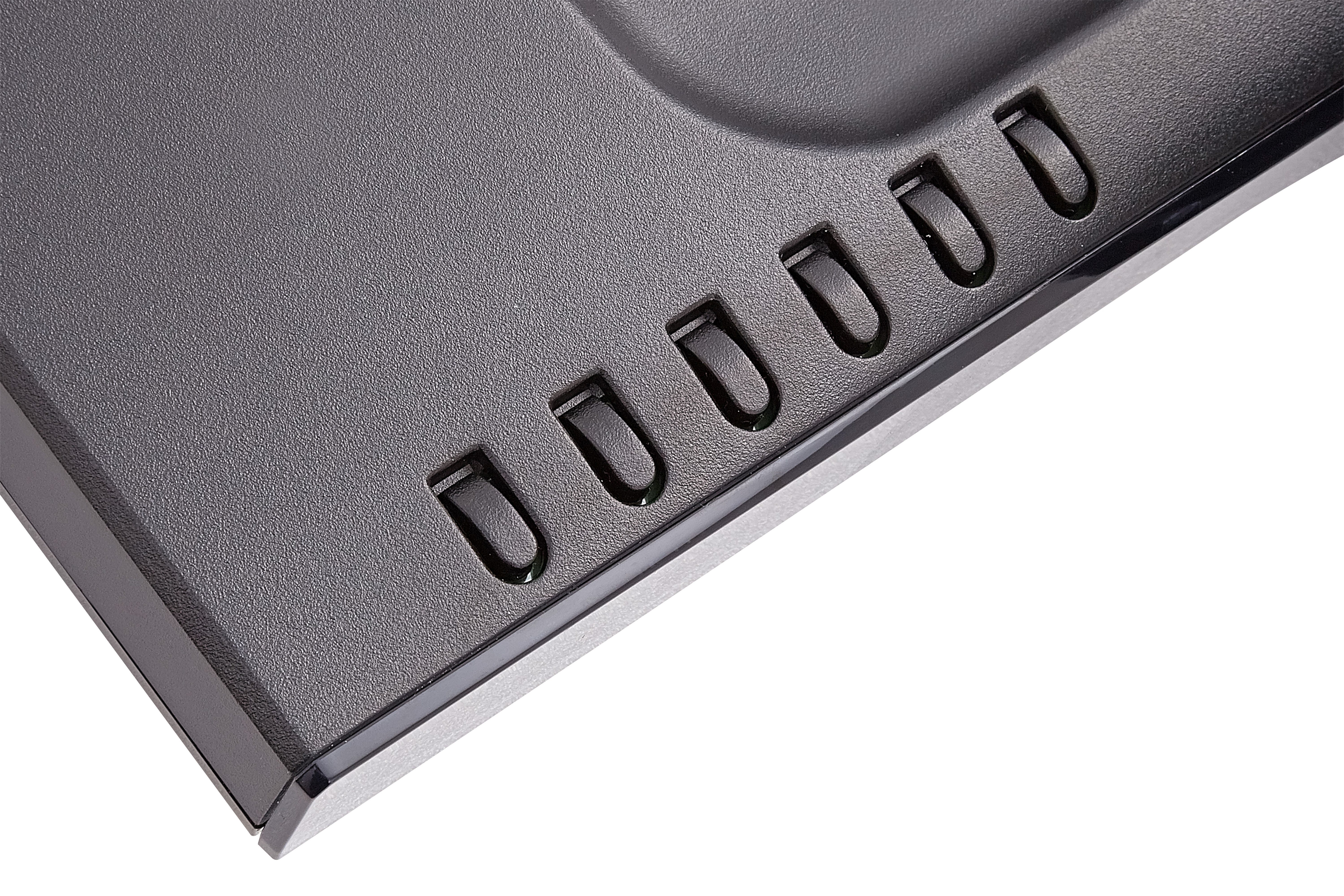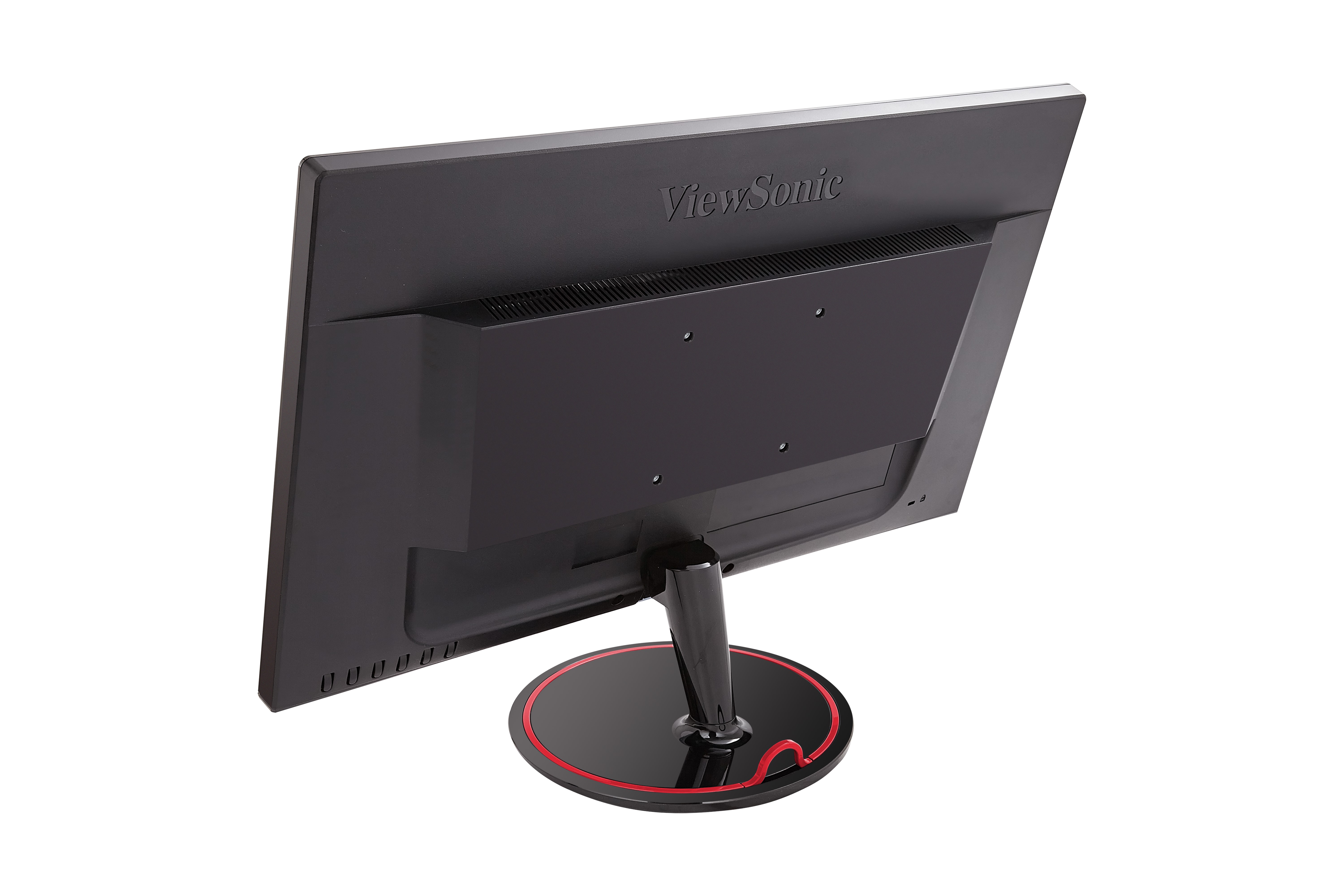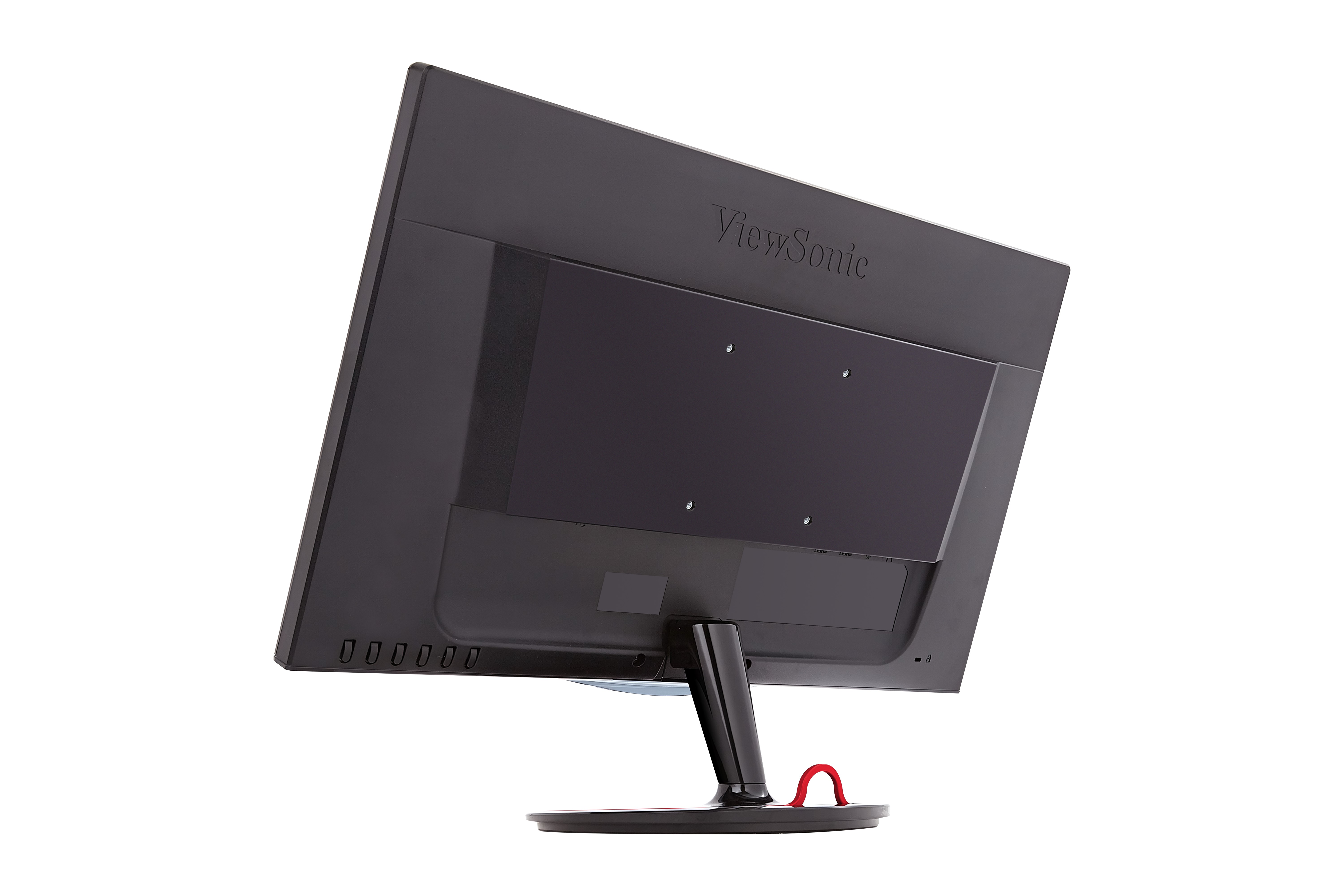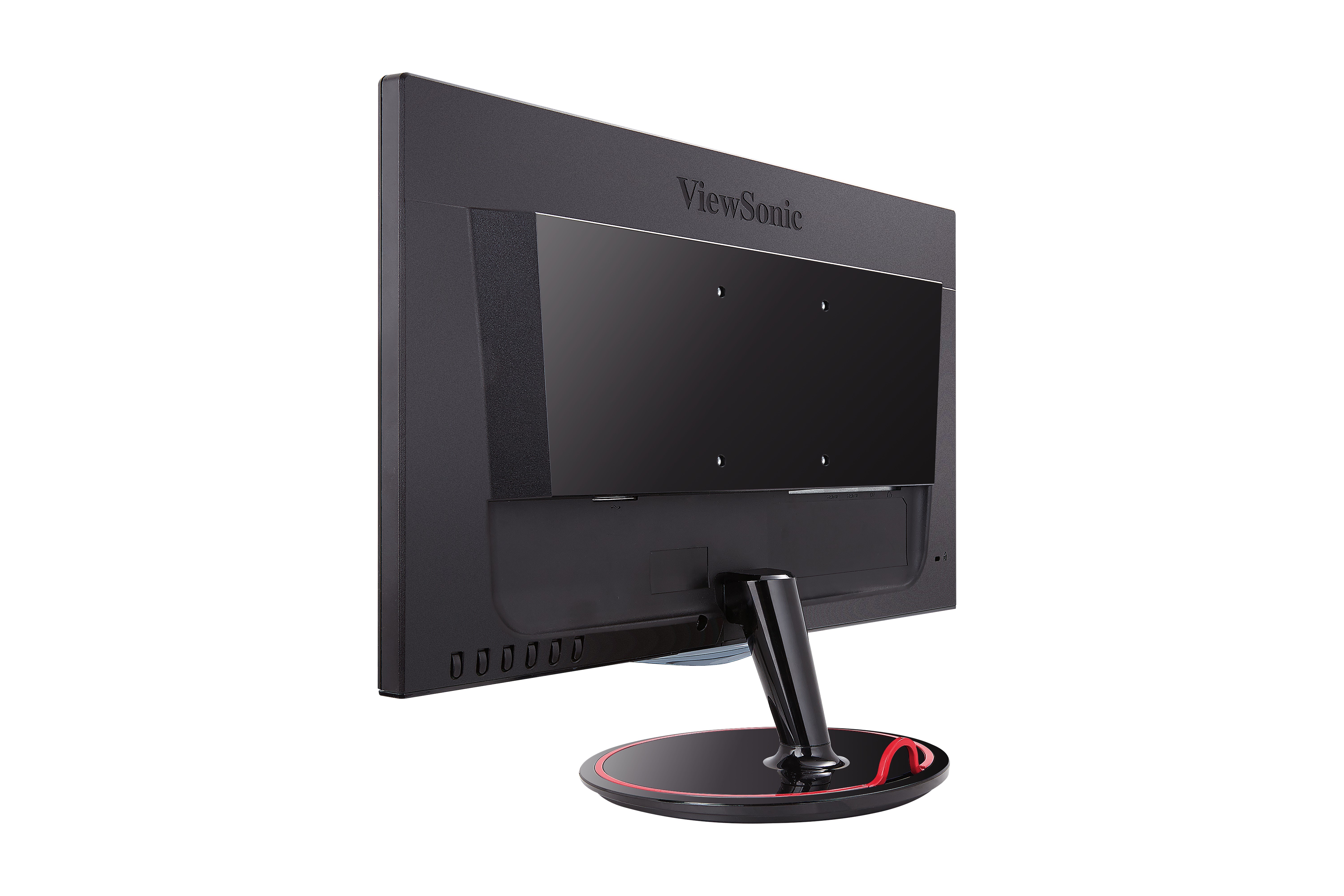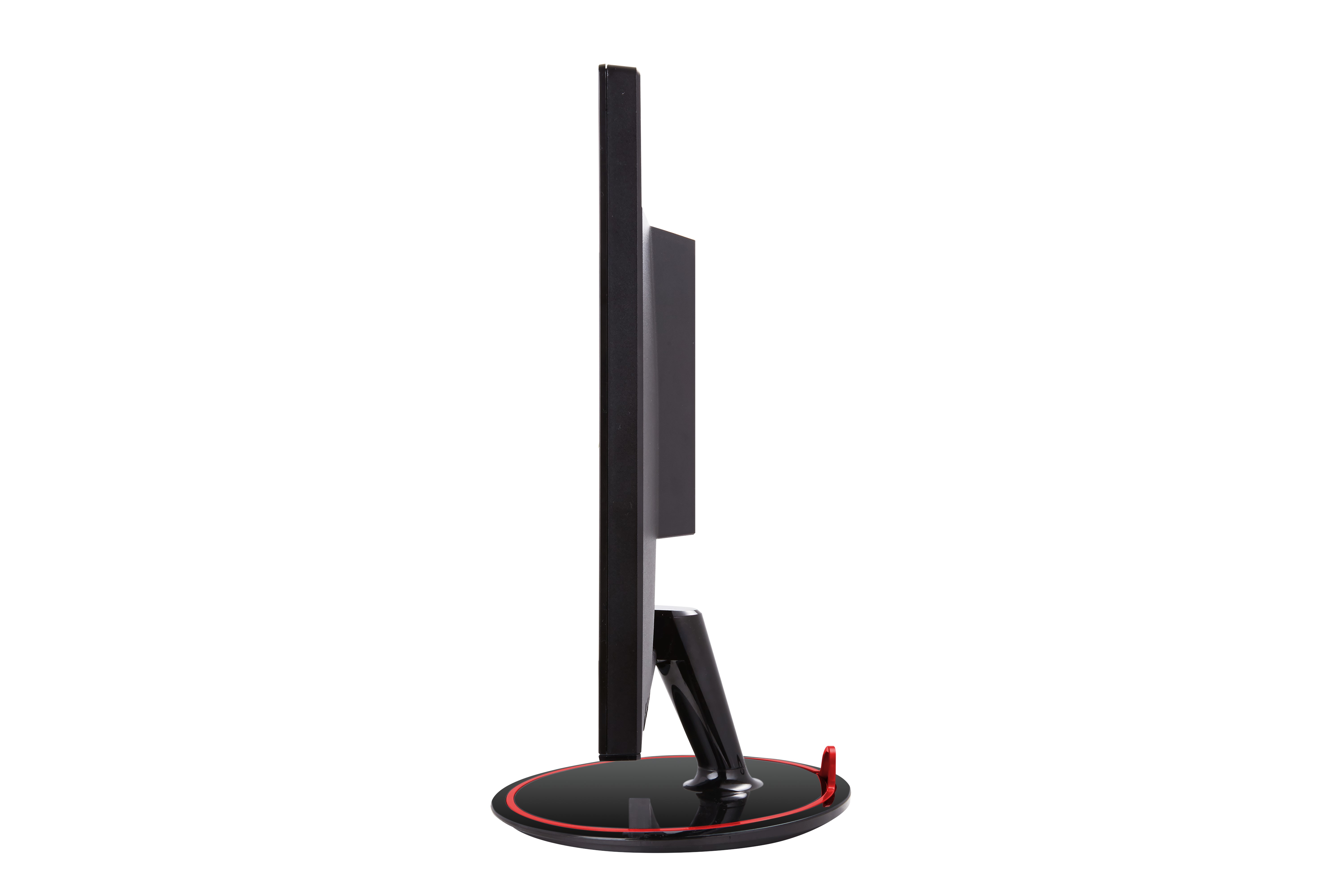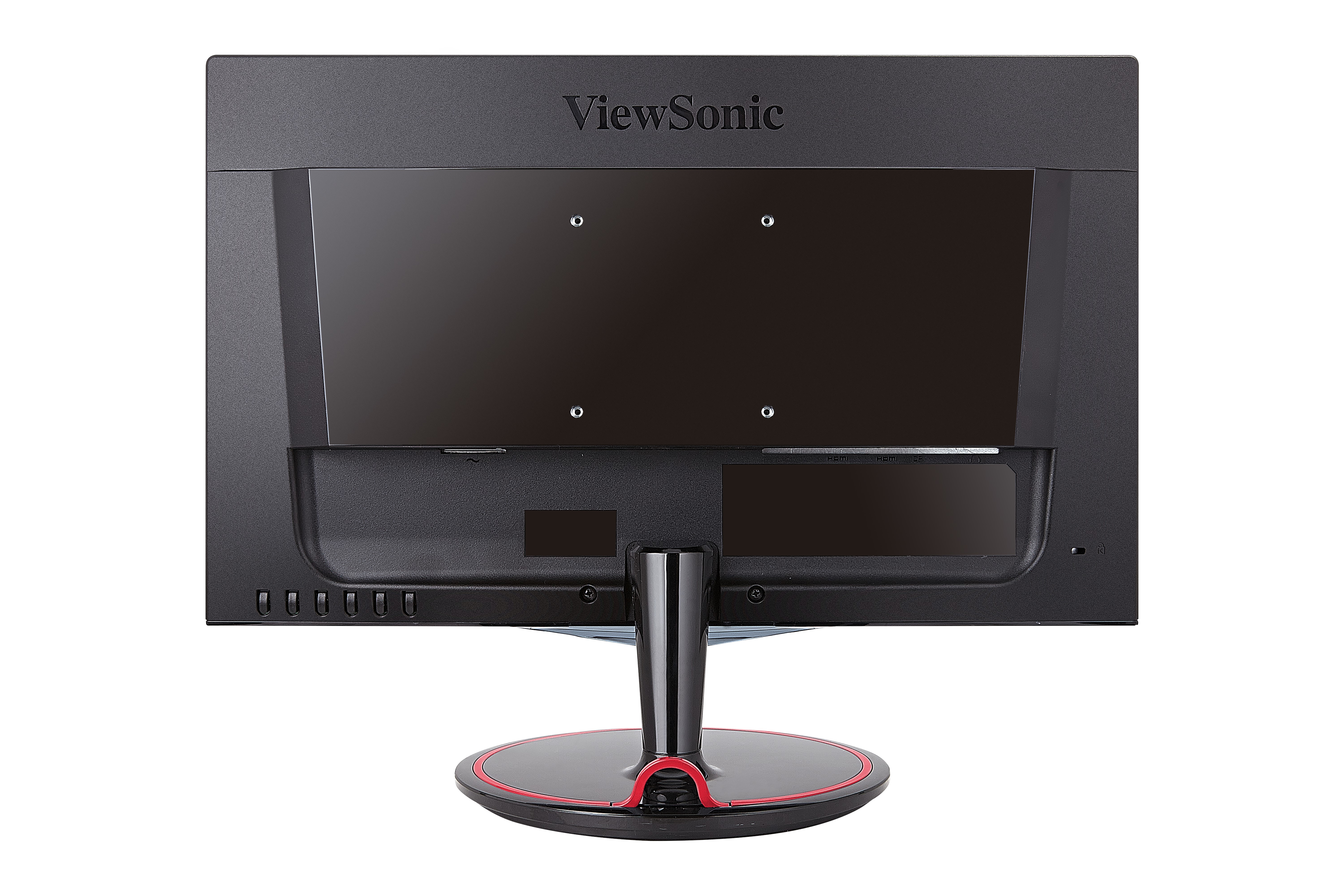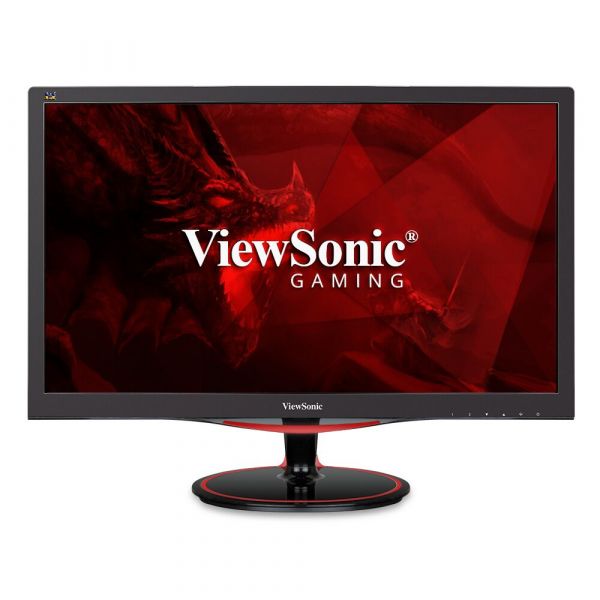
VX2458-MHD
24" 144Hz 게이밍 모니터
- 1ms 초고속 응답속도
- AMD FreeSync™ Premium 기술
- Black Stabilisation 10단계 잙기 조정
- Full HD 1080p 해상도
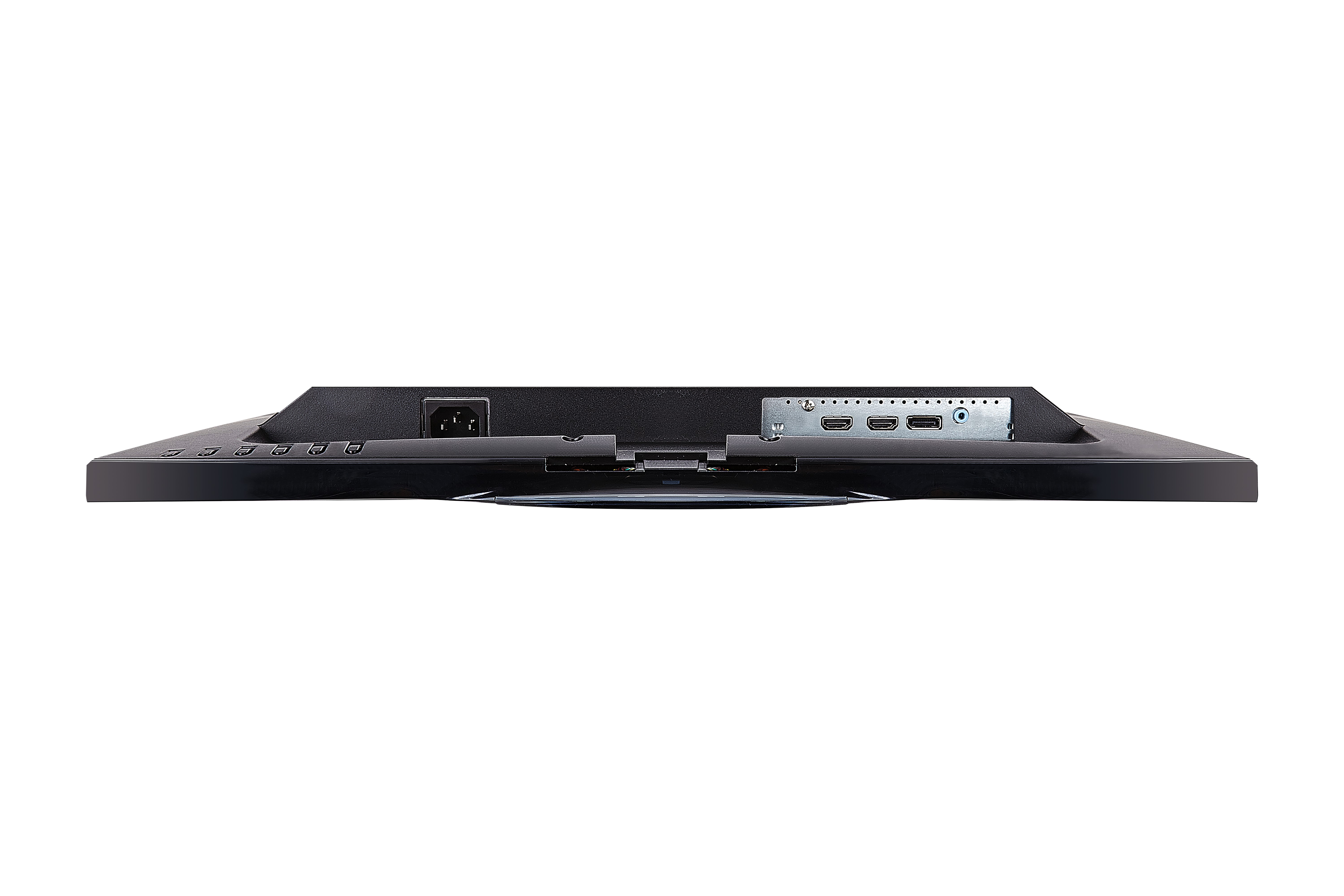
- 듀얼 HDMI & DisplayPort 입력단자
개요
ViewSonic VX2458-mhd is a 24” (23.6” viewable) multimedia monitor that provides a remarkable and ultra-fast response time to consumers. The monitor delivers unprecedented screen quality and speed, perfect for action-packed movies, high-speed games, and fast motion videos. In addition to integrating 2 HDMI ports and DisplayPort, flexible connections are offered for other peripherals or high-end graphic cards for game playing. It carries a high 144Hz refresh rate, which supports AMD FreeSync Premium to adopt variable gaming rendering for smoother gaming implementation. Furthermore, it features a user-customized ViewMode to instantly activate the suitable mode with pre-calibrated color and luminance for each scenario, such as game mode or movie mode. Besides, the game mode inherits true gaming spirit at the core of its design, enabling users to customize their settings for different game genres like FPS, RTS or MOBA. As well as adjusting advanced color functions for enhancing users’ gaming experience and producing astonishing visual quality. At last, it comes with Flicker-Free and Blue Light Filter eye-care technologies for a reliable and sincere commitment to our users’ health.*This monitor is GeForce Driver G-Sync Enable-Ready [Disclaimer].

스펙
- DisplayDisplay Size (in.): 24
Viewable Area (in.): 23.6
Panel Type: TN Technology
Resolution: 1920 x 1080
Resolution Type: FHD (Full HD)
Static Contrast Ratio: 1,000:1 (typ)
Dynamic Contrast Ratio: 80M:1
Light Source: LED
Brightness: 300 cd/m² (typ)
Colors: 16.7M
Color Space Support: 8 bit (6 bit + Hi-FRC)
Aspect Ratio: 16:9
Response Time (Typical GTG): 1ms
Viewing Angles: 170º horizontal, 160º vertical
Backlight Life (Hours): 30000 Hrs (Min)
Curvature: Flat
Refresh Rate (Hz): 144
Variable Refresh Rate Technology: FreeSync Premium
Low Blue Light: Software solution
Flicker-Free: Yes
Color Gamut: NTSC: 72% size (Typ)
sRGB: 107% size (Typ)
Pixel Size: 0.272 mm (H) x 0.272 mm (V)
Surface Treatment: Anti-Glare, Hard Coating (3H) - CompatibilityPC Resolution (max): 1920x1080
Mac® Resolution (max): 1920x1080
PC Operating System: Windows 10 certified; macOS tested
Mac® Resolution (min): 1920x1080 - Connector3.5mm Audio Out: 1
HDMI 1.4: 2
DisplayPort: 1
Power in: 3-pin Socket (IEC C14 / CEE22)
- AudioInternal Speakers: 2Watts x2
- PowerEco Mode (Conserve): 22W
Eco Mode (optimized): 28W
Consumption (typical): 40W
Consumption (max): 45W
Voltage: AC 100-240V
Stand-by: 0.5W
Power Supply: Internal Power Supply - Additional HardwareKensington Lock Slot: 1
Cable Organization: Yes - ControlsPhysical Controls: Key 1 (favorite), Key 2, Key 3, Key 4, Key 5, Key 6 (power)
On Screen Display: Input Select, Audio Adjust, ViewMode, Color Adjust, Manual Image Adjust, Setup Menu - Operating ConditionsTemperature: 32°F to 104°F (0°C to 40°C)
Humidity (non-condensing): 20% to 90% - Wall Mount VESA Compatible: 100 x 100 mm
- Input SignalFrequency Horizontal: 15 ~ 180KHz
Frequency Vertical: 23 ~ 144Hz - Video InputDigital Sync: TMDS - HDMI (v1.4), PCI-E - DisplayPort (v1.2)
- ErgonomicsTilt (Forward/Back): -5º / 23º
- Weight (imperial)Net (lbs): 9
Net Without Stand (lbs): 8
Gross (lbs): 12.3 - Weight (metric) Net (kg): 4.1
Net Without Stand (kg): 3.6
Gross (kg): 5.6 - Dimensions (imperial) (wxhxd)Packaging (in.): 24.4 x 19.5 x 4.9
Physical (in.): 22 x 16.6 x 9
Physical Without Stand (in.): 22 x 13.9 x 1.8 - Dimensions (metric) (wxhxd)Packaging (mm): 619 x 495 x 125
Physical (mm): 559 x 422 x 230
Physical Without Stand (mm): 559 x 353 x 46 - GeneralRegulations: cULus, FCC-B, ICES003, CEC, TUV S-Mark, MX-CoC, Mexico Energy, REACH, WEEE, VCCI, PSE
PACKAGE CONTENTS: VX2458-MHD x1, 3-pin Plug (IEC C13 / CEE22) x1, HDMI Cable (v1.4; Male-Male) x1, Quick Start Guide x1
Recycle/Disposal: Please dispose of in accordance with local, state or federal laws.
Warranty: *Warranty offered may differ from market to market
지원 & 다운로드
데이터 시트
유저 가이드
VX2458-MHD User Guide (한국어)
See all languages
VX2458-MHD User Guide (Bahasa Indonesia)VX2458-MHD User Guide (Deutsch)VX2458-MHD User Guide (English)VX2458-MHD User Guide (Español )VX2458-MHD User Guide (Français)VX2458-MHD User Guide (Hrvatski)VX2458-MHD User Guide (Italiano)VX2458-MHD User Guide (Magyar)VX2458-MHD User Guide (Nederlands)VX2458-MHD User Guide (Polski)VX2458-MHD User Guide (Português)VX2458-MHD User Guide (Romania)VX2458-MHD User Guide (Slovenčina)VX2458-MHD User Guide (Slovenščina)VX2458-MHD User Guide (Srpski)VX2458-MHD User Guide (Suomi)VX2458-MHD User Guide (Svenska)VX2458-MHD User Guide (Türkçe)VX2458-MHD User Guide (Česky)VX2458-MHD User Guide (Ελληνικά)VX2458-MHD User Guide (Български)VX2458-MHD User Guide (Русский)VX2458-MHD User Guide (Українська)VX2458-MHD User Guide (简体中文)VX2458-MHD User Guide (繁體中文)VX2458-MHD User Guide (ﺍﻟﻌﺭﺑﻳﺔ)
Driver & Software
Standard Monitor Driver Signed Windows 10 x64Standard Monitor Driver Signed Windows 10 x86Standard Monitor Driver Signed Windows 11 x64Standard Monitor Driver Signed Windows 7Standard Monitor Driver Signed Windows 7 x64Standard Monitor Driver Signed Windows 8 x64Standard Monitor Driver Signed Windows 8 x86Standard Monitor Driver Unsigned WindowsStandard Monitor Driver Unsigned Windows x64