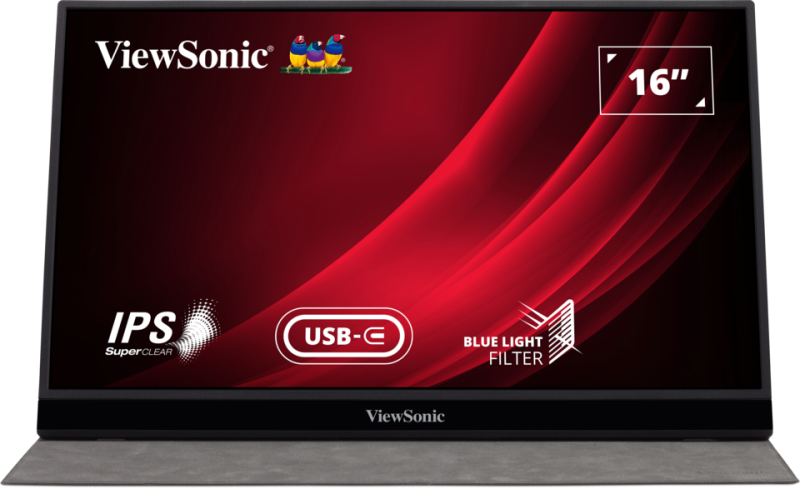
VG1655
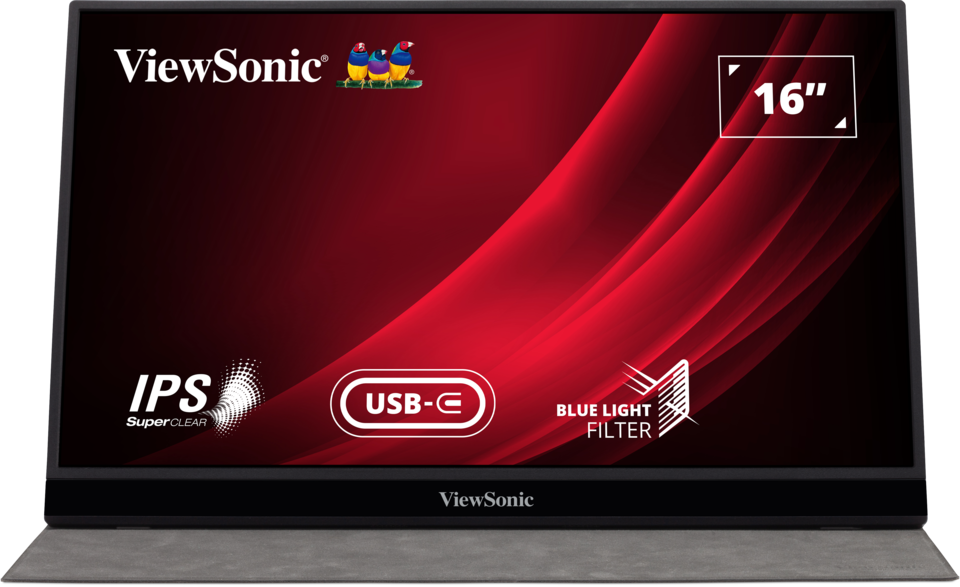
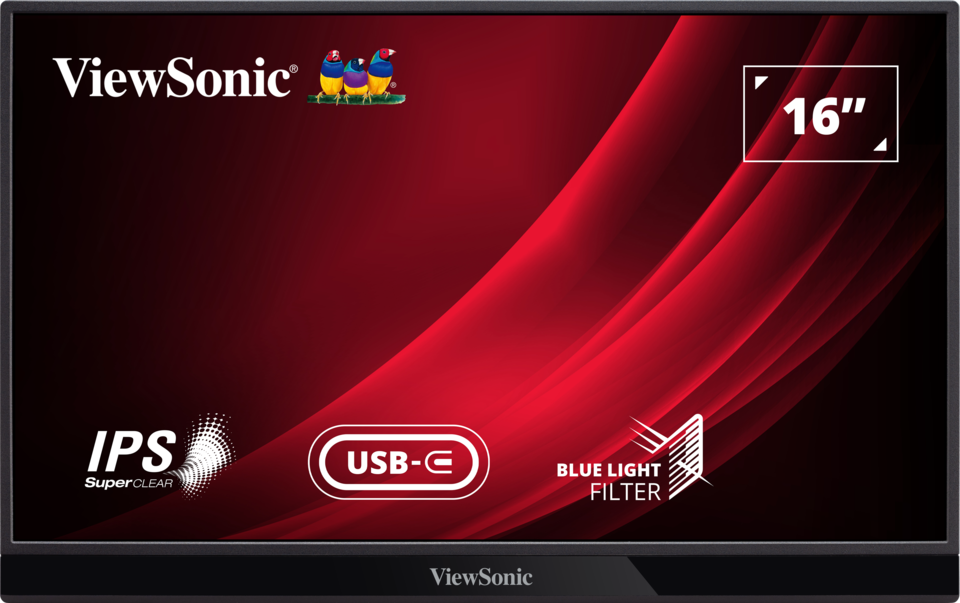
USB-C搭載15.6型フルHDモバイルモニター
- ノートPCやモバイルデバイスからコンテンツを簡単に拡張
- USB-C搭載で、映像、音声、電力をケーブル1本で実現
- 縦でも横でも使えるディスプレイ
- 1kg未満の軽量コンパクトサイズで高いモバイル性能
- 実用的でスタイリッシュなデザイン



OVERVIEW
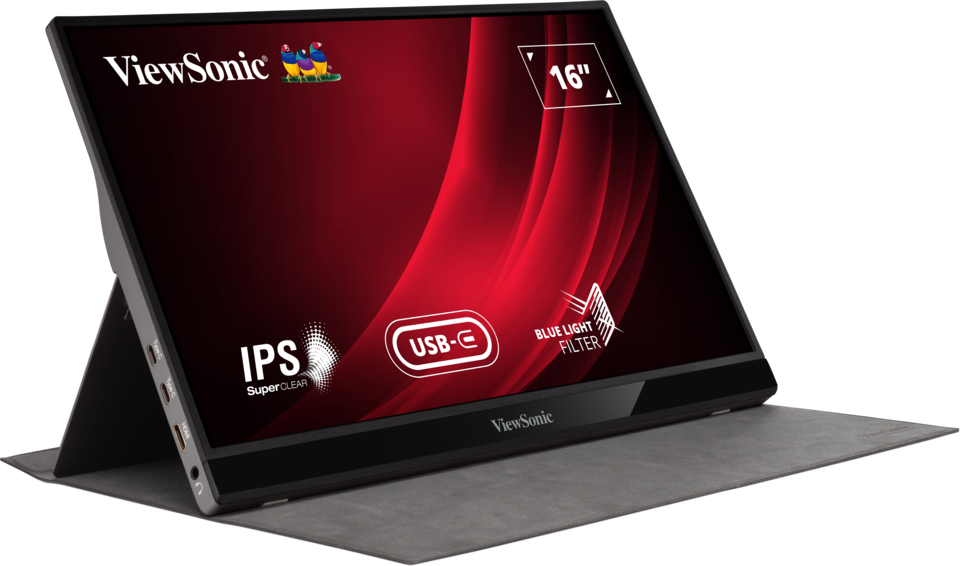
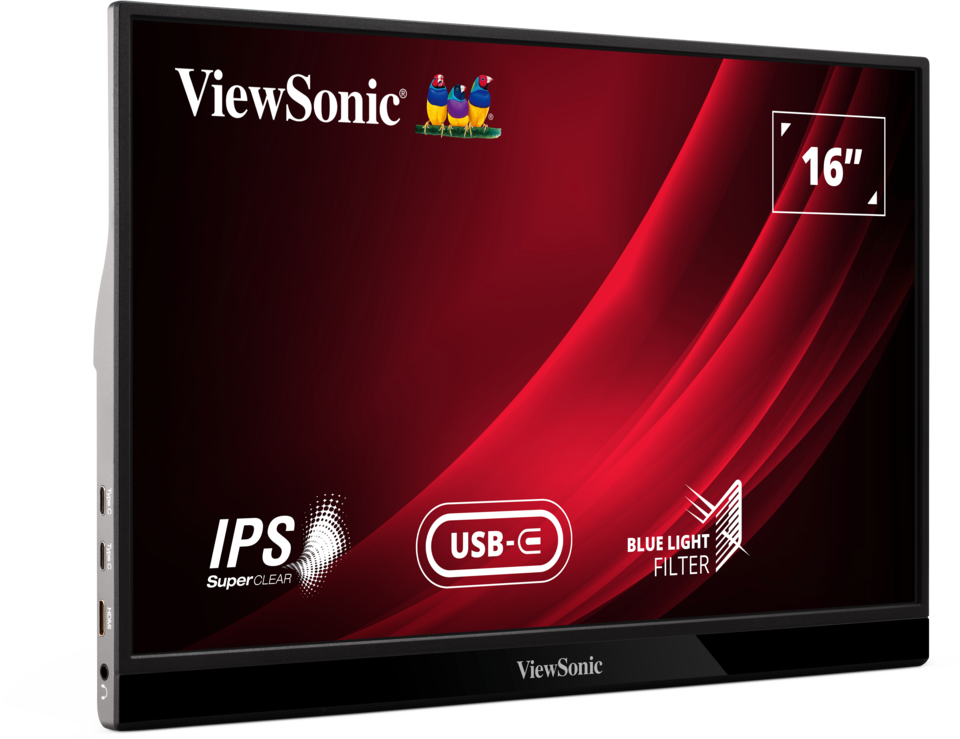
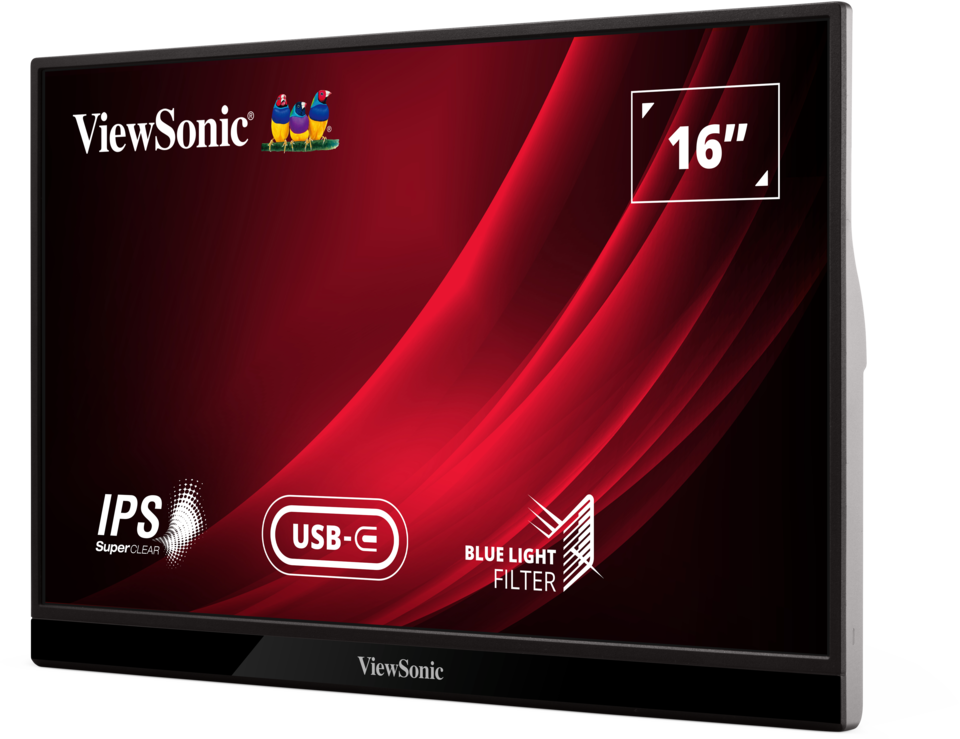
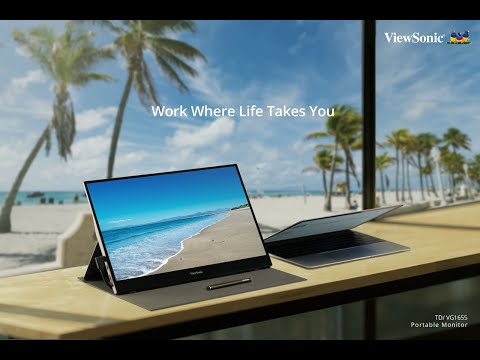
The ViewSonic VG1655 portable 16” Full HD monitor is perfect for overcoming one-screen limitations beyond the office. Extend your display from phone, tablet, or laptop to a larger screen for seamless multitasking, personalized one-on-one presentation, or relaxed entertainment. The two universal USB-C connectors provide a one-cable solution for multimedia transfer and power charging. Tailor your work setup to your preferences with adjustable viewing angles and the option for both landscape and portrait display layouts. With a detachable magnetic anti-slip cover, metal case, and foldable aluminum stand designed for versatile mobility, enhance your mobile workstation anywhere, anytime.Take Productivity with You
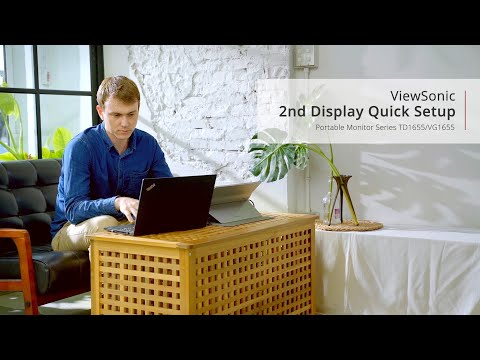
Stay productive wherever you are with an expanded screen real estate from your laptop, tablet or phone using the VG1655 portable monitor, perfect for multitasking and meetings on-the-go.Extend Mobile Devices’ Display to a Larger 15.6” Viewable Screen

Portable at Its Best
Designed for easy portability, this compact monitor effortlessly slips into your bag, carrying it with you becomes an absolute breeze.Thin & Lightweight 6.9 mm, 0.81 KG

Hassle-free Connectivity
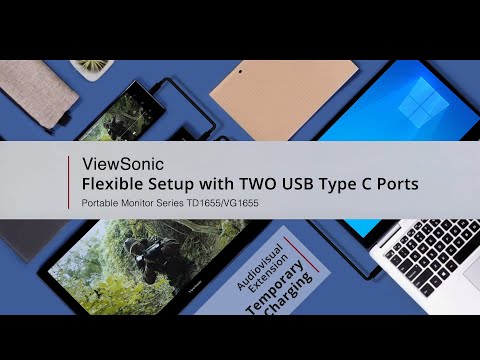
Dual USB-C ports for all your connectivity needs, enabling smooth audio and video transfer, as well as bi-directional power charging through a single cable.USB-C One Cable Solution

Flexible Display Setup
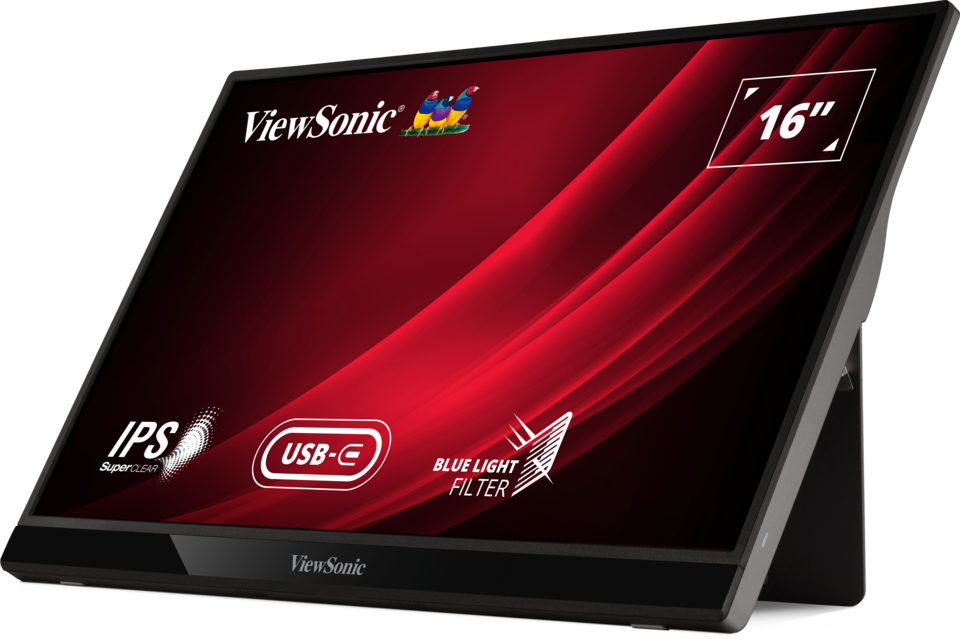
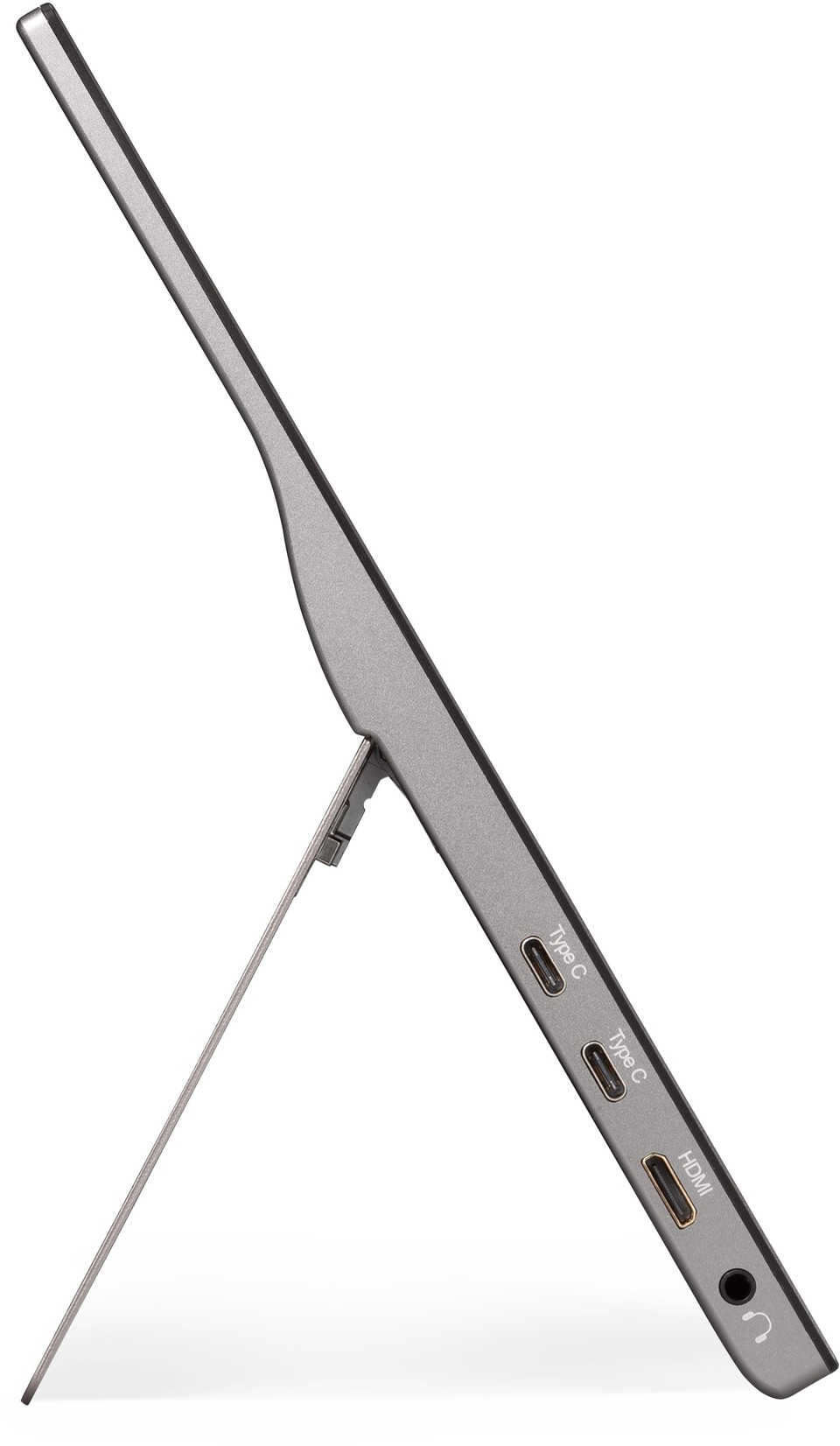
Work in your preferred setup – the built-in foldable aluminum stand with a durable hinge, tilts up to 60 degrees for easy adjustment of viewing angles.Built-in Foldable Aluminum Stand with Durable Hinge
/VG1655/scaled/VG1655_121-Degrees-GIF.gif)
Landscape & Portrait Layout
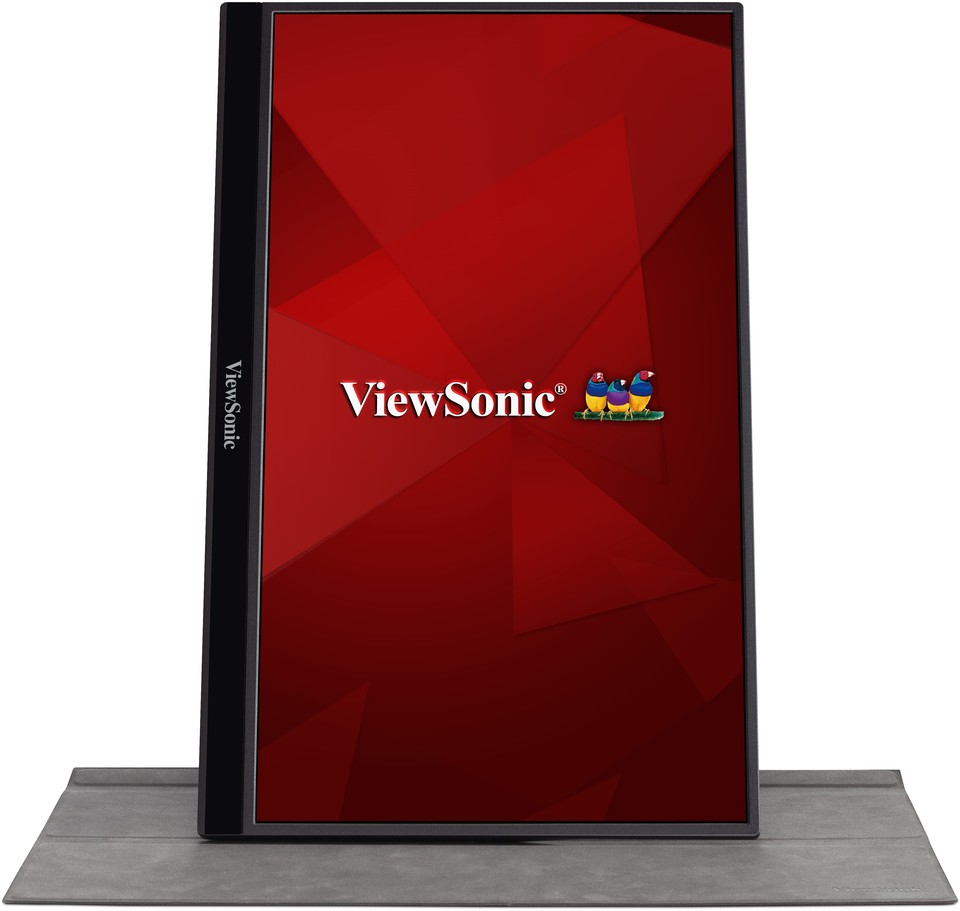
Switch between landscape and portrait display orientations, with the portrait layout ideal for tasks like table reviewing, programming, photo editing, gaming, and more.* To change the display orientation, go to the display setting on your device.
Pivotable Display

Seamless Operation Across Multi-Device
Easily connect your laptop, tablet, or phone to the VG1655 portable monitor, which is compatible with multiple operating systems including Windows, MacOS, Chrome, Android, iOS, and iPadOS.* Smart device needs Display Port 1.2 Alt Mode and USB-C Power Delivery.
** iPhone/iPad use requires Lightning to HDMI Adapter, HDMI to mini-HDMI cable (included), and external power source.
Android and iOS Compatible

Extra On-Carry Protection
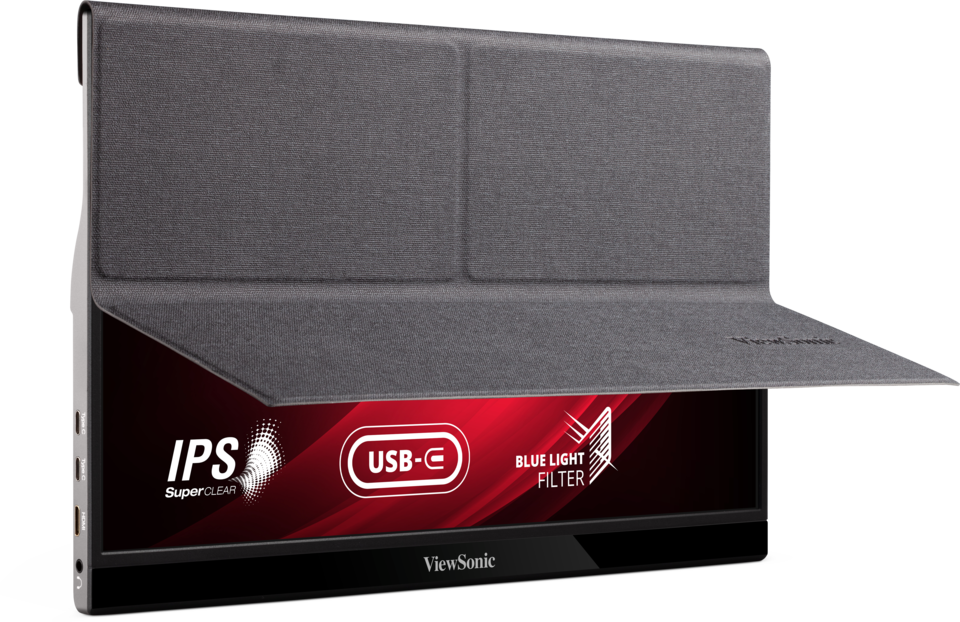
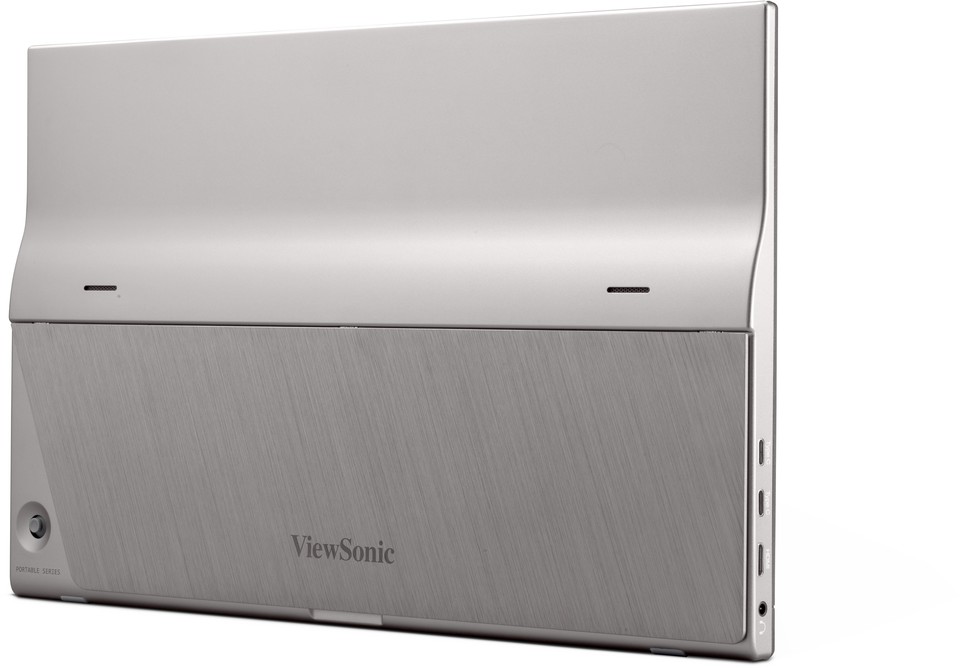
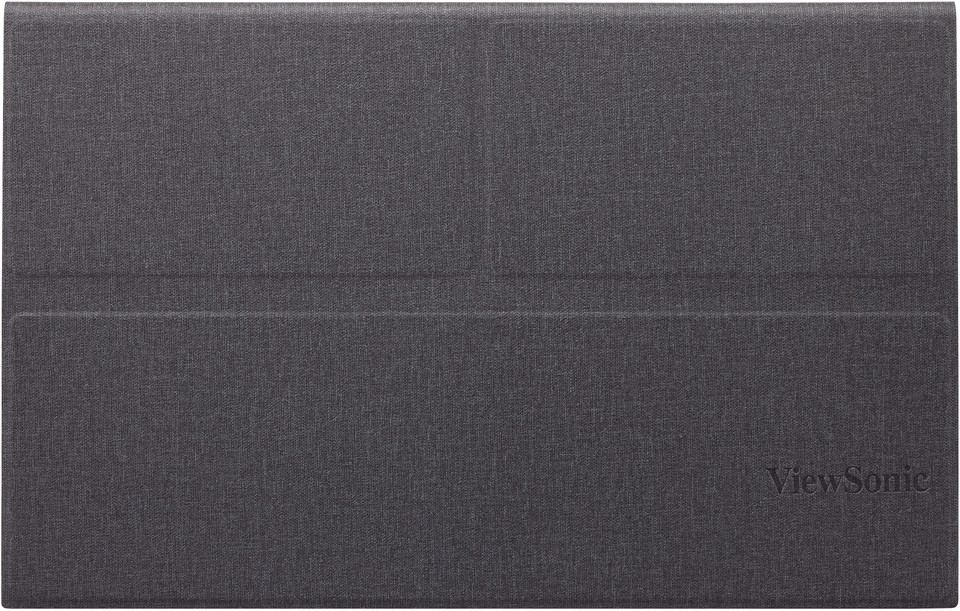
A robust metal case with detachable magnetic cover protects the monitor from damage during transport and prevents sliding on slippery surfaces.Magnetic Anti-slip Cover

Certified Environmentally Sustainable
Environmentally conscious, this monitor adheres to the EPEAT® and ENERGY STAR® standards, saving energy cost and reducing environmental impact over its lifecycle.*Energy savings vary based on actual usage and other factors.
EPEAT & Energy Star

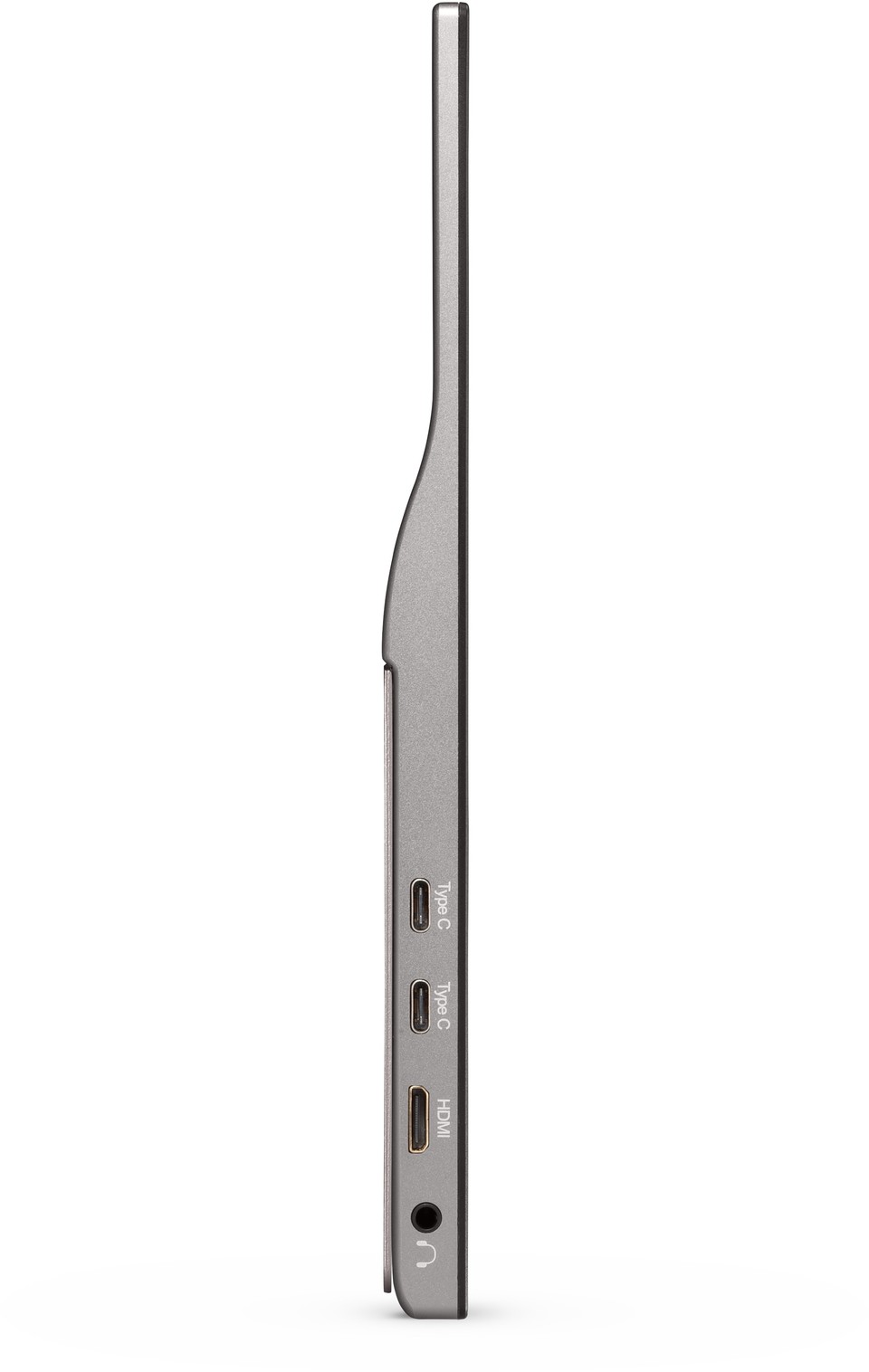
Dimensions & I/O Ports
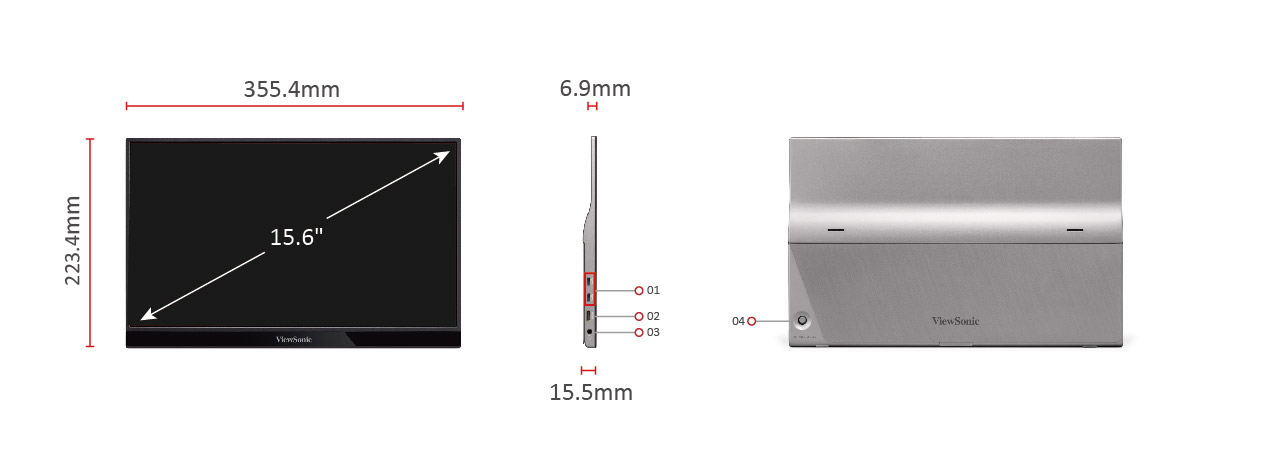
- USB Type C x2
- Mini HDMI
- Audio Out
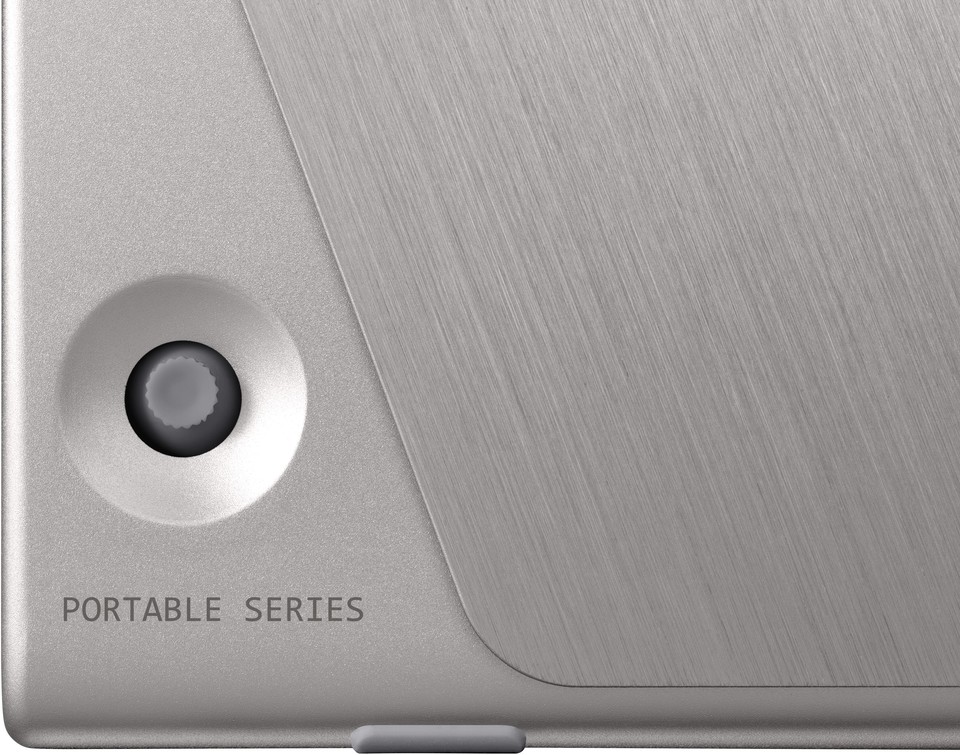
- Joy Key
SPECIFICATIONS
- 液晶パネルサイズ: 15.6型ワイド(16:9)
パネルタイプ: IPS /ノングレア
解像度: 1920 x 1080
表示面積: 344.2 x 193.6 mm
画素ピッチ: 0.179 x 0.179 mm
最大輝度: 250 cd/m2
視野角度(左右/上下): 170° / 170°
コントラスト比: 800:1
ダイナミックコントラスト比: 50,000,000:1
応答速度: 6.5ms(GTG)
最大表示色: 約1677万色 - 走査周波数水平: 15 - 82 kHz
垂直: 50 - 75 Hz - 入出力端子デジタル入力: USB 3.1 Type C x2, mini HDMI x1
アナログ入力: -
音声入力: -
音声出力: ステレオミニジャック x1
- スピーカー0.8W x 2
- 主な搭載技術/機能SuperClear®: 〇
フリッカーフリー: -
ブルーライトフィルター: 〇
ViewMode: 〇 - エルゴノミクスチルト: 20º / 60º
高さ調整: -
ピボット: -
スウィーベル: - - VESA規格対応-
- 筐体色アイアングレー
- 電源電源: アダプタ(USB-C)
電圧: AC 100-240V±10% 50/60Hz
消費電力(最大/標準/エコ): 9.6W / 7.6W / 5.5W
消費電力(待機時): 0.5W以下 - 外形寸法 (wxhxd)スタンドあり: 355 x 223 x 16 mm
スタンドなし: 355 x 223 x 16 mm
梱包時: 440 x 288 x 89 mm - 質量スタンドあり: 約800g
スタンドなし: 約800g
梱包時: 約2.2kg - 使用動作条件使用温度条件: 0°C - 40°C
使用湿度条件: 20% - 90% (結露なきこと) - 適合規格cTUVus, FCC-B, ICES003, Energy Star, EPEAT, CEC, NRCan, MX-CoC, Mexico Energy, CE, CE EMC, CB, RoHS, ErP, REACH, WEEE, EAC, UkrSEPRO, VCCI, PSE(Adaptor), BIS
- 主な付属品mini HDMI-HDMIケーブル(約1.5m) x1
USB-Cケーブル(約1m) x1
USB-C-USB-Aケーブル(約1.8m) x1
電源アダプター x1
プロテクトカバー x1
クイックスタートガイド x1
保証書 x1 - JANコード4589468730972
- 保証期間3年フル保証(液晶パネル・バックライト含む)
SUPPORT & DOWNLOADS
Datasheets
User Guides
VG1655 User Guide (日本語)
VG1655 User Guide (Online View)
See all languages
VG1655 User Guide (Bahasa Indonesia)VG1655 User Guide (Dansk)VG1655 User Guide (Deutshland/German)VG1655 User Guide (English)VG1655 User Guide (Français)VG1655 User Guide (Hrvatski)VG1655 User Guide (Italiano)VG1655 User Guide (Magyar)VG1655 User Guide (Nederlands)VG1655 User Guide (Norsk)VG1655 User Guide (Polski)VG1655 User Guide (Português)VG1655 User Guide (Romania)VG1655 User Guide (Spanish/Español)VG1655 User Guide (Srpski)VG1655 User Guide (Suomi)VG1655 User Guide (Svenska)VG1655 User Guide (Türkçe)VG1655 User Guide (Česky)VG1655 User Guide (Ελληνικά)VG1655 User Guide (Български)VG1655 User Guide (Русский)VG1655 User Guide (Українська)VG1655 User Guide (简体中文)VG1655 User Guide (繁體中文)VG1655 User Guide (한국어)VG1655 User Guide (ﺍﻟﻌﺭﺑﻳﺔ)
Driver & Software
Standard Monitor Driver Signed Windows 10 x64Standard Monitor Driver Signed Windows 10 x86Standard Monitor Driver Signed Windows 11 x64Standard Monitor Driver Unsigned WindowsStandard Monitor Driver Unsigned Windows x64vDisplay Manager 2.0 (Mac) DownloadvDisplay Manager 2.0 (Win) DownloadvDisplay Manager 2.0 User Guide (English)vDisplay Manager 2.0 supported models