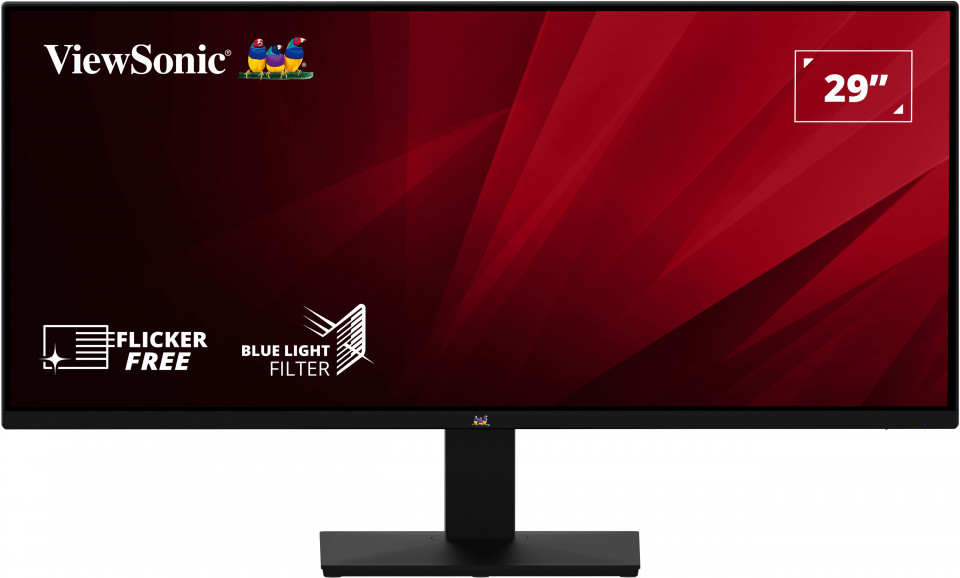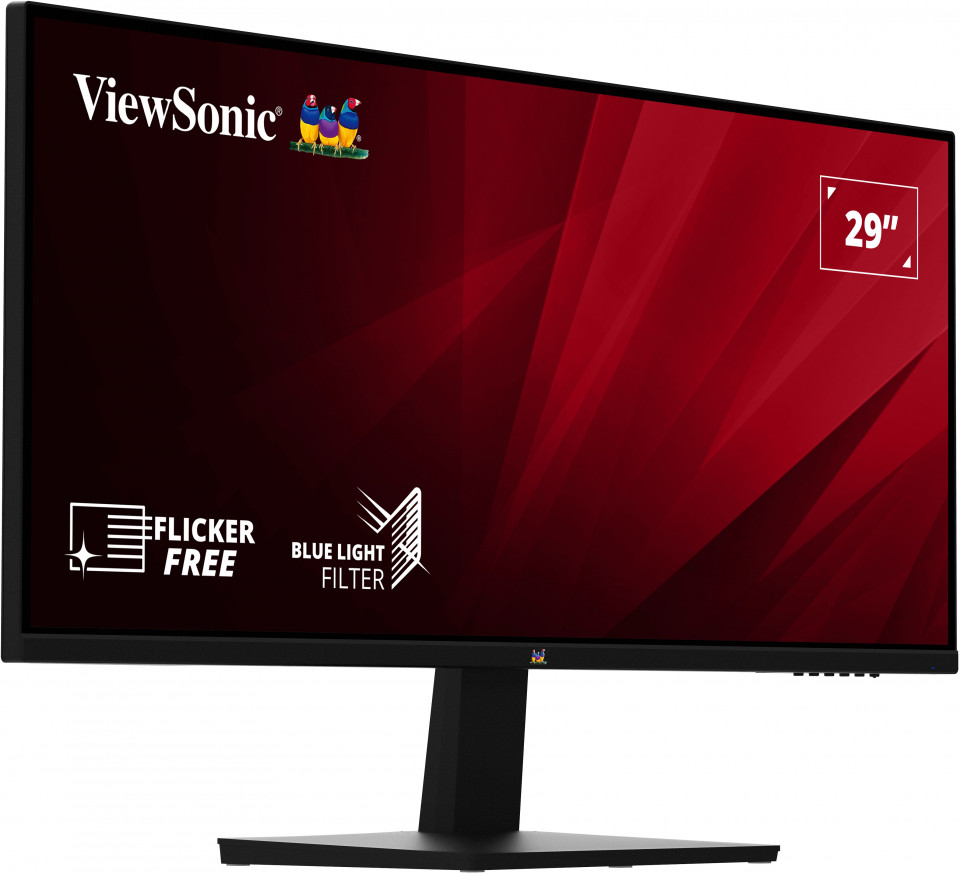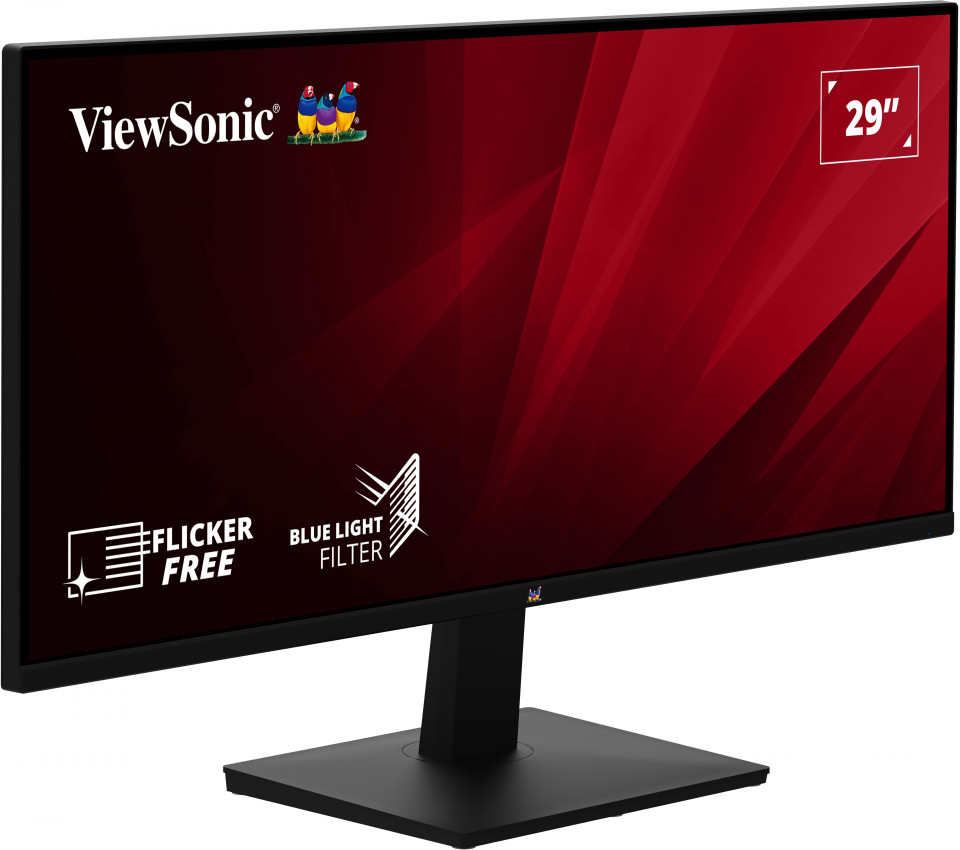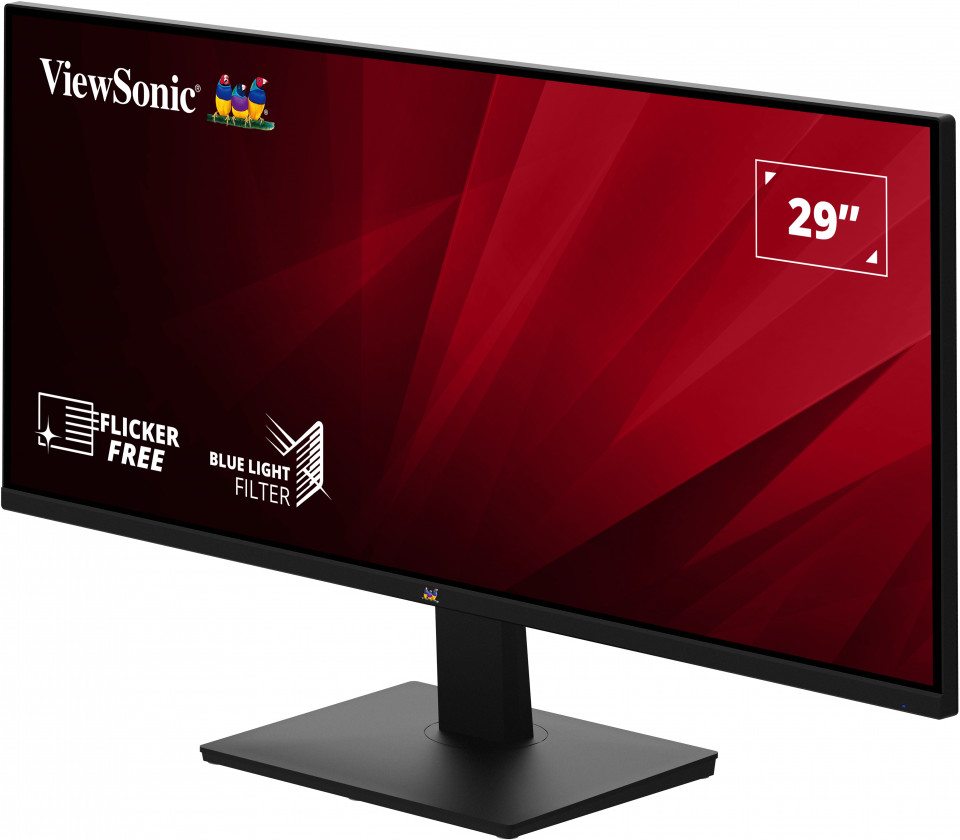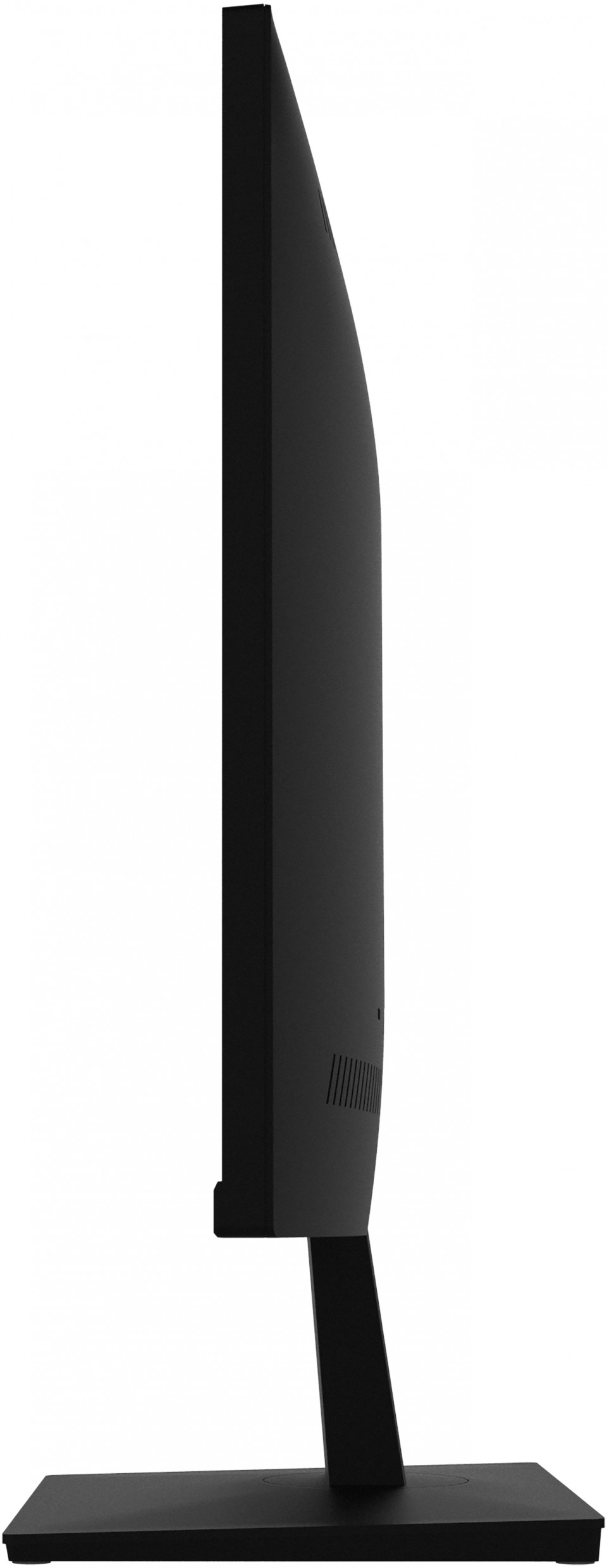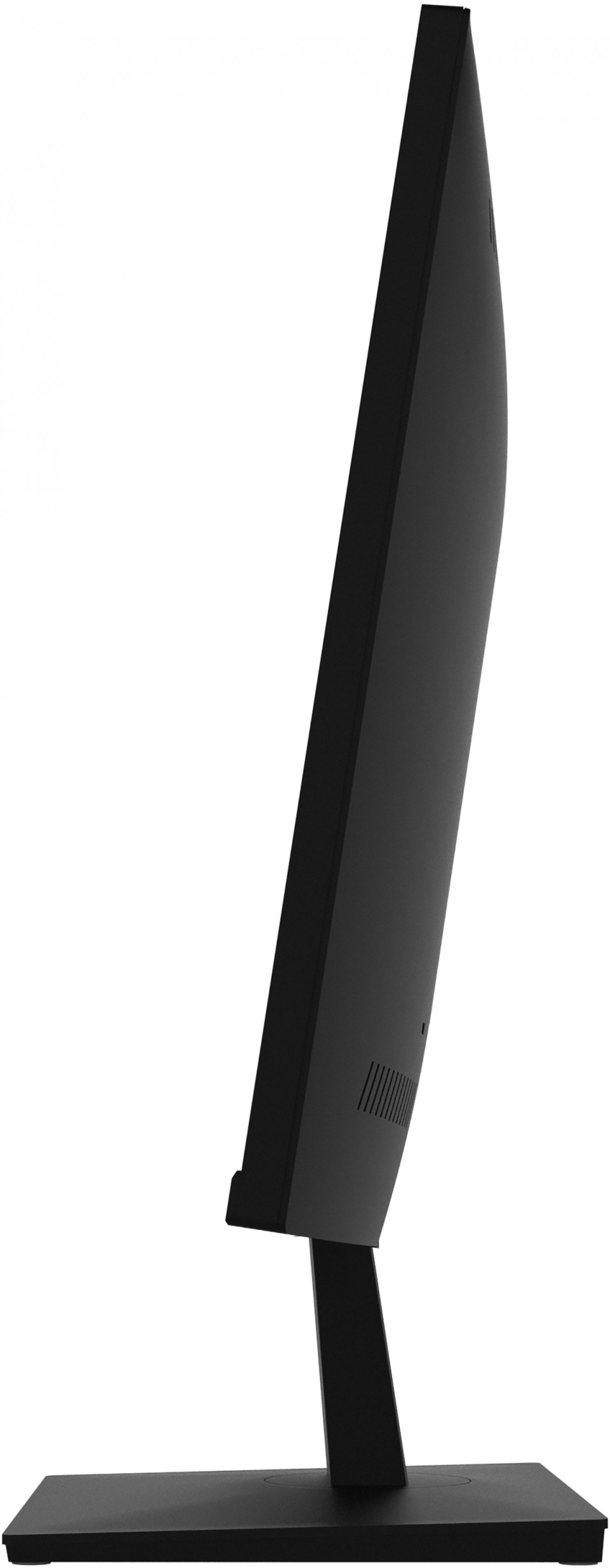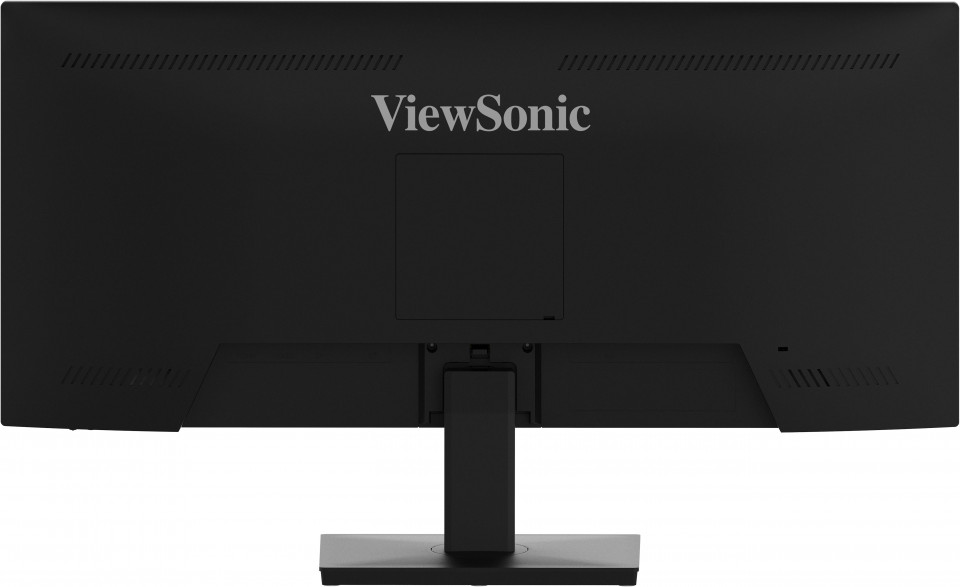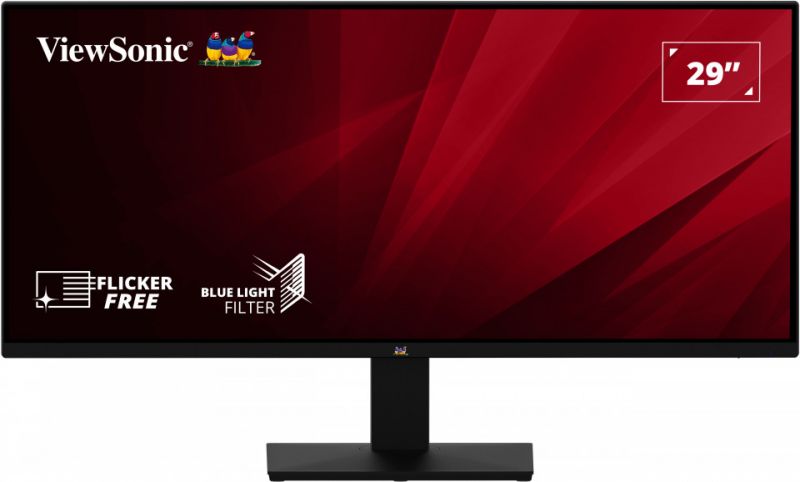
VA2932-MHD
29型 WFHD IPS ウルトラワイドモニター
- WFHD 2560 x 1080 解像度
- SuperClear® IPS パネルテクノロジー
- 21:9 アスペクト比
- 3辺フレームレスデザイン
- Adaptive sync 75Hz 対応
OVERVIEW
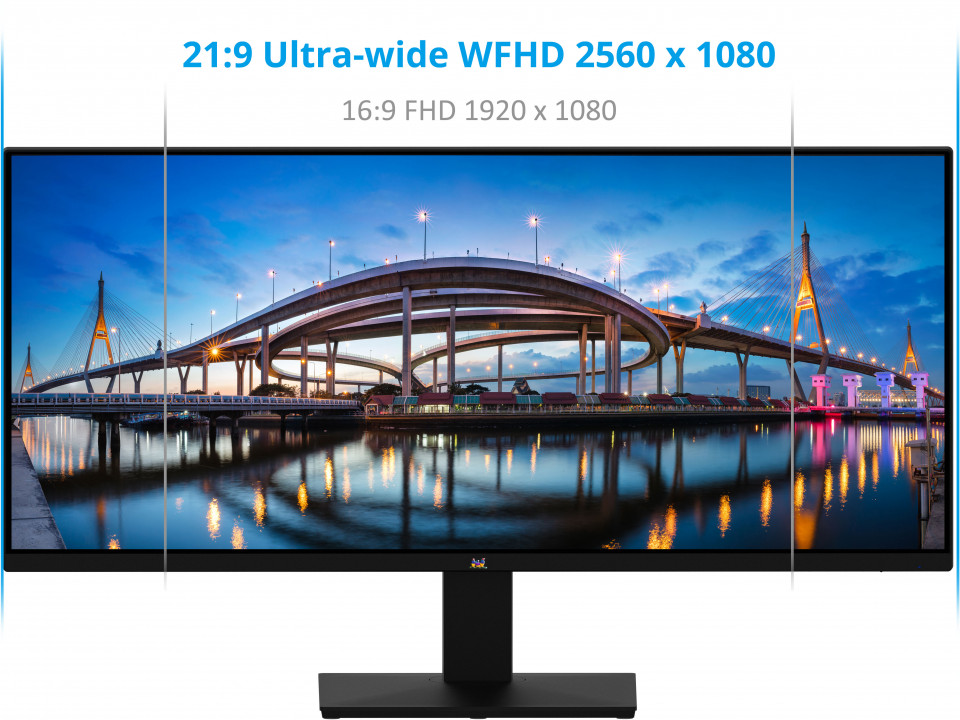
The ViewSonic® VA2932-MHD is a 29" monitor with WFHD2560 x 1080 resolution, 21:9 aspect ratio, and SuperClear® IPS panel. And with SuperClear® IPS technology, this monitor delivers the same image quality whether you are looking at the screen from above, below, the front, or the side. A 21:9 aspect ratio and 3-side borderless bezels provide extra screen real estate so users can display more content, switch between applications more quickly, view documents side by side, and view multiple windows at once.Incredible Details with WFHD and a 21:9 aspect ratio
More detailed images and extra resolution makes multitasking more enjoyable and efficient. Featuring WFHD 2560 x 1080 resolution, which provides more onscreen space than a Full HD monitor of the same size. In addition, an ultra-wide 21:9 aspect ratio makes games and movies more immersive than ever.WFHD 2560 x 1080, Ultra-wide 21:9
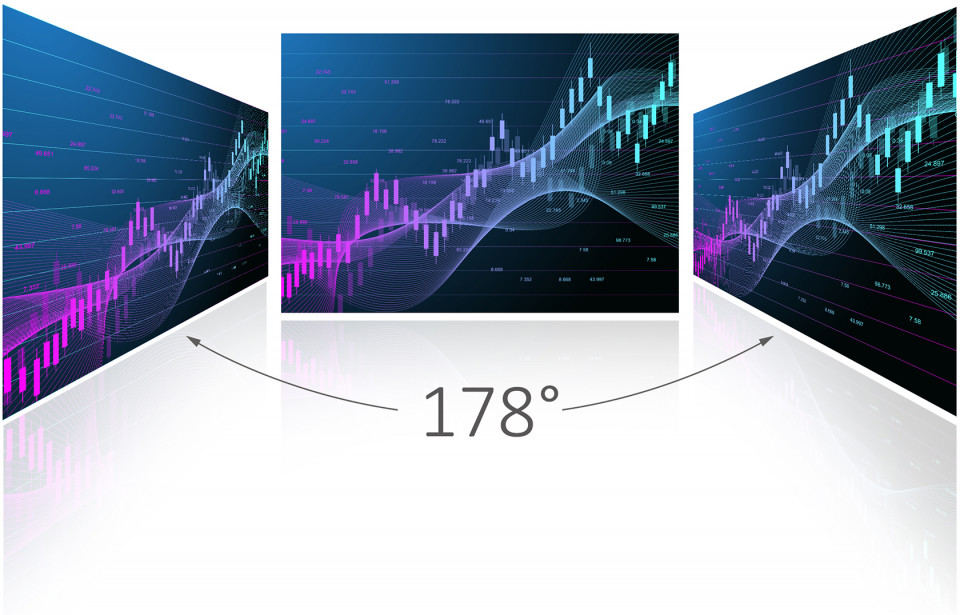
Wide Viewing Angle
Enjoy accurate and vivid colors with consistent levels of brightness no matter the vantage point. With SuperClear® IPS panel technology, this monitor delivers the same image quality whether you are looking at the screen from above, below, the front, or the sideSuperClear® IPS
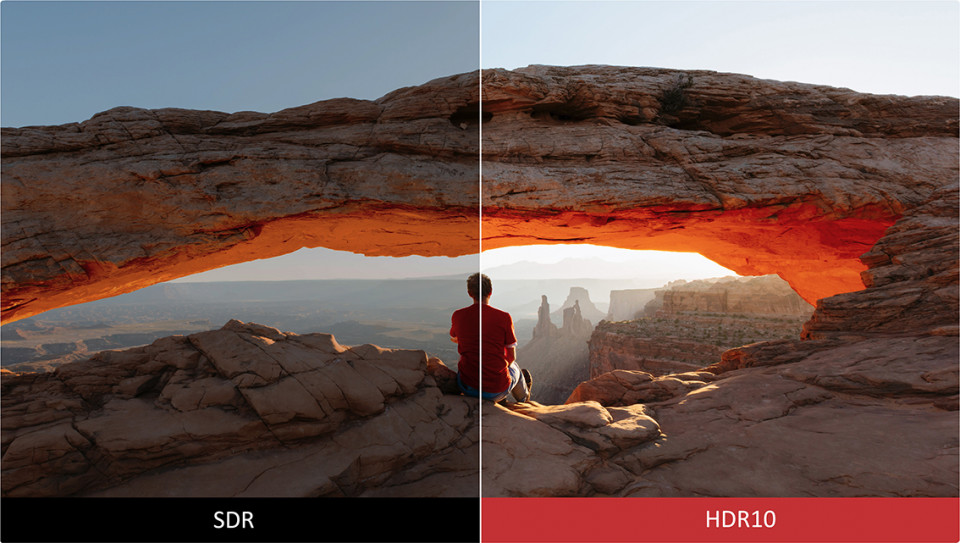
HDR10 Delivers Stellar Contrast and Color Accuracy
This monitor is compatible with the industry standard HDR10 High Dynamic Range, so color, brightness, and contrast are more defined and exceed the capabilities of ordinary SDR monitors.HDR10
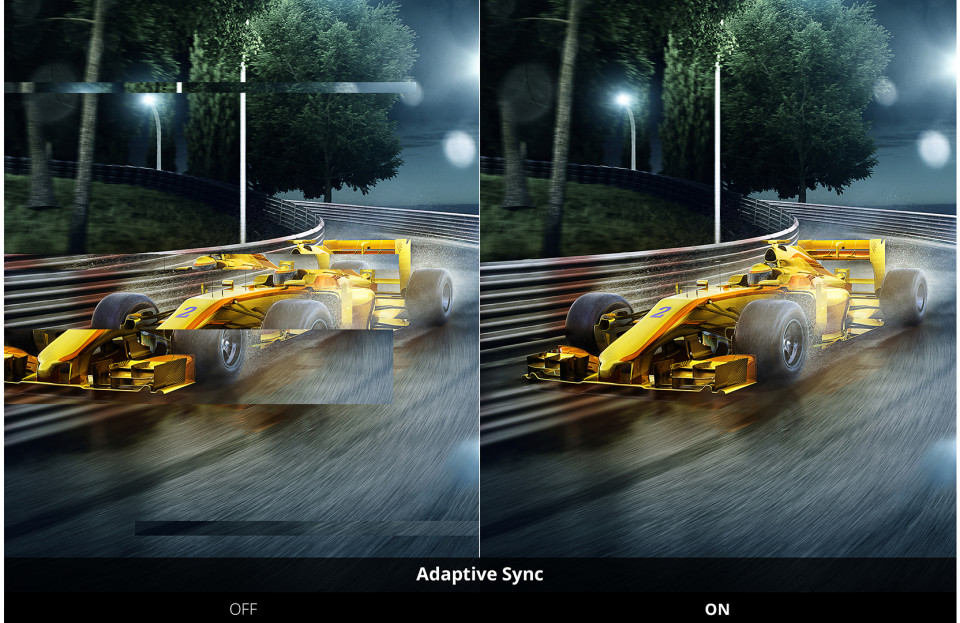
Adaptive Sync Delivers Smooth, Continuous Visuals
With Adaptive Sync technology, screen tearing and choppy frame rates are eliminated to provide seamless and smooth visuals in every scene.Adaptive Sync
Borderless Design for Seamless Viewing
Break free from bulky bezels and enjoy a sleeker look. The 3-side borderless bezels deliver a clean aesthetic and seamless multi-monitor capabilities.
Powerful Sound
This monitor is integrated with dual 2-watt stereo speakers. When paired with incredible screen performance, the combination provides complete multi-sensory immersion.Dual speakers

Comfortable Viewing
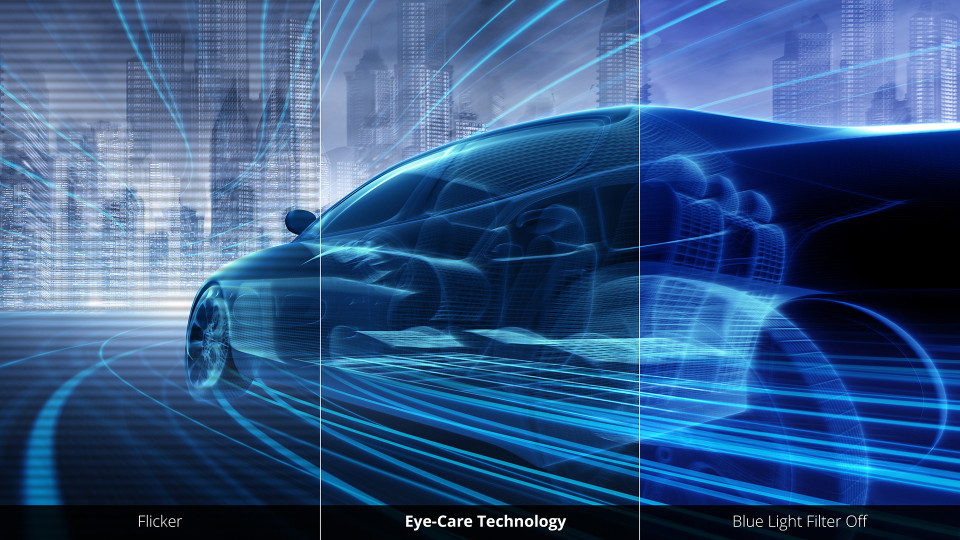
Flicker-Free technology and a Blue Light Filter help to eliminate eye strain from extended viewing periods.Flicker Free
Blue Light Filter
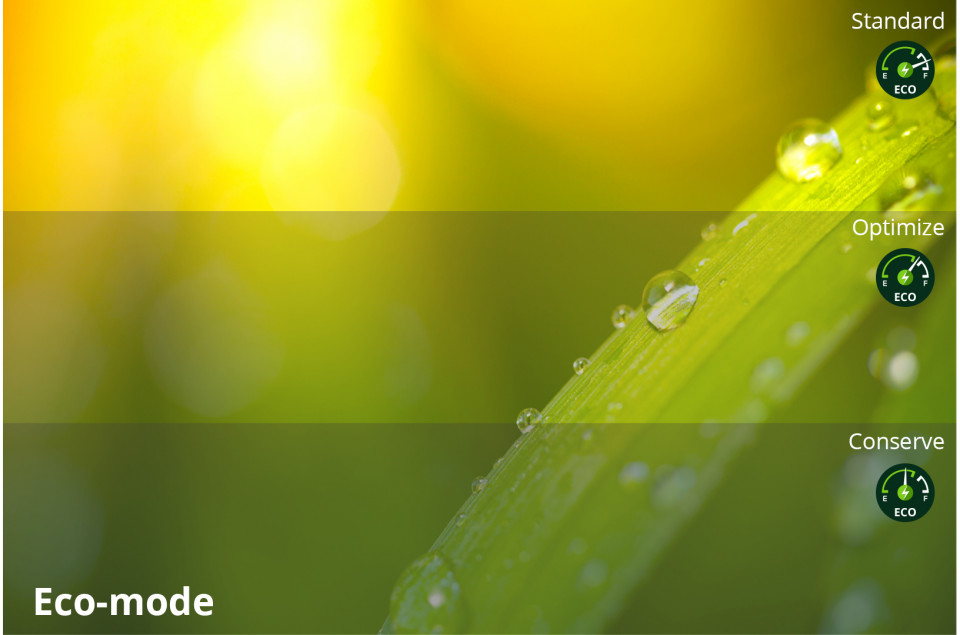
Low Energy Consumption
This monitor has been designed with energy efficiency in mind, featuring an Eco Mode that consumes less power, resulting in a smaller carbon footprint and reduced office overhead costs.Eco Mode
IO Ports & Dimension
Conveniently mount the monitor to your preference by utilizing the 100mm x 100mm VESA-compatible mount design.100mm x 100mm VESA mount
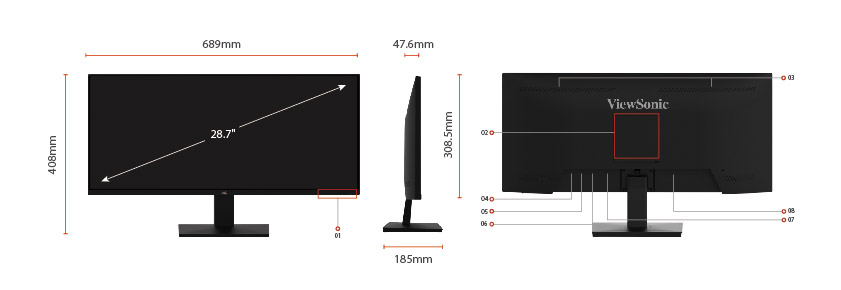
- Menu Control Panel
- VESA Compatible
(Wall Mount 100 x 100mm) - Speaker
- HDMI
- HDMI
- Display Port
- Audio in
- AC In
SPECIFICATIONS
- 液晶パネルサイズ: 29型ワイド(21:9)
パネルタイプ: IPS / 非光沢
解像度: WFHD (2560 x 1080)
可能領域(インチ): 28.7
表示面積: 672.8 x 283.8 mm
画素ピッチ: 0.263 x 0.263 mm
最大輝度: 250 cd/m²
視野角度(左右/上下): 178° / 178°
コントラスト比: 1,000:1
ダイナミックコントラスト比: 80,000,000:1
応答速度: 4ms(GTG) ※オーバードライブ時
リフレッシュレート (Hz): 75
最大表示色: 約1677万色 - 走査周波数水平: 24 - 86 kHz
垂直: 48 - 75 Hz - 入出力端子HDMI 1.4入力端子: x2
DisplayPort入力端子: x1
音声出力: x1
- スピーカー2W x2
- 主な搭載技術SuperClear®: 〇
フリッカーフリー: 〇
ブルーライトフィルター: 〇
ViewMode: 〇
GameMode: 〇
HDR10: 〇
その他: Adaptive Sync - エルゴノミクスチルト: 20°~ -5°
高さ調整: -
ピボット: -
スウィーベル: - - VESA規格対応100 x 100 mm
- 筐体色ブラック
- OSD言語14ヶ国語対応
- 電源電源: 内蔵
電圧: AC 100-240V±10% 50/60Hz
消費電力: 32W(最大) / 28W(標準) / 20W(エコ)
待機消費電力: 0.5W以下 - 外形寸法 (WxHxD)スタンドあり: 689 x 408 x 185 mm
スタンドなし: 689 x 309 x 48 mm
梱包時: 792 x 422 x 122 mm - 質量スタンドあり: 約4.3kg
スタンドなし: 約3.7kg
梱包時: 約5.9kg - 使用動作条件使用温度条件: 0°C - 40°C
使用湿度条件: 20% - 90% (結露なきこと) - 適合規格CB, RoHS, WEEE, BSMI, VCCI, PSE
- 主な付属品電源ケーブル(約1.5m) x1
HDMIケーブル(約1.5m) x1
クイックスタートガイド x1
保証書 x1 - JANコード4589468731221
- 保証期間3年フル保証(液晶パネル・バックライト含む)
SUPPORT & DOWNLOADS
Datasheets
User Guides
VA2932-MHD User Guide (日本語)
VA2932-MHD User Guide (Online View)
See all languages
VA2932-MHD User Guide (Bahasa Indonesia)VA2932-MHD User Guide (Dansk)VA2932-MHD User Guide (Deutsch)VA2932-MHD User Guide (English)VA2932-MHD User Guide (Español )VA2932-MHD User Guide (Français)VA2932-MHD User Guide (Hrvatski)VA2932-MHD User Guide (Italiano)VA2932-MHD User Guide (Magyar)VA2932-MHD User Guide (Nederlands)VA2932-MHD User Guide (Norsk)VA2932-MHD User Guide (Polski)VA2932-MHD User Guide (Português)VA2932-MHD User Guide (Română)VA2932-MHD User Guide (Srpski)VA2932-MHD User Guide (Suomi)VA2932-MHD User Guide (Svenska)VA2932-MHD User Guide (Türkçe)VA2932-MHD User Guide (Česky)VA2932-MHD User Guide (Ελληνικά)VA2932-MHD User Guide (Български)VA2932-MHD User Guide (Русский)VA2932-MHD User Guide (Українська)VA2932-MHD User Guide (简体中文)VA2932-MHD User Guide (繁體中文)VA2932-MHD User Guide (한국어)VA2932-MHD User Guide (ﺍﻟﻌﺭﺑﻳﺔ)
Quick Start Guide
Driver & Software
Standard Monitor Driver Signed Windows 10 x64Standard Monitor Driver Signed Windows 10 x86Standard Monitor Driver Signed Windows 11 x64Standard Monitor Driver Signed Windows 7Standard Monitor Driver Signed Windows 7 x64Standard Monitor Driver Signed Windows 8 x64Standard Monitor Driver Signed Windows 8 x86Standard Monitor Driver Unsigned WindowsStandard Monitor Driver Unsigned Windows x64