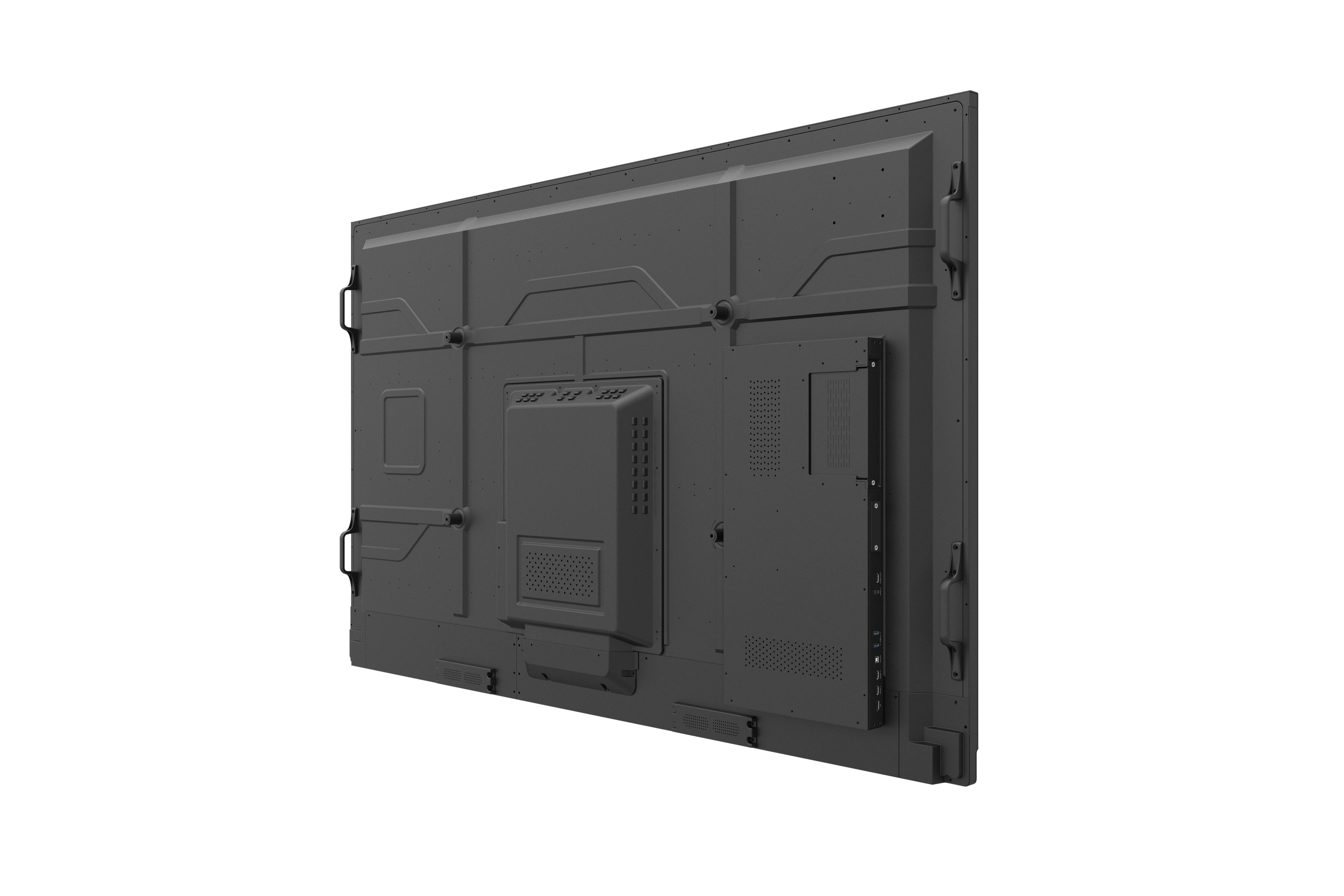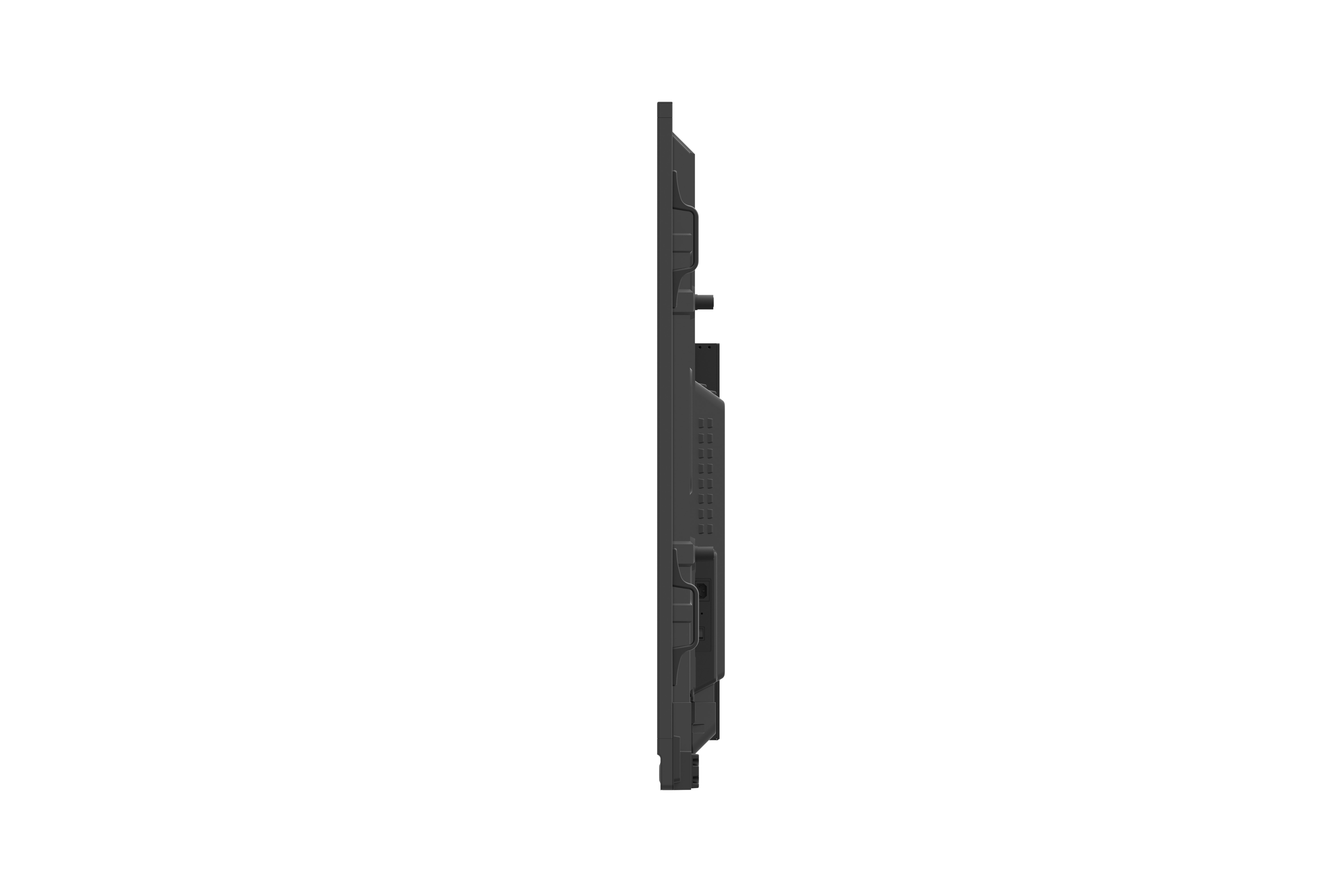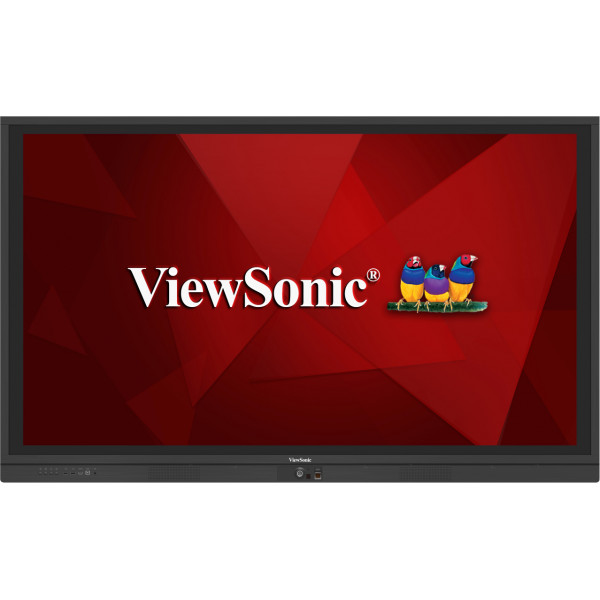
IFP7560-pcs
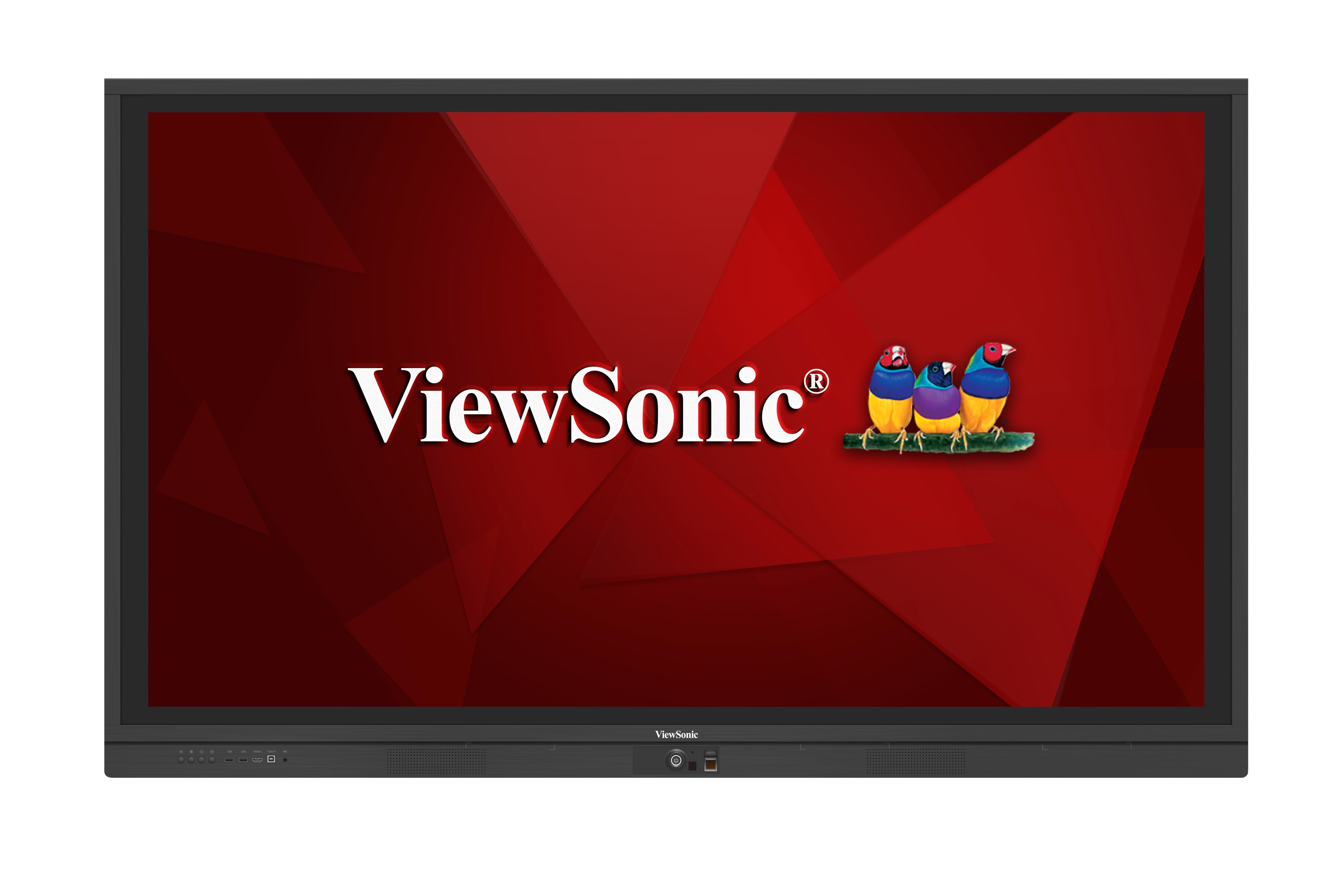
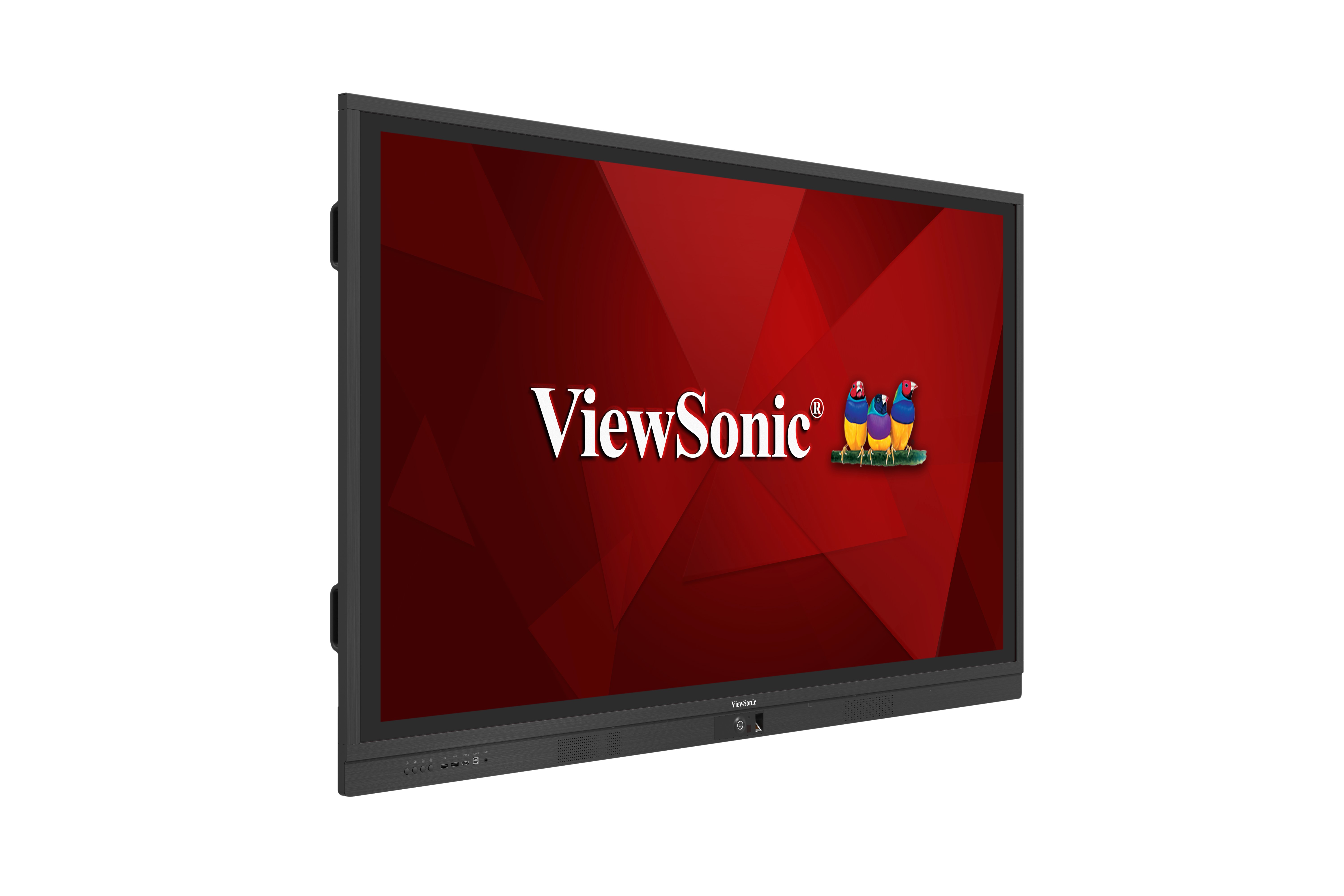
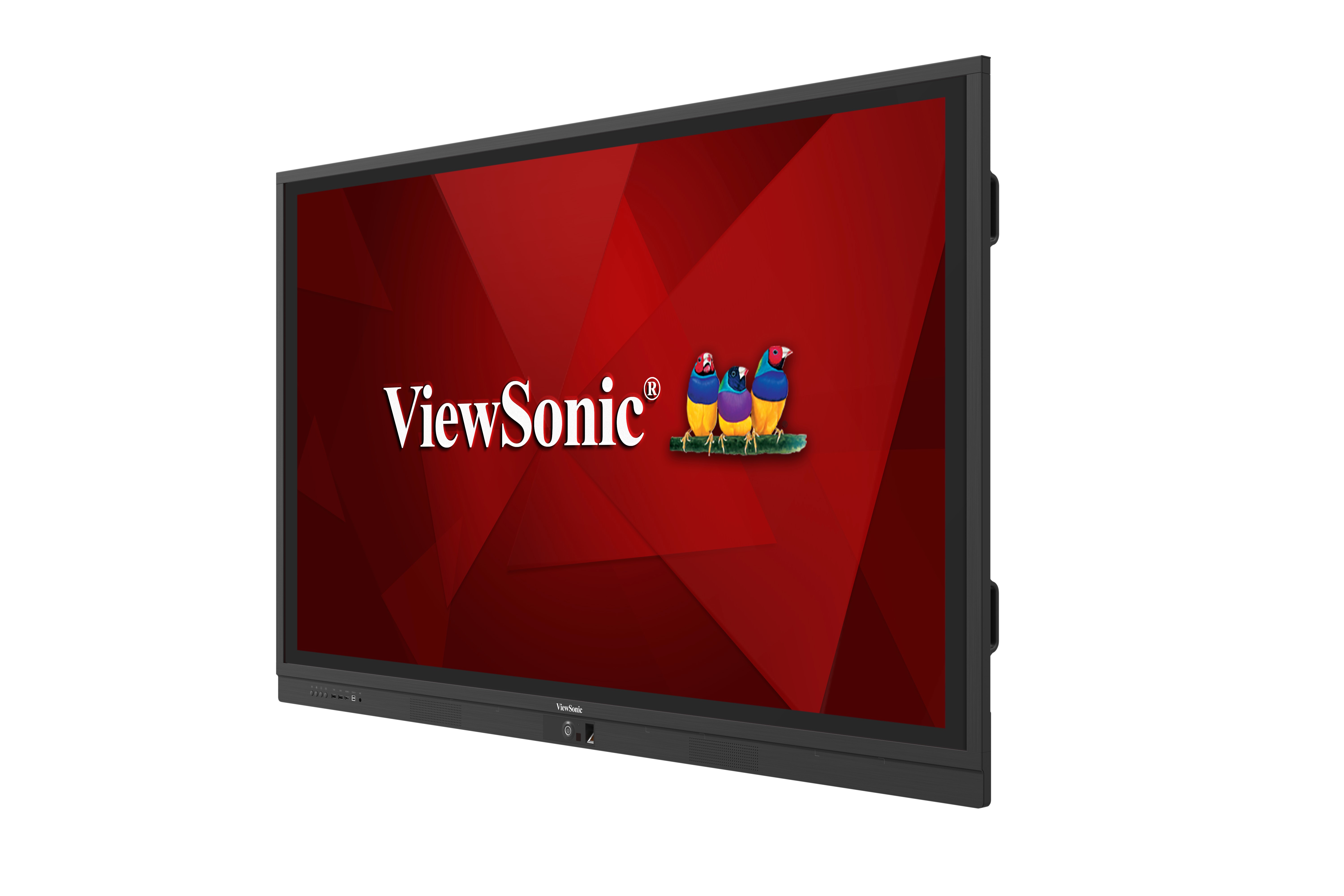
IFP7560 75" Ultra HD ViewBoard® with InGlass™ Technology
- 75” digital whiteboard with 4K (3840 x 2160) resolution
- Increased accuracy and a sleek touchscreen experience with InGlass™ technology
- 20-point touch
- “vLauncher” desktop shortcut for a quick startup
- Pre-installed vBoard annotation, ViewBoard® Cast content sharing, and Zoom conference software
- Upgraded vBoard annotation software; dual pen-writing with different colors & thicknesses
- Ready for Google, Windows, Mac, and Linux environments
- Integrated cloud storage including Google Drive and OneDrive with secure auto logout design
- FIPS201 certified high security fingerprint reader
- Dual expansion PC slots for Intel Unite® certified OPS* and SDM
- SmartPort™ shared front USB ports for internal & external PCs
- Integrated with ViewSonic myViewBoard™ Ecosystem for your digital whiteboard in the cloud
- Top webcam bracket for video conference (compatible with Logitech webcam and MeetUP)
- VESA-compatible design and trolley for flexible installation (Optional)
- *ViewSonic OPS VPC12-WPO
High Security Fingerprint Reader
ViewBoard®’s built-in biometric recognition system is FIPS201 certified and prevents unauthorized users from accessing your account while also allowing you to login easily without having to type in your password.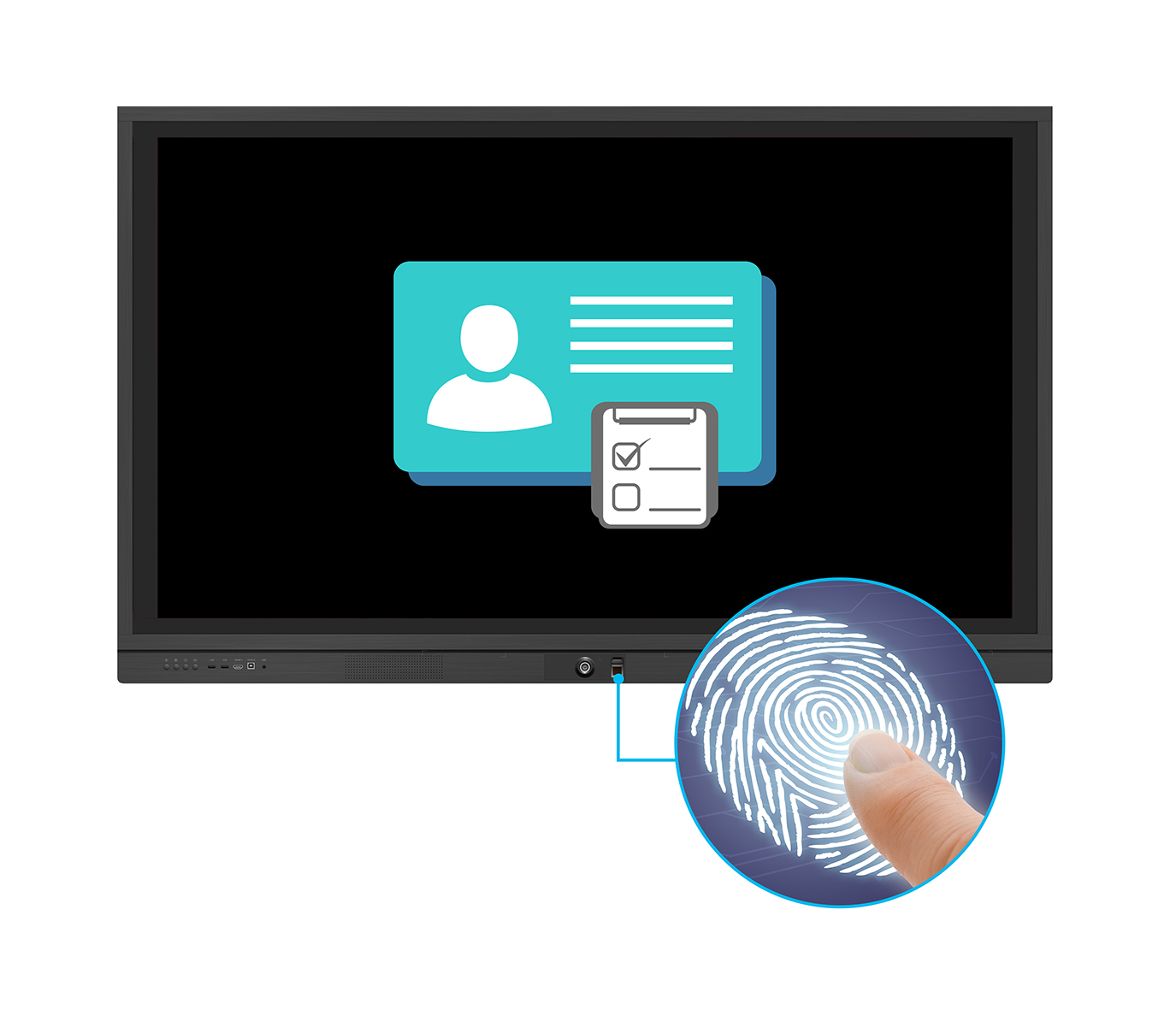
InGlass™ Technology
Experience a more accurate touchscreen experience on ViewBoard® IFP7560/6560 via InGlass™ technology. Whether using your finger or a stylus, InGlass™ technology provides a lag-free writing and drawing experience for single or multiple simultaneous users.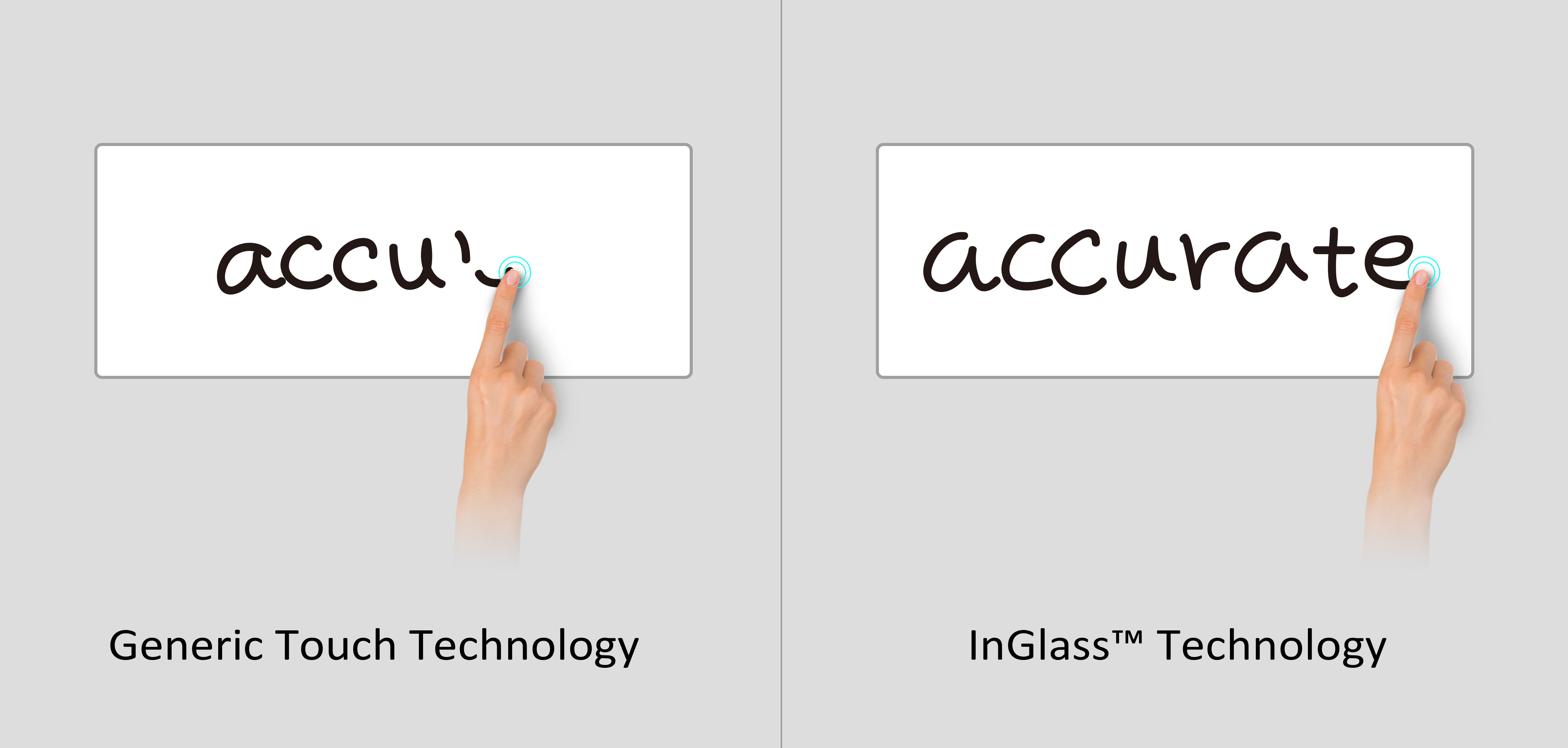
Energy Star 7.1
Certified by the latest ENERGY STAR 7.1, ViewBoard® helps users save money and protect our climate through superior energy efficiency.
USB SmartPort™
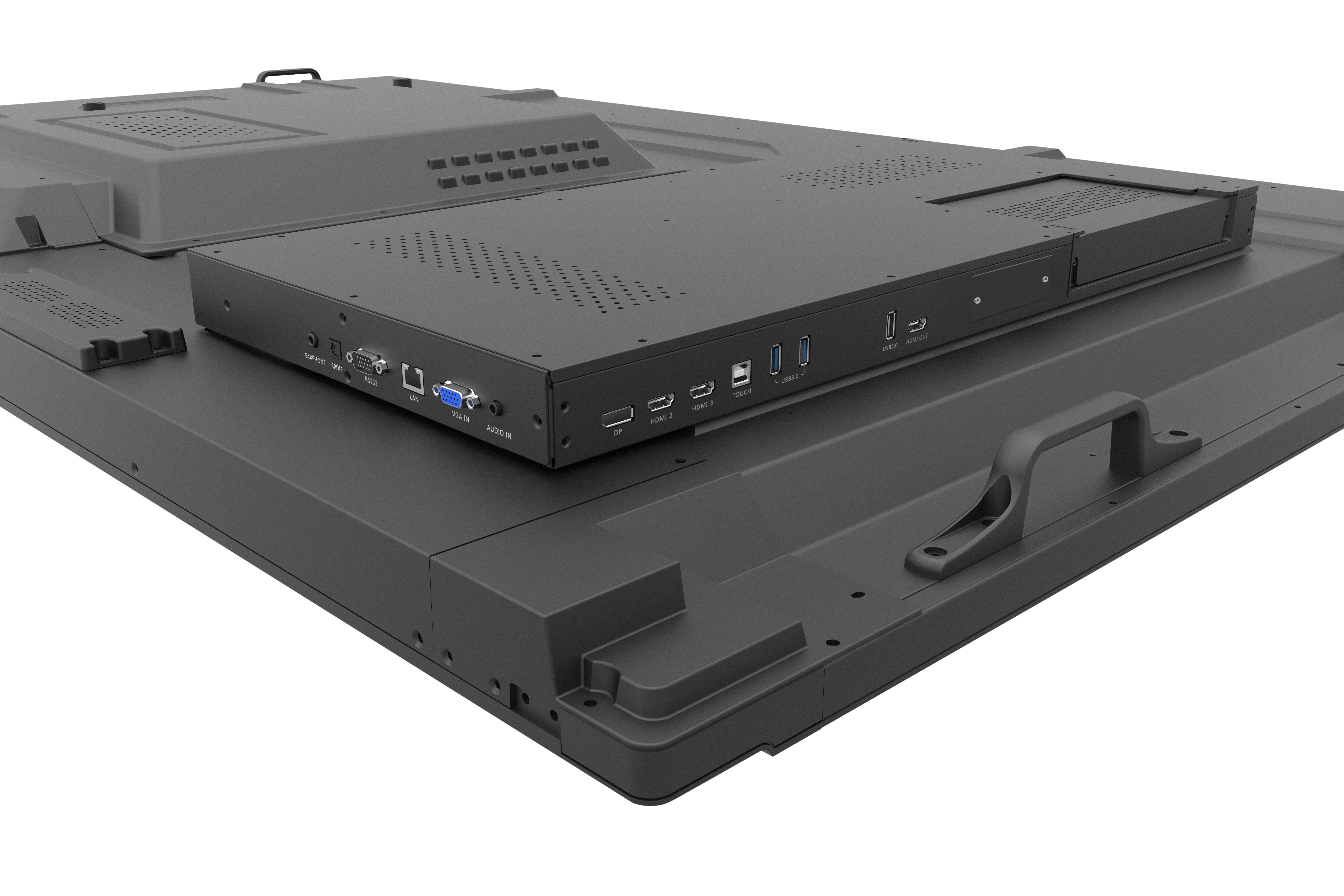
USB SmartPort™ allows for USB data transmission between ViewBoard®’s front USB ports and the USB ports of slot-in PCs and connected laptops. This allows you to synchronize USB connection between your devices quickly and easily without swapping USBs.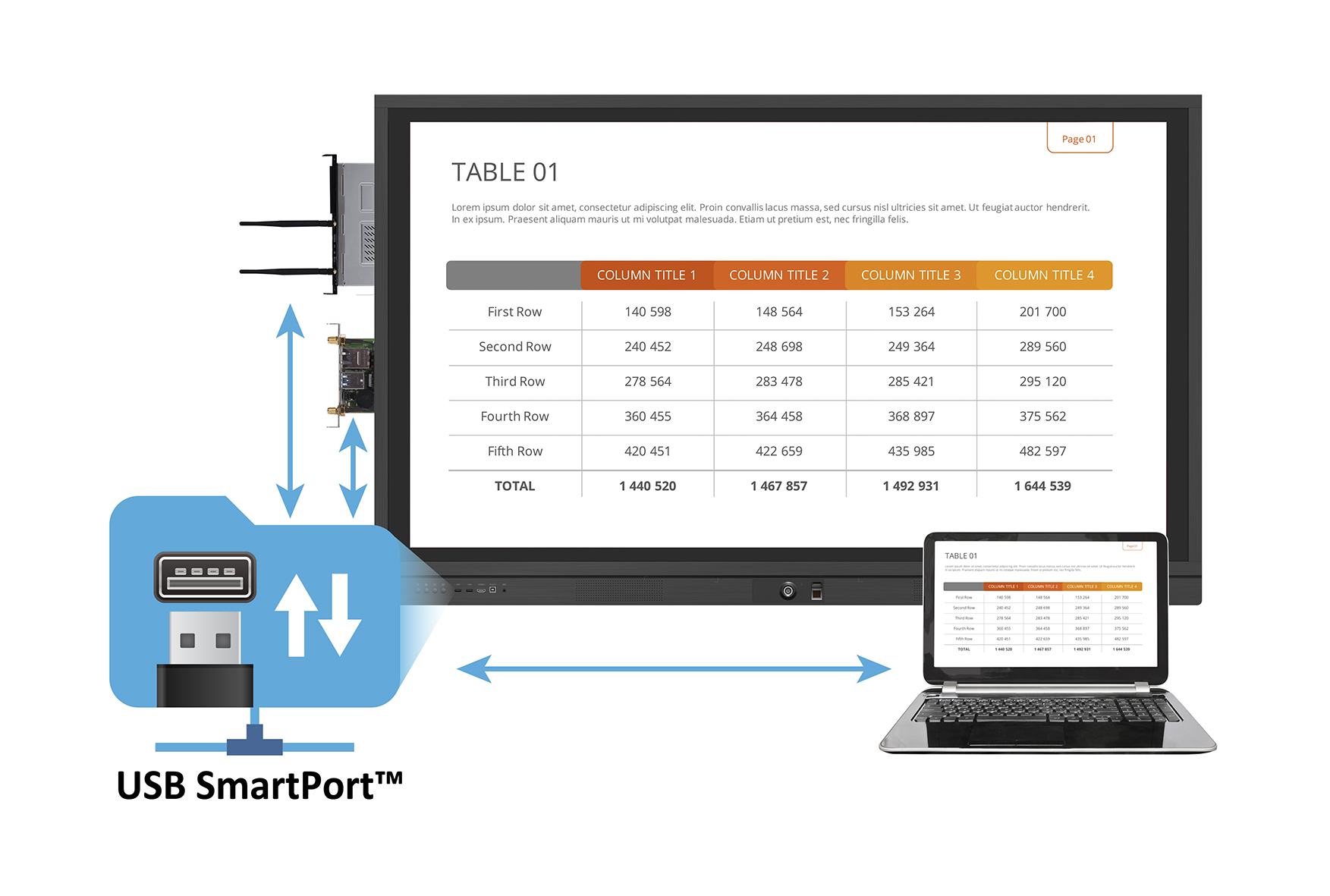
Shared LAN Port
ViewBoard®’s built-in LAN port allows the connected network to link to the slot-in PC for easy connection. This allows you to insert the internet cable one time instead of switching between slot-in PCs.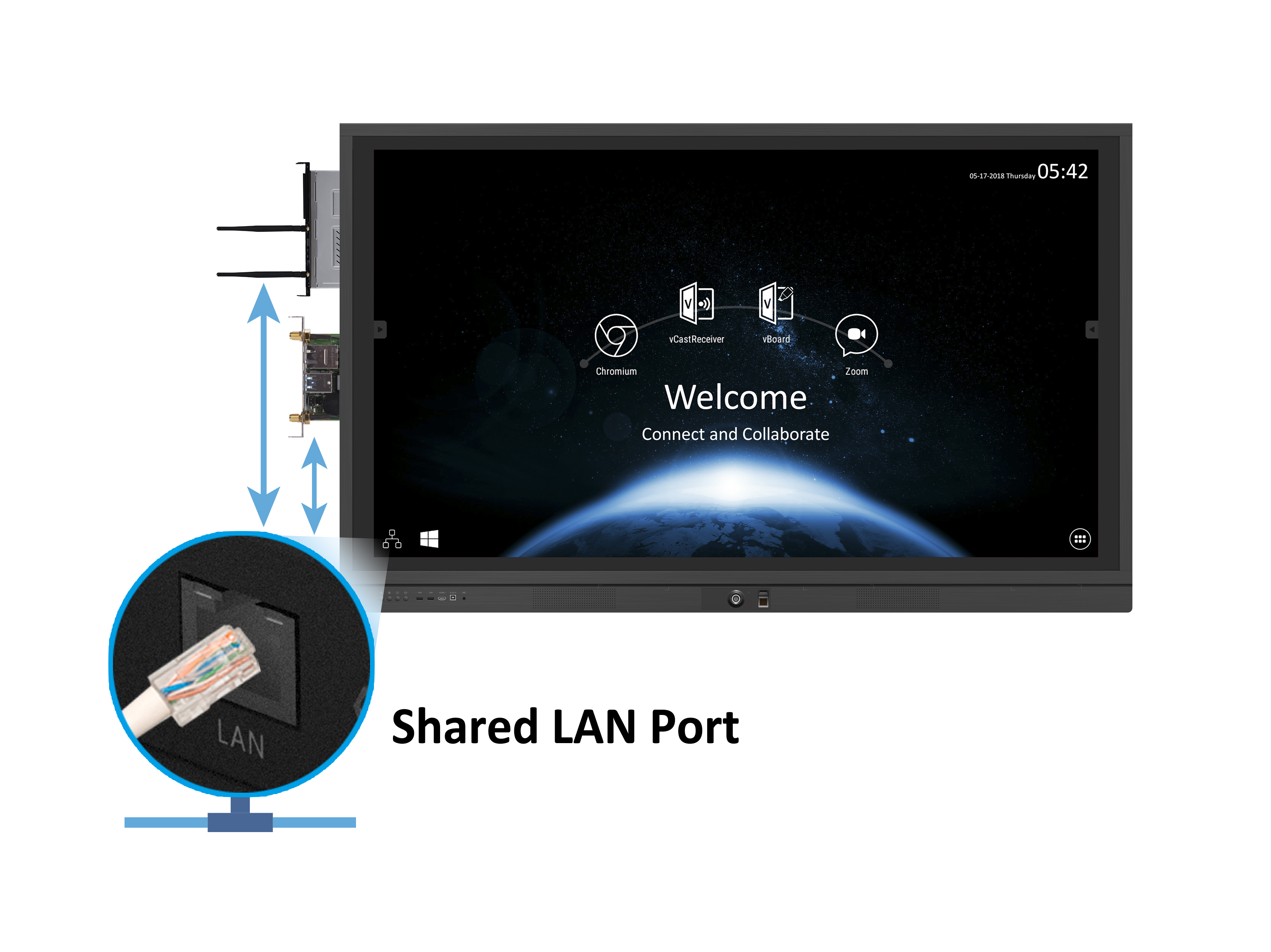
Dual Expansion Slots
For additional computing power, ViewBoard® offers dual expansion PC slots for Intel Unite® certified OPS* (Open Pluggable Specification) and SDM* (Smart Display Module). Using these modules also allows users to switch their operating system to Windows OS.*ViewSonic OPS VPC12-WPO; SDM slot only available on 75”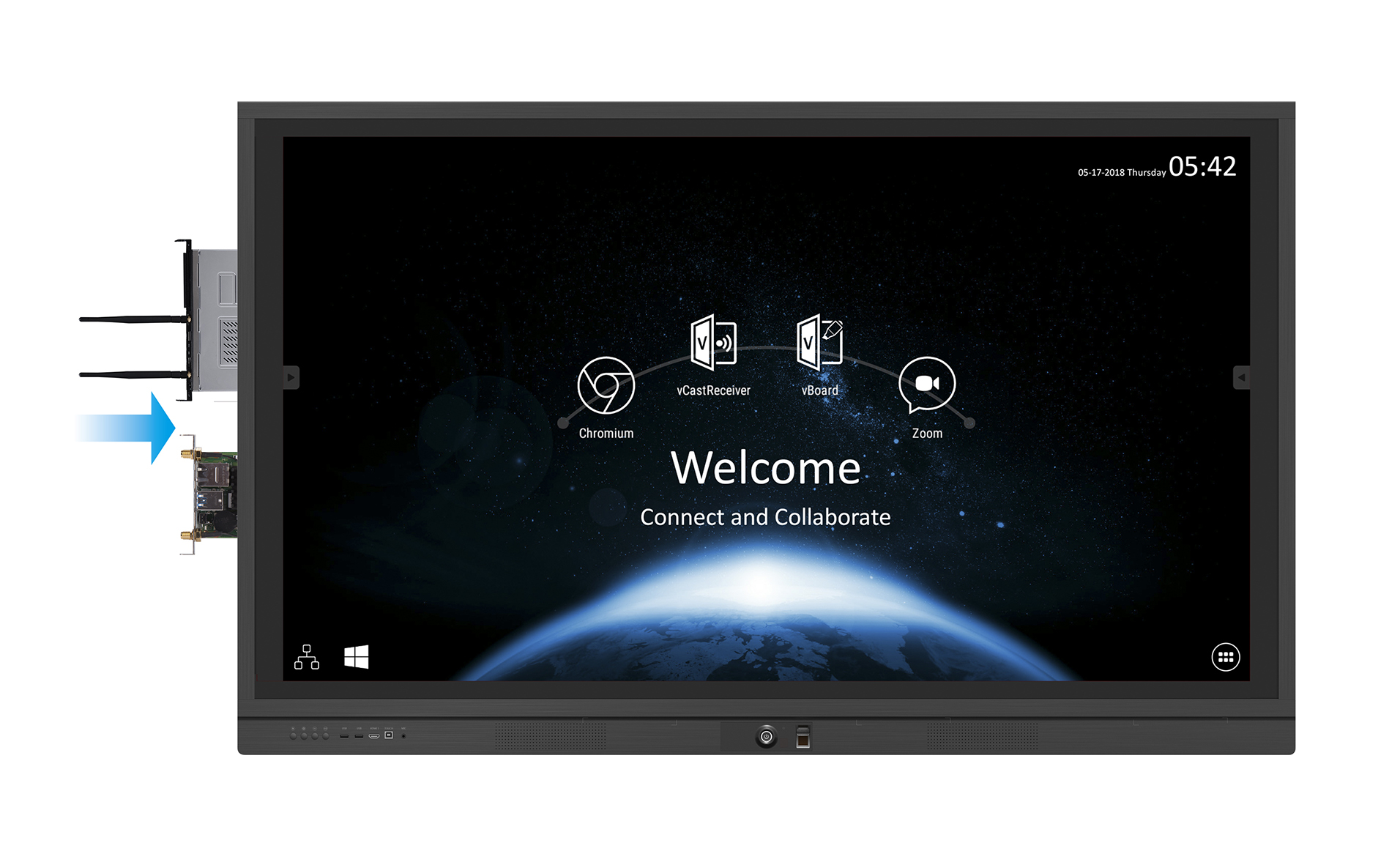
vLauncher
Set the most commonly used 4 functions as shortcuts. For example, Browser, ViewBoard® Cast, vBoard Annotation, and Zoom Conference shortcuts enable users to surf the web, cast screen image, write contents, and video conference during meetings.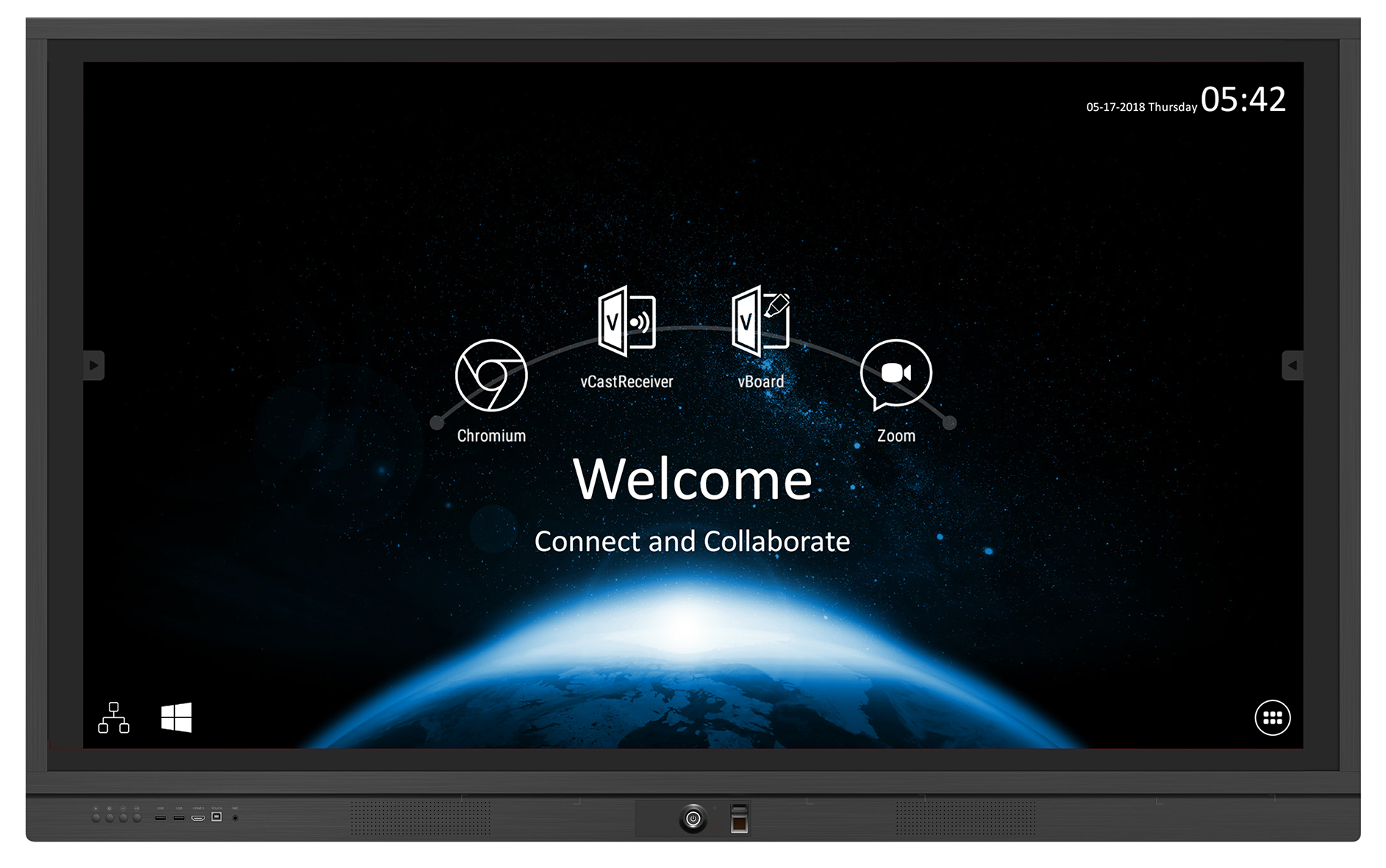
vBoard Annotation Software: Dual Pen Drawing
vBoard annotation supports dual pen writing with different colors & thicknesses for group brainstorming sessions.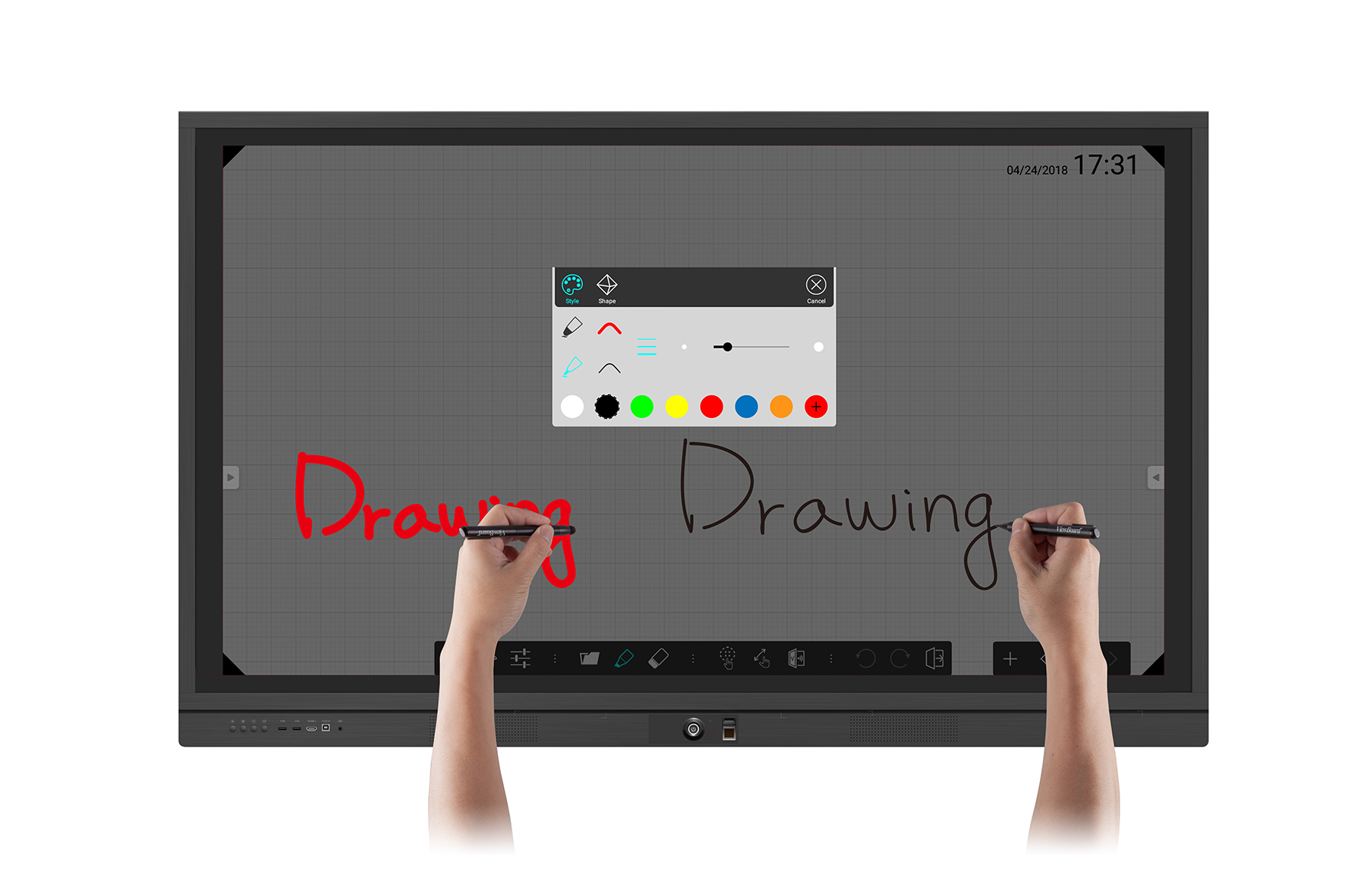
vBoard Annotation Software
vBoard is an annotation app used for writing and drawing on the ViewBoard®. The intuitive write with fingers, erase with palm design delivers a user friendly experience.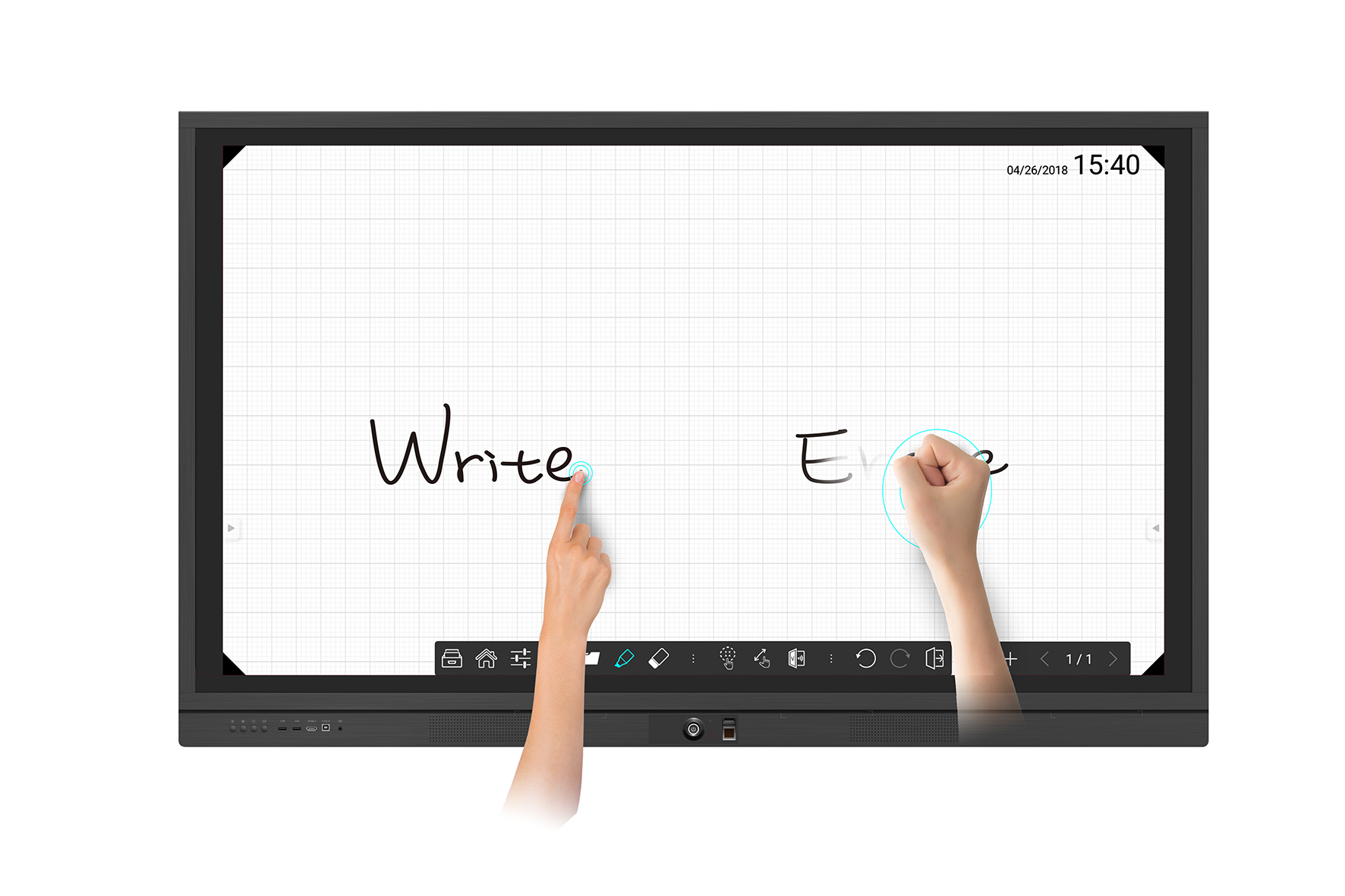
Save to Google Drive and OneDrive
Save any content to your cloud storage, including images, videos, Microsoft Office documents and more. Even marked screen images or editable canvases can be saved to Google Drive and OneDrive directly.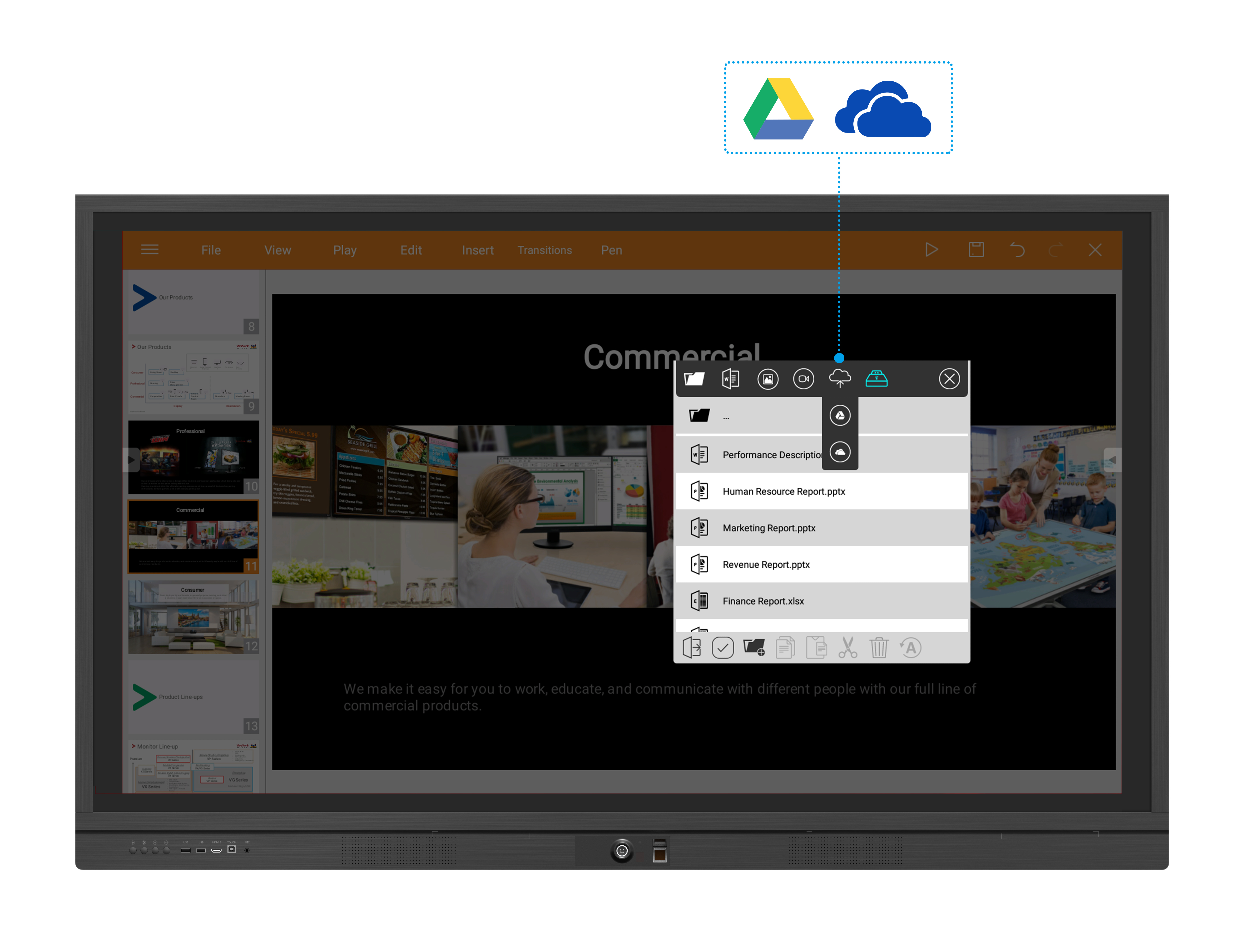
vBoard Annotation Software: Converting Writing into an Object
Transform any written text into an object by simply circling it. Objects help you keep track of your ideas by moving, grouping and stacking them.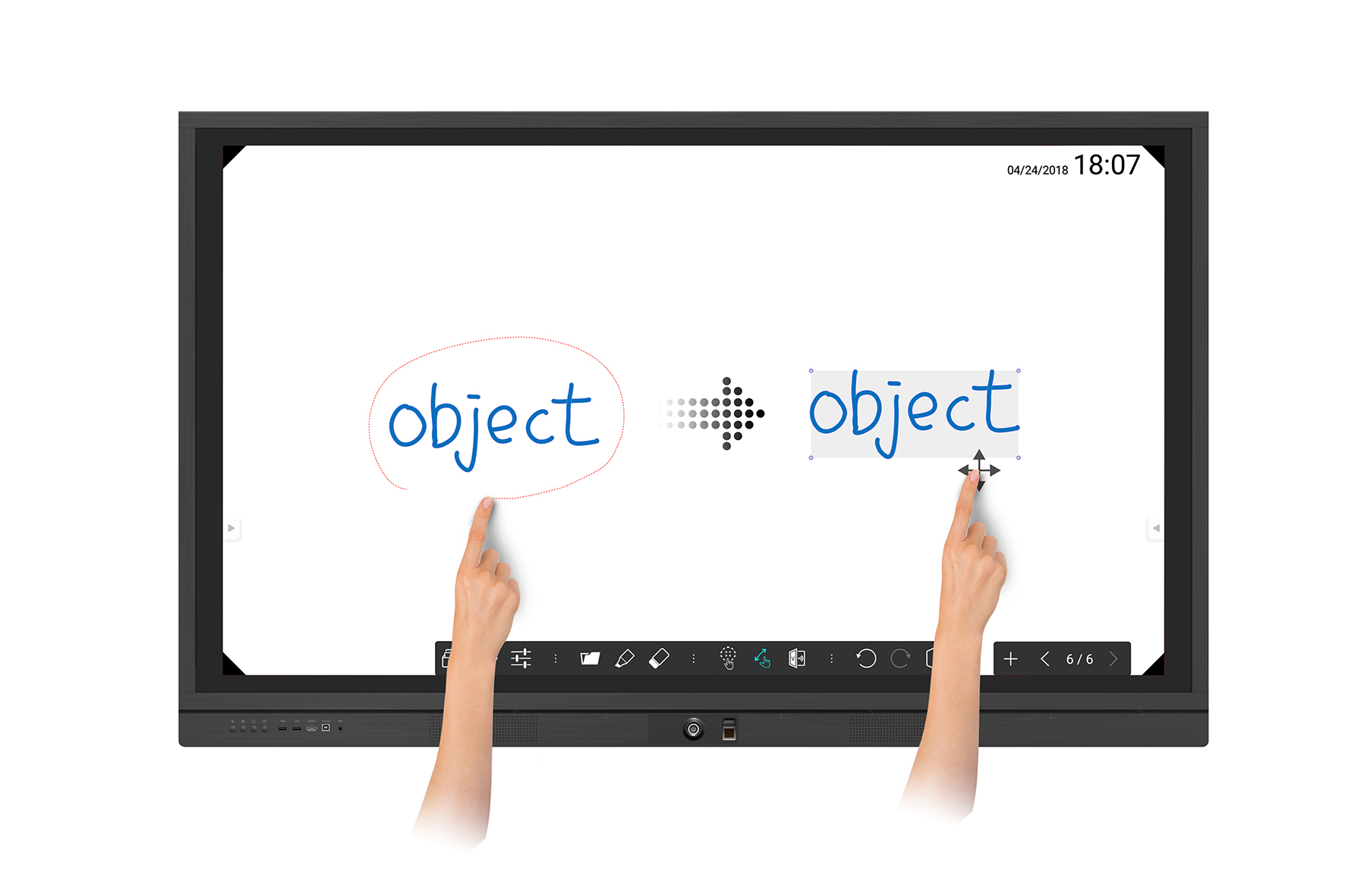
vBoard Annotation Software: Layout Arrangement
Pinch to zoom in and out when showing key messages and use your finger to shift pages to change page order.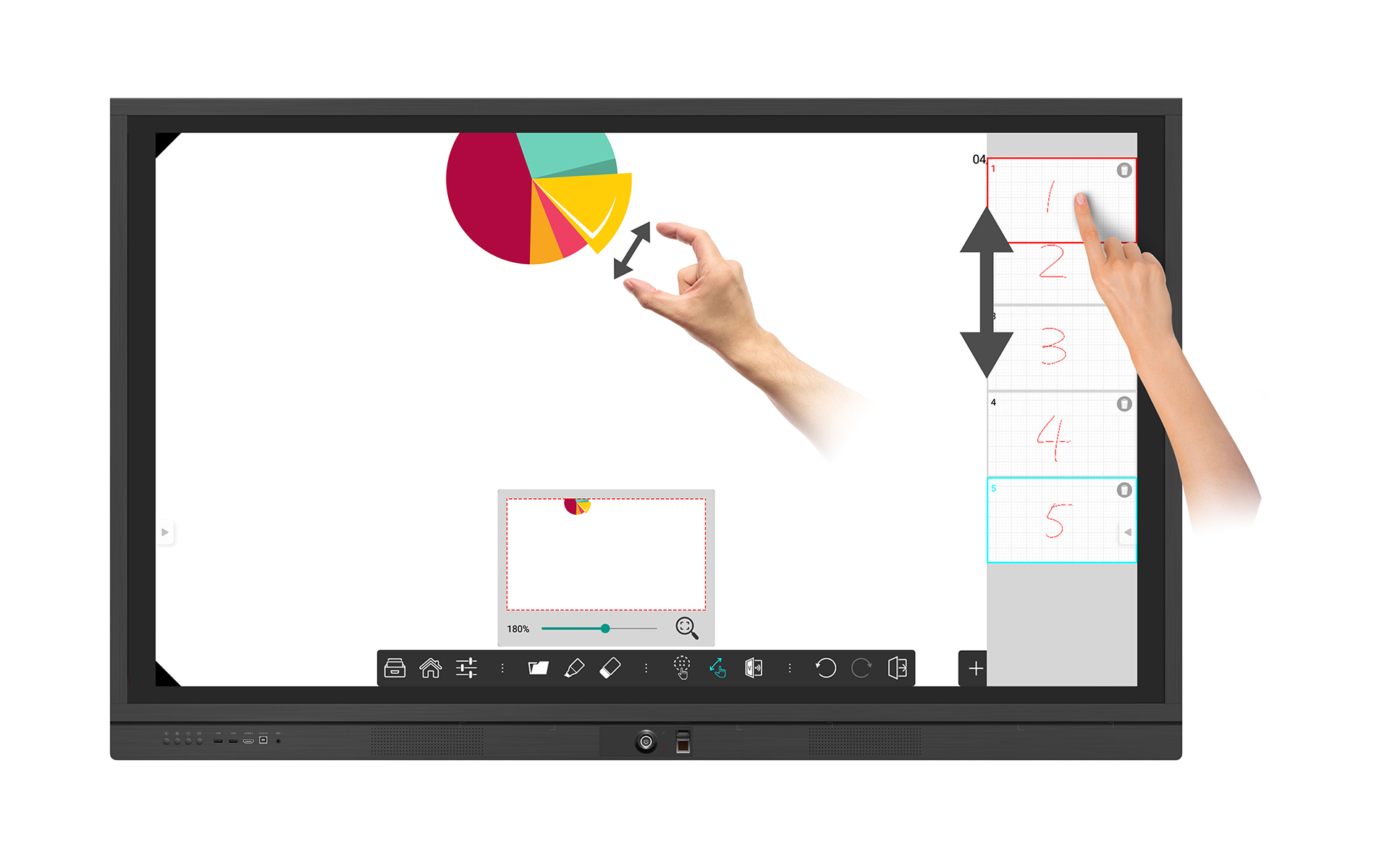
vBoard Annotation Software: Capture and Distribute Content via e-mail & QR Code
Make taking photos of meeting notes a thing of the past. vBoard gives participants the ability to use e-mail or a QR code scanner for saving meeting content in a PDF file.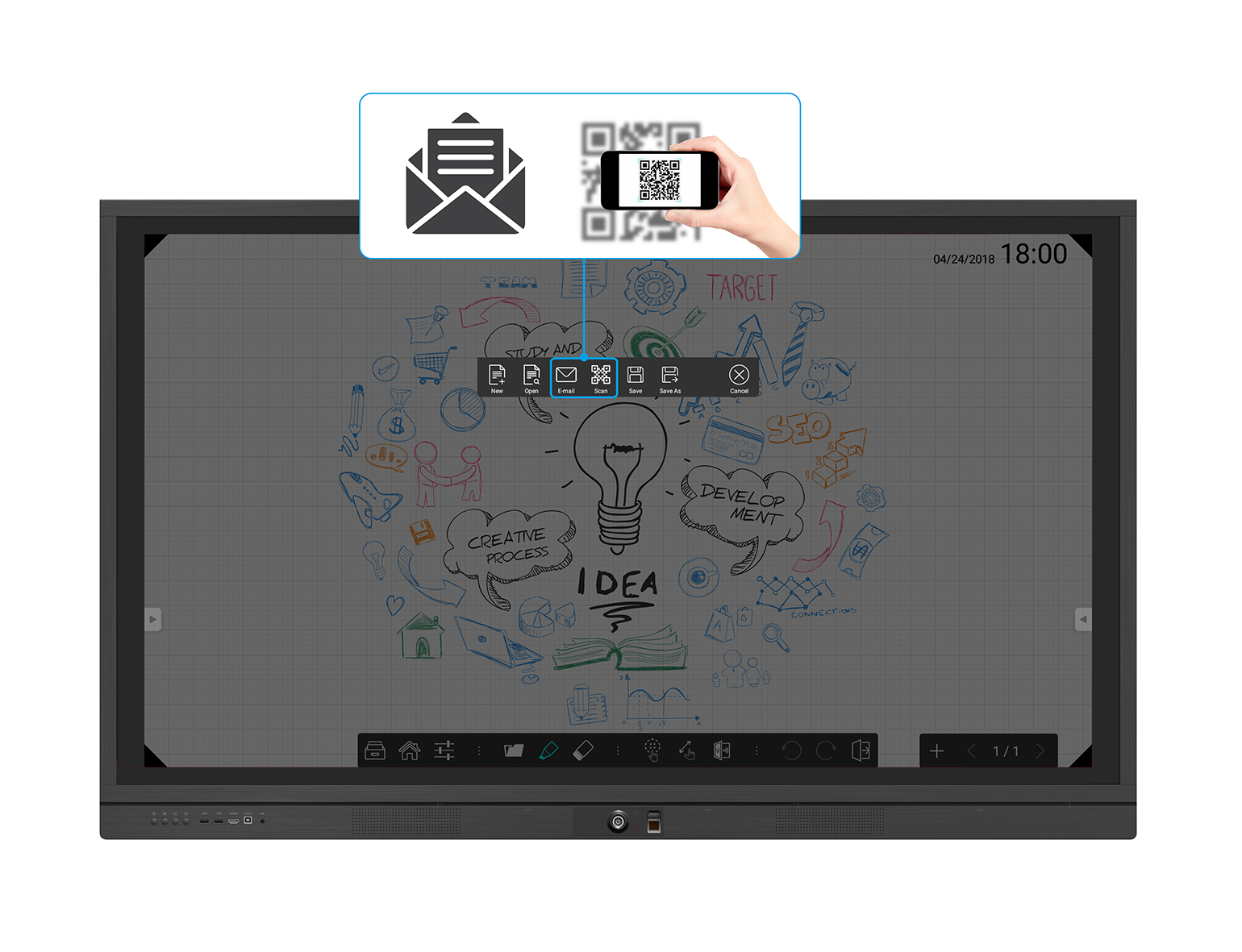
ViewBoard® Cast Content Sharing Software
ViewBoard® Cast is a content sharing app for laptops and mobile devices that enables 1080p content to be streamed from a user’s device to ViewBoard® wirelessly or over a cable network. Using ViewBoard Cast, hosts can preview, manage, and split participants’ sharing screens on ViewBoard® and broadcast the ViewBoard® screen to each participant.*Compatible with Windows/Mac/Chrome/iOS/Android devices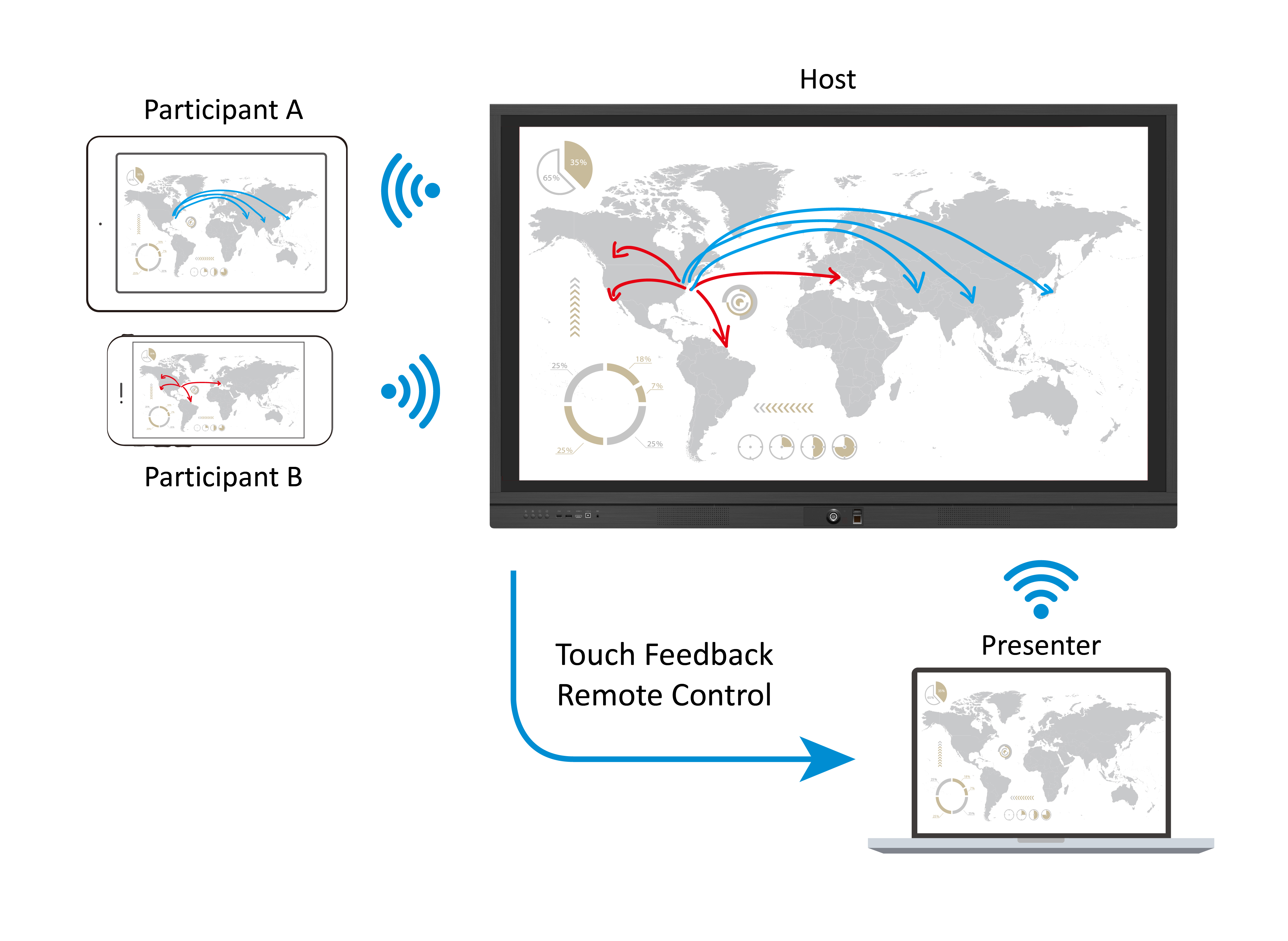
Integrated with myViewBoard™ Ecosystem – Your Digital Whiteboard in the Cloud
Working on Windows 10 OS, ViewSonic myViewBoard™ is a cloud digital whiteboard that includes advanced subject templates, multimedia support, screen recording, and many other effective teaching tools. It works on ViewBoard® and mobile devices to merge the physical and virtual space with on-site touch and online interactive technologies.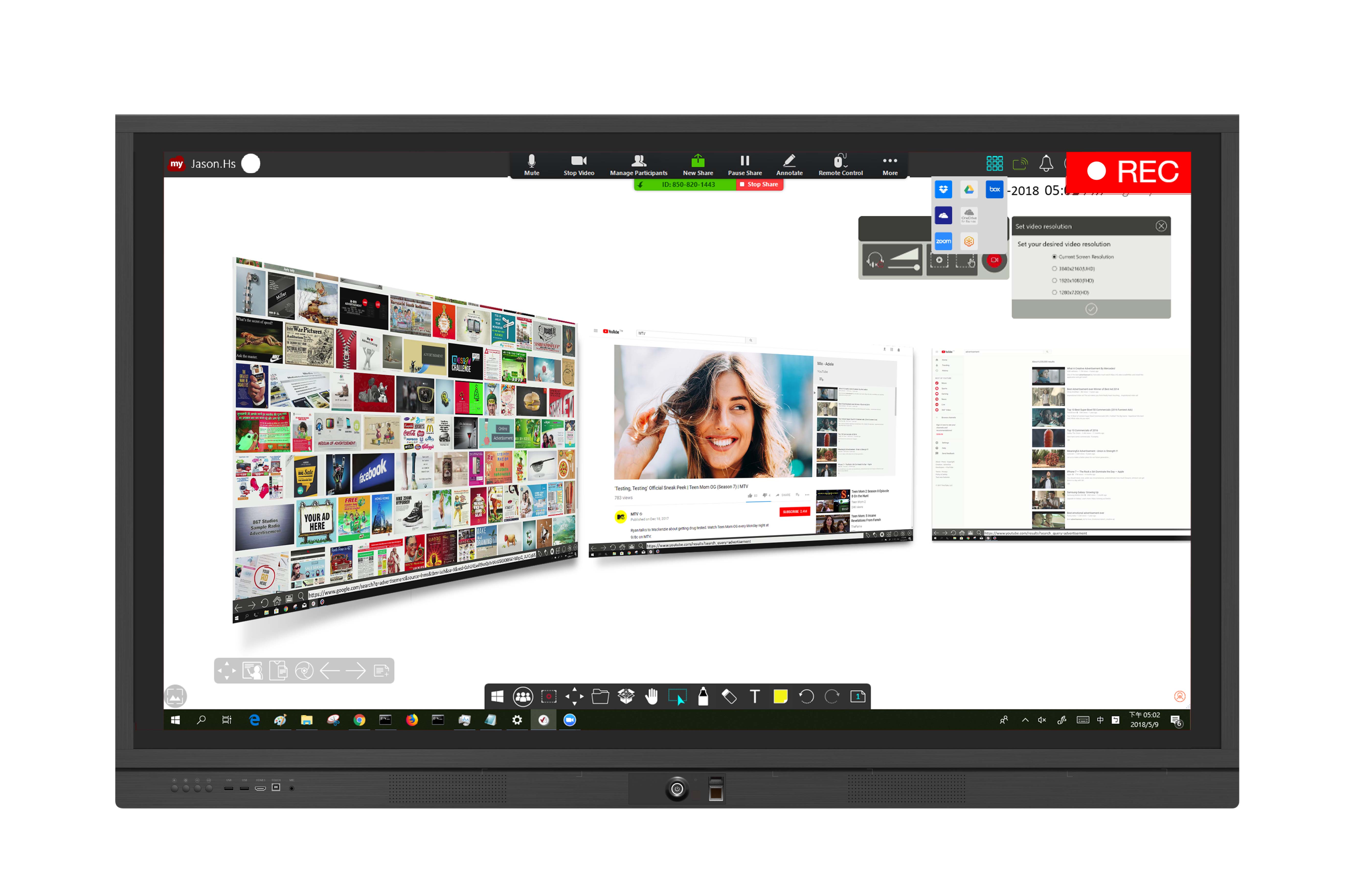
Zoom Conference Software
Zoom is a conferencing app that enables content to be streamed from a user’s devices onto ViewBoard® over the internet. It supports multiple participants, allowing stream content from their laptop or smart phone.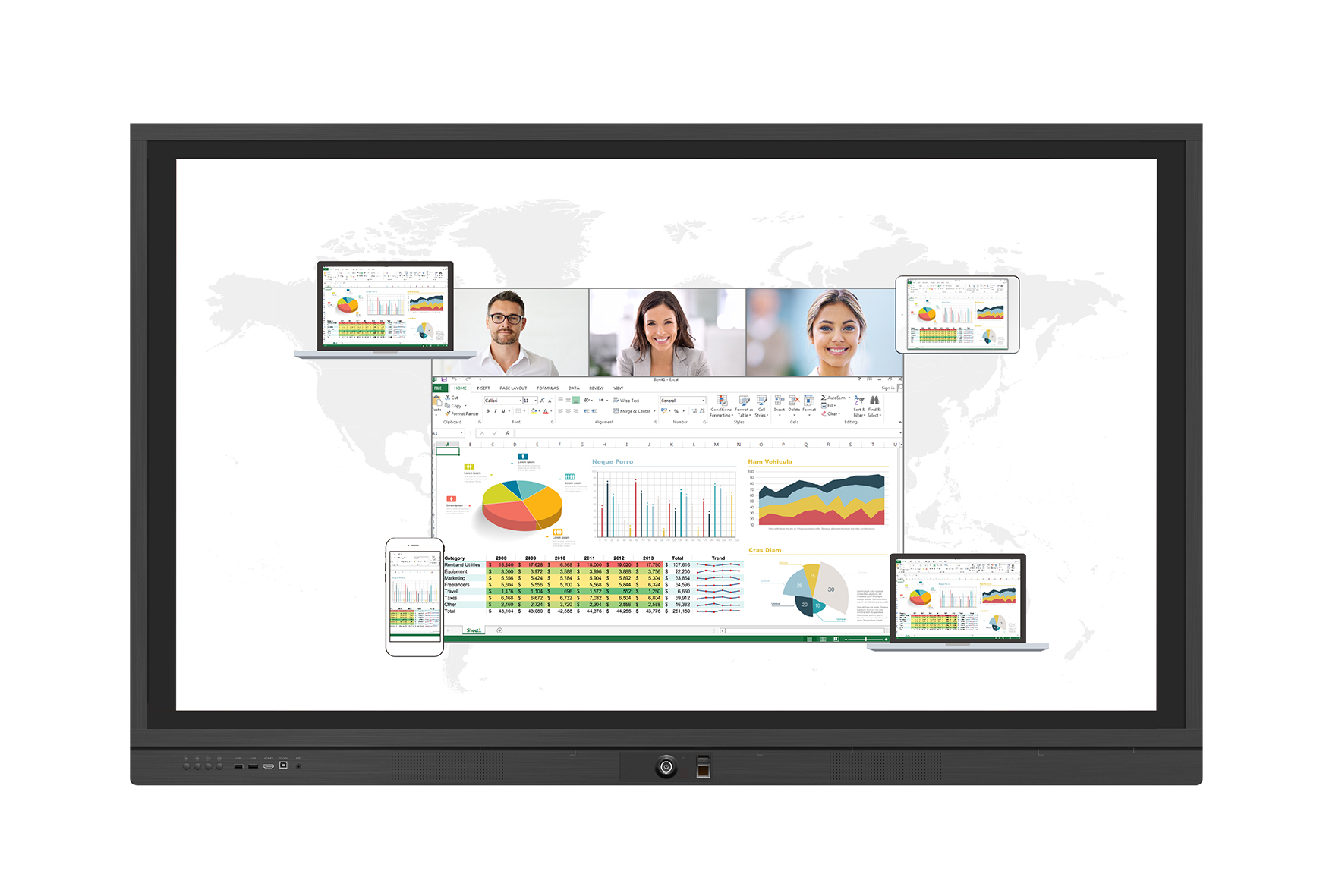
OTA Software Upgrade
ViewBoard® automatically analyzes for software upgrades whenever connected to the internet. With just one click, users can update their versions of ViewBoard® software.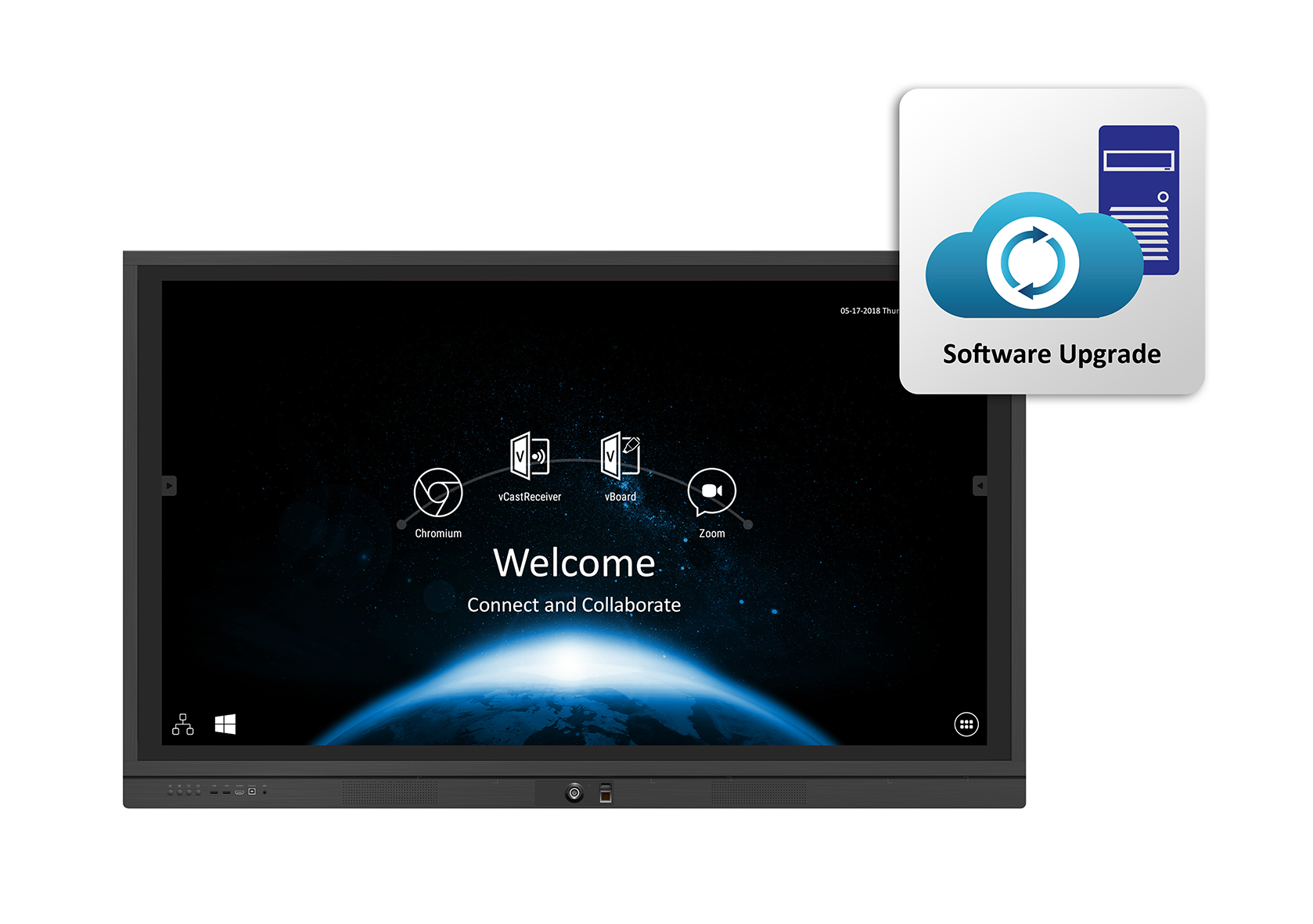
Two-Sided Toolbar
The two-sided toolbar offers shortcuts for navigating to the previous page, home page, vBoard, file explorer, pen annotation, screen capture, spotlight, and more. The toolbar stays hidden out of view while you use ViewBoard®; to reveal it, simply tap the sidebar button.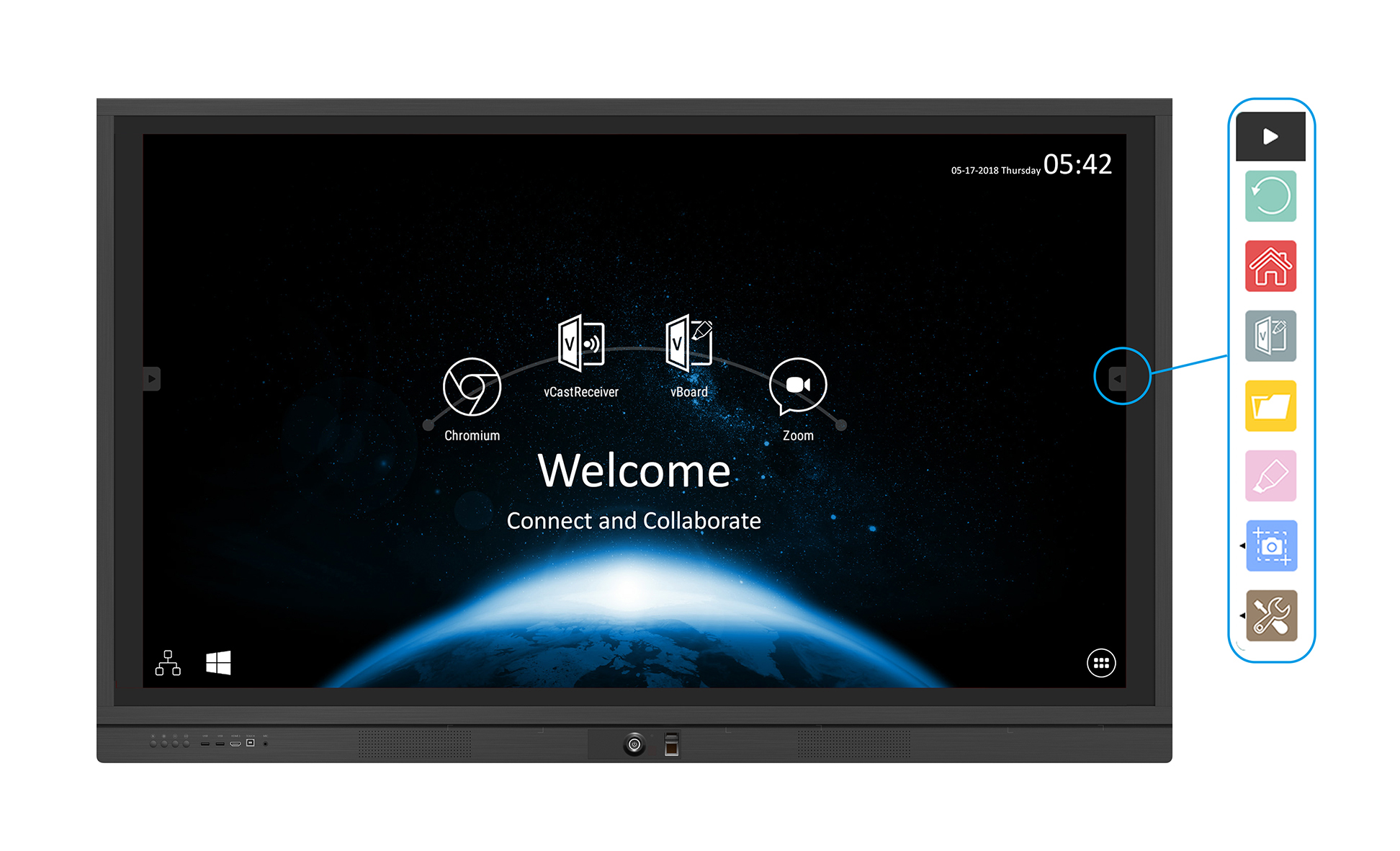
Two-Side Toolbar: Screen Capture
Take screenshots of the ViewBoard screen for recording key messages on the fly. Save it to cloud storage to take away with you for reference after your meeting.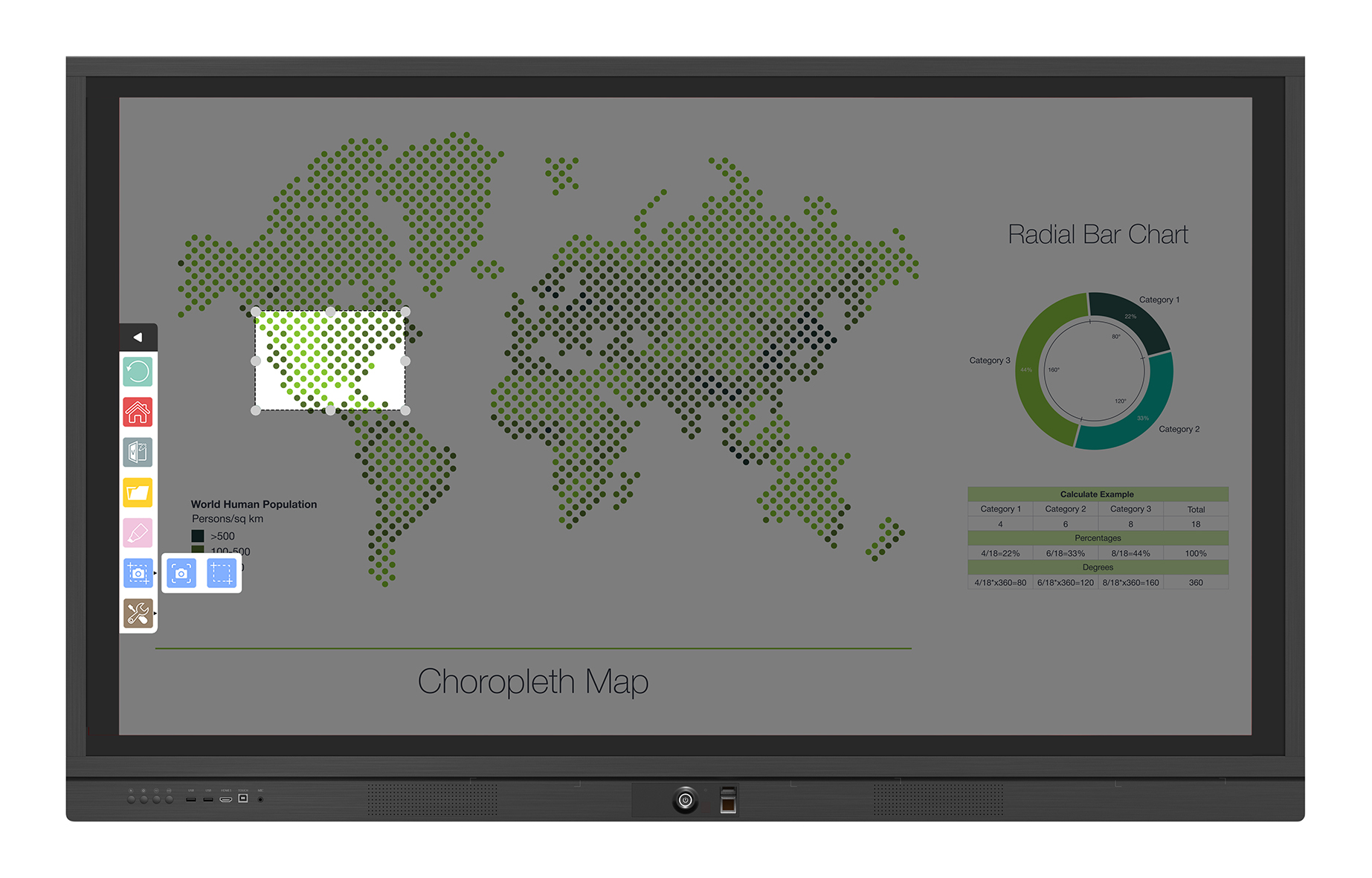
Two-Side Toolbar: Spotlight
Interact with attendees by using the spotlight function which helps direct users’ eyes to particular points of interest. Whether during Q & A sessions or during your presentation, spotlight is a powerfully engaging tool.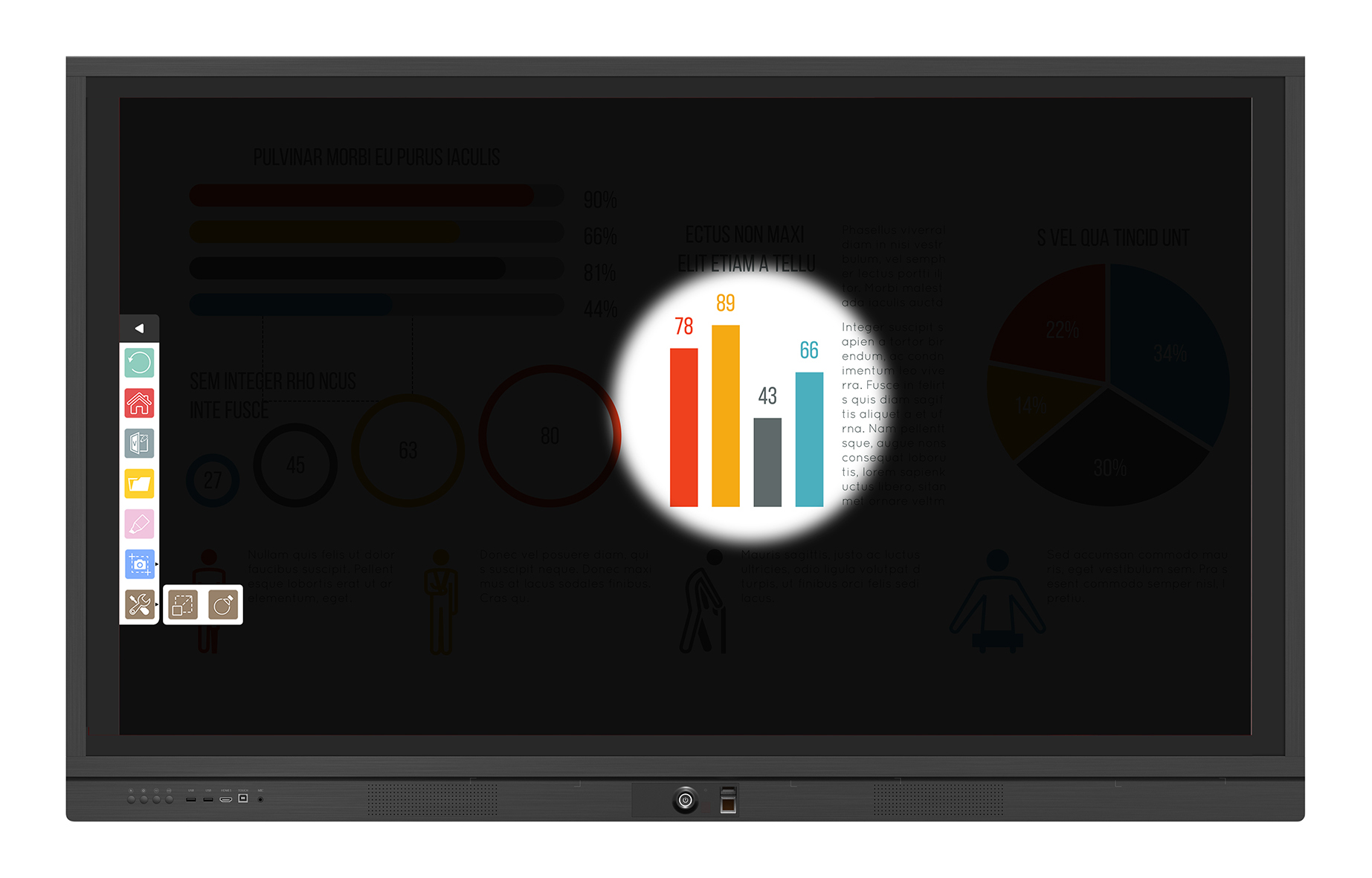
Webcam Mounting Bracket
ViewBoard comes with a Logitech and MeetUP compatible webcam bracket along the top of the board for convenient video conferencing webcam attachment.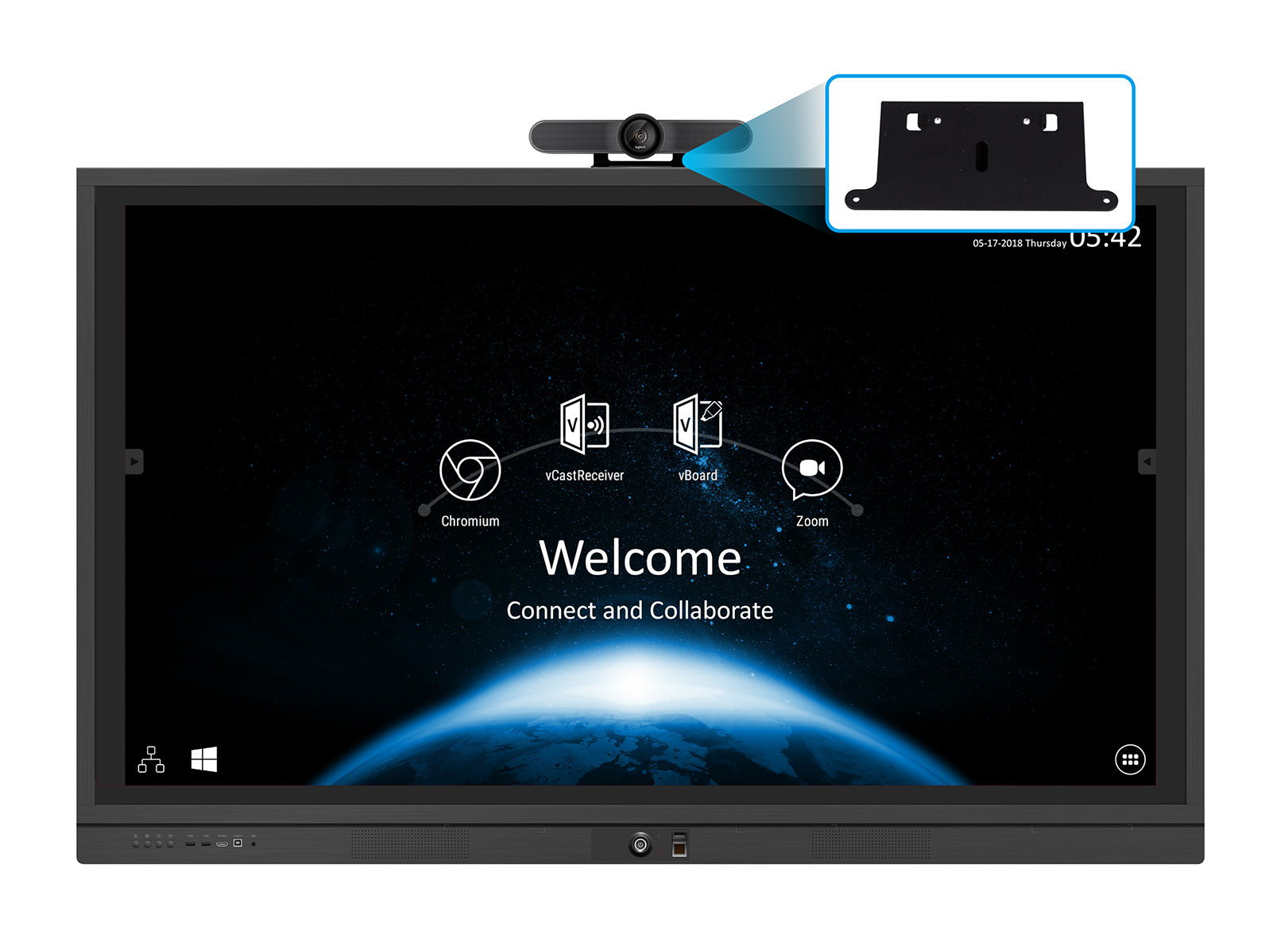
Optional Box PC Bracket
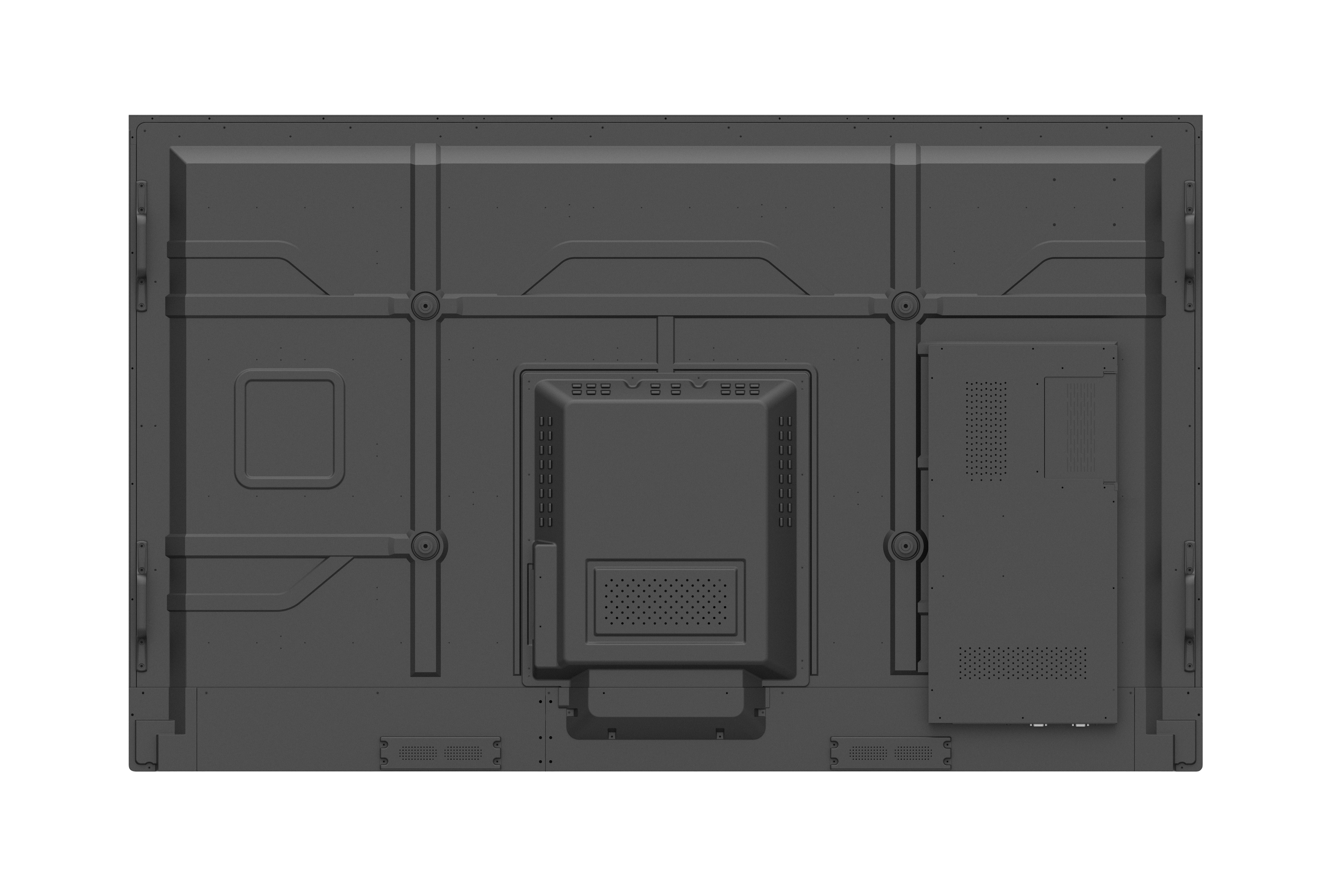
The optional box PC bracket allows users to mount a box PC such as Chrome PC onto the back of the ViewBoard®.
Optional Trolley Mount
In addition to being wall-mountable, ViewBoard® can be paired with our movable trolley mount for more flexibility.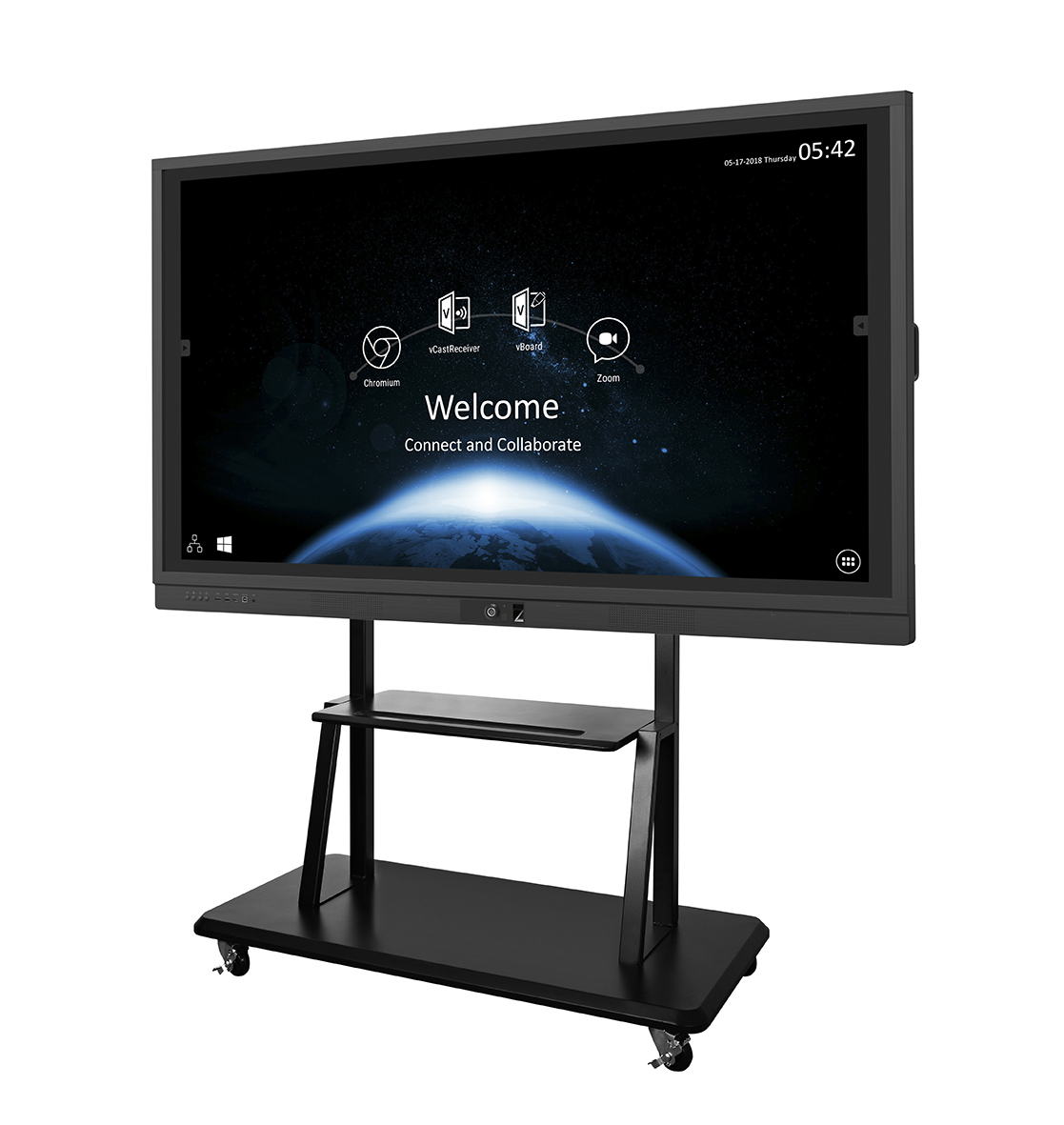
Optional Motorized Trolley Cart
In addition to being wall-mountable, ViewBoard® can be paired with the motorized trolley cart for even more flexible. The motorized trolley cart with a remote control offers height and tilt adjustment.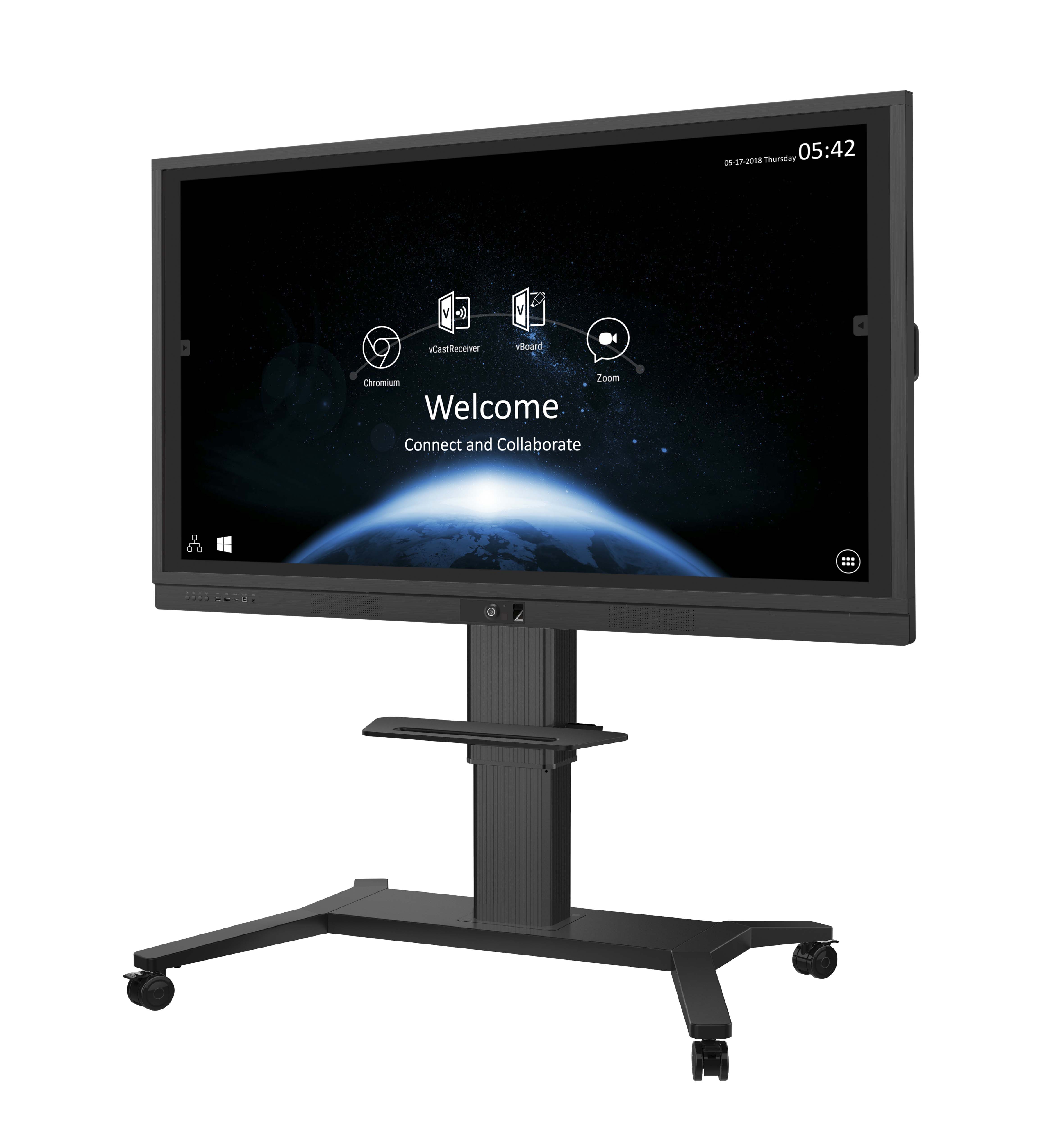
20-Point Touch
ViewBoard® allows multiple users to annotate on the slim display simultaneously, increasing engagement and encouraging group collaboration.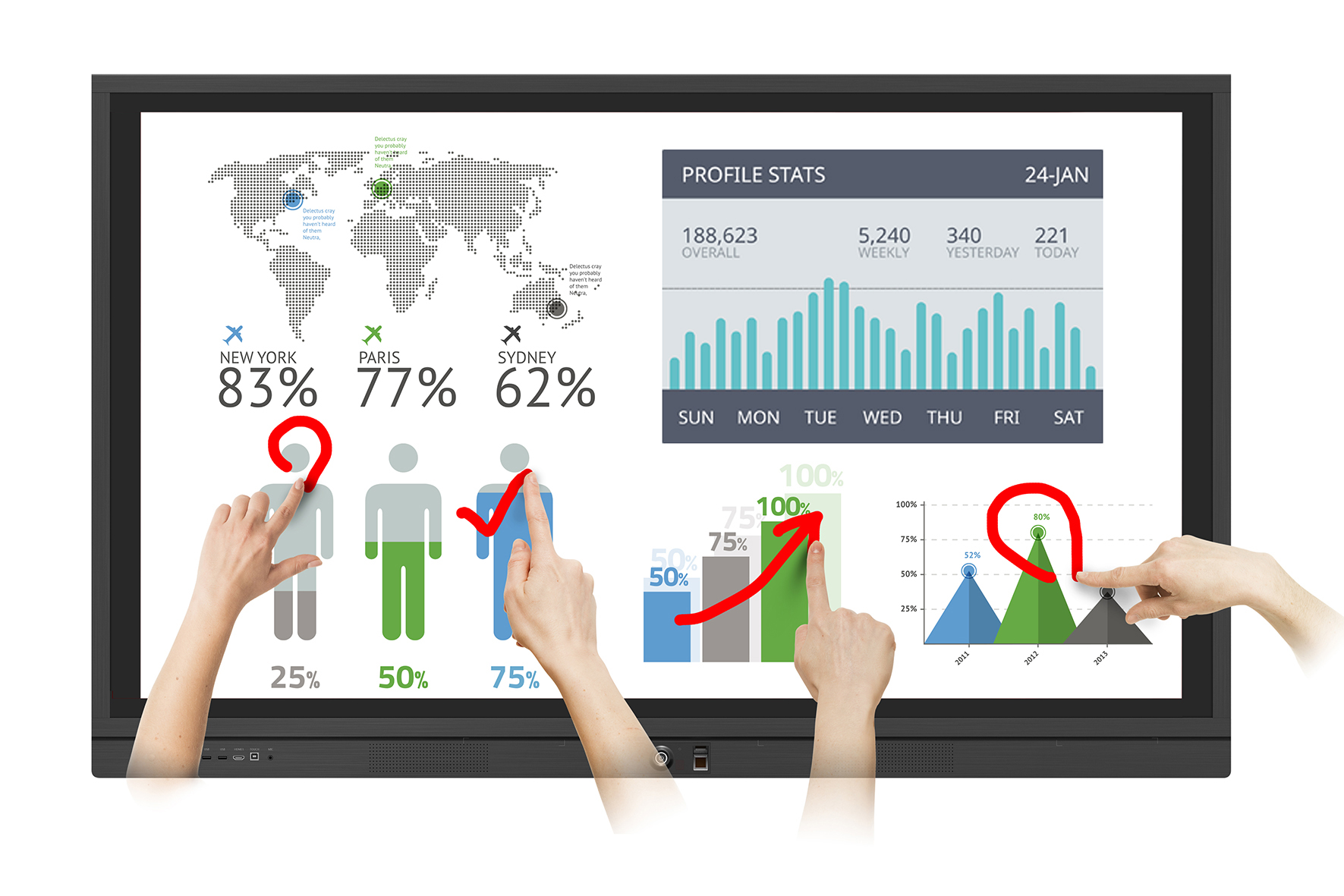
4K Resolution with Eye-Care Technology
With four-times the resolution of Full HD, ViewBoard®’s Ultra HD 3840 x 2160 display delivers breathtaking visuals. 4K DisplayPort input is also supported for external sources. Flicker-Free technology and a Blue Light Filter come standard to help to eliminate eye strain from extended viewing periods.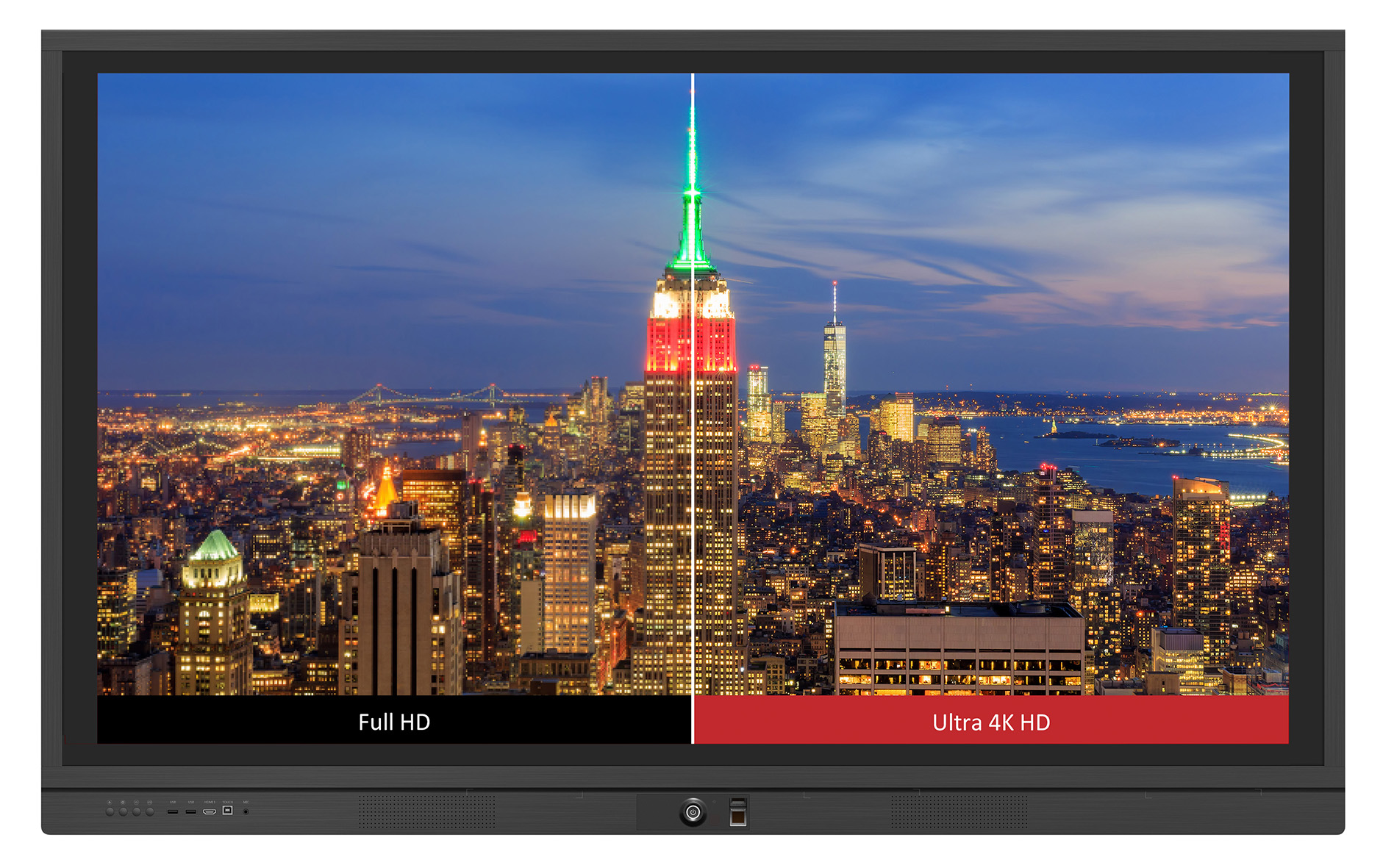
Intelligent Eye Protection
The front ambient light sensor detects and adjusts brightness level automatically depending on environment. When making annotations, the display dims the closer you get, to protect eyes from the panel; as you move further away, the display brightens.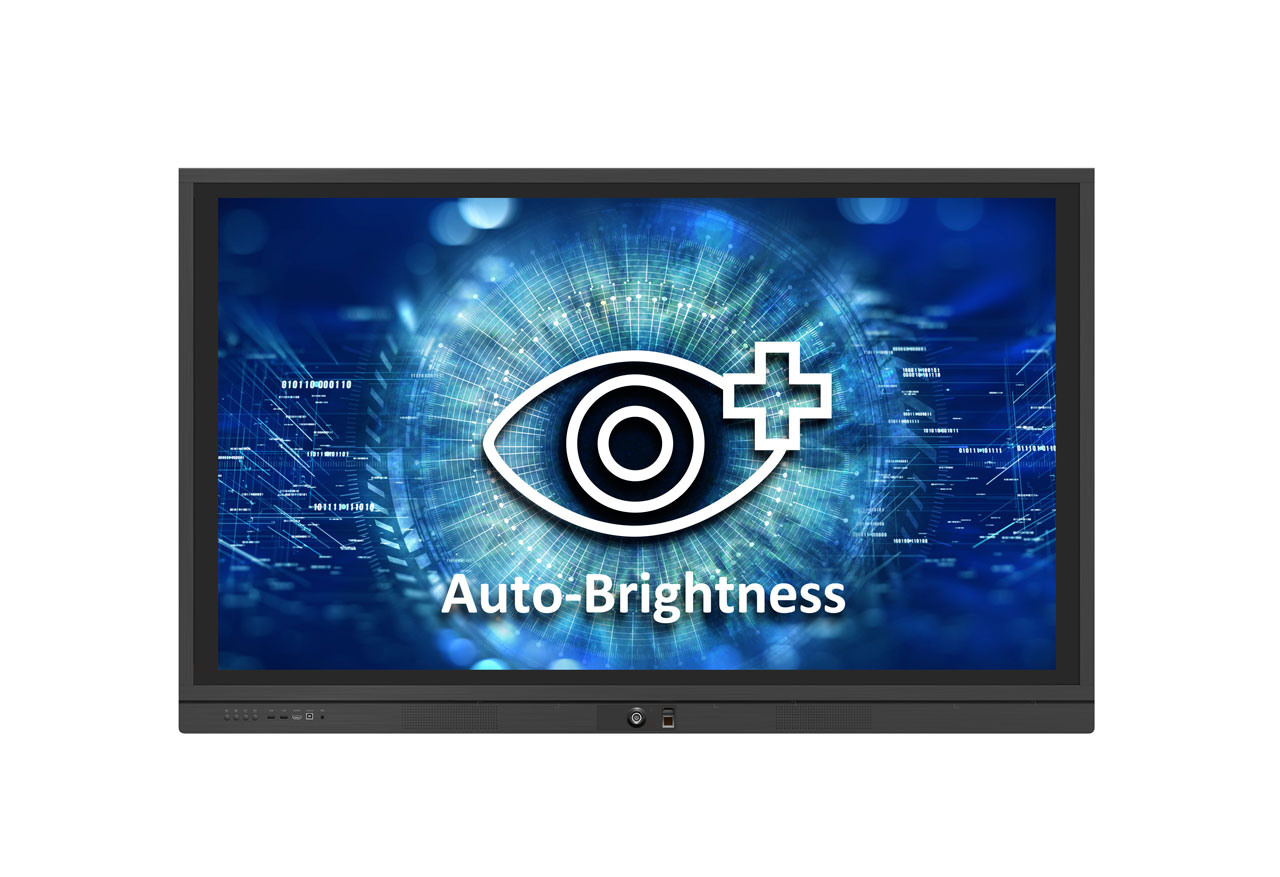
Anti-Scratch, Anti-Glare Glass Faceplate
The 7H scratch-resistant and anti-glare screen offers a durable and consistent high-quality touch experience.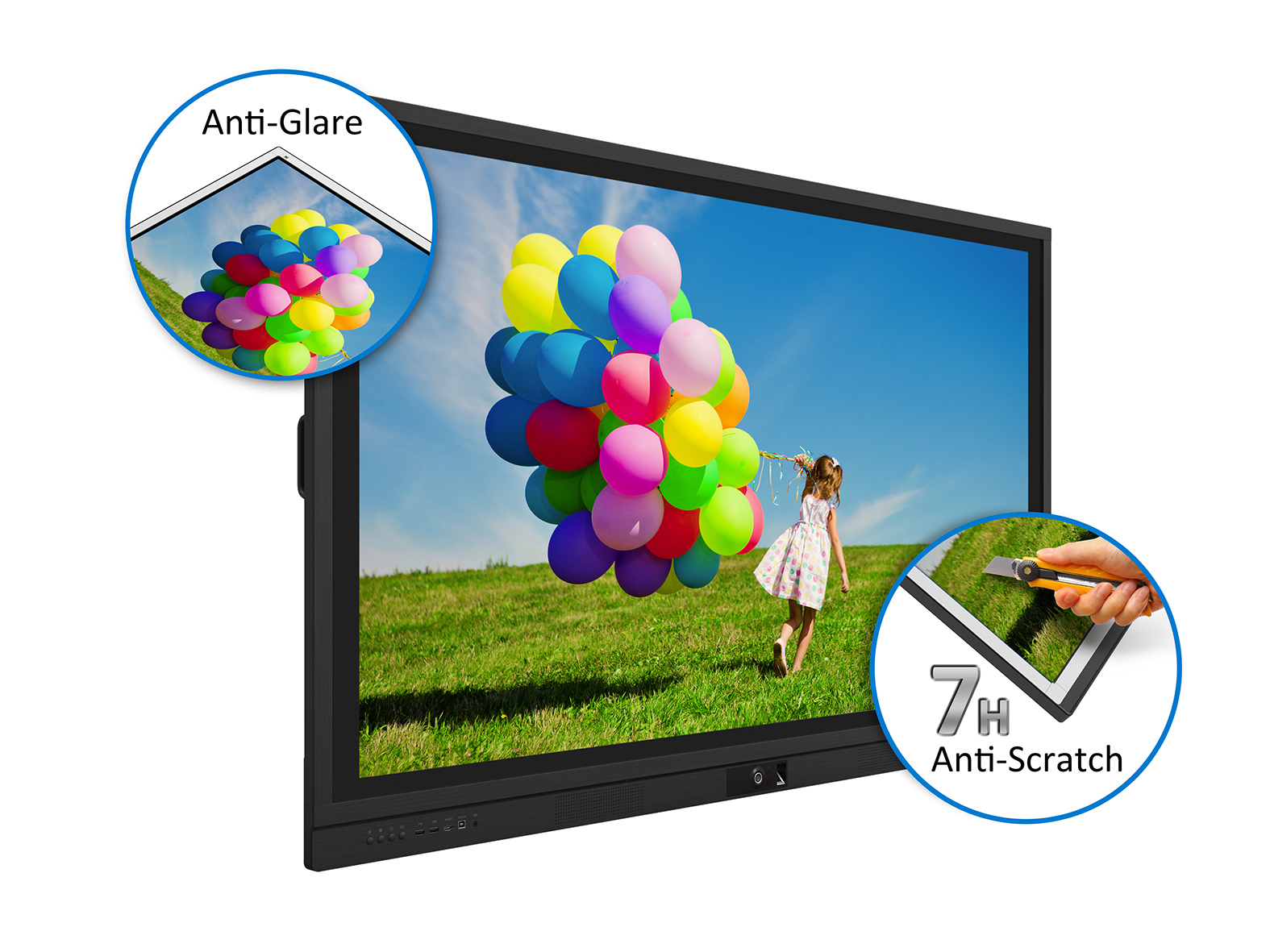
HDMI-Out Mirroring
The ViewBoard® can be combined with the ViewSonic projectors and HB10B HDBaseT kit to enable presenters to magnify screen content for more engaging large venue presentations.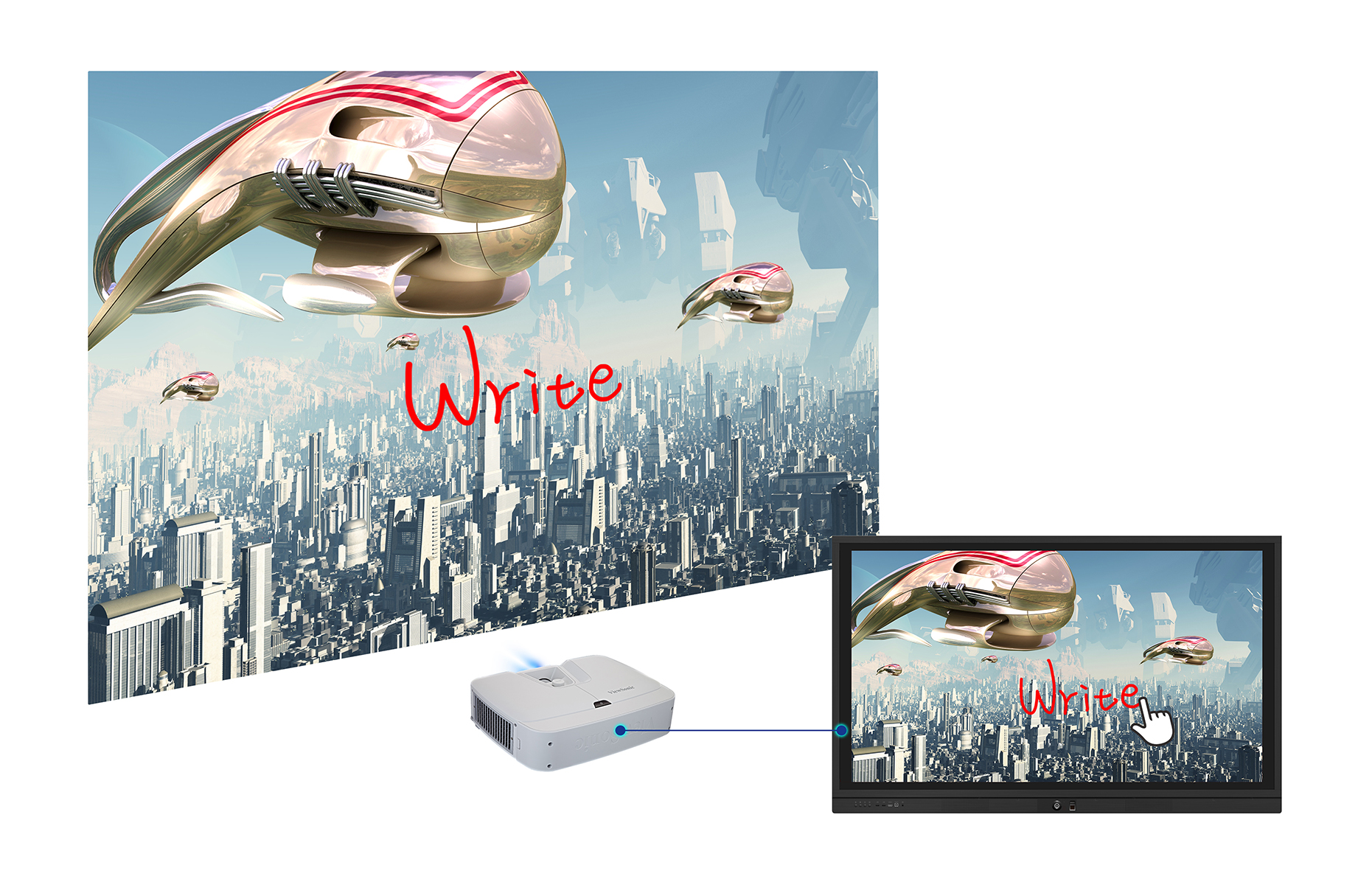
HDMI CEC Control
With HDMI CEC functionality, remote controlled IR signals can be transmitted to connected HDMI devices. This enables out-of-sight DVD players, sound systems, and other devices to be directly controlled with the display’s remote controller for a wider range of viewing possibilities.
LAN/RS232 Control
With LAN/RS232 control port, ViewSonic’s network control system allows administrators to control and manage displayed content and defaults from connected ViewBoard®s remotely from a PC through LAN IP.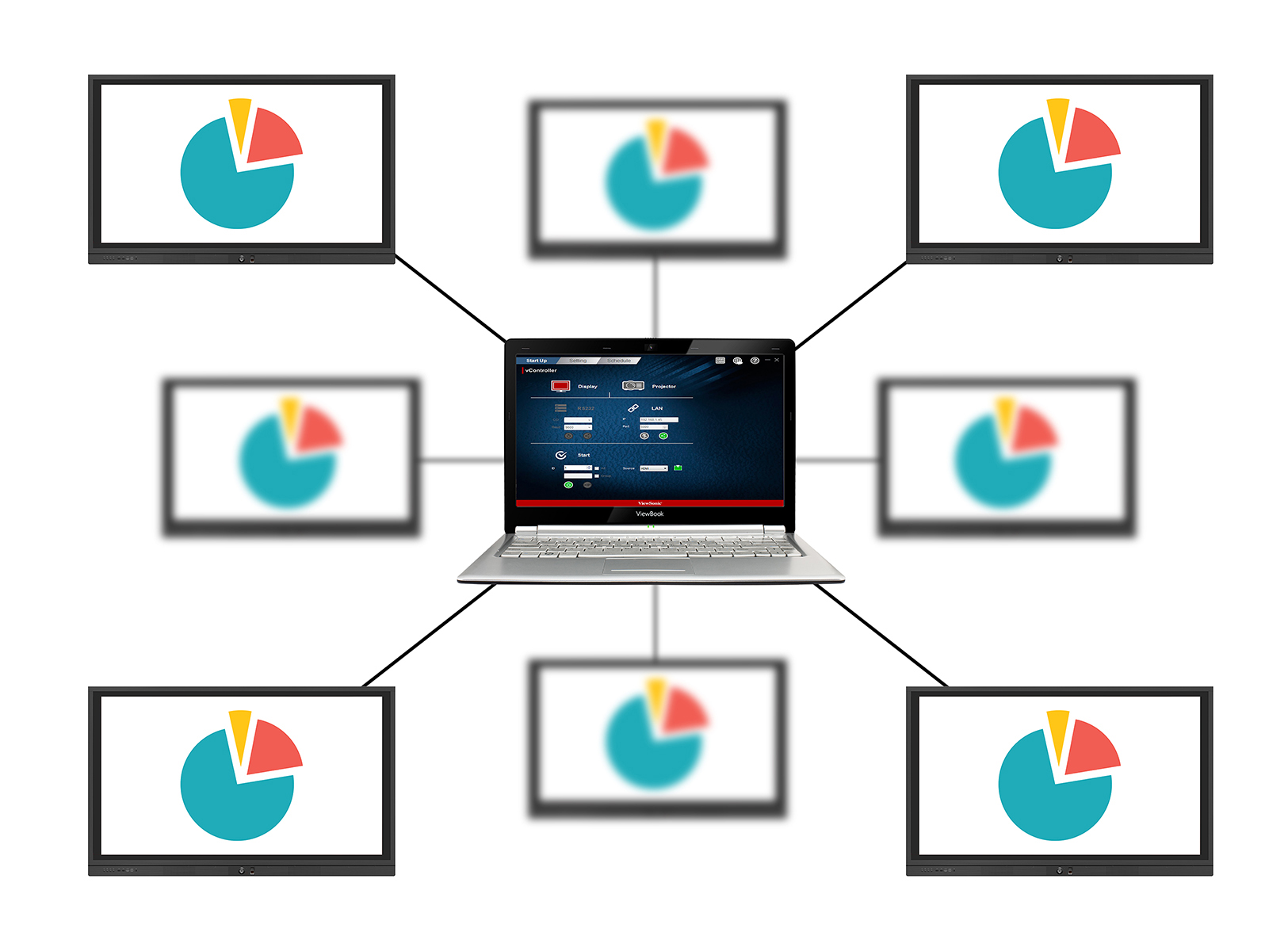
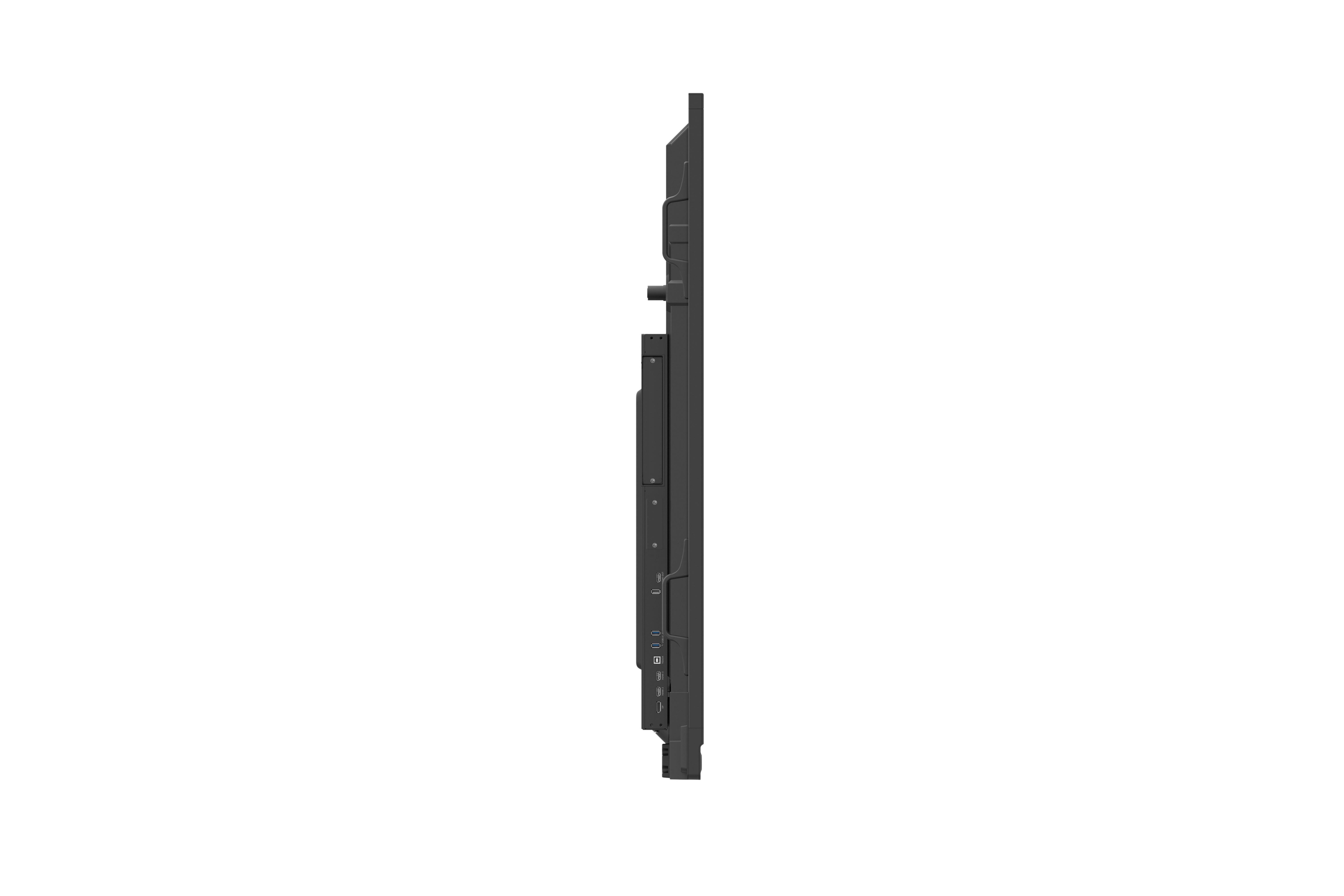
I/O Ports
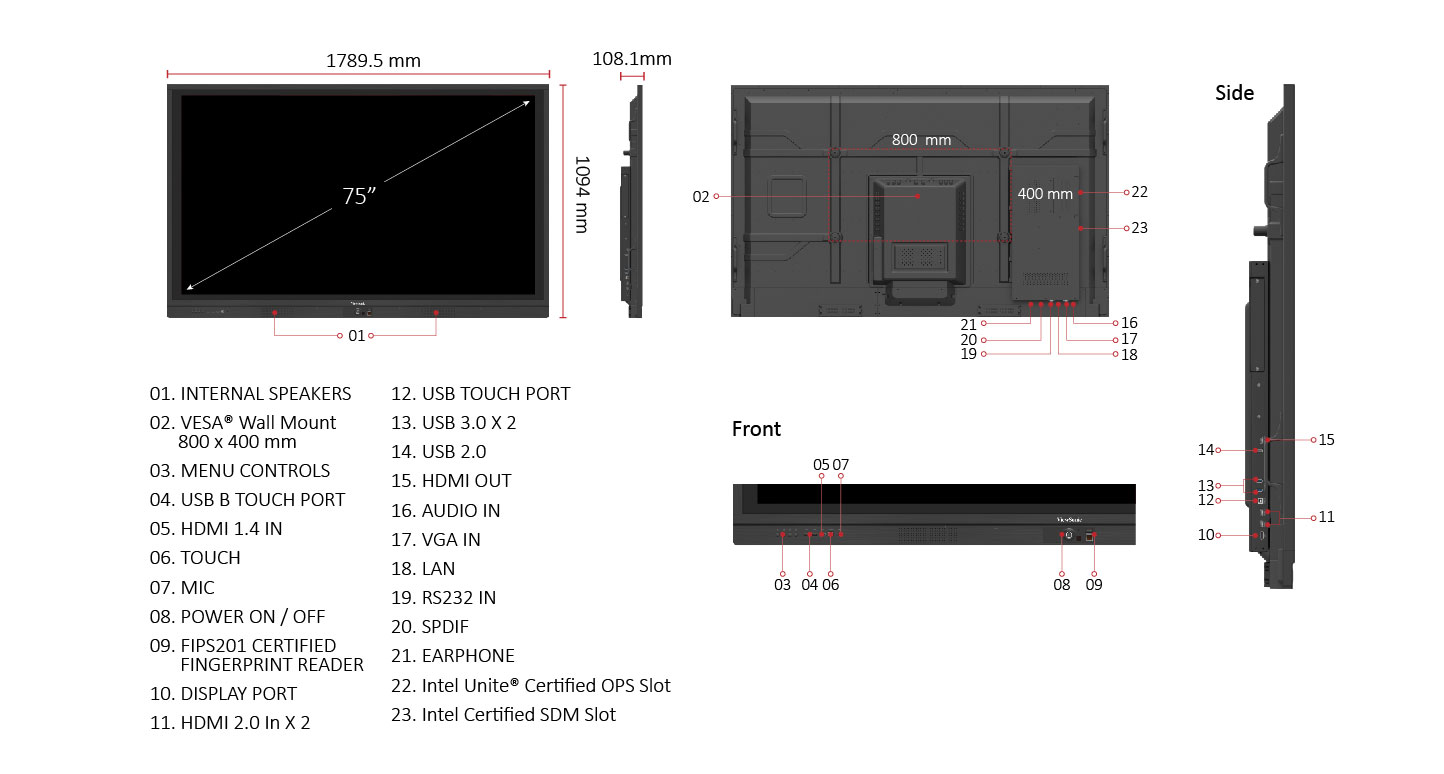
SPECIFICATIONS
- DisplayPanel Size: 75"
Type/Tech: TFT LCD Module with DLED Backlight
Display Area (mm): 1650.24(H)X928.26(V) mm (74.5” diagonal)
Aspect Ratio: 16:9
Native Resolution: UHD 3840x2160(Pixels)
Colors: 16.7M (8bit)
Brightness: 350 nits (typ.)
Contrast Ratio: 4000:1 Typ.
Response Time: 8ms
Viewing Angles: H = 178, V = 178 typ.
Backlight Life: 30,000 Hours (Min)
Surface Treatment: AG G2
Bezel: Slim
Orientation: Landscape - Touch Type/ Tech: Flatfrog InGlass technology P-series
Touch Resolution: 26394X14847
Touch Point: 20 points touch - INPUTHDMI: 1.4a x1 (3840x2160@30Hz); 2.0 x2 (3840x2160@60Hz)
RGB / VGA: x1
DisplayPort: x1(3840x2160@30Hz)
Audio: x1 (PC Audio in)
RS232: x1
OPS: x1 PC Slot (Intel OPS Standard); x1 SDM
- OUTPUTRGB / VGA: Refer to timing table
HDMI: x1 (480p/1080p@60hz)
Audio: x1 (Earphone out)
SPDIF: x1
RS232: x1 - LANRJ45: x1
- USBType A: USB 2.0 x3 (including 2 USB port in front); USB 3.0 x2
Type B: x2, for touch - SPEAKERS10 Wx2
- Camera plate on top for srew-in webcam installationYes ( Support external Logitech Meet-up )
- COMPATIBILITYRGB PC/HDMI PC: Refer to timing table
HDMI: 3840x2160 - Embedded OSAndroid 5.0.1
- USB SUPPORTED FILE FORMATPicture - , BMP, JPG, JEPG, PNG, , Video - , Codec: MPEG 1/2, MPEG 4, H.263, H.264, HEVC/H.265, MVC, AVS, AVS+, WMV3, VCI, Motion JPEG, VP8, VP9, Container: MPEG PROGRAM STREAM, MPEG TRANSPORT STREAM, MP4, 3GPP, AVI, MKV, FLV, ASF, WMV, WEBM , , Audio - ,
- Bundle SoftwareBasic Annotation Software: vBoard
Pro Annotation Software: myviewboard for Windows (Pre-install in VPC12-WPO-3)
Wireless Presentation with Touch Feedback: Viewboard Cast: Yes
Screen Split: ViewSplit (Windows based): Yes (download from ViewSonic website)
Zoom: yes
ViewSonic Launcher: Embedded - Special FeaturesAll-in-one USB port (combine Windows/Android USB port; no need to distinguish them anymore): Front USB SmartPort™ to all channels
One Click to Cloud Drive: Integrate into side tool bar
Simple LAN sharing between IFP and slot-in device: Yes - PowerVoltage: 100V-240V,50/60Hz (AC)
Consumption: Operation:, 297W (typ) - without OPS/SDM, 357W (typ.) -with OPS only, 327W (typ.) - with SDM only, 397W (typ.) - with OPS/SDM, ≤ 0.5 W ("Off"), *Max. power consumption from OPS & SDM won't over 90W. - ERGONOMICSWall Mount (VESA® ): 800 x 400
- OPERATING CONDITIONSTemperature (º C): 0°C to 40°C
Humidity: 20% ~ 80% RH non-condensing - DIMENSIONS (W x H x D)Physical (inch / mm): 70.45x4.26x43.09 in / 1789.54x108.1x1094.5 mm
Packaging (inch / mm): 76.57 x 11.02 x 48.25 in/1945 x 280 x 1230 mm - WEIGHTNet (lb / kg): 136.69lb / 62kg
Gross (lb / kg): 177.03lb / 80.3kg - REGULATIONSFCC, CE, cTUVus,CB, RoHS, WEEEFCC, CE, cTUVus,CB, RoHS, WEEE, ES7.1
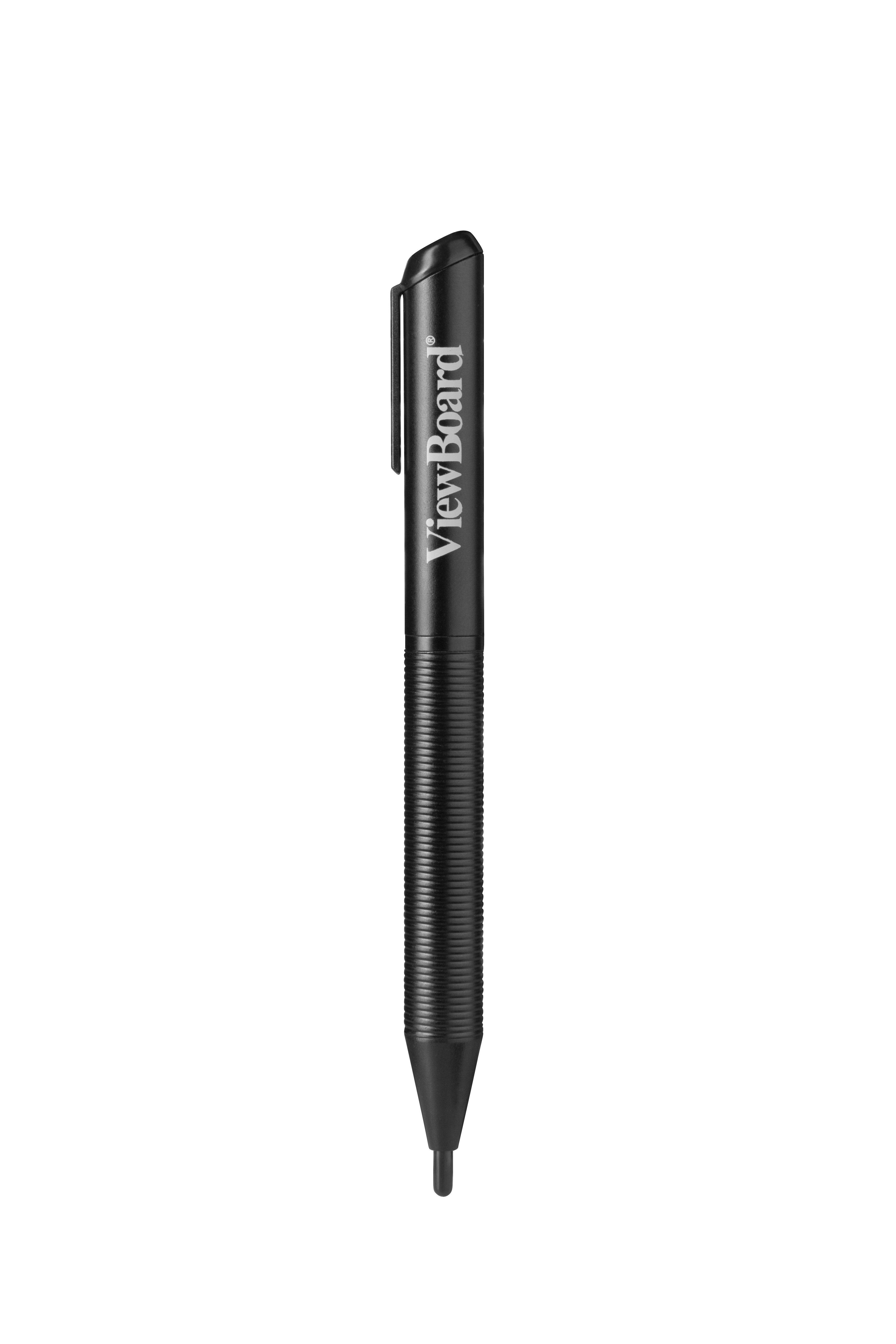
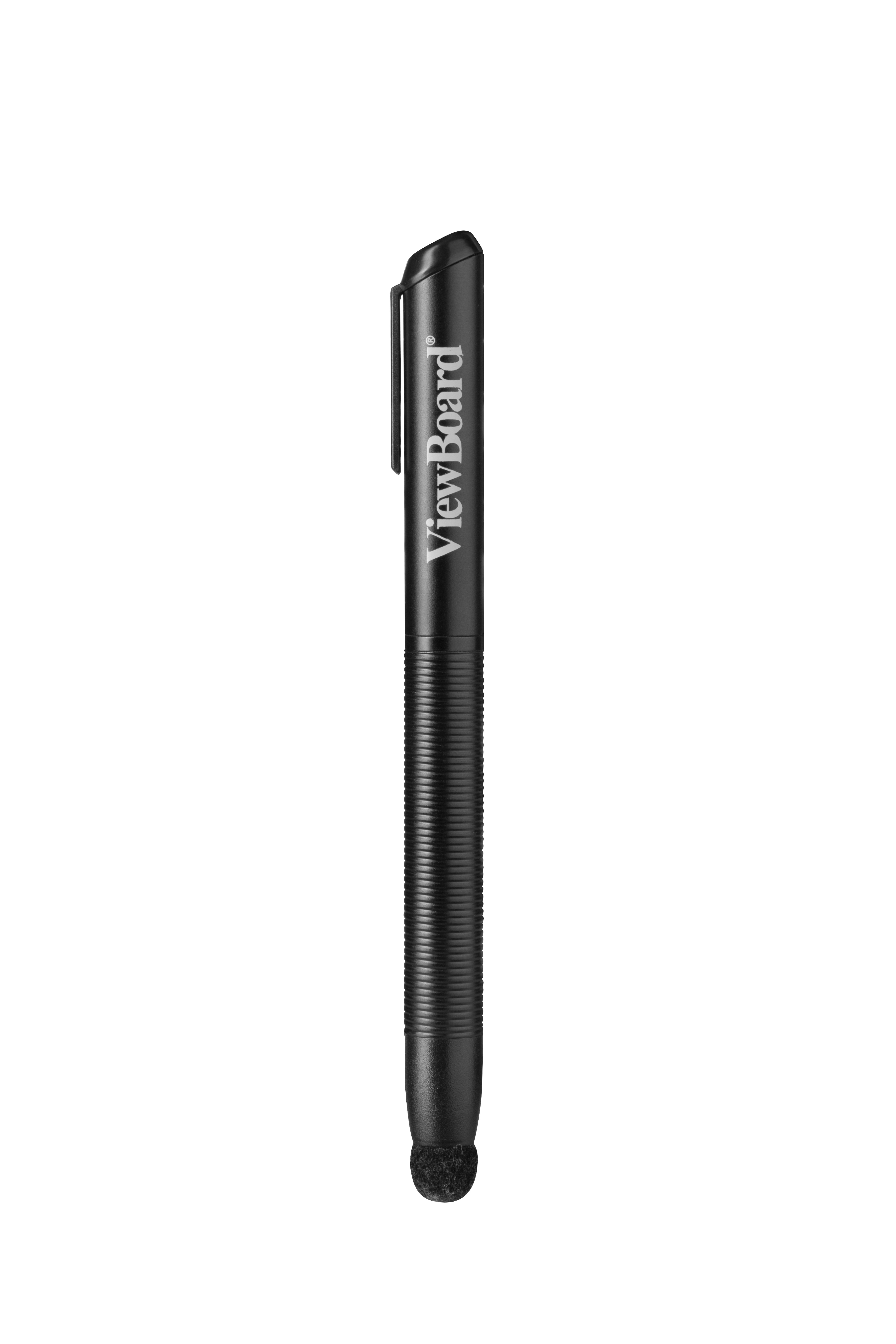
- PACKAGE CONTENTS1. HDMI cable(1.5 meters), 2. Power cable(3 meters) x 4 (A+E+M+U), 3. Remote control with AA battery, 4. USB cable(1.8 meters), 5. Touch pen x 2, 6. Quick Start Guide & Compliance statement, 7. Webcam Plate, 8. Wall mount Screw x 4
- Compatible Slot-in PCVPC12-WPO-2 ( Intel i5-6300U with vPro+Win10 Pro 64 bit )