OVERVIEW
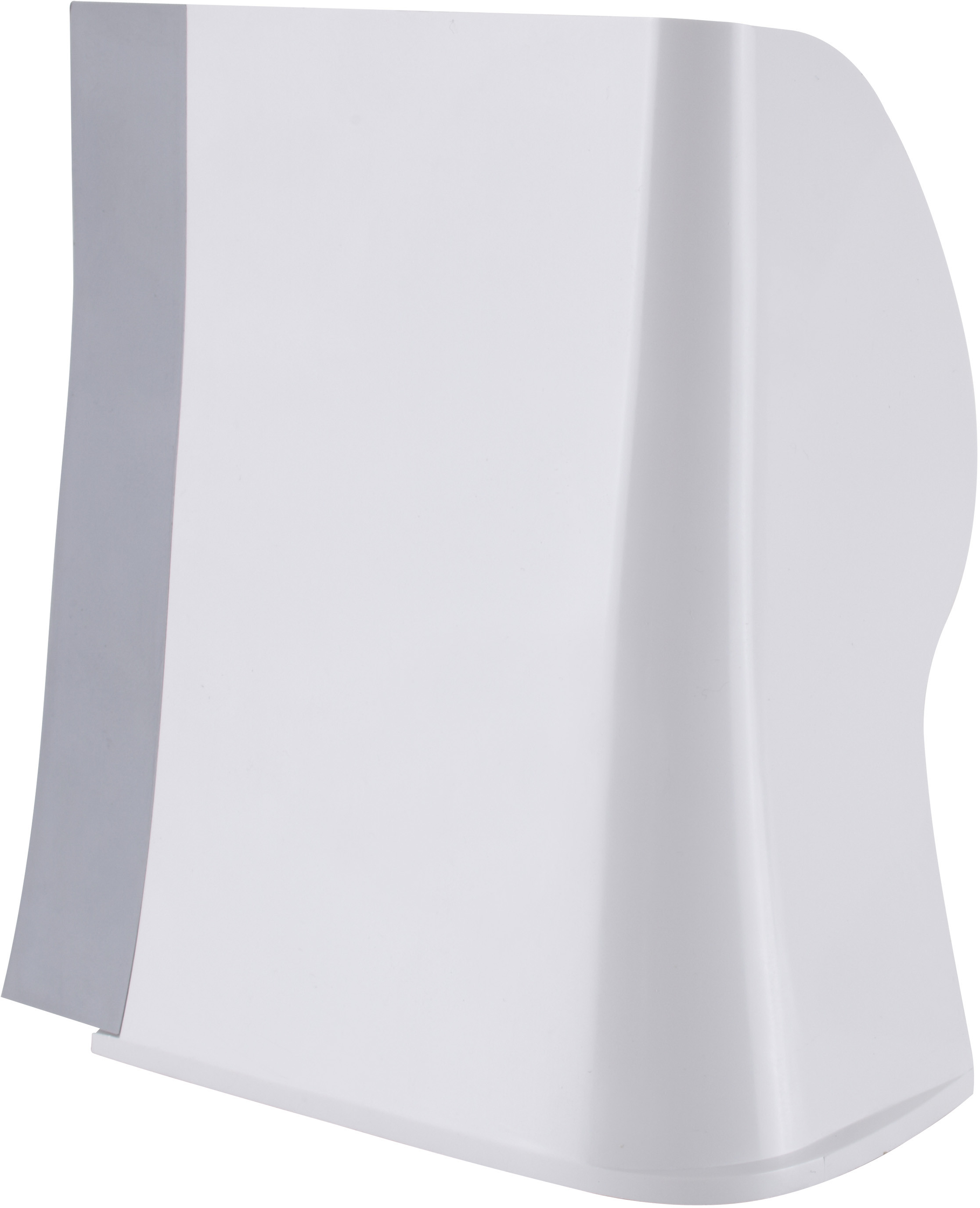
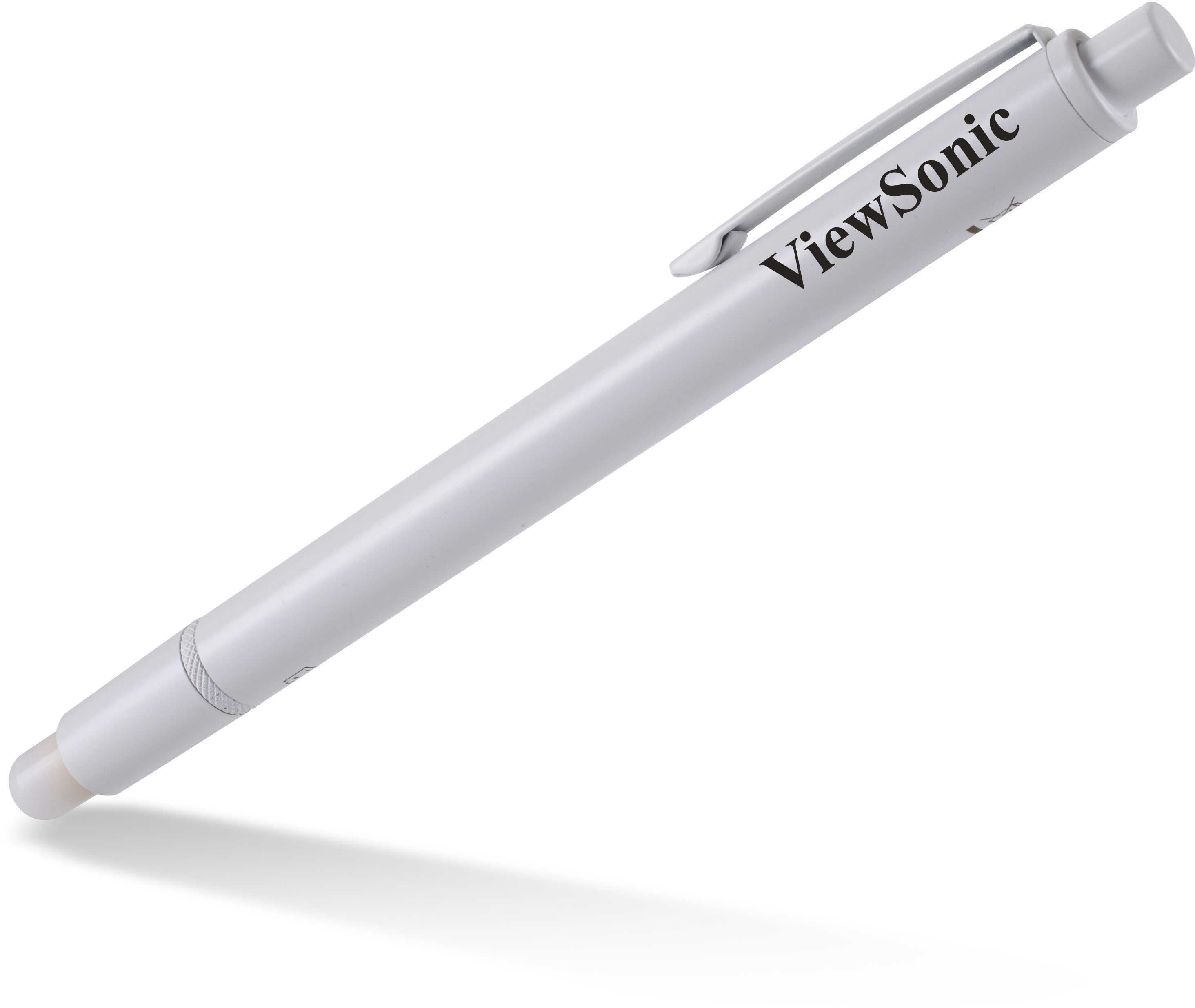
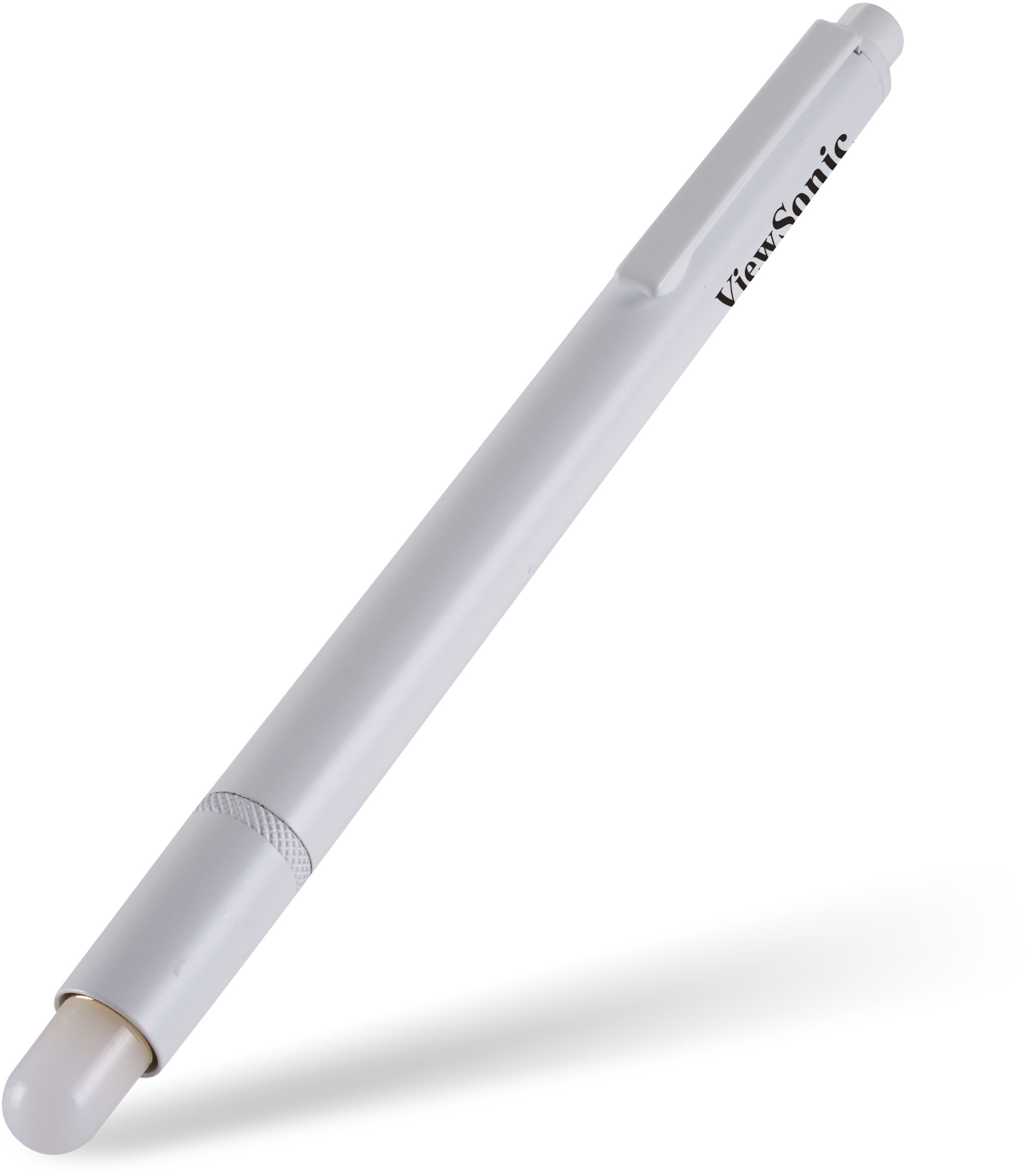
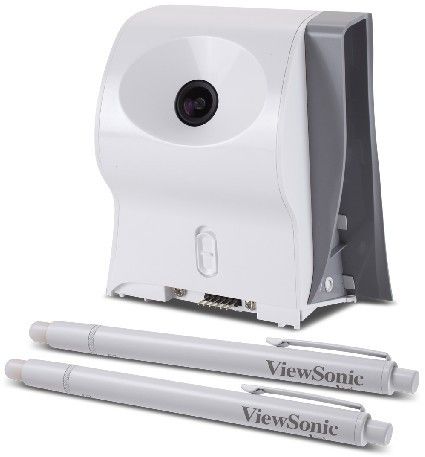
With this interactive package (PJ-PEN-003), the PJD8353s or PJD8653ws becomes an interactive projector that transforms any surface into an interactive whiteboard. Along with the included ViewDraw 2 software, the dual interactive pens allow 2 users to simultaneously annotate, write, or draw on the projected image. This feature encourages collaboration and engages the audience.SPECIFICATIONS
- DimensionesFísicas (AnxAlxP): 117 x 98 x 46mm
Embalaje: 245 X 166 x 63mm - CONTENIDO DE LA CAJAPen with Battery x 2, IR Camera,Quick Start Guide, Software CD, 4.5M USB Cable
- PesoBruto: 0.59kg
Neto: 0.45kg
- CONDICIONES DE FUNCIONAMIENTOHumedad: 10 ~ 85%, Non-Condensation
Temperatura: 10° ~ 40°C/ 64° ~ 104°F - IR CameraCalibration: Auto calibration
Detect frame rate: 60 fps (16.6ms)
Driver install: Auto calibration
IR Band: 940nm
Memory: 8M
Multi touch: 2-touch points
Power consumption: 150mA
Projected image distance and size: 60" to 100"
Resolution: 2560 x 1920 (Interpolated); 640 x 480 (Native)
Sensor Size: 1/4" CMOS
Throw Ratio: 0.35 - IR-PenDimension: 160mm (L) x 11.5mm (Diameter)
Driving current: 110mA(Max)
Light source wavelegth: IR(940nm)
Power required: AAA Battery (alkaline) x 2
Weight: 50g (with Batteries)
SUPPORT & DOWNLOADS
User Guides
PJ-PEN-003 User Guide (Deutsch)PJ-PEN-003 User Guide (English)PJ-PEN-003 User Guide (Español )PJ-PEN-003 User Guide (Français)PJ-PEN-003 User Guide (Italiano)PJ-PEN-003 User Guide (Nederlands)PJ-PEN-003 User Guide (Norsk)PJ-PEN-003 User Guide (Polski)PJ-PEN-003 User Guide (Português)PJ-PEN-003 User Guide (Svenska)PJ-PEN-003 User Guide (Türkçe)PJ-PEN-003 User Guide (Русский)PJ-PEN-003 User Guide (日本語)PJ-PEN-003 User Guide (简体中文)PJ-PEN-003 User Guide (繁體中文)PJ-PEN-003 User Guide (한국어)PJ-PEN-003 User Guide (ﺍﻟﻌﺭﺑﻳﺔ)