OVERVIEW
When running on a PC connected to a ViewSonic® display or projector, Solstice Software for Unlimited Users enables multiple users to simultaneously share content from a range of devices (laptops, tablets, or smartphones) over a Wi-Fi or LAN network. With a Solstice-enabled ViewSonic display or projector in the room, a number of users can instantly connect, share, and control content on the display or projector to better facilitate presentations, collaboration and decision-making. For large deployments, the Solstice Dashboard enables centralized management of all Solstice-enabled displays across the network.- Designed for unlimited users
- Connect with Windows PC, OSX, iOS & Android™ devices
- Multiple users, sharing unlimited content
- Customizable display layouts
- Share the desktop, apps, docs, images & videos
- Configurable sharing options, access control, and use modes
- Free 30-Day Software Trial


Connect with Windows PC, OSX, iOS & Android devices
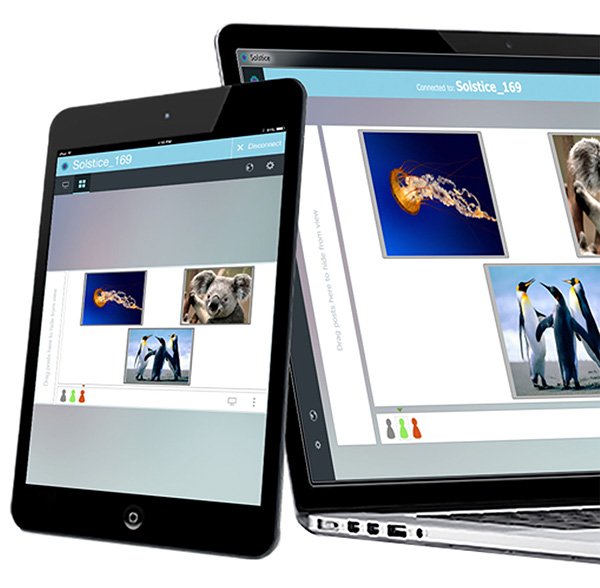
Solstice enables multiple users to simultaneously share media from a range of devices (laptops, tablets, or smartphones) to any ViewSonic display or projector, over a Wi-Fi or LAN environment using “free” client apps.

Multiple Users, Sharing Unlimited Content
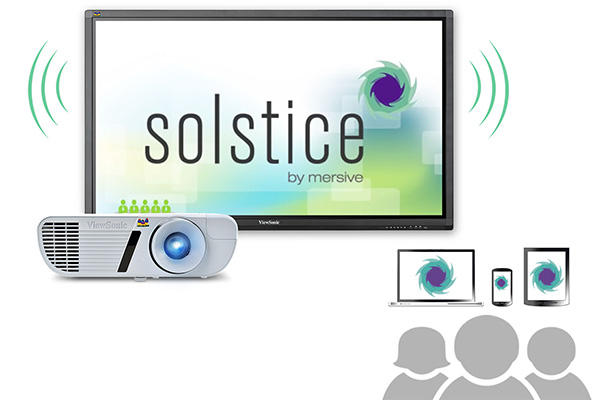
Solstice-enabled displays or projectors allow multiple users to instantly connect, share and control content on the display or projector to better facilitate presentations, collaboration and decision-making.
Customizable Display Layouts
Customize the layout of the Solstice-enabled display or projector to fit the needs of your meeting or presentation. Using the “Freeform” layout mode, you can arrange and scale media for a completely customized layout.
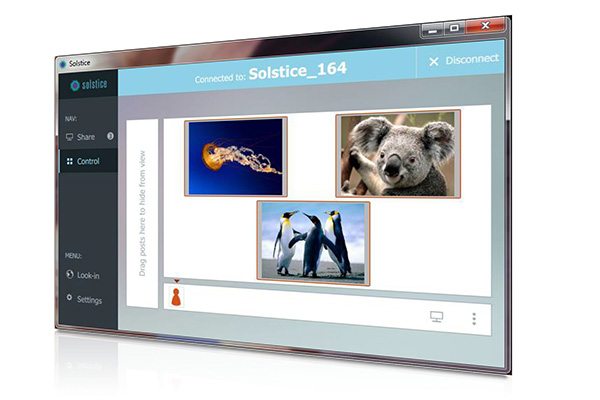
Share the Desktop, Apps, Docs, Images & Videos
Once a Solstice-enabled display is on the network, anyone with a supported device can simultaneously connect to the display, share content, and control a variety of media items.
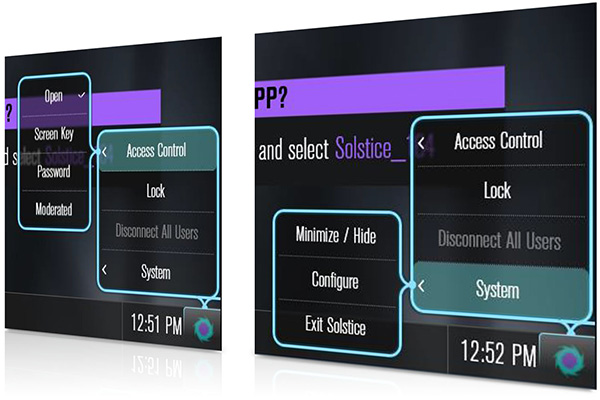
Configurable Sharing Options, Access control, & Use Modes
Runtime control and access control modes enable users to dynamically change session access. Multiple use modes support both presenter-controlled sessions and ‘equal-access-for-all’.
Free 30-Day Software Trial
Enjoy a free 30-day trial of Solstice Visual Collaboration Software and learn how you can enhance collaboration with any ViewSonic large format display or projector.
Leverages Existing Investments
Easily installed on a standard Windows computer connected to a display or projector, Solstice software requires no proprietary hardware and runs on an existing WiFi or Ethernet network.
Easy Display Management
Configure, manage, and monitor displays or projectors throughout the enterprise from one centralized interface. Dynamic access and control options can be changed without interrupting a live session.