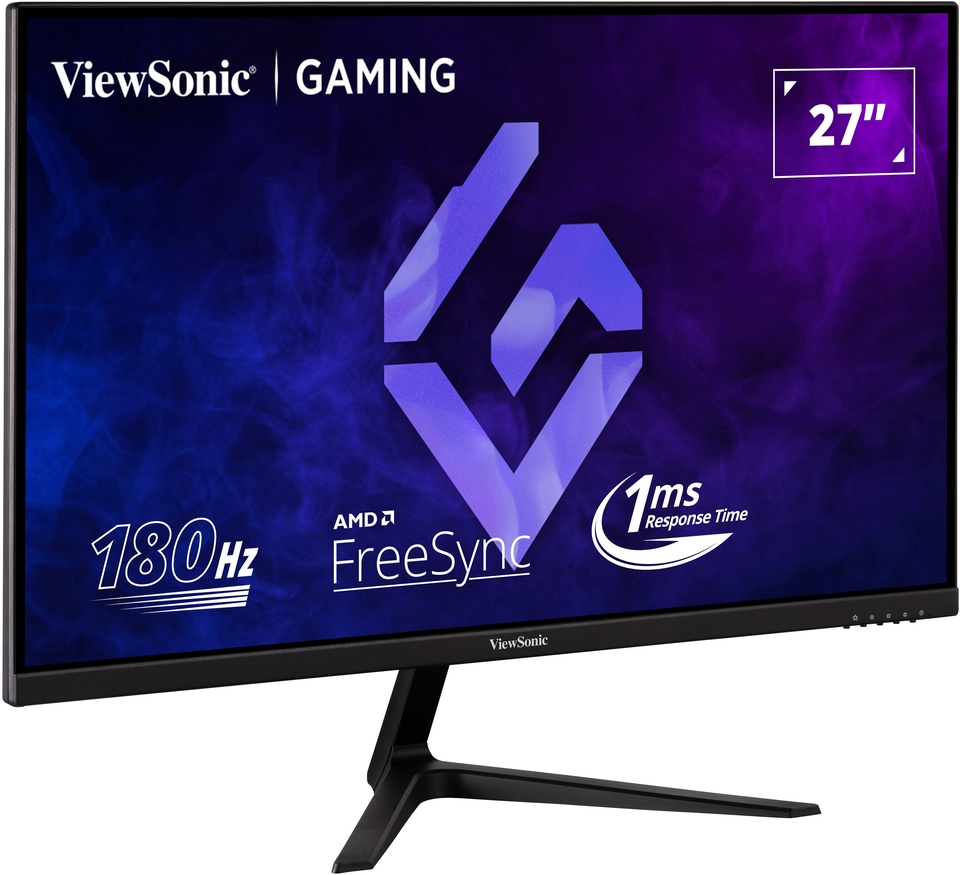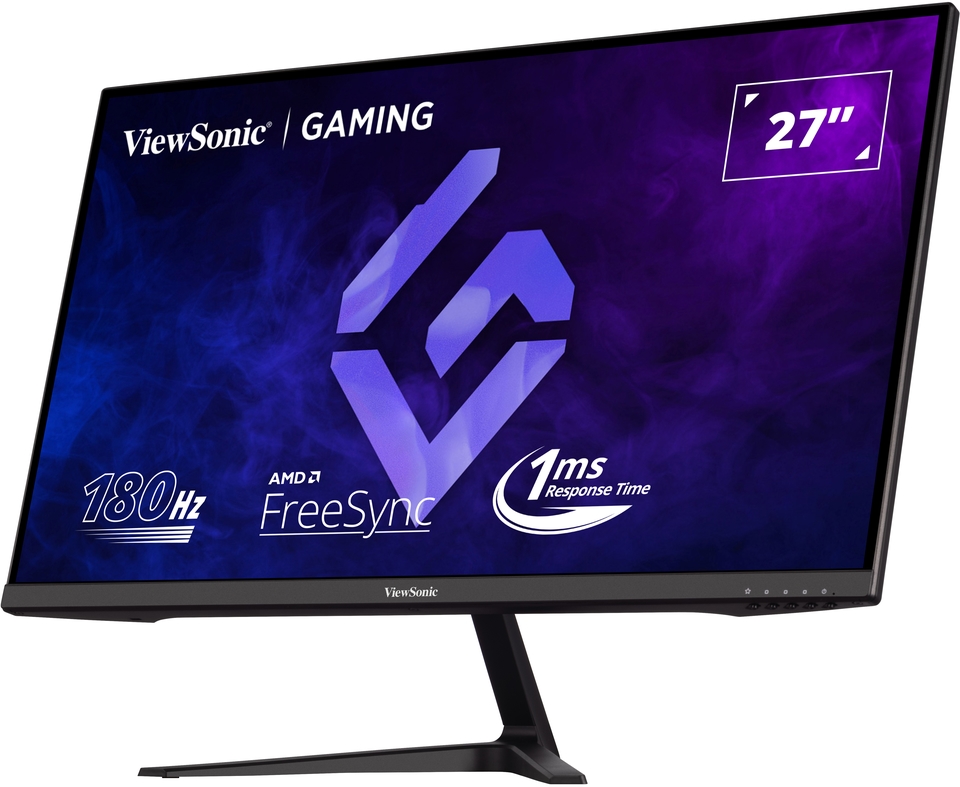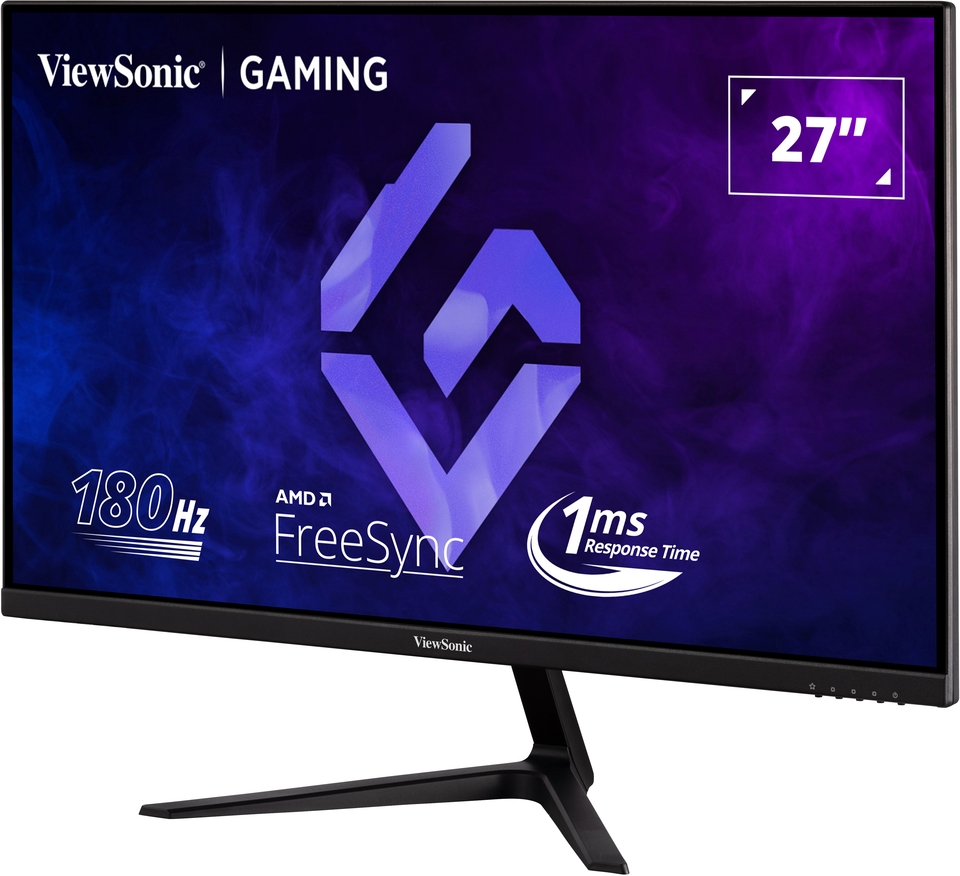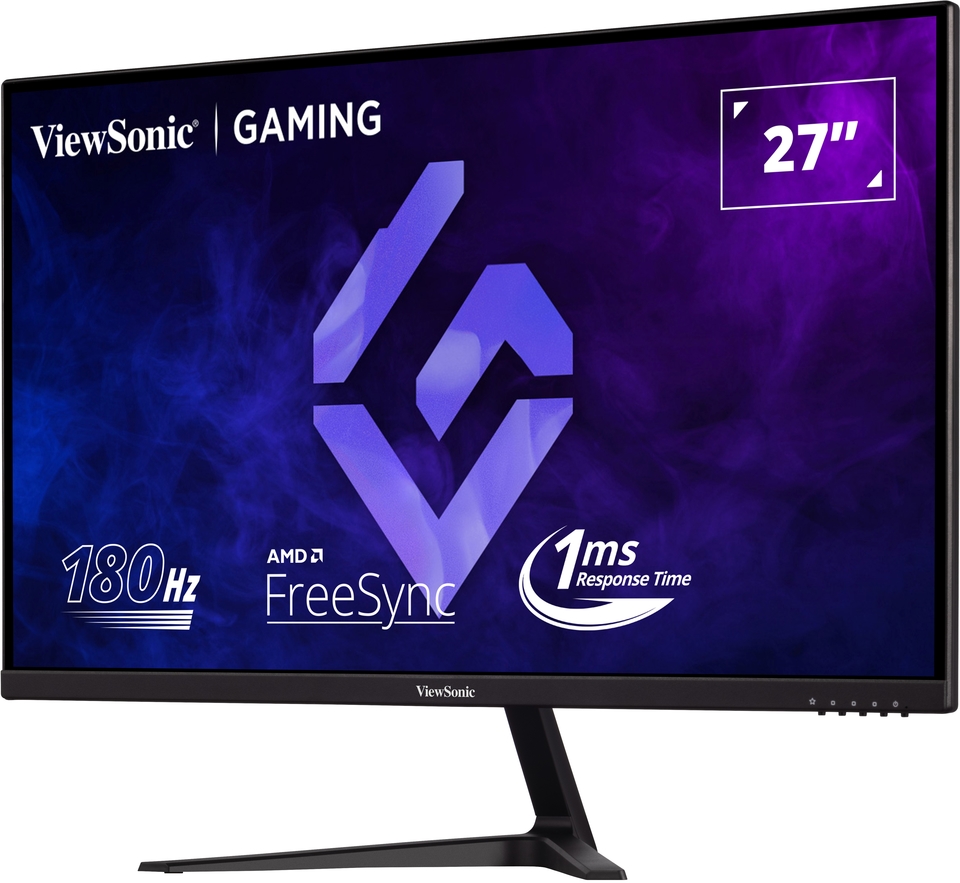







“Let’s face it, gaming has become a necessary distraction over the past year and maybe for another year or so more ahead. Games have become more and more sophisticated requiring some of the most sophisticated cutting-edge hardware that is available. From putting together your own rig to buying a branded cutting machine one is faced with a huge, unlimited choices. Ultimately all of those hardware choices outputs to a screen/monitor. Buying a gaming monitor is not quite the same as choosing one for the run of the mill work usage, where you would just need to decide on one or three of the following, Screen Size, LED or LCD and Price.”
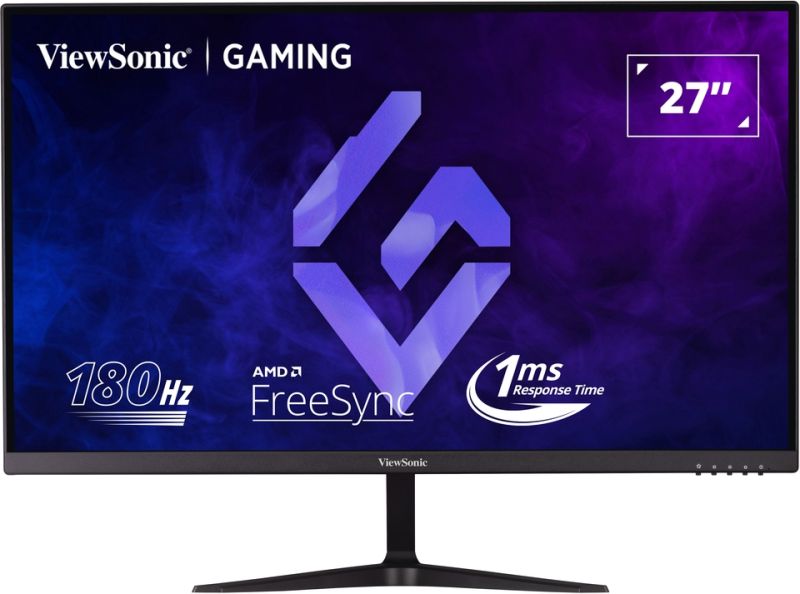
VX2718-P-MHD
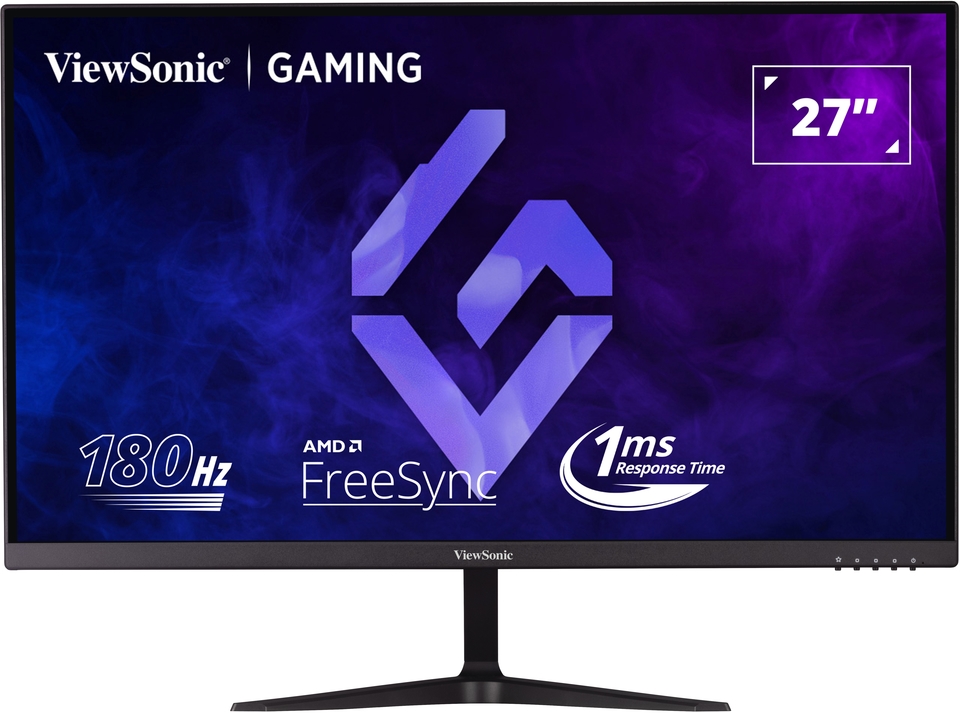
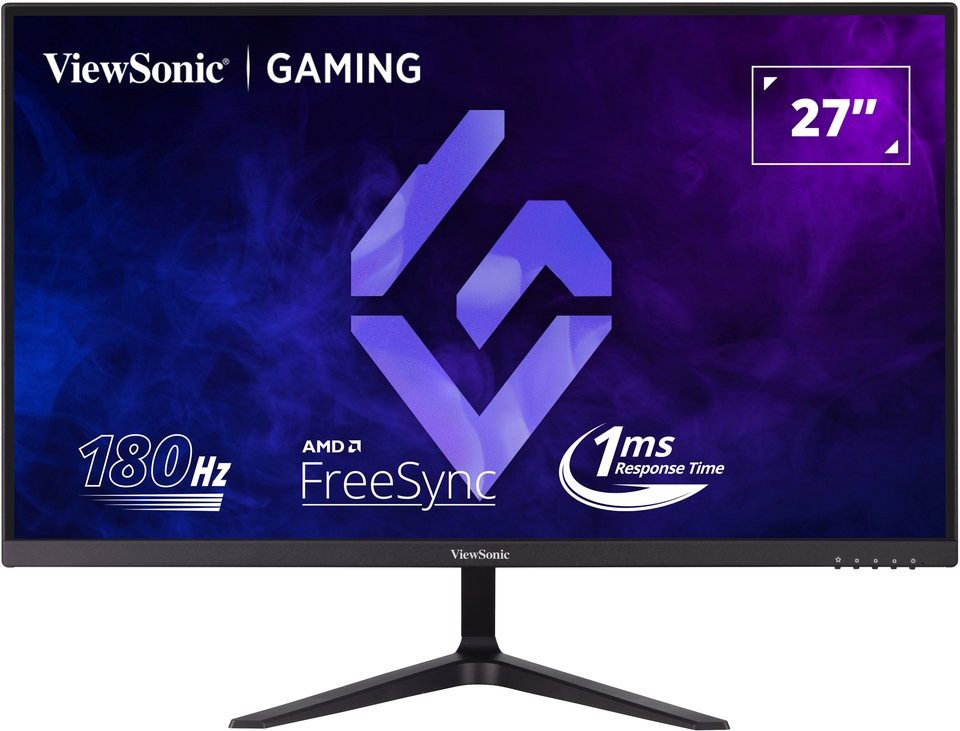
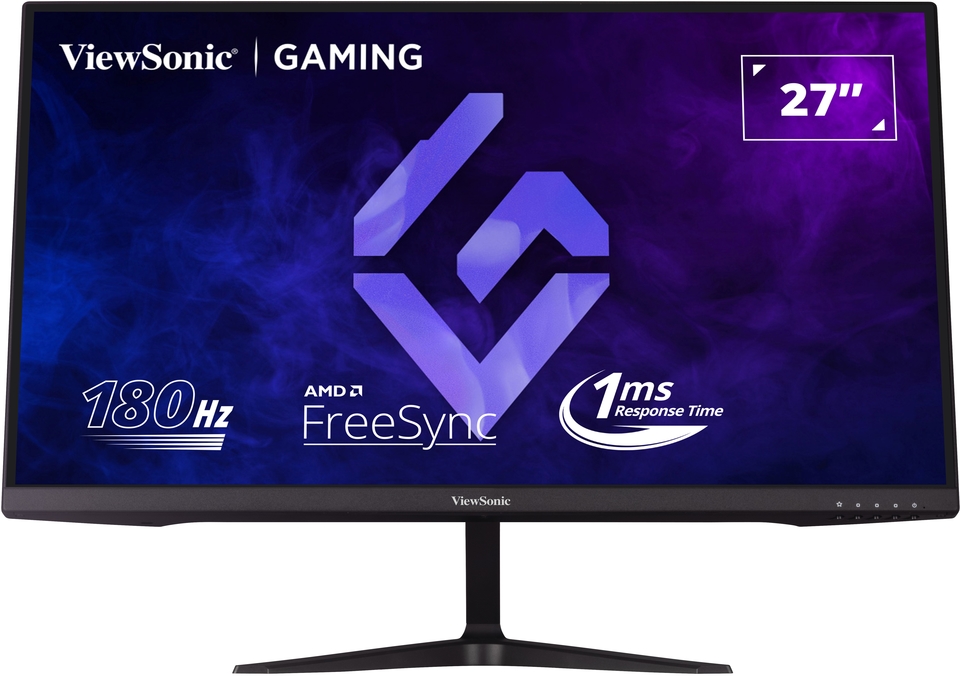
27” 180Hz Gaming Monitor
- 180Hz refresh rate for smooth gameplay
- 1ms (MPRT) response time for precision
- FreeSync prevents screen tearing
- Full HD resolution for high detail
POPIS
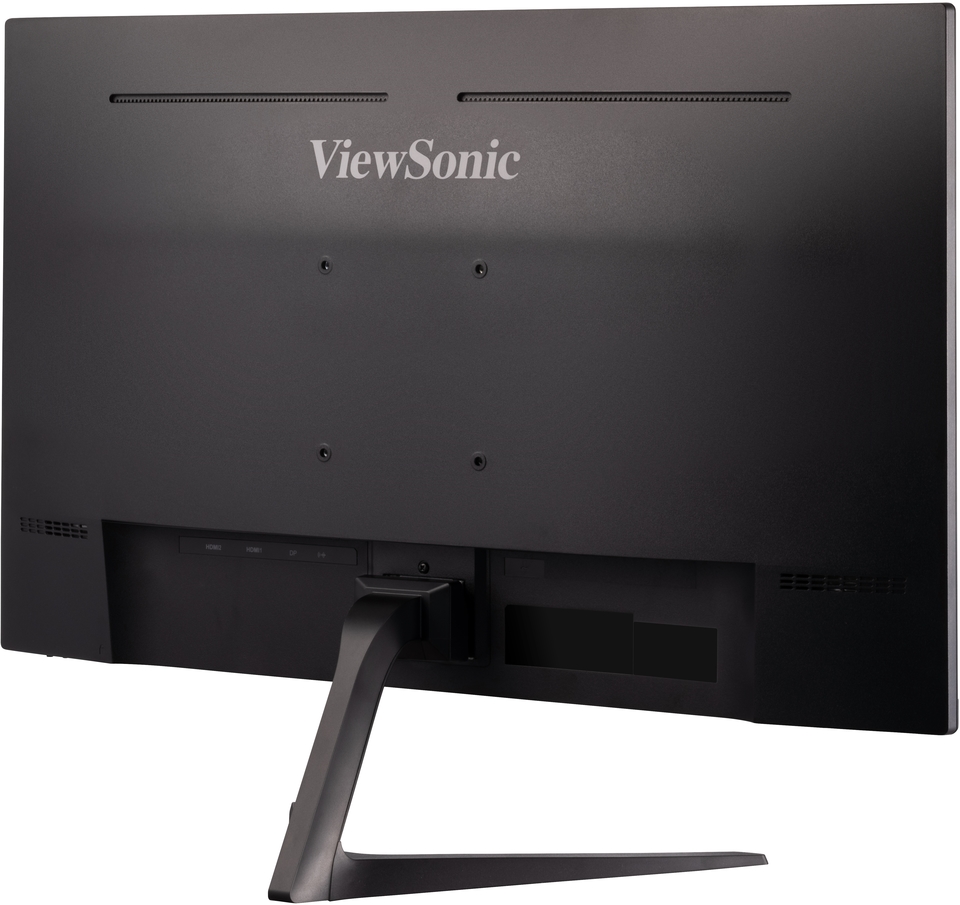
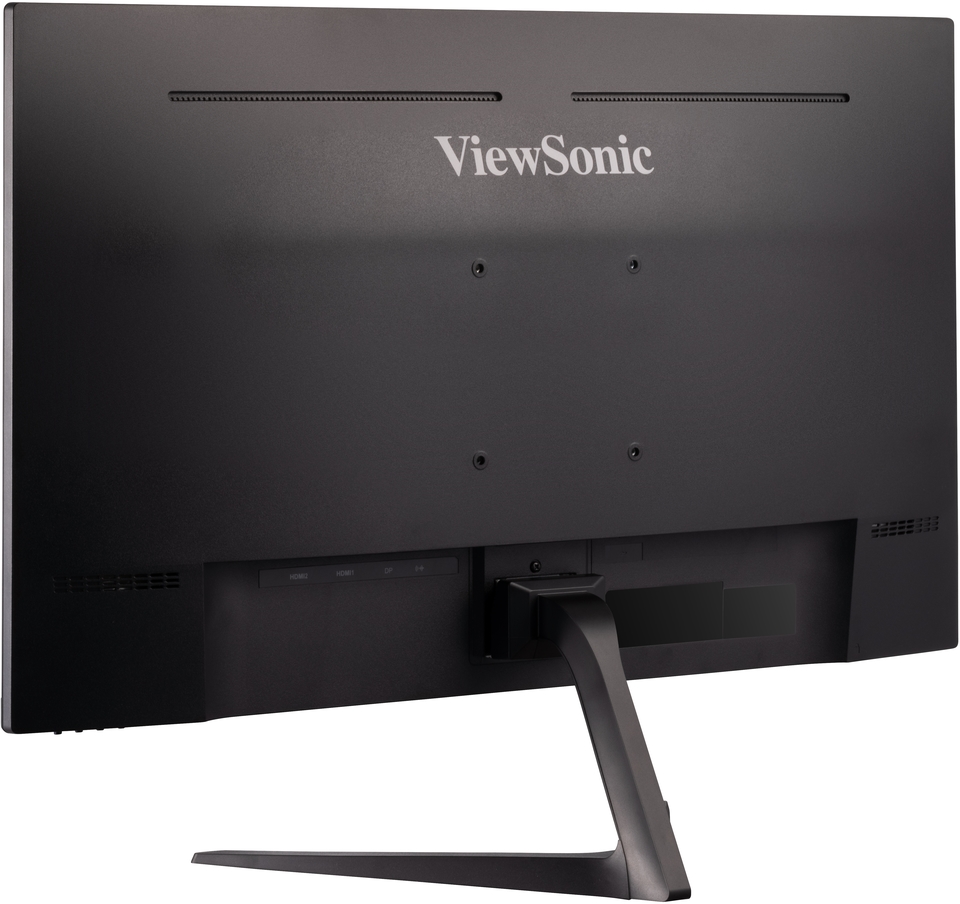
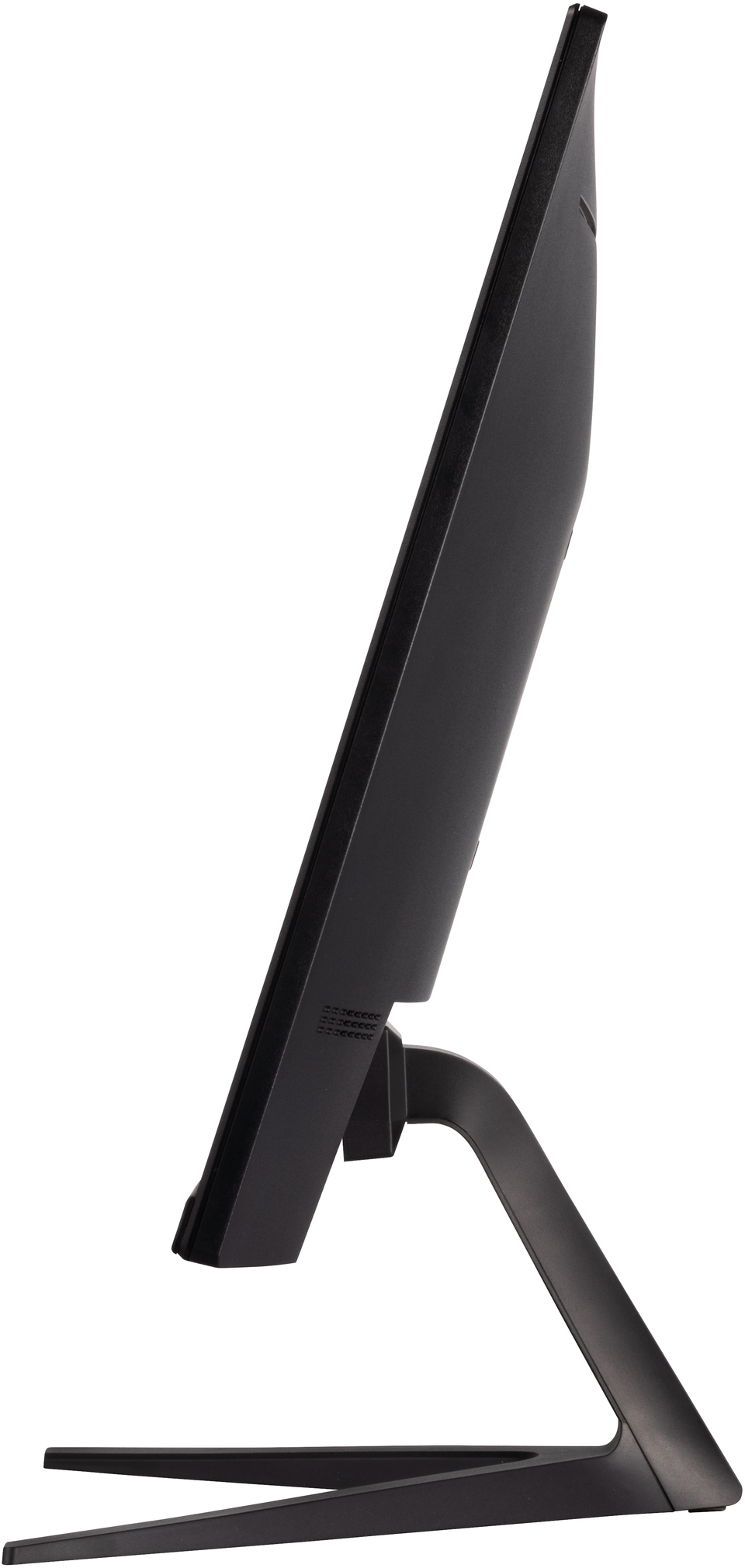
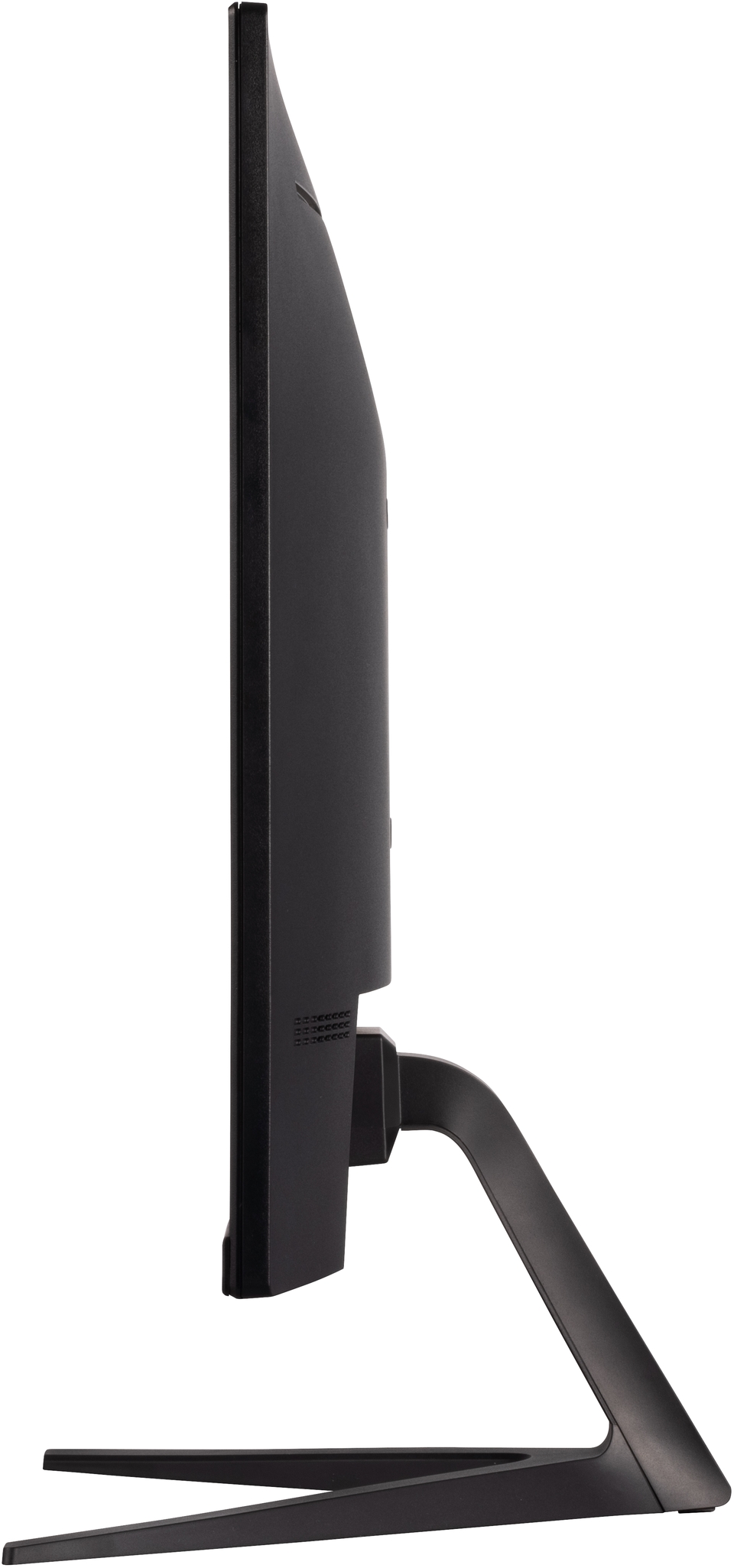
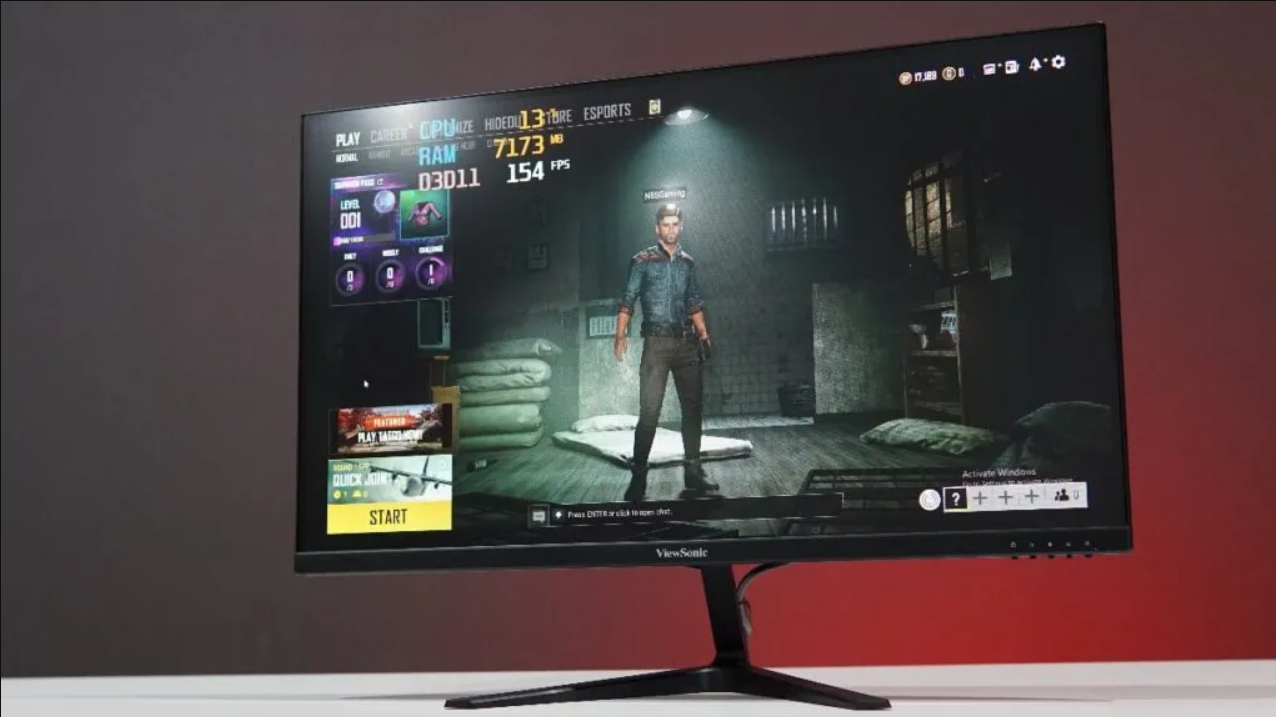
With a 27” Full HD screen and hyper-responsive 180Hz refresh rate, the ViewSonic VX2718-P-MHD provides immersive gaming experiences. The monitor has been designed to keep your games front and center, with minimal bezels and a clean aesthetic. The hyper-responsive 180Hz refresh rate delivers smooth gameplay with minimal input lag thanks to faster frame loading, while FreeSync virtually eliminates screen tearing and stuttering for a fluid gaming experience. A 1ms MPRT response time delivers speed and clarity so you can game with precision. VX2718-P-MHD is also equipped with ViewSonic’s exclusive ViewMode™ presets, which offer optimized screen performance for a variety of needs, such gaming, editing, or watching movies. In addition, a DisplayPort and HDMI inputs offer flexible connectivity for gaming and entertainment.Seamless Gameplay
Eliminate lag and motion blur with a hyper-responsive 180Hz refresh rate. Experience seamless gameplay across a variety of genres such as first-person shooters, racing and real-time strategy. Fluid gameplay and flawless graphics give you an advantage no matter the situation.180Hz
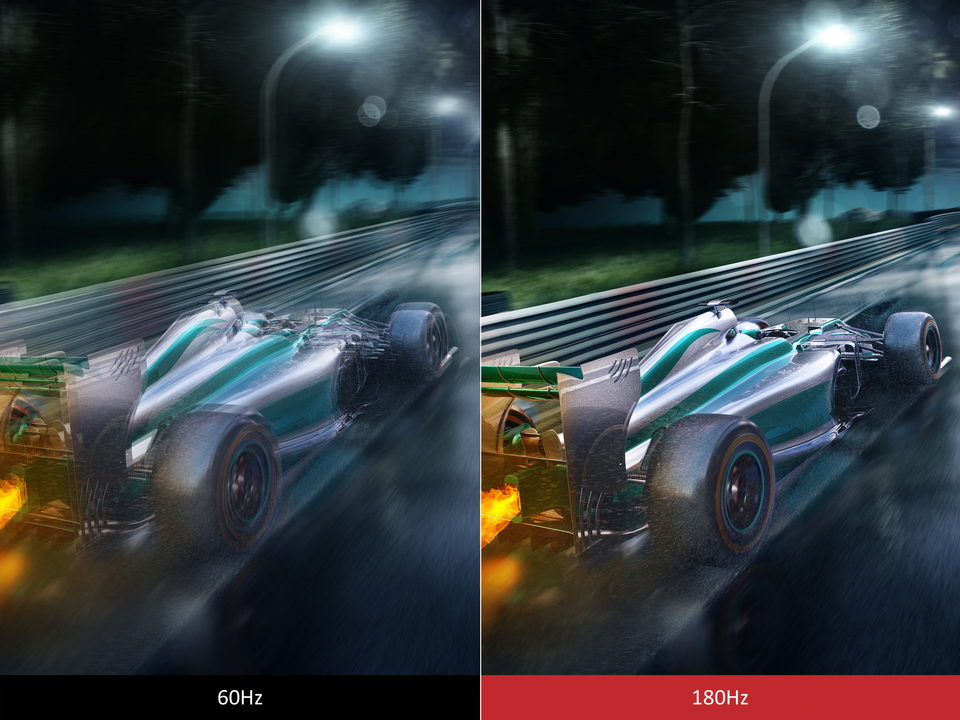
React Instantly
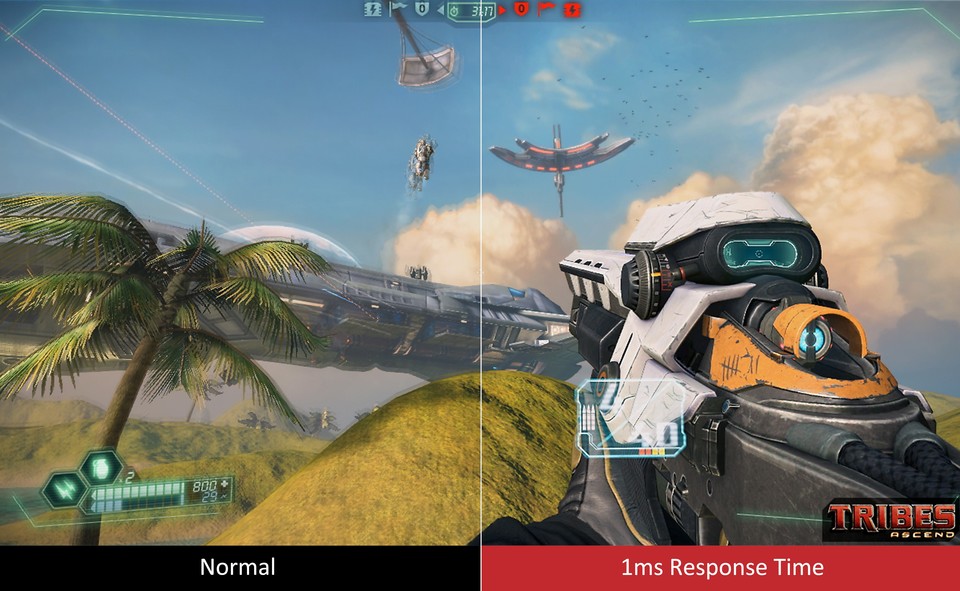
With a fast 1ms (MPRT) response time, you can react as fast as the action unfolds onscreen. Drift around corners with ease and aim with next-level precision.1ms Ultra-Fast Input
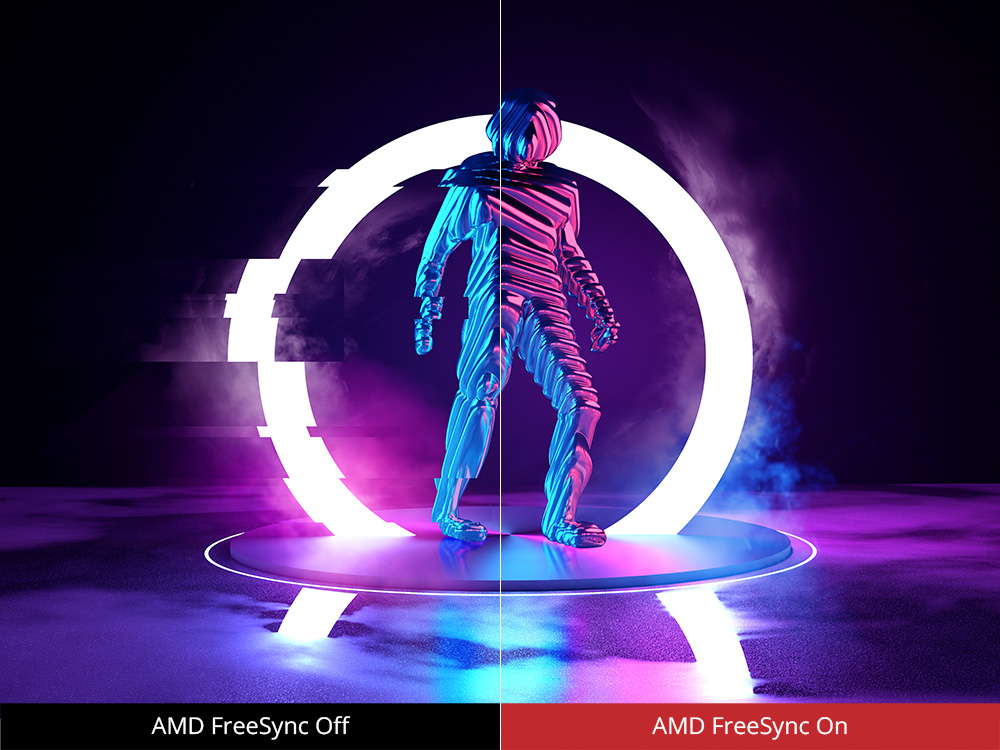
Prevent Screen Tearing
FreeSync enables smooth gameplay with low input lag by synchronizing your GPU output with the monitor, allowing games to be more immersive, and giving you an advantage over the competition.FreeSync
Brace for true darkness
See and move fluidly in the shadows with ViewSonic’s Black Stabilization feature. When enabled, the darkest scenes are lit up for enhanced visibility so you can spot the finer details and stay ahead of the pack.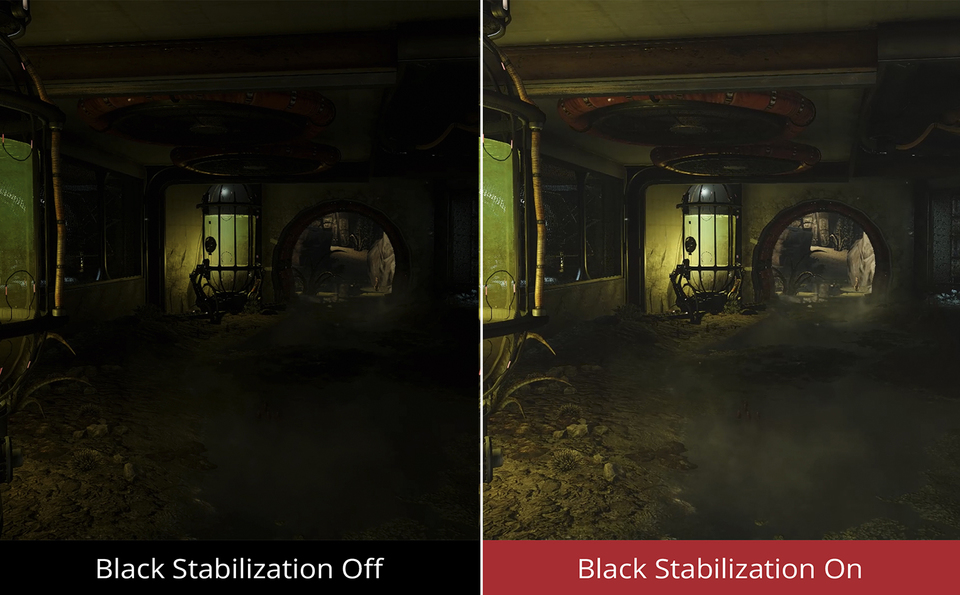
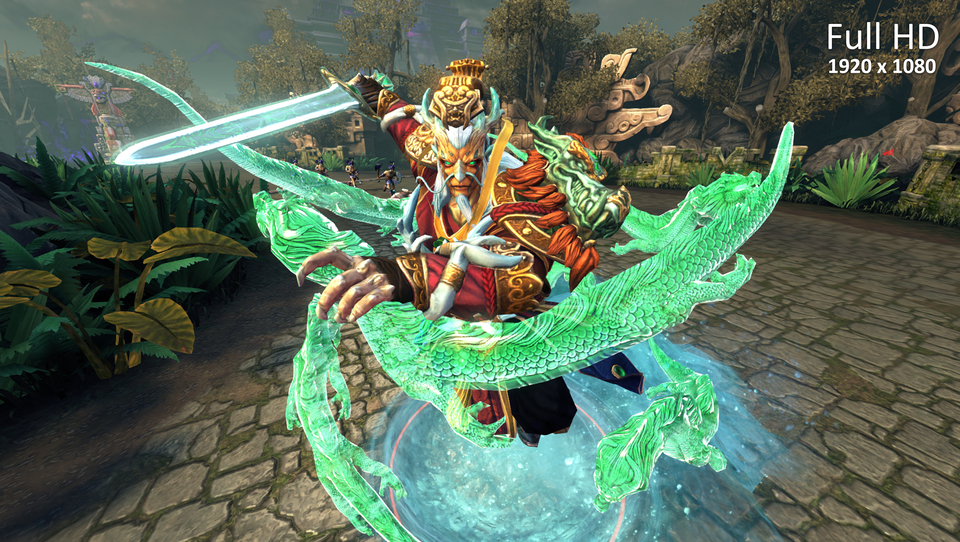
Render Every Detail
Explore detail rich worlds with our Full HD 1080p display. Combined with a 180Hz refresh rate, your game library will truly come to life.Full HD Resolution
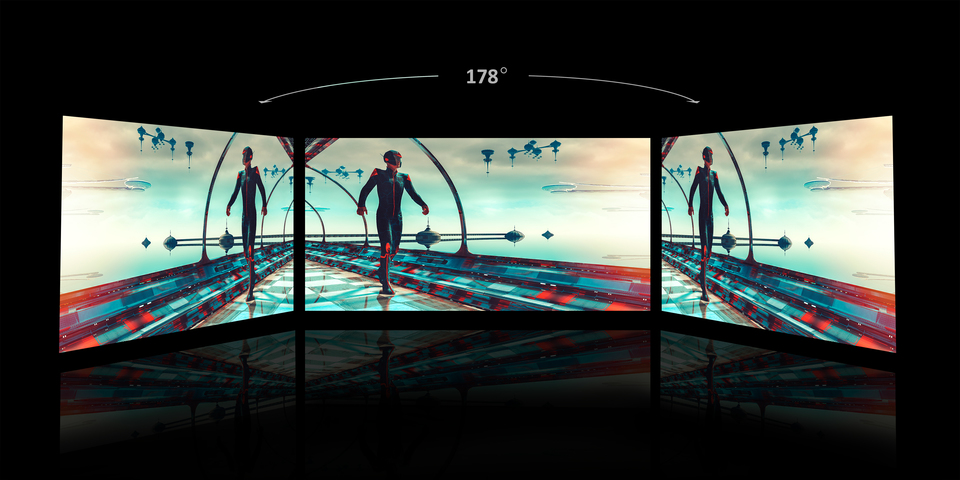
Clarity from Wide Viewing Angles
Enjoy superb performance and better viewing quality from horizontal to vertical angles. With SuperClear® Vertical Alignment panel technology, the monitor remains clear and in good contrast color from 178° all around, whether you are looking at the screen from above, below, the front, or the side.SuperClear® 178°/178°
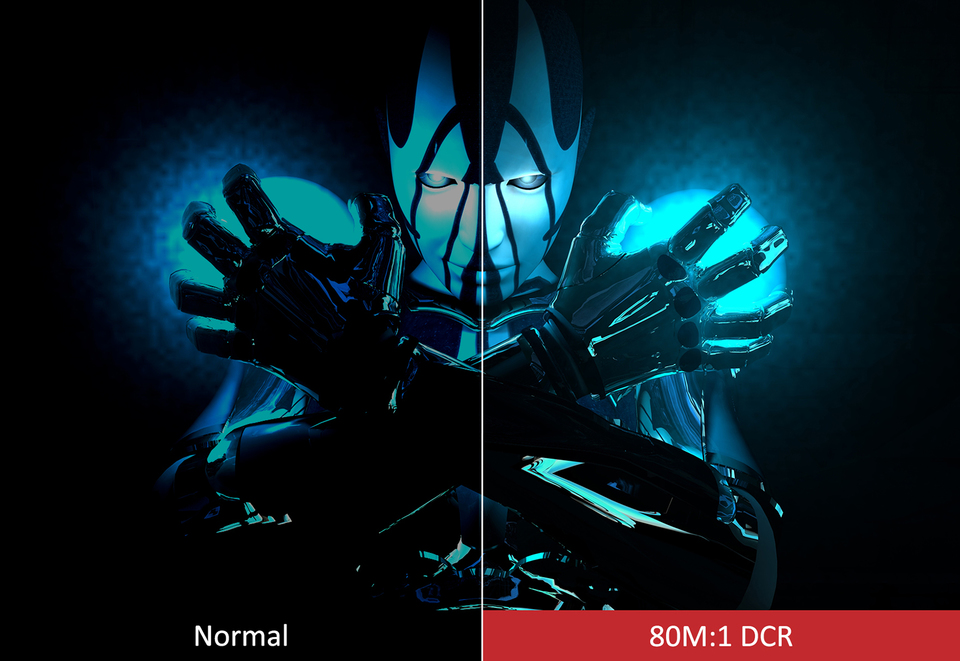
Mega Dynamic Contrast
A mega dynamic contrast ratio of 80M:1 creates depth in images by adding more definition to the darkest and brightest colors on the screen to ensure images are shown with the finest details.80M:1 DCR
User-Customized Game Mode
ViewSonic’s exclusive ViewMode™ offers specialized presets to fit different usage scenarios. These presets enhance gamma curve, color temperature, contrast, and brightness to deliver the optimal viewing characteristics for each application. The Game Mode integrates pre-calibrated FPS, RTS and MOBA game settings with in-game testing and adjustments for the best blend of color and technology.ViewMode™

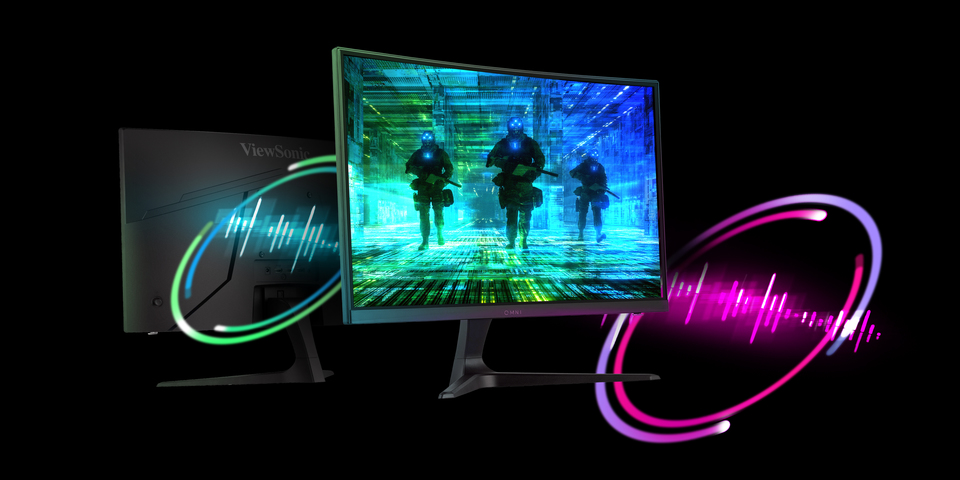
Dual Integrated Speakers
The monitor accents its incredible screen performance with stereo sound to complete your gaming experience.2W Dual Speakers
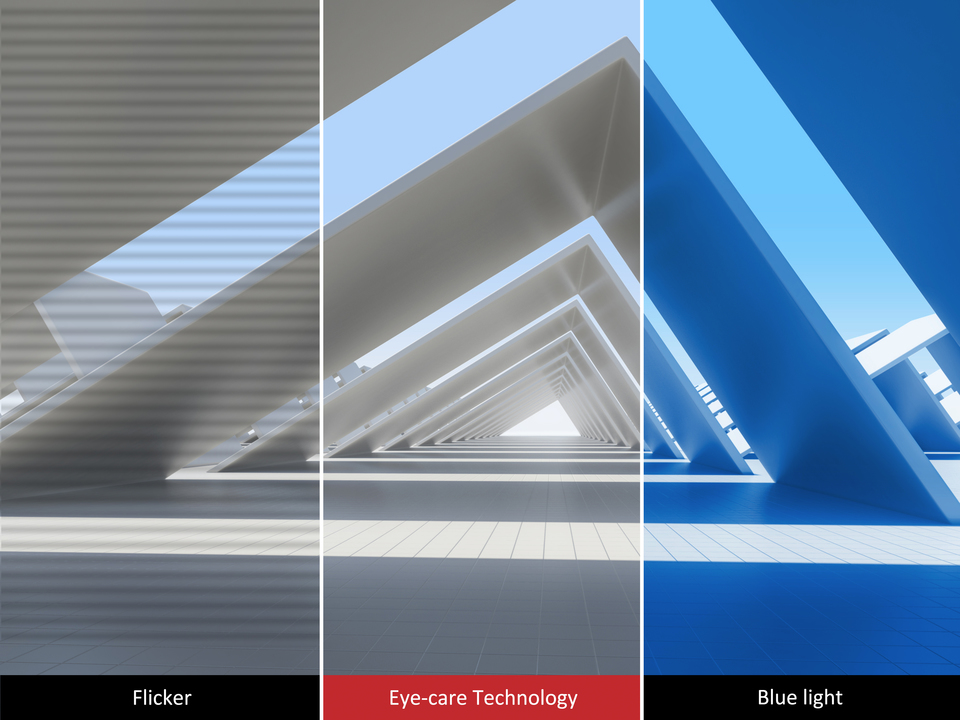
Viewing Comfort
Flicker-Free technology and a Blue Light Filter help reduce eye strain and fatigue from extended screen time during a gaming marathon.Flick Free
HDR10 Delivers Stellar Contrast and Color Accuracy
The VX2718-P-MHD is compatible with the industry standard HDR10 high dynamic range, so color, brightness, and contrast are more defined and exceed the capabilities of ordinary monitors.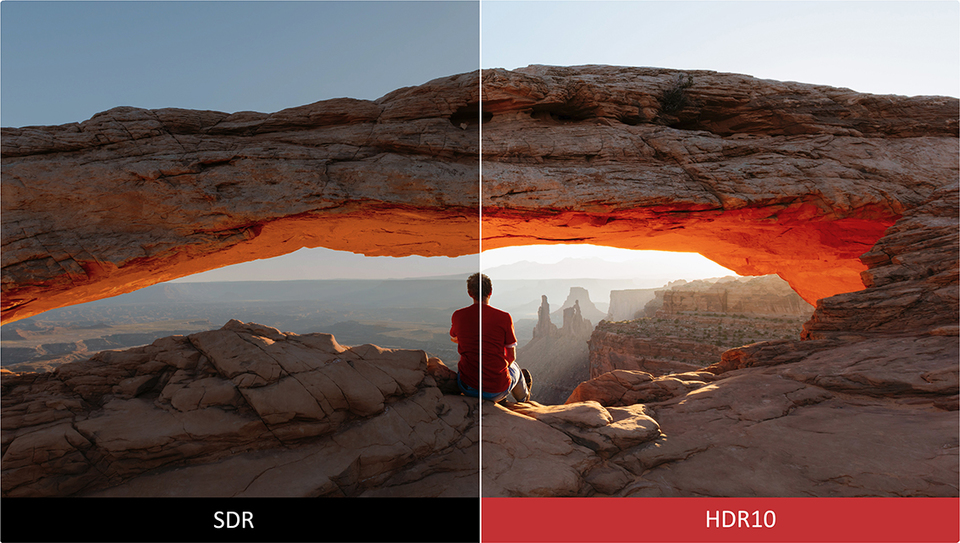
IO Port
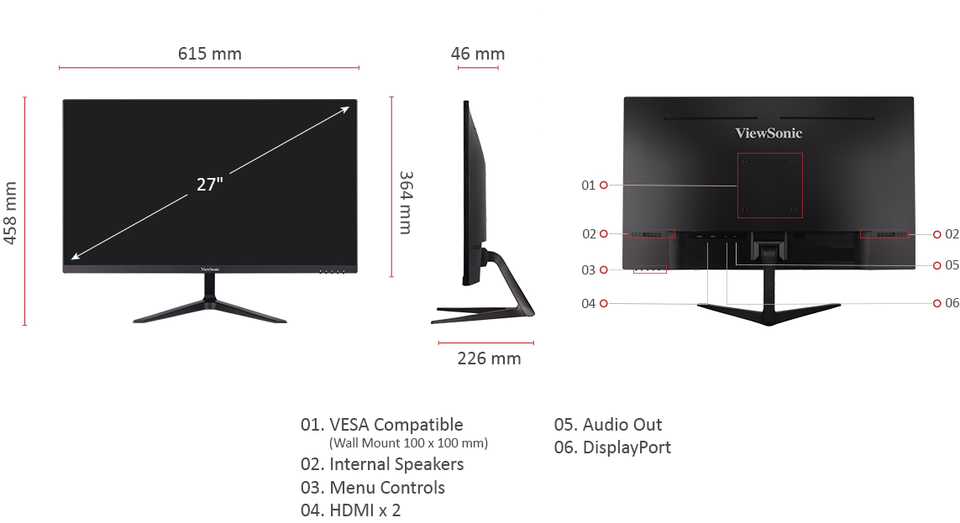
SPECIFIKACE
- DisplejVelikost displeje (palce): 27
Viditelná plocha (palce): 27
Typ panelu: VA Technology
Rozlišení: 1920 x 1080
Typ rozlišení: FHD (Full HD)
Statický kontrastní poměr: 3,000:1 (typ)
Poměr dynamického kontrastu: 80M:1
High Dynamic Range: HDR10
Světelný zdroj: LED
Jas: 250 cd/m² (typ)
Colors: 16.7M
Color Space Support: 8 bit (6 bit + FRC)
Poměr stran: 16:9
Doba odezvy (MPRT): 1ms
Zobrazovací úhly: 178º horizontal, 178º vertical
Životnost podsvícení (v hodinách): 30000 Hrs (Min)
Zakřivení: Flat
Obnovovací frekvence (Hz): 180
Technologie proměnlivé obnovovací frekvence: FreeSync
Low Blue Light: Software solution
Flicker-Free: Yes
Color Gamut: NTSC: 72% size (Typ)
sRGB: 103% size (Typ)
Velikost pixelu: 0.311 mm (H) x 0.311 mm (V)
Povrchová úprava: Anti-Glare, Hard Coating (3H) - KompatibilitaRozlišení PC (max): 1920x1080
Mac® Rozlišení (max): 1920x1080
Operační systém PC: Windows 11 certified; macOS tested
Mac® Rozlišení (min): 1920x1080 - Konektor3,5mm audio výstup: 1
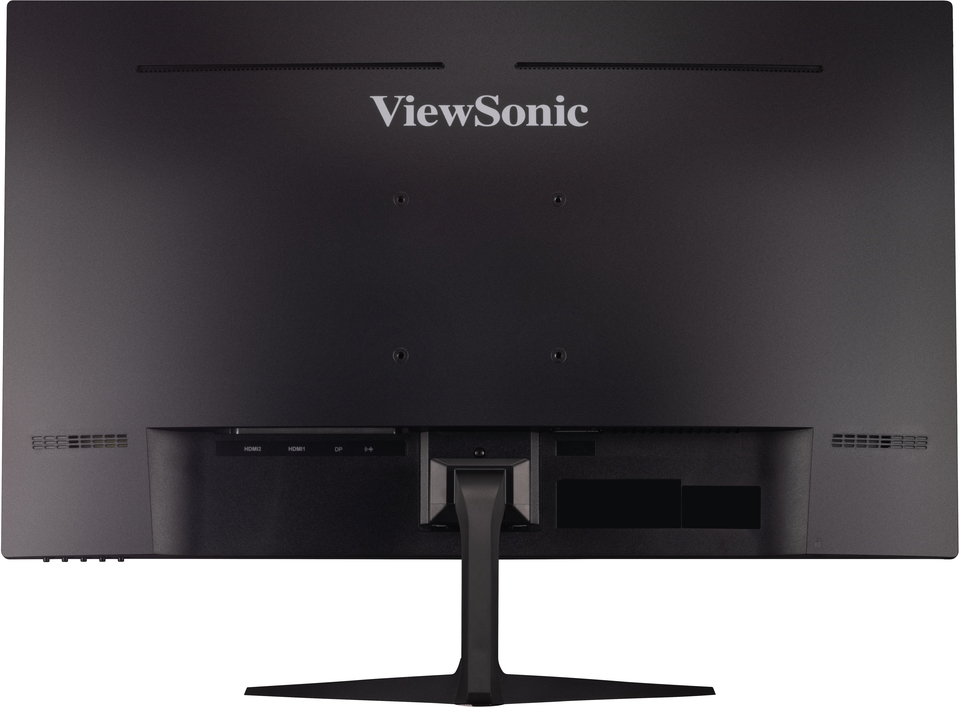
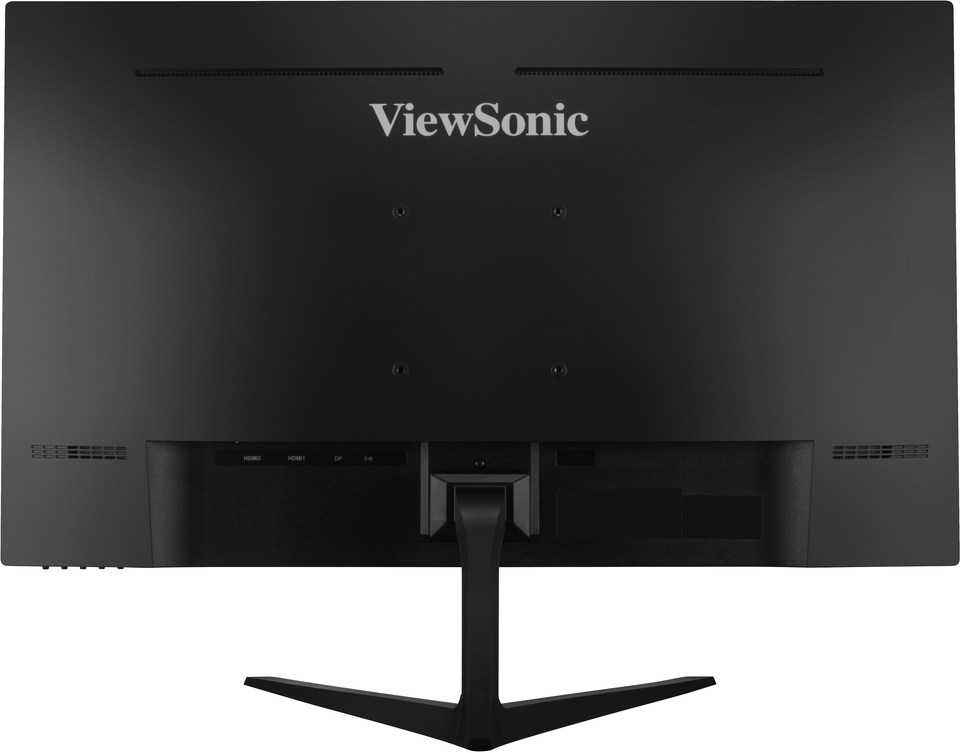
HDMI 1.4: 2
DisplayPort: 1
Výkon v: 3-pin Socket (IEC C14 / CEE22)
- AudioInterní reproduktory: 2Watts x2
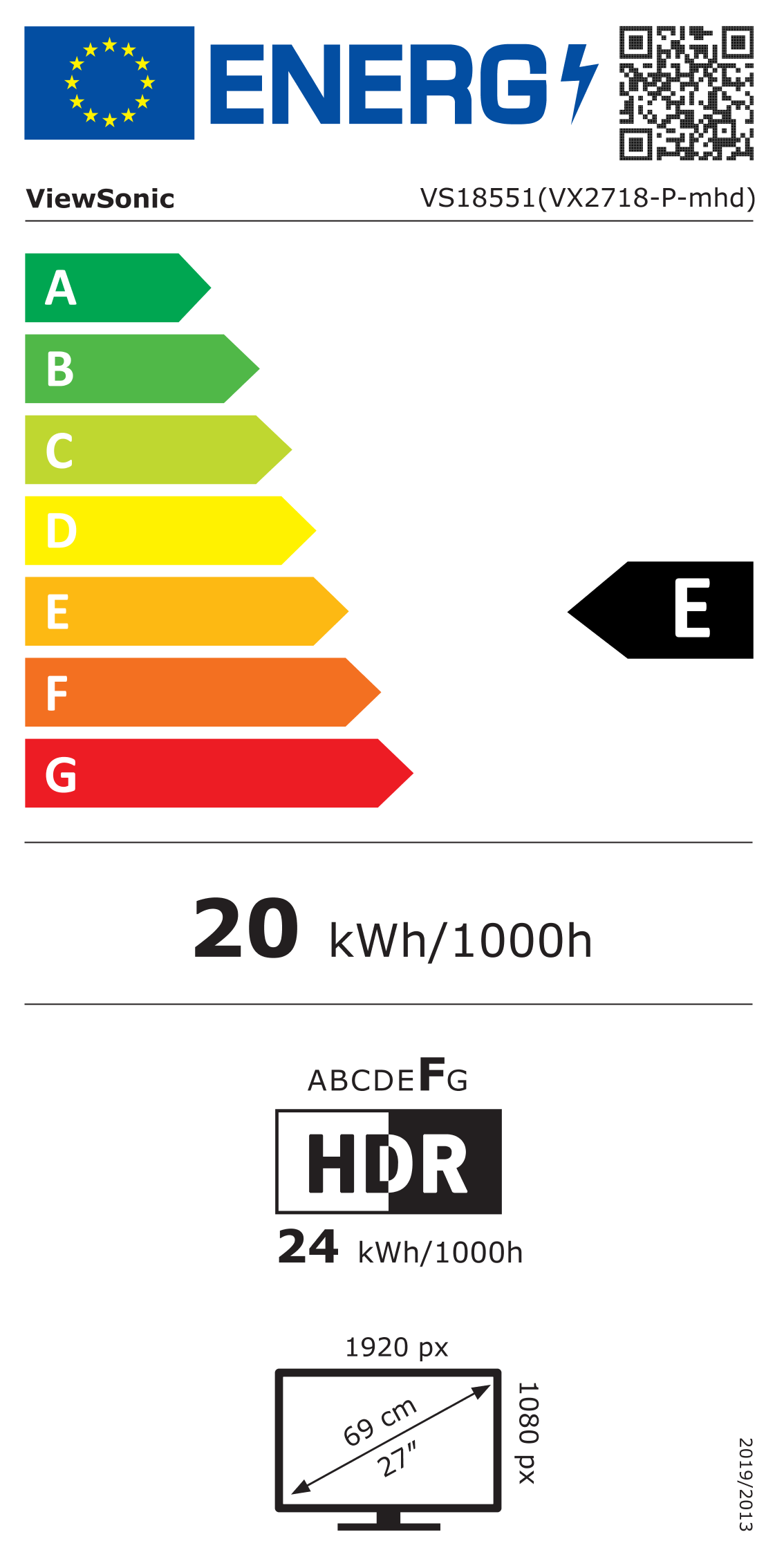
- VýkonRežim Eco (Úspora): 24W
Eco Mode (optimized): 26W
Spotřeba (běžná): 30W
Spotřeba (max): 35W
Napětí: AC 100-240V
Pohotovostní režim: 0.5W
Napájecí zdroj: Internal Power Supply - Doplňkový hardwareSlot zámku Kensington: 1
- Ovládací prvkyFyzické ovládací prvky: Key 1 (favorite), Key 2, Key 3, Key 4, Key 5 (power)
On Screen Display: Input Select, Audio Adjust, ViewMode, Color Adjust, Manual Image Adjust, Setup Menu - Provozní podmínkyTeplota: 32°F to 104°F (0°C to 40°C)
Vlhkost (nekondenzující): 20% to 90% - Wall Mount Kompatibilní s VESA: 100 x 100 mm
- Vstupní signálFrekvence Horizontální: 30 ~ 202KHz
Frekvence Vertikální: 48 ~ 180Hz - Video vstupDigital Sync: TMDS - HDMI (v1.4), PCI-E - DisplayPort (v1.4)
- ErgonomieNáklon (dopředu/dozadu): -5º / 25º
- Hmotnost (imperiální)Čistá hmotnost (lbs): 9.7
Čistá hmotnost bez stojanu (lbs): 8.8
Hrubá hmotnost (lbs): 13.2 - Weight (metric) Čistá hmotnost (kg): 4.4
Čistá hmotnost bez stojanu (kg): 4
Hrubá hmotnost (kg): 6 - Rozměry (imperiální) (šxhxv)Balení (palce): 27.4 x 18.1 x 5.7
Fyzicky (palce): 24.2 x 18 x 8.9
Fyzická velikost bez stojanu (palce): 24.2 x 14.3 x 1.8 - Rozměry (metrické) (šxhxv)Balení (mm): 695 x 460 x 145
Fyzicky (mm): 615 x 458 x 226
Fyzická velikost bez stojanu (mm): 615 x 364 x 46 - ObecnéNařízení: cTUVus, FCC-B, ICES003, CEC, TUV S-Mark, NOM, Mexico Energy, CE, CE EMC, CB, RoHS, ErP, REACH, WEEE, EAC, UkrSEPRO, VCCI, PSE, BIS
OBSAH BALENÍ: VX2718-P-MHD x1, 3-pin Plug (IEC C13 / CEE22) x1, DisplayPort Cable (v1.2; Male-Male) x1, Quick Start Guide x1
Recyklace/likvidace: Please dispose of in accordance with local, state or federal laws.
Záruka: *Warranty offered may differ from market to market
PODPORA A SOUBORY KE STAŽENÍ
Katalogové listy
Uživatelské příručky
VX2718-P-MHD User Guide (English)
VX2718-P-MHD User Guide (Online View)
Zobrazit všechny jazyky
VX2718-P-MHD User Guide (Bahasa Indonesia)VX2718-P-MHD User Guide (Dansk)VX2718-P-MHD User Guide (Deutsch)VX2718-P-MHD User Guide (Español )VX2718-P-MHD User Guide (Français)VX2718-P-MHD User Guide (Hrvatski)VX2718-P-MHD User Guide (Italiano)VX2718-P-MHD User Guide (Magyar)VX2718-P-MHD User Guide (Nederlands)VX2718-P-MHD User Guide (Norsk)VX2718-P-MHD User Guide (Polski)VX2718-P-MHD User Guide (Português)VX2718-P-MHD User Guide (Română)VX2718-P-MHD User Guide (Srpski)VX2718-P-MHD User Guide (Suomi)VX2718-P-MHD User Guide (Svenska)VX2718-P-MHD User Guide (Türkçe)VX2718-P-MHD User Guide (Česky)VX2718-P-MHD User Guide (Ελληνικά)VX2718-P-MHD User Guide (Български)VX2718-P-MHD User Guide (Русский)VX2718-P-MHD User Guide (Українська)VX2718-P-MHD User Guide (日本語)VX2718-P-MHD User Guide (简体中文)VX2718-P-MHD User Guide (繁體中文)VX2718-P-MHD User Guide (한국어)VX2718-P-MHD User Guide (ﺍﻟﻌﺭﺑﻳﺔ)
Stručný návod k použití
Ovladač a software
Standard Monitor Driver Signed Windows 10 x64Standard Monitor Driver Signed Windows 10 x86Standard Monitor Driver Signed Windows 11 x64Standard Monitor Driver Signed Windows 7Standard Monitor Driver Signed Windows 7 x64Standard Monitor Driver Signed Windows 8 x64Standard Monitor Driver Signed Windows 8 x86Standard Monitor Driver Unsigned WindowsStandard Monitor Driver Unsigned Windows x64