ACP501
-B0WW ViewStylus
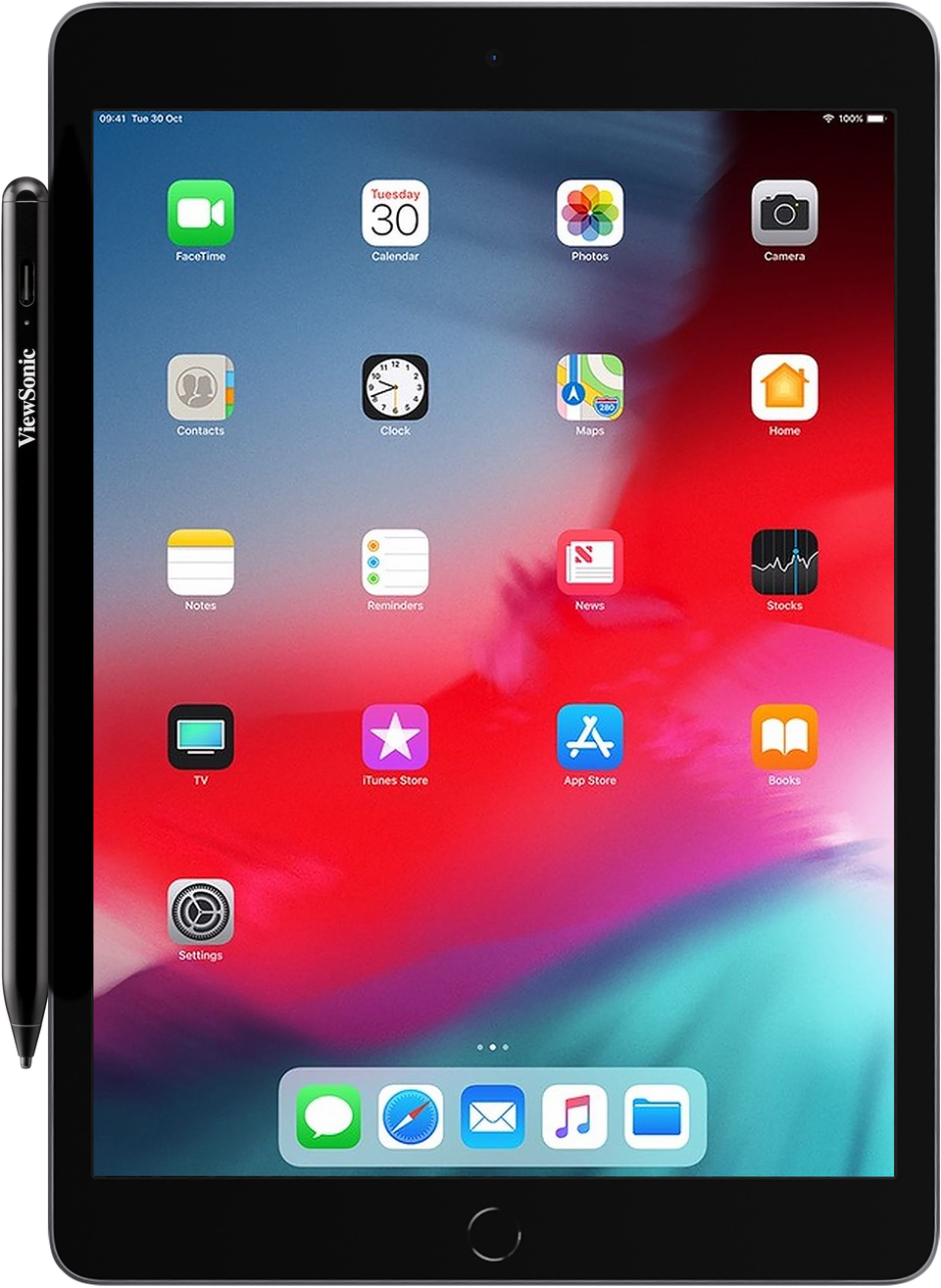
- Kompatibel mit ViewSonic ViewBoard, iPad und anderen Geräten mit kapazitivem Touchscreen
- Blitzschnelles Laden mit Typ-C
- Leicht, tragbar und mühelos zu bedienen
- Magnetische Befestigung
OVERVIEW
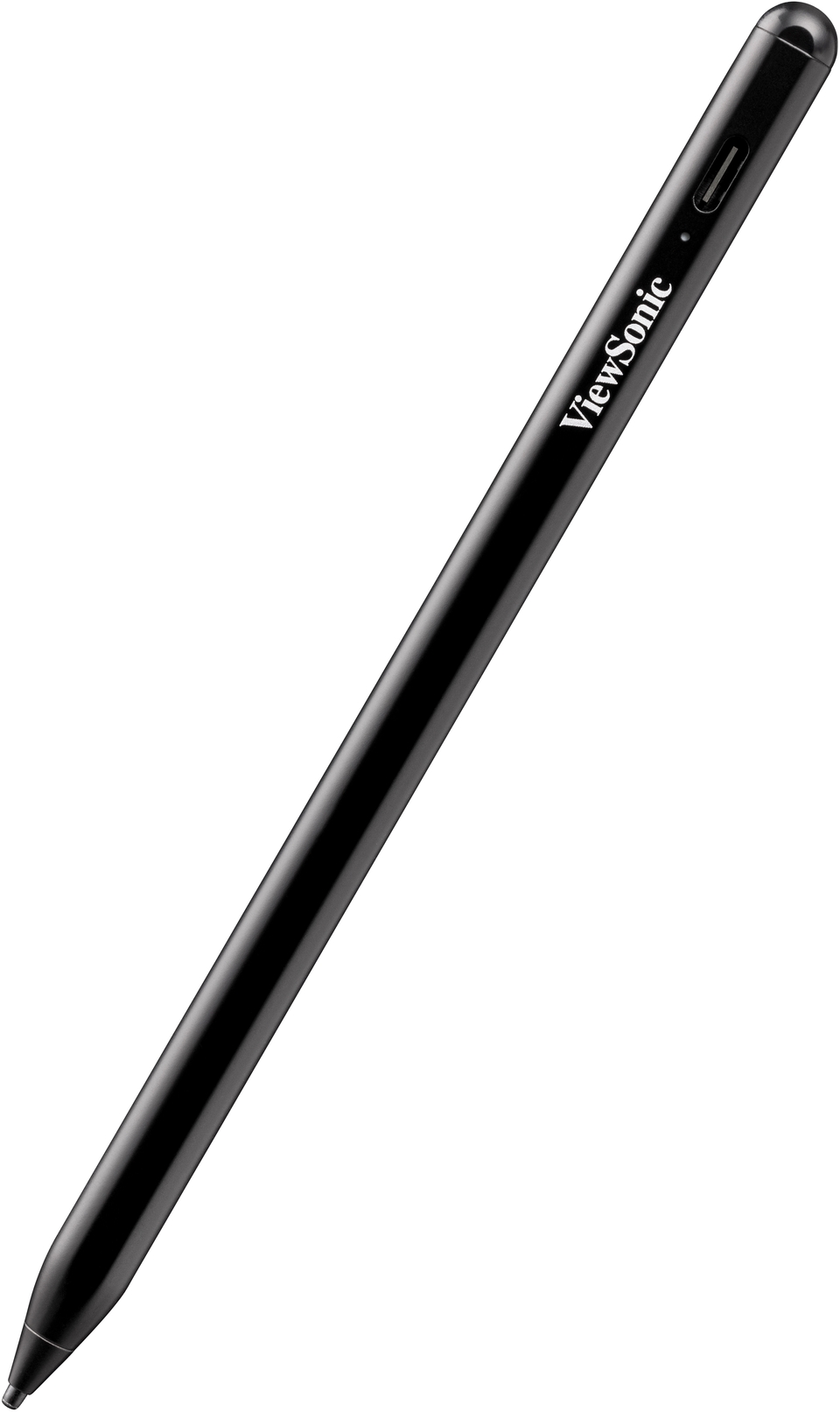
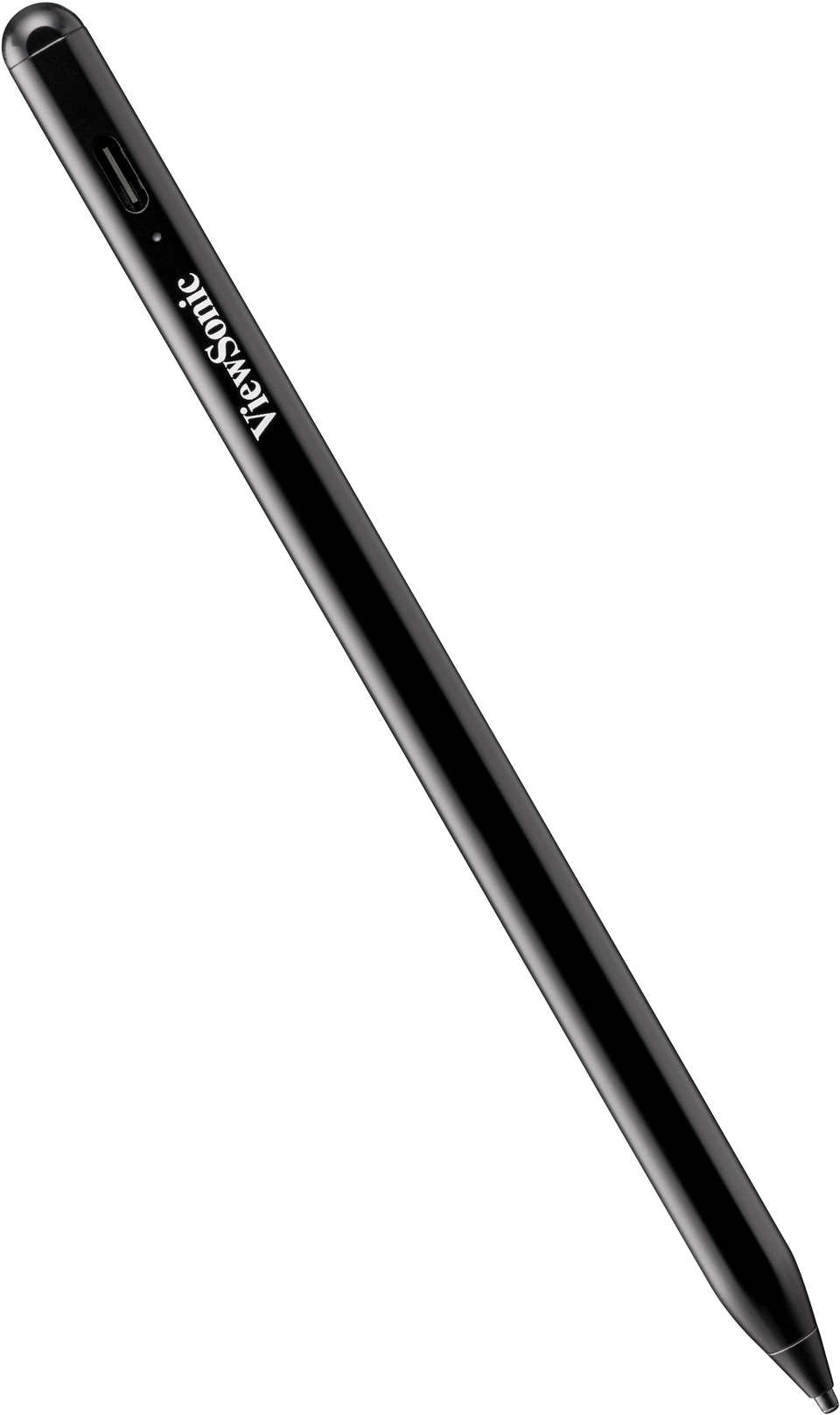
Der ViewStylus ACP501 ist mit dem ViewSonic ViewBoard, dem iPad und anderen Geräten mit kapazitivem Touchscreen kompatibel. Er ermöglicht es Ihnen, Notizen zu machen, detailliert zu schreiben und Ideen ohne jegliche Einschränkungen festzuhalten. Die spezielle Technologie des ViewStylus ACP501 ermöglicht Ihnen ein natürliches, stiftähnliches Gefühl. Und unser intuitives Design macht alles ganz einfach. Er ist sofort einsatzbereit, keine Bluetooth-Kopplung oder Treiber erforderlich. Das gesamte Design sorgt dafür, dass Sie Ihren Arbeitsfluss beibehalten können.Erweitern Sie mit dem ACP501 Ihre Möglichkeiten und lassen Sie Ihren Geist aufblühen
Kompatibel mit ViewSonic ViewBoard, iPad und anderen kapazitiven Touchscreen-Geräten, damit Sie Ihre Ideen notieren und Ihre Inspiration anregen können.
Keine Einrichtung erforderlich
Es ist keine Verbindung und kein Pairing erforderlich. Berühren Sie einfach die Oberseite des Stifts, um den Modus zu wechseln.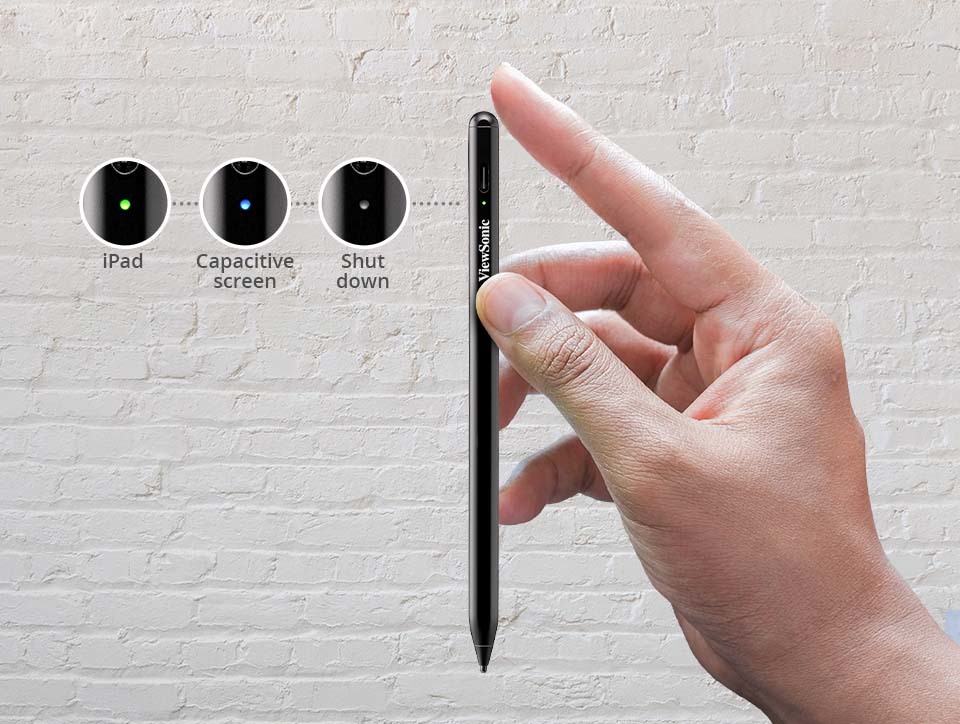
Erfüllen Sie alle Ihre Anforderungen
Ob mit dem ViewBoard von ViewSonic, dem iPad, anderen kapazitiven Touchscreen-Displays oder den persönlichen kapazitiven Geräten von Schülern und Lehrern - mit dem ACP501 haben Sie die Kontrolle, die Sie brauchen.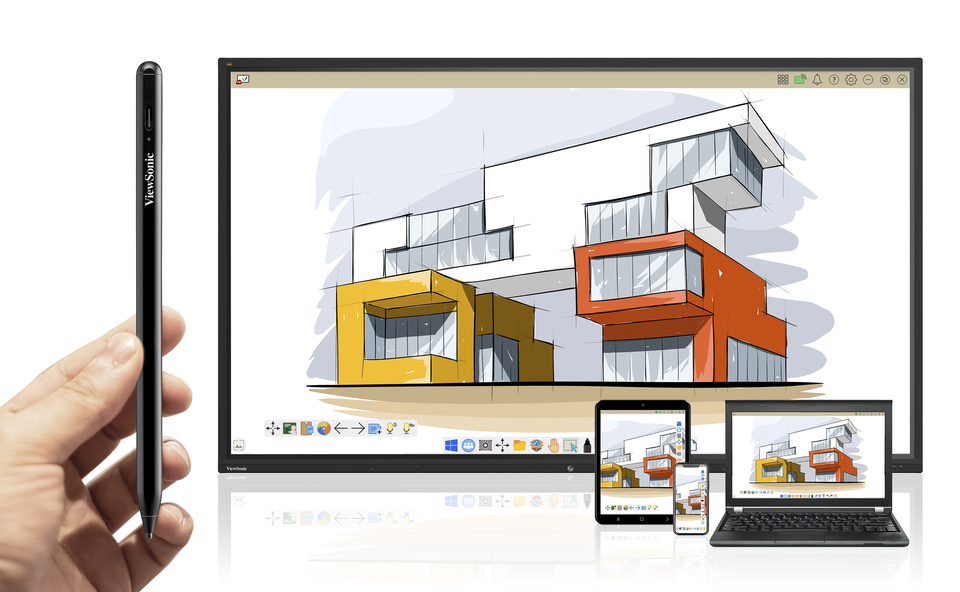
Ein natürliches und außergewöhnliches Schreiberlebnis
Vom ergonomischen Design der Stiftform, die für einen angenehmen Griff sorgt, der ACP501 wurde entwickelt, um Ihnen ein komfortables Schreibgefühl zu vermitteln.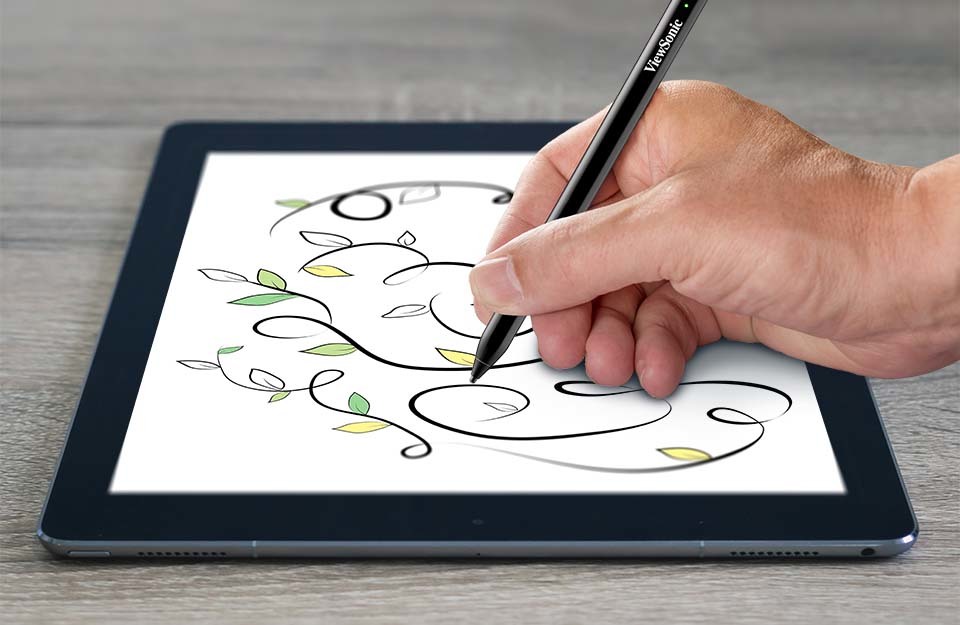
Magnetische Befestigung, kompakt und leicht zu verstauen
Das ACP501 ist mit einer Magnethalterung ausgestattet, die sich an den meisten Metallgeräten befestigen lässt, so dass es leicht zu verstauen ist und nicht verloren gehen kann.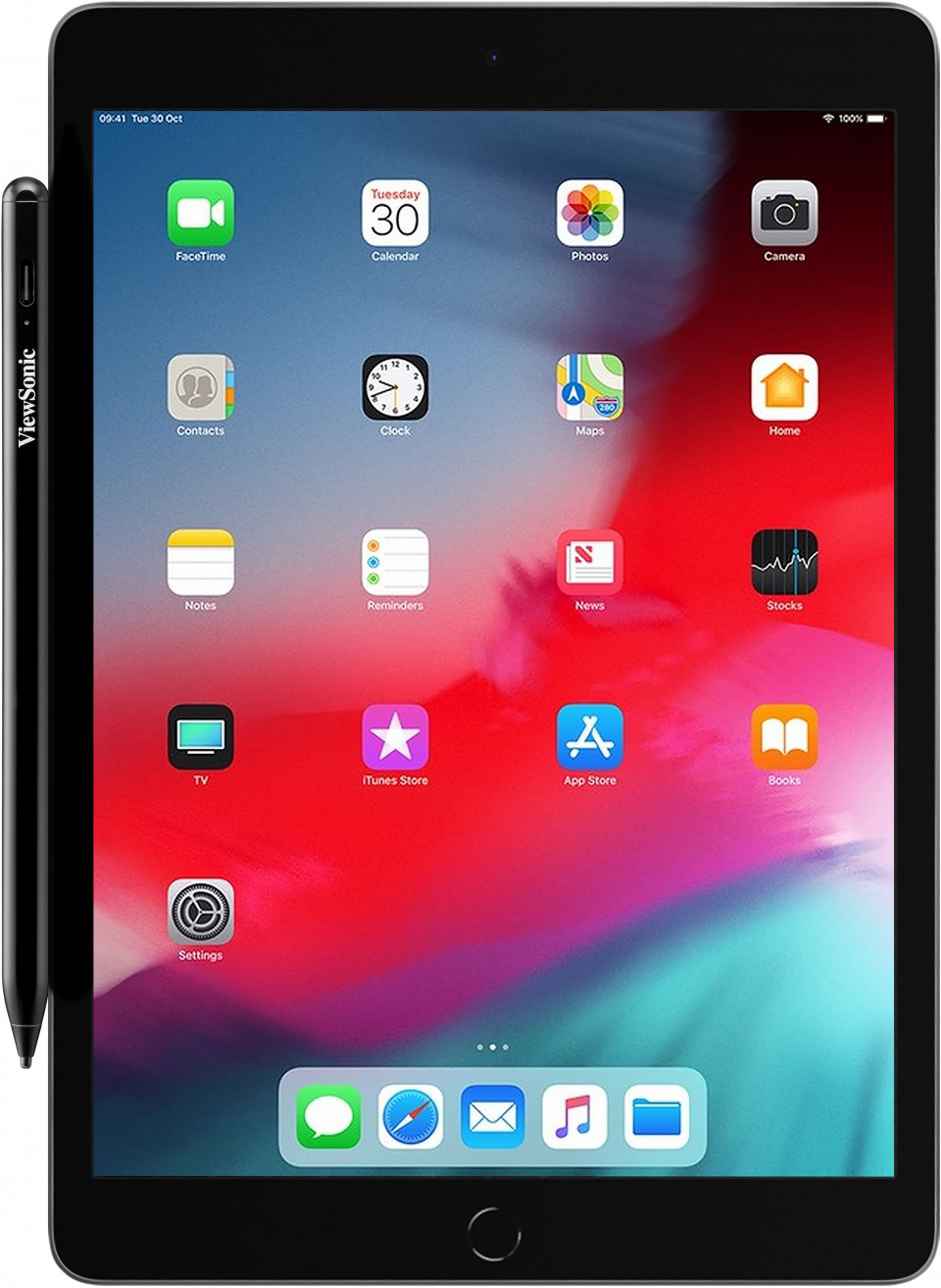
FAQ
Q:How do I switch between pen modes?A:Tapping on the back of pen with your finger switches the pen from iPad mode (green light) to Capacitive mode (blue light).
Q:What do the different color lights mean?
A:When in use:
Green light: iPad mode
Blue light: Capacitive device mode
When Charging:
Constant red light: Charging
Flashing green light: Low power
*The light will turn off when the stylus is done charging
Q:How do I replace the nib?
A:To remove the tip, unscrew it in a counter-clockwise direction. Place the tip upright facing upwards. Remove the old nib then insert the new nib into the barrel of the pen. Screw the tip back in a clockwise direction to secure.
Q:Why can’t I connect my ViewStylus ACP501 to my iPad?
A:It is possible that your iPad is paired with another stylus (Apple Pencil or other stylus). Please go to settings and disconnect by tapping "Forget this Device" on your iPad. Your ViewStylus does not need pairing, but make sure that you select the correct mode (green light for iPads, blue light for other touch-screen devices).
Q:How long does the ACP501 take to charge?
A:A full charge takes about 1.5 hours from 0% and will last for up to 11.5 hours of constant use.
*Note* A 10-minute charge is all it takes for around 1 hour of use.
Q:Why the palm rejection not working on my tablet?
A:The effectiveness of palm rejection can vary based on the specific tablet device. Please ensure that the function is enabled in the settings; if it still doesn't work, it suggests that the tablet may not support palm rejection.
SPECIFICATIONS
- POWERCharge Interface: Type-C USB connectivity
Voltage: 130mAh 5V/0.1A
Charging Time: About 1.5 hours
Power Saving: Auto shutdown in 5 minutes when standby
Power Life: Up to 11.5 hours to use - WEIGHTWEIGHT: 13.5g
- DIMENSIONSPhysical (mm): Length: 165.5mm
Diameter: 9.00mm
- CompatibilityiPad:
iPad Pro 11-inch
A1980 / A2013 / A1934 / A1979/ A2228/ A2231/ A2068 / A2230 / A2377 / A2301 / A2459 / A2460
iPad Pro 12-inch
A1876 / A2014 / A1895 / A1983 / A2229 / A2233 / A2232 / A2069 / A2378 / A2461 / A2379 / A2462
iPad Air 3rd-5th Gen
A2152 / A2123 / A2153 / A2154 / A2072 / A2316 / A2324 / A2325 / A2588 / A2589 / A2591
iPad 6th-10th Gen
A1893 / A1954 / A2197 / A2198 / A2200 / A2270 / A2428 / A2429 / A2430 / A2602 / A2603 / A2604 / A2605
iPad mini 5th-6th Gen
A2124 / A2125 / A2126 / A2133 / A2567 / A2568 / A2569
*Compatibility and performance will vary among different devices
ViewSonic Touch Series Monitors:
TD2430
TD2455
TD2760
ViewSonic ViewBoard:
IFP20 Series
IFP4320
IFP62 Series
IFP6562
IFP7562
IFP8662
IFP70 Series
IFP6570
IFP8670
*The ACP501 has been designed for iPad use. Using it on a ViewBoard may cause premature wear of the nib. For extra ACP501 nibs, please contact your local reseller or customer service.