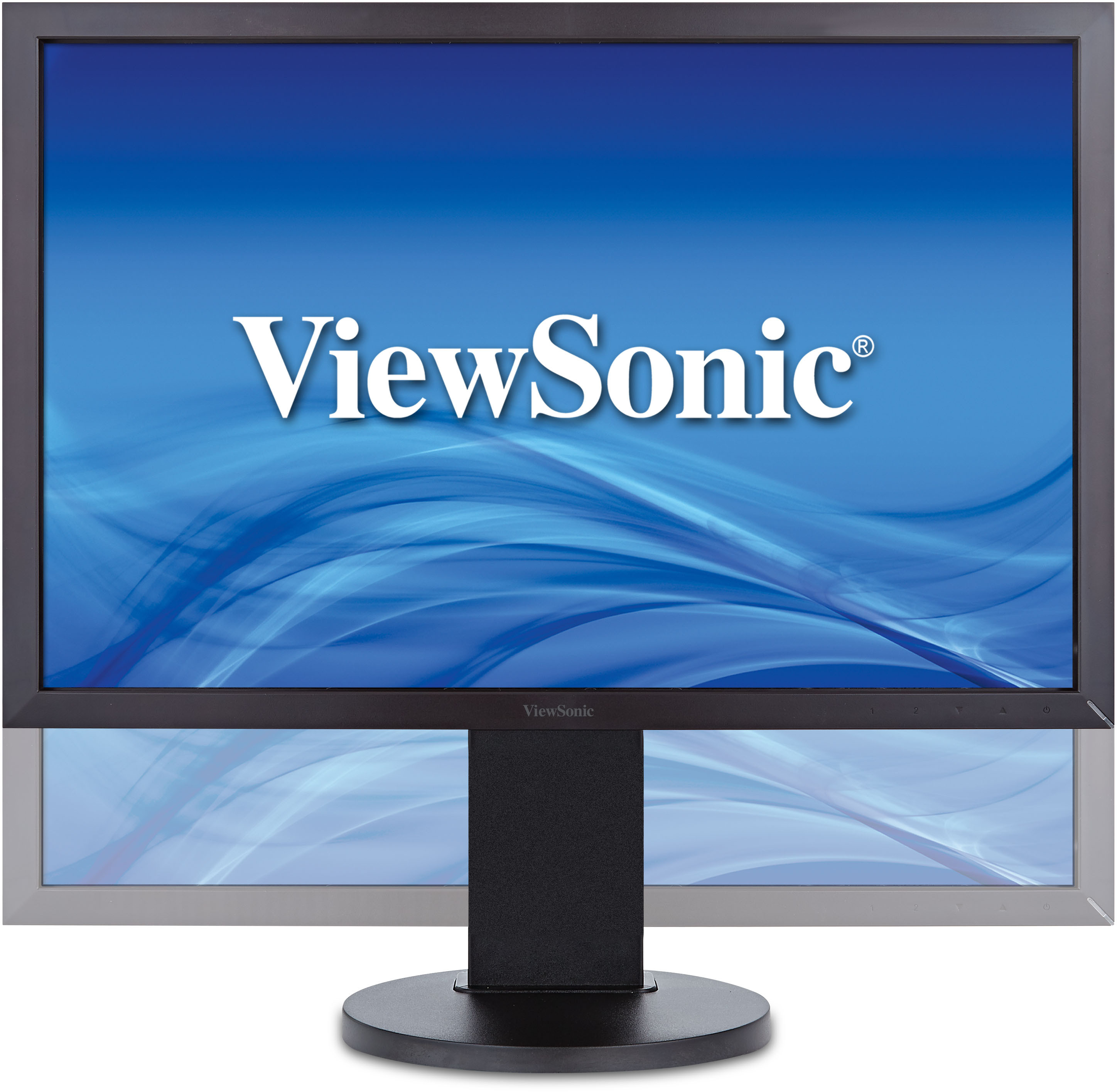
VG2235m
22" 16:10, Flicker Free LED Monitor with VGA, DVI, Speakers and Full Ergonomic Stand
OVERVIEW
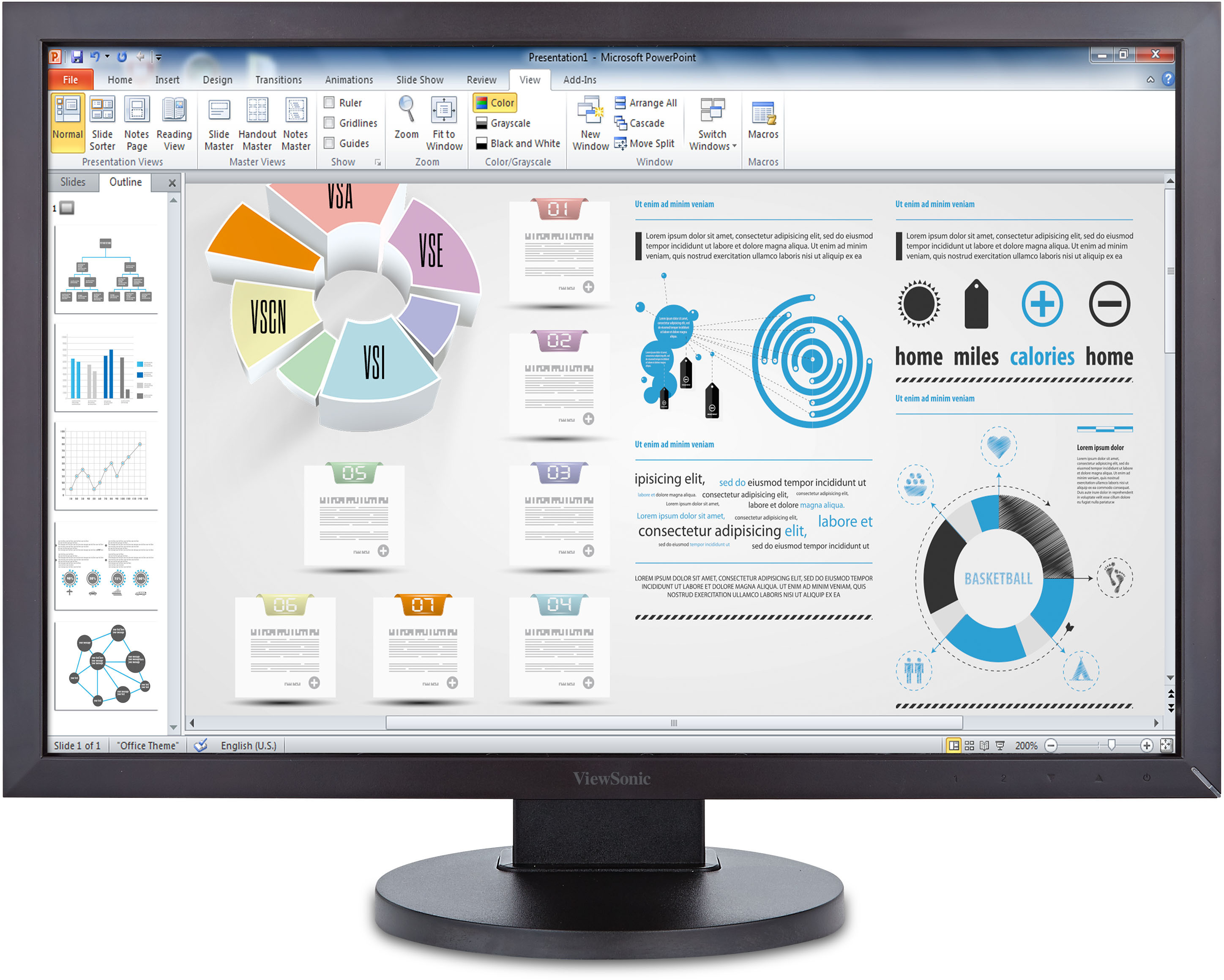
ViewSonic’s VG2235m is a fully ergonomic 22’’ multimedia display that features 1680 x 1050 resolution, 16:10 aspect ratio, and -5° to 37° tilt, 360° swivel, 90° pivot and 100mm height adjustment to provide a larger on-screen work area for greater productivity and comfort. Daily users will appreciate ViewSonic’s latest Flicker-free and Blue Light Filter eye-care technologies that reduce eye fatigue caused by prolonged use. ENERGY STAR® certified and energy-efficient, this ViewSonic LED display’s exclusive ECO-mode reduces power consumption at all brightness levels and minimizes maintenance effort and cost. ViewMode Web, Text and Movie modes also provide optimized image performance for different activities, making this display the perfect choice for corporate, government, SMB and educational institutions.
With an enlarged 16:10 aspect ratio and 1680x1050 resolution, this display enhances productivity by providing additional vertical screen space for viewing office docs, graphic design work, web browsing, and online media. 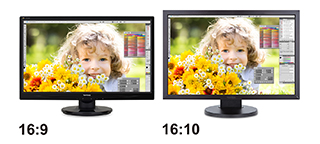 |
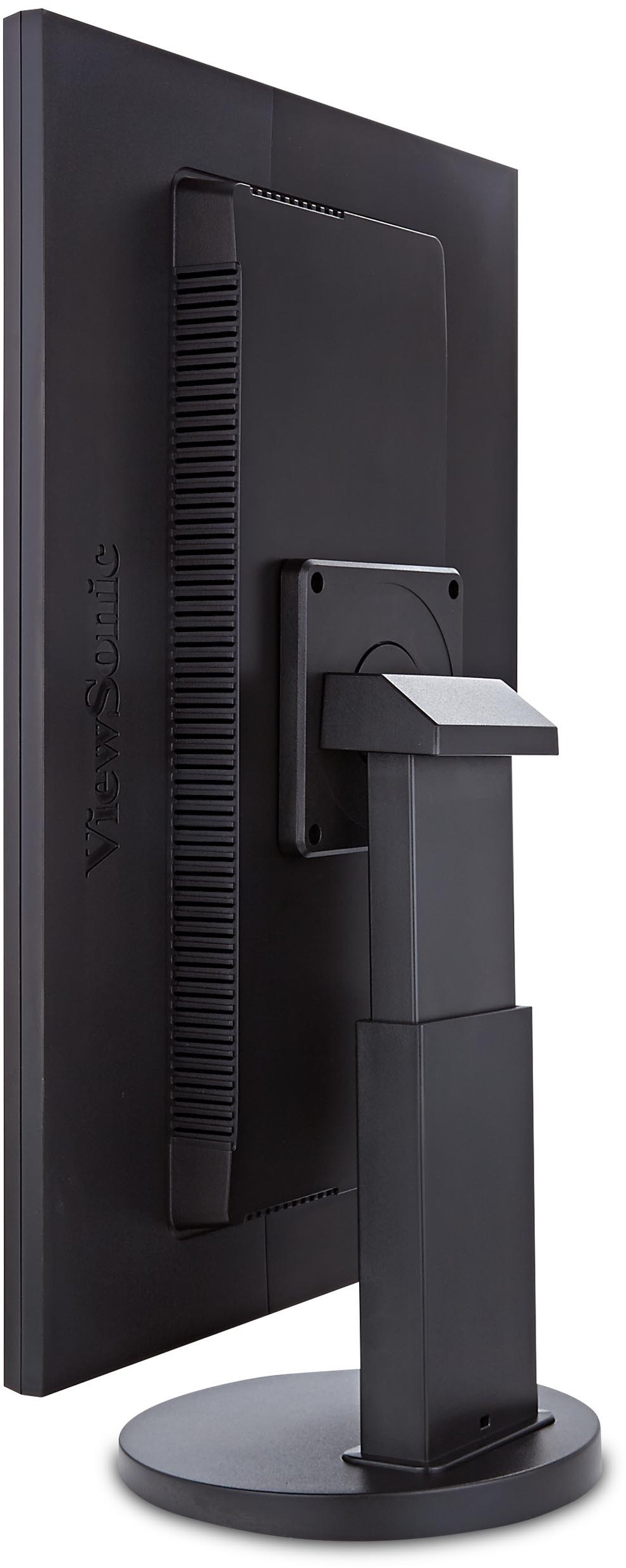
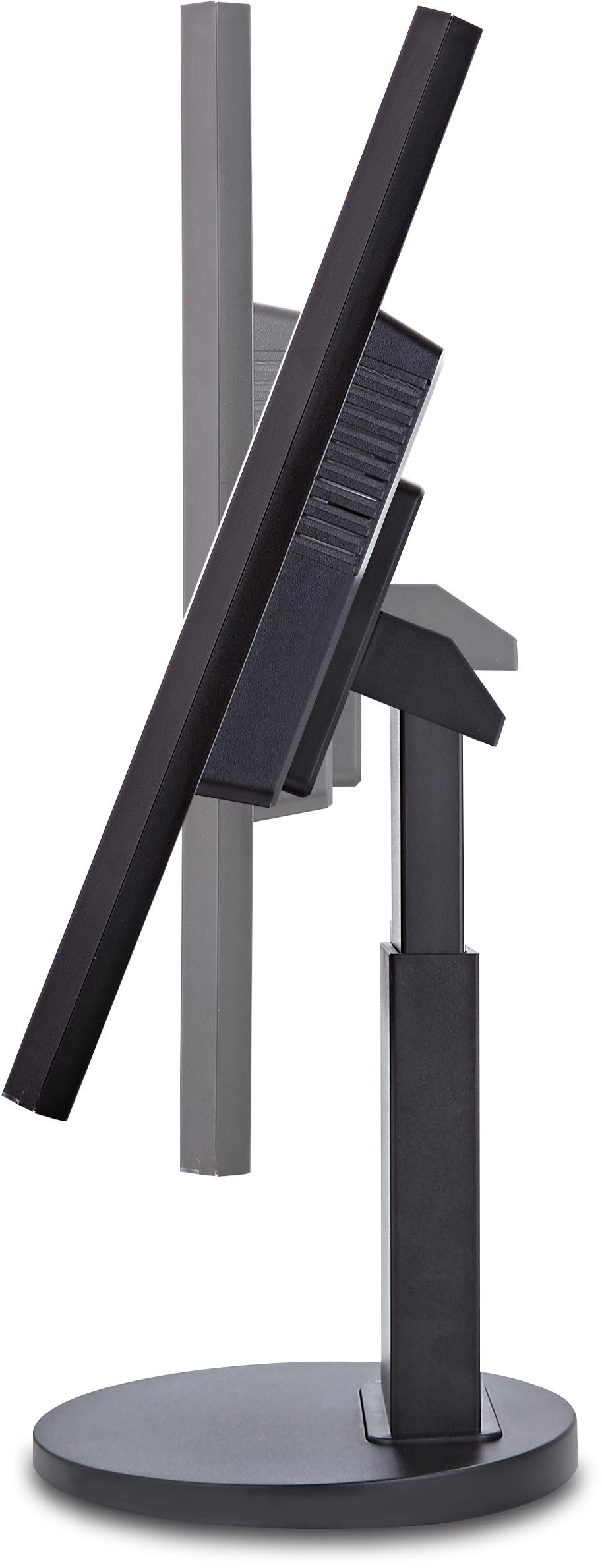
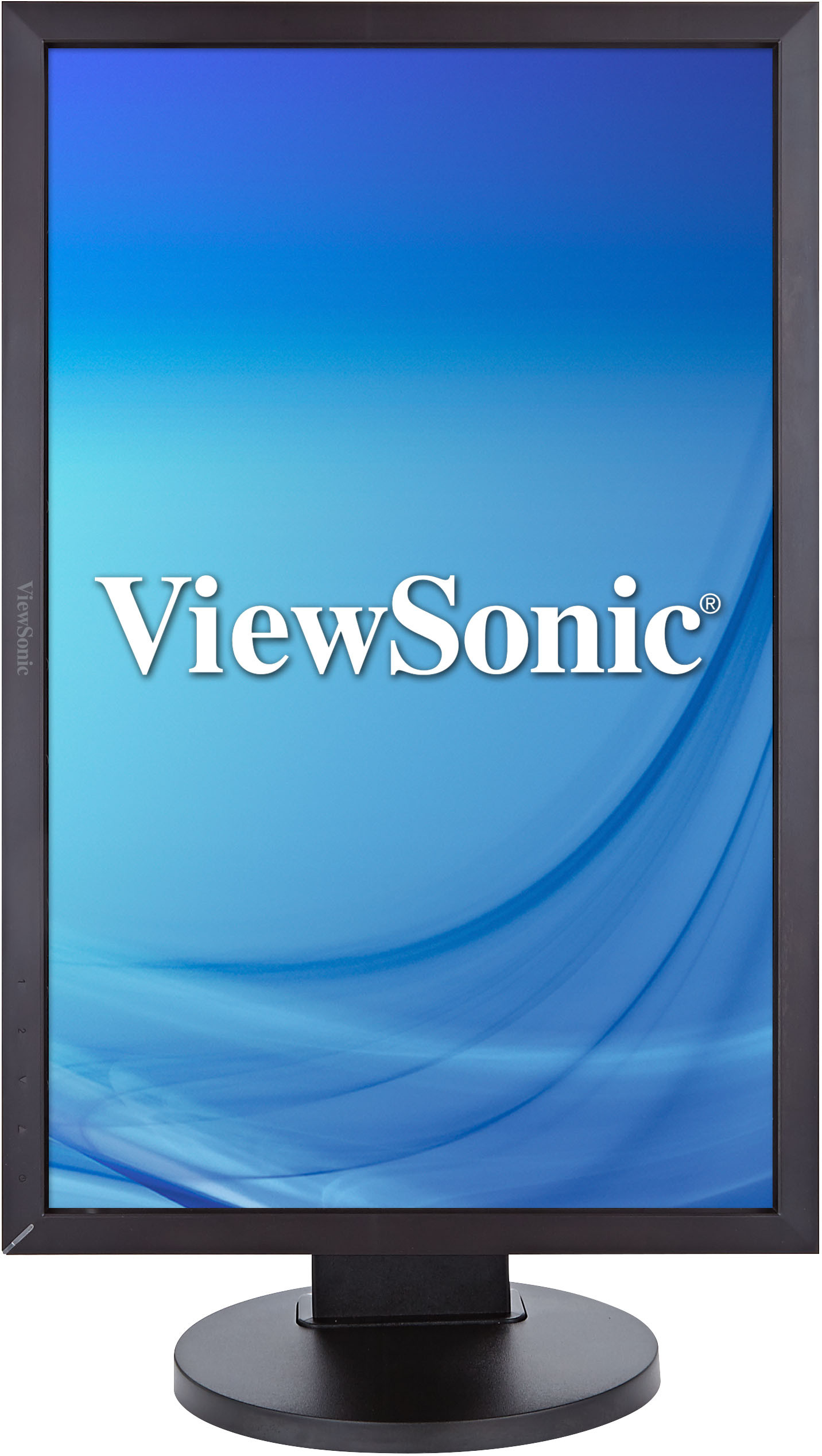
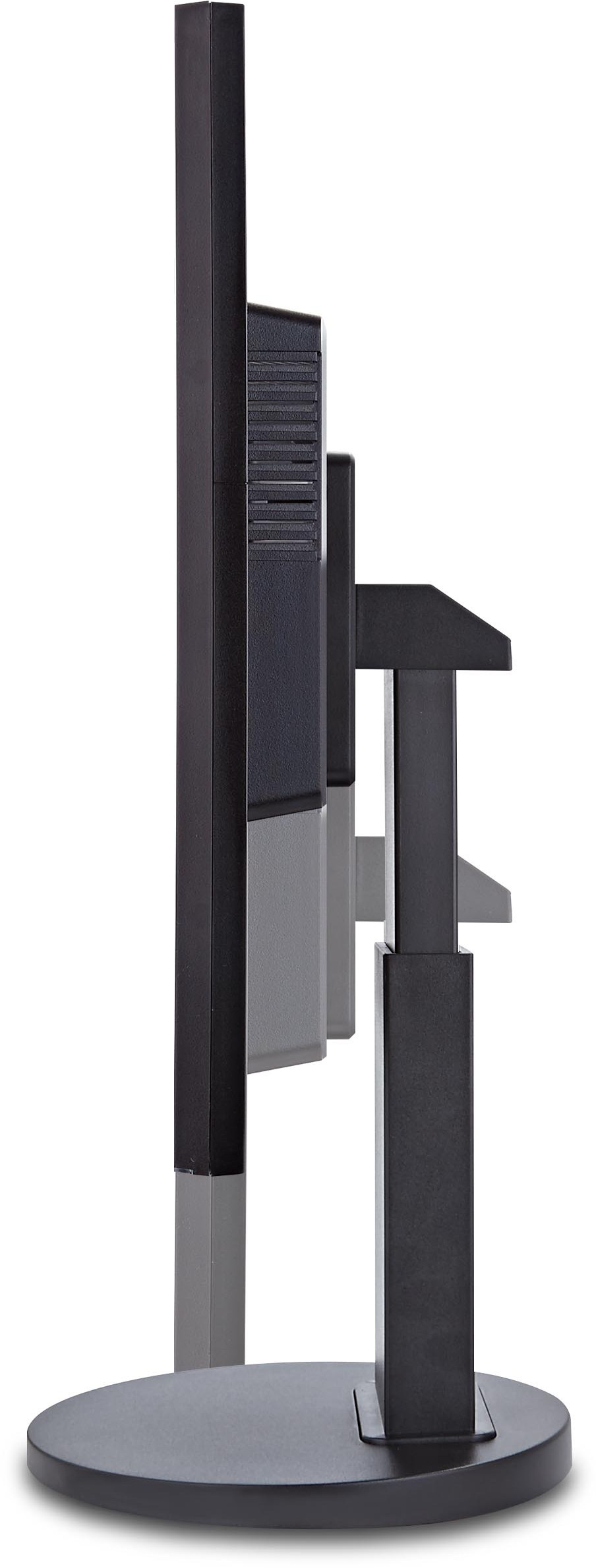
With advanced ergonomic features, ViewSonic displays are designed to provide a greater range of adjustment for increased productivity and comfort. Users can reduce eyestrain and physical fatigue by adjusting the monitor via 360-degree swivel, 90-degree pivot, -5 to 37-degree tilt, and 100mm height adjust options. 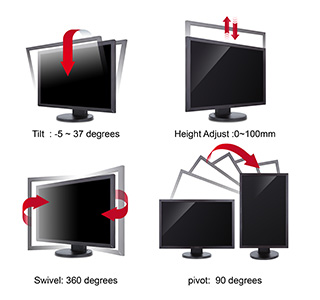 | ||||||||
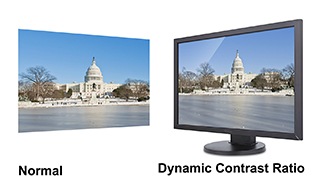
Dynamic contrast ratio detects the brightness of an image, and automatically adjusts the backlight to maximize the monitor’s colour range and contrast. Dynamic contrast ratio technology enables the accurate reproduction of images, producing vibrant and rich visual effects.
|
ViewSonic flicker-free displays completely eliminate flickers and deliver on the promise of more comfortable viewing. This allows you to work at your computer, play games, or watch movies longer – without eye fatigue. 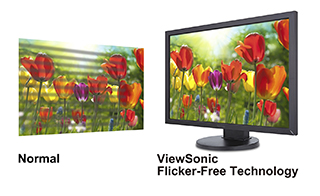 | ||||||||
Prolonged exposure to certain levels of blue light can cause eye discomfort. ViewSonic displays feature a Blue Light Filter setting that allows users to adjust the amount of blue light emitted from the screen, while maintaining a good colour balance and reducing eye discomfort for work and multimedia applications. 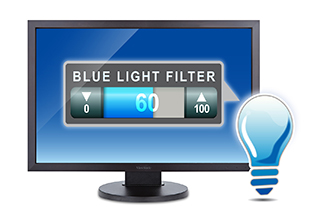 |
Enjoy excellent performance and accurate colour rendering for everything you view on this display. With 5 different scenario presets, ViewSonic displays offer best-in-class calibration techniques to bring you the best digital viewing experience for Gaming, Movie, Web browsing, Reading, and Grey scale applications.
| ||||||||
The ViewSonic VG2235m has two integrated 2W stereo speakers for enhanced multimedia performance with crystal-clear stereo sound. 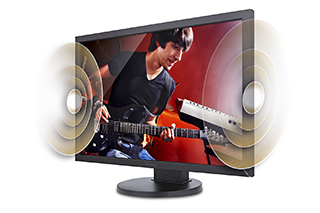 |
LED backlighting enhances display performance, delivers an outstanding colour range, and adjusts contrast ratios for remarkably detailed images. ViewSonic's eco-friendly, mercury-free LED backlighting further conserves up to 25% more energy when compared to conventional displays. In addition, LED backlighting provides a slim, lightweight profile that saves desktop space. 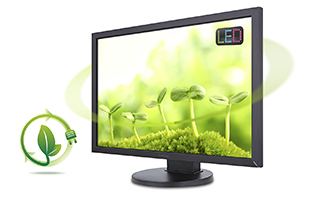 | ||||||||
ViewSonic’s proprietary Eco-mode feature is built into all LED displays, offering options to select ʺOptimize(75%)ʺ or ʺConserve (50%)ʺ settings that save up to 25% power. Especially in low ambient light, Eco-mode adjusts brightness and improves visibility, while reducing eye fatigue and prolonging the display's lamp life. With Eco-mode, both lamp replacement and energy expenditures are reduced. 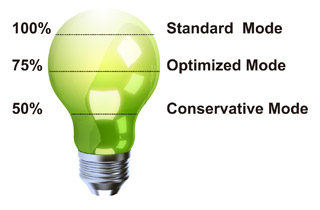 |
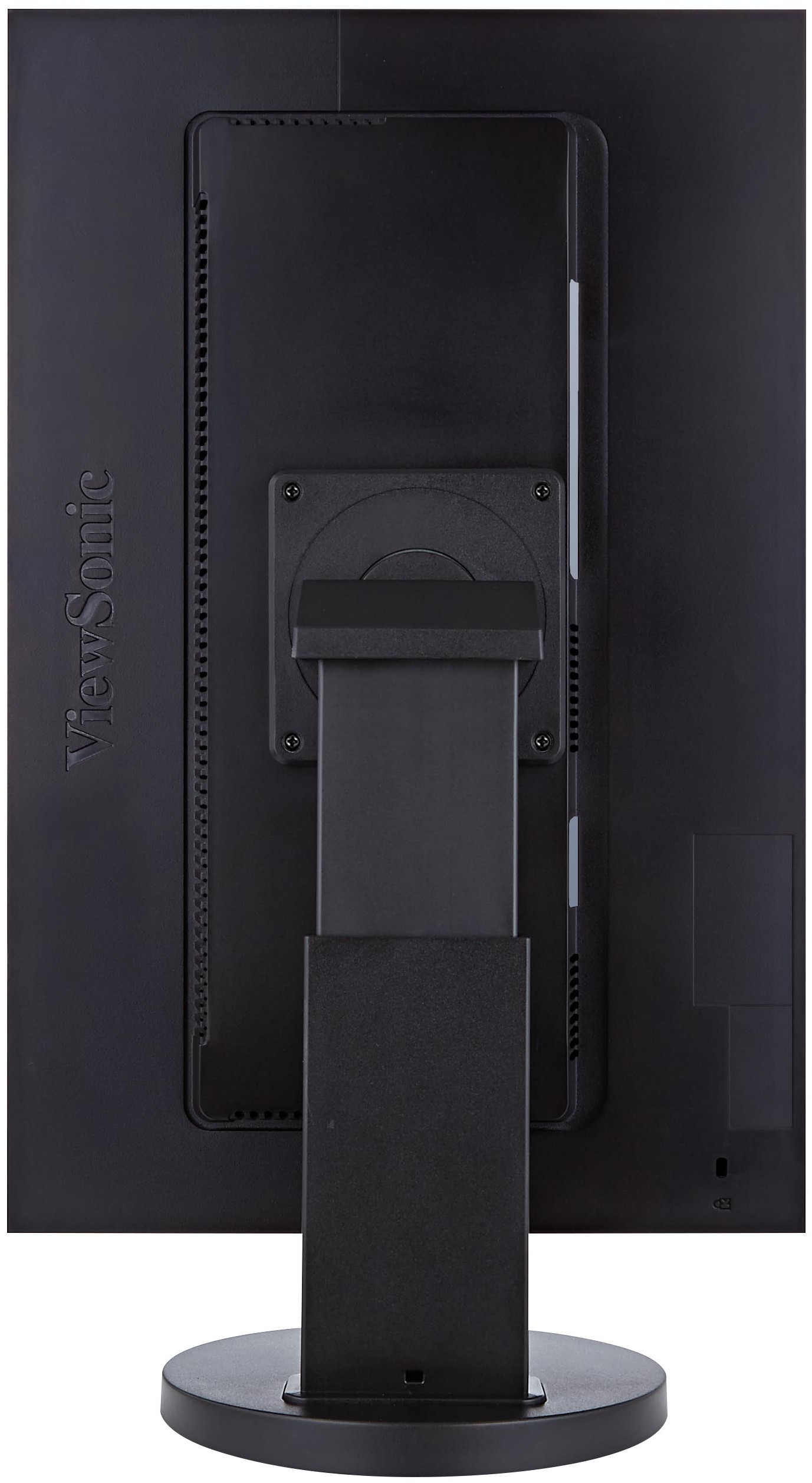
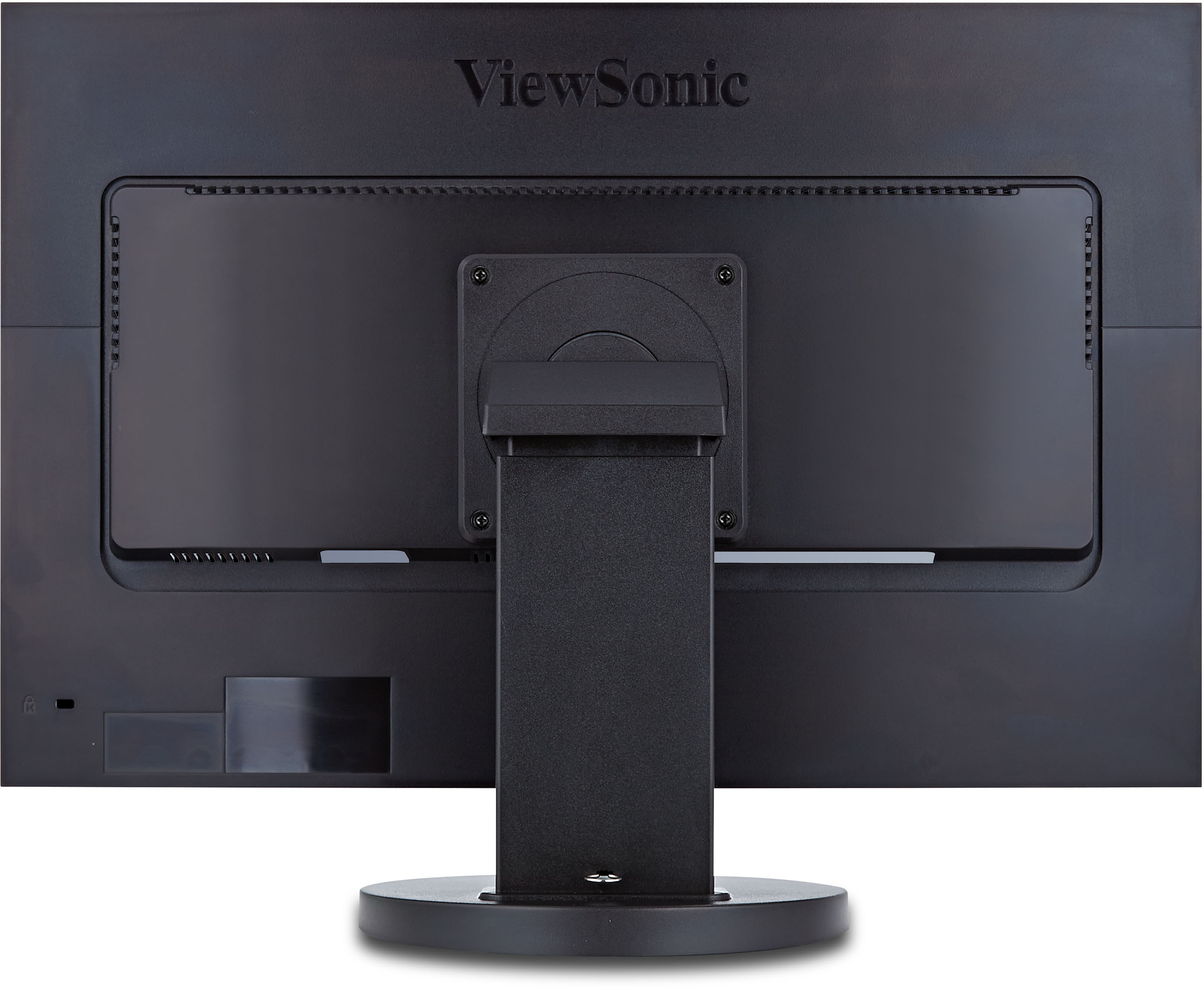
The ViewSonic VG2235m features a 100 x 100mm VESA-mountable design that allows you to mount the display on a monitor stand or on a wall, depending on your specific needs. You can easily unscrew the base, and then mount the display on its new stand or wall mount. 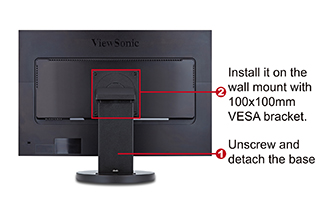 | ||||||||
|








SPECIFICATIONS
- LCDType: 22" Wide Color a-Si TFT Active Matrix LCD
Optimum Resolution: 1680 x 1050
Contrast Ratio: 1000:1 (typ)
Viewing Angles: 170°/160° (typ)
Response Time: 5 ms (typ)
Panel Surface: Anti-Glare type, Hardness 3H
Display Area: 473.76 x 296.1 mm
Colour Support: 16.7M
Brightness: 250 cd/m²
Dynamic Contrast Ratio: 20M:1
Backlight: WLED light bar
Backlight Life: 30,000 Hrs (Min) - CompatibilityPC: VGA up to 1680x1050 Non Interlaced
Mac®: Power Mac up to 1280x1024 - ConnectorPower: Internal Power Board , 3-pin plug (CEE22) x1
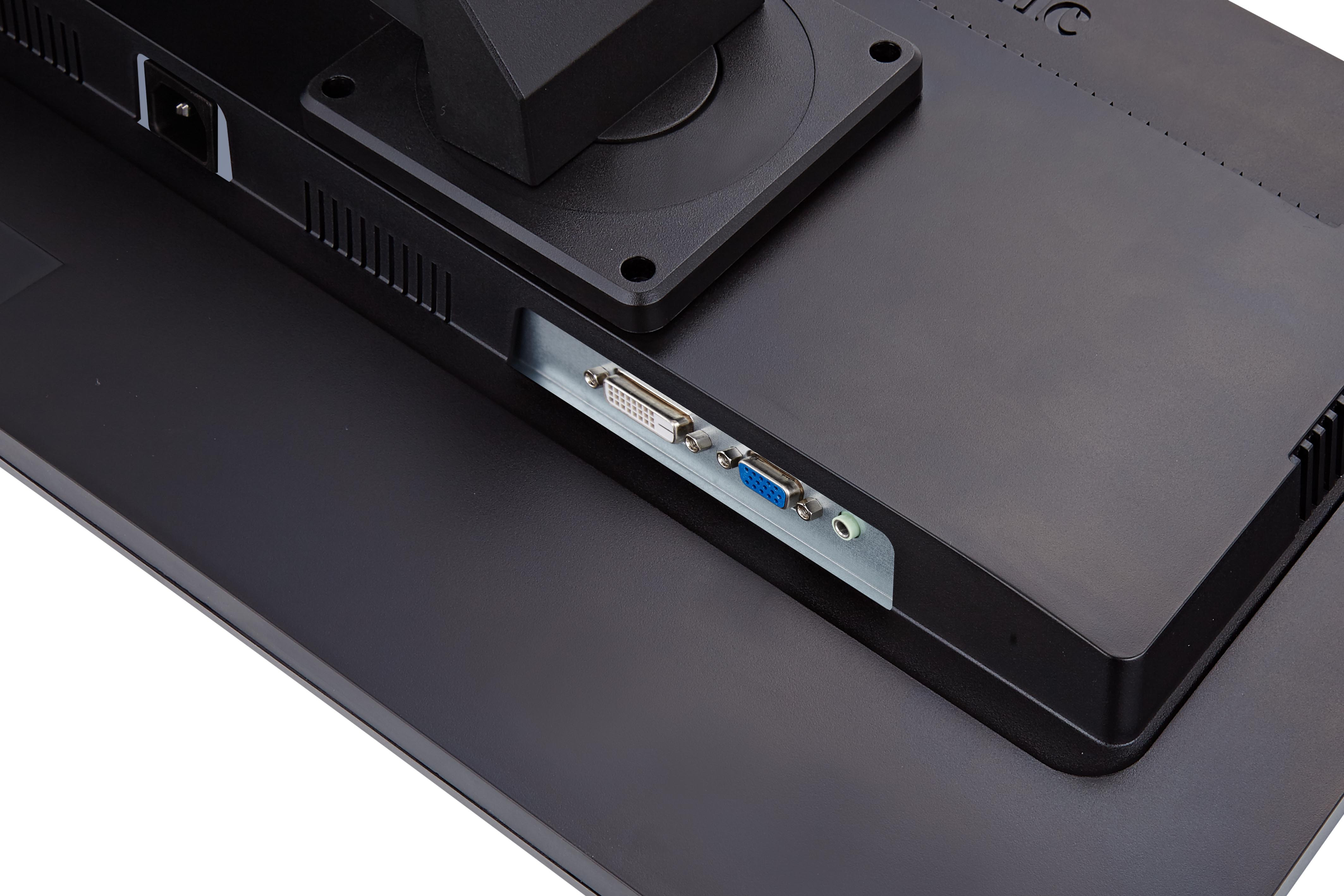
Video: D-Sub x1, DVI-D x1
Audio Input: Audio in x1(3.5mm plug)
Speaker: 2Wx2
- ControlsFront Panel: [1],[Dn] [Up], [2], [PW]
OSD Setting: Auto Image Adjust Contrast/Brightness Input Select D-SUB,DVI, Audio Adjust Volume, mute, Audio input Color Adjust sRGB, BLUISH, COOL, NATIVE, WARM, User Color [R, G, B] Information Manual Image Adjust H/V Position, Horizontal Size, Fine Tune, Sharpness, Dynamic Contrast, Aspect ratio, OVERSCAN, Eco mode,ViewMode,Blue Light Filter Setup Menu Language Select, Resolution Notice, OSD Position, OSD Time out, OSD Background, Auto Power Off, Power Indicator, SLEEP Memory Recall
[ 1 ] : Main Menu [ 2 ] : Input Select [Up] : To immediately ViewMode [Dn] : To immediately Blue kight filter [Up] + [Dn] : 1. In the CR/BT menu, Recall Contrast or Brightness to default in its menu without OSD message 2. In the Audio mode, recall both of Volume and Mute to default without OSD message.( Under Volume adjust submenu,recall Volume to default without OSD message.) 3. While OSD menu off, recall Contrast & Brightness to default without OSD message. 4. After DCR on, CR/ BT is disabled, therefore, no action for CR/BT. [ 1 ] + [ 2 ] : Timing toggle, refer to section [ 1 ] + [Up] + [Dn] : Auto White Balance [ 1 ] + [Dn] : Power Lock [ 1 ] + [Up] : OSD Lock [2] + [▲]: Logo Boot Up Screen On/Off [2] + [▼]: Toggle DDC/CI and DDC/2B - DIMENSIONSPhysical With Stand: 20.17” (W) x 15.31" (H) x 8.04” (D) 512.4mm (W) x 389.0mm (H) x 204.3mm (D)
Physical Without Stand: 20.17” (W) x 13.2” (H) x 1.88” (D) 512.4mm (W) x 335.3mm (H) x 47.7mm (D)
Packaging: 22.32" (W) x 15.90" (H) x 5.98" (D) 567mm (W) x 404mm (H) x 152mm (D) - REGULATIONSCU, UkrSEPRO + DoC,Erp, REACH SVHC List & DoC,TCO, GS, Ergo
- PACKAGE CONTENTSLCD Display Power Cable Video Cable Audio Cable Quick Start Guide ViewSonic Wizard CD-ROM *Actual content may differ from market to market
- WARRANTY*Warranty offered may differ from market to market
- RECYCLE/DISPOSALPlease dispose of in accordance with local, state or federal laws
- INPUT SIGNALDigital: DVI (TMDS, 100 ohms)
Sync: Separate Sync Composite Sync Sync on Green
Frequency: Fh = 30 ~80 kHz ; Fv = 50 ~75 Hz
Analogue: RGB Analog (75 ohms, 0.7 / 1.0 Vp-p) - POWEROptimize: 11W
Conserve: 8W
Voltage: AC 100-240V (Universal); 50/60 Hz
Consumption: 18.5W - VESA® MOUNT100 x 100 mm
- ERGONOMICSHeight Adjustment: 0-100mm
Rotation: 90˚
Tilt: 37˚ ~ -5˚
Swivel: 360˚ - WEIGHTGross: 13.67 lbs / 6.20 kg
Net With Stand: 10.69 lbs / 4.85 kg
Net Without Stand: 7.17 lbs / 3.25 kg - OPERATING CONDITIONSHumidity: 10% to 90% (no condensation)
Temperature: 32°F to 104°F (0°C to 40°C)