MPC310-W31-TU
Unité centrale TeamJoin™
- Le processeur Intel Core™ de 12e génération et le TPM 2.0 garantissent un environnement de réunion stable et sécurisé.
- Salles Microsoft Teams préinstallées sur le dernier système d'exploitation Windows 11 IoT Enterprise
- ViewSonic et d'autres périphériques certifiés Microsoft Teams Rooms s'intègrent parfaitement.
INTRODUCTION
The MPC310-W31-TU TeamJoin™ Computing Engine is part of the ViewSonic TeamJoin™ solutions for Microsoft Teams Rooms, designed to enrich collaboration across diverse meeting spaces. Running on the Windows 11 IoT Enterprise operating system and powered by a robust 12th Gen Intel® Core™ processor, it integrates pre-installed Microsoft Teams Rooms software to facilitate effortless connections, smooth content sharing, and seamless collaboration during calls and meetings. To simplify setup and maintenance for IT staff, it incorporates a cable management system.

From Boardroom to Every Room. Videoconferencing for All.
Seamless Collaboration Control Hub
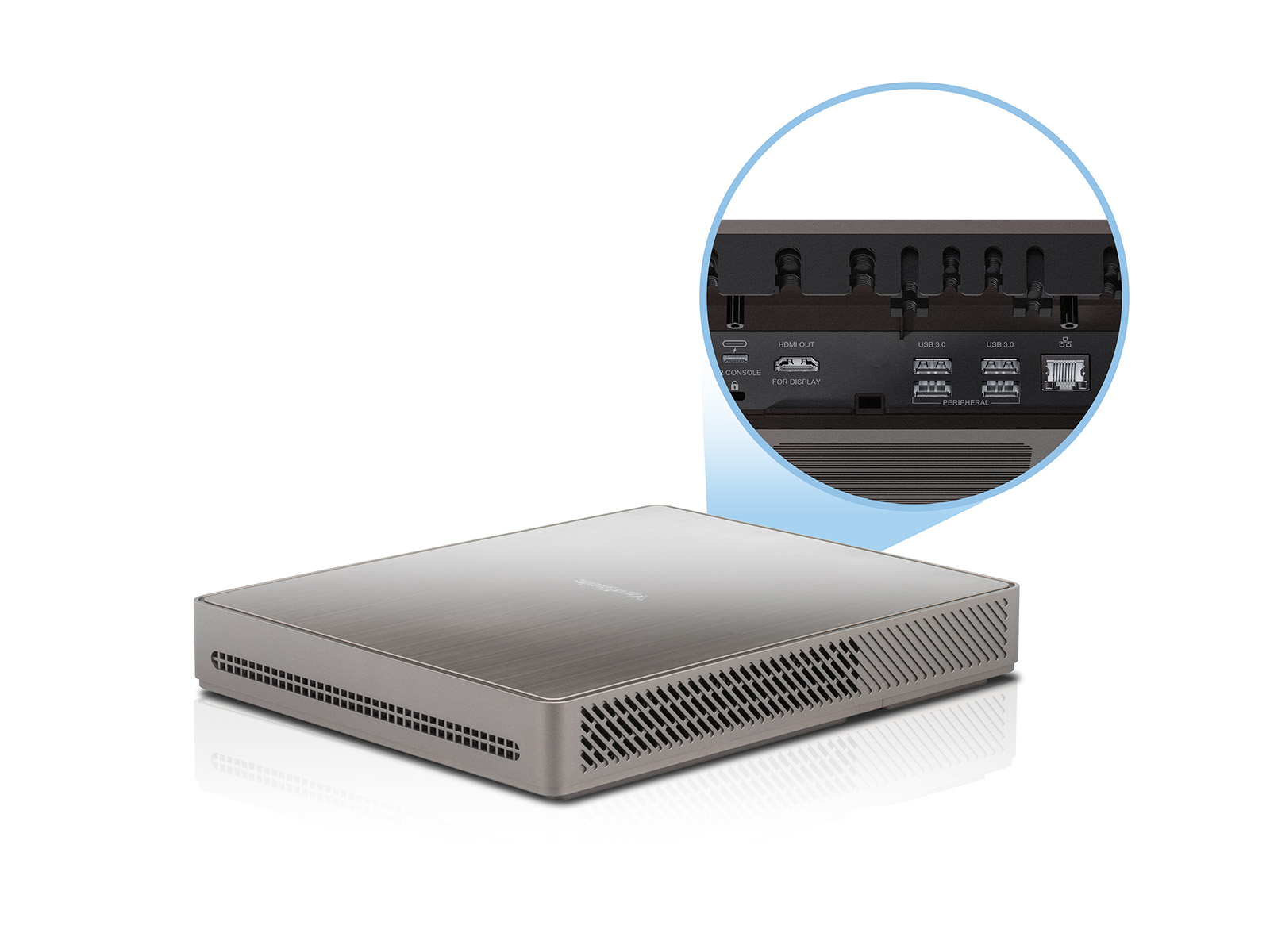
The MPC310-W31-TU TeamJoin Computing Engine powered by a 12th Gen Intel® Core™ processor, optimizes hybrid collaboration. With built-in Microsoft Teams Rooms software on the latest Windows 11 IoT Enterprise, it facilitates easy connection, content sharing, and collaboration in calls and meetings. The integrated cable management streamlines the setup, simplifying maintenance for IT staff.
Enterprise-grade Security
An integrated Trusted Platform Module (TPM) 2.0 ensures safer, more secure computing by providing hardware-based authentication and tamper detection. In addition, the 12th generation Intel® processor delivers advanced security features such as Intel® Threat Detection Technology and Control-Flow Enforcement. These are complemented by the Windows 11 IoT Enterprise operating system with Smart App Control (SAC), further enhancing the overall device security.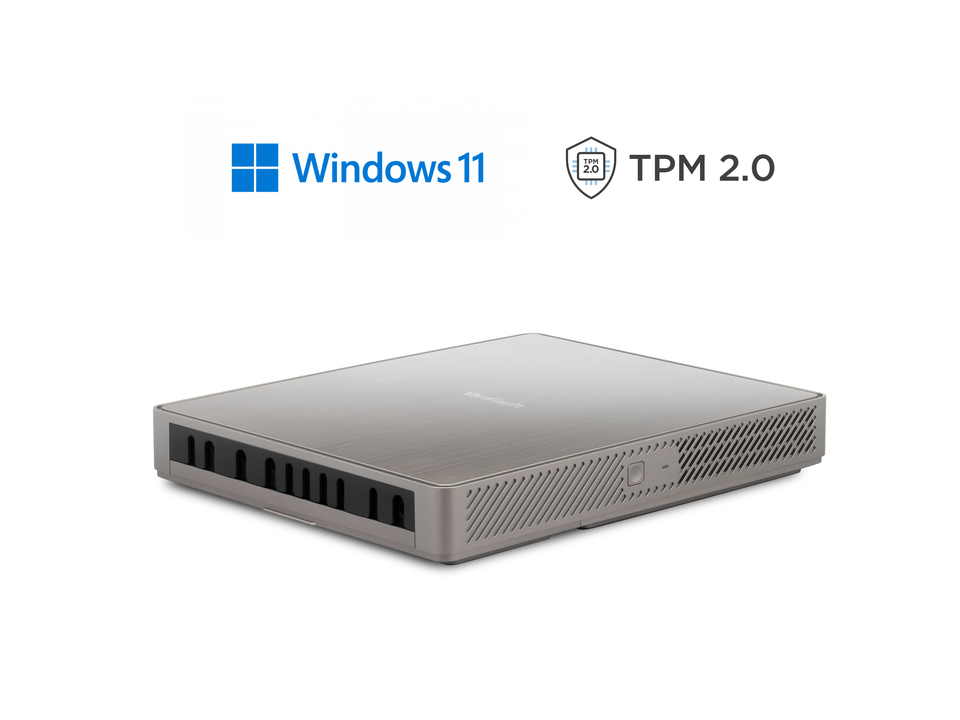
Dimension & I/O Ports
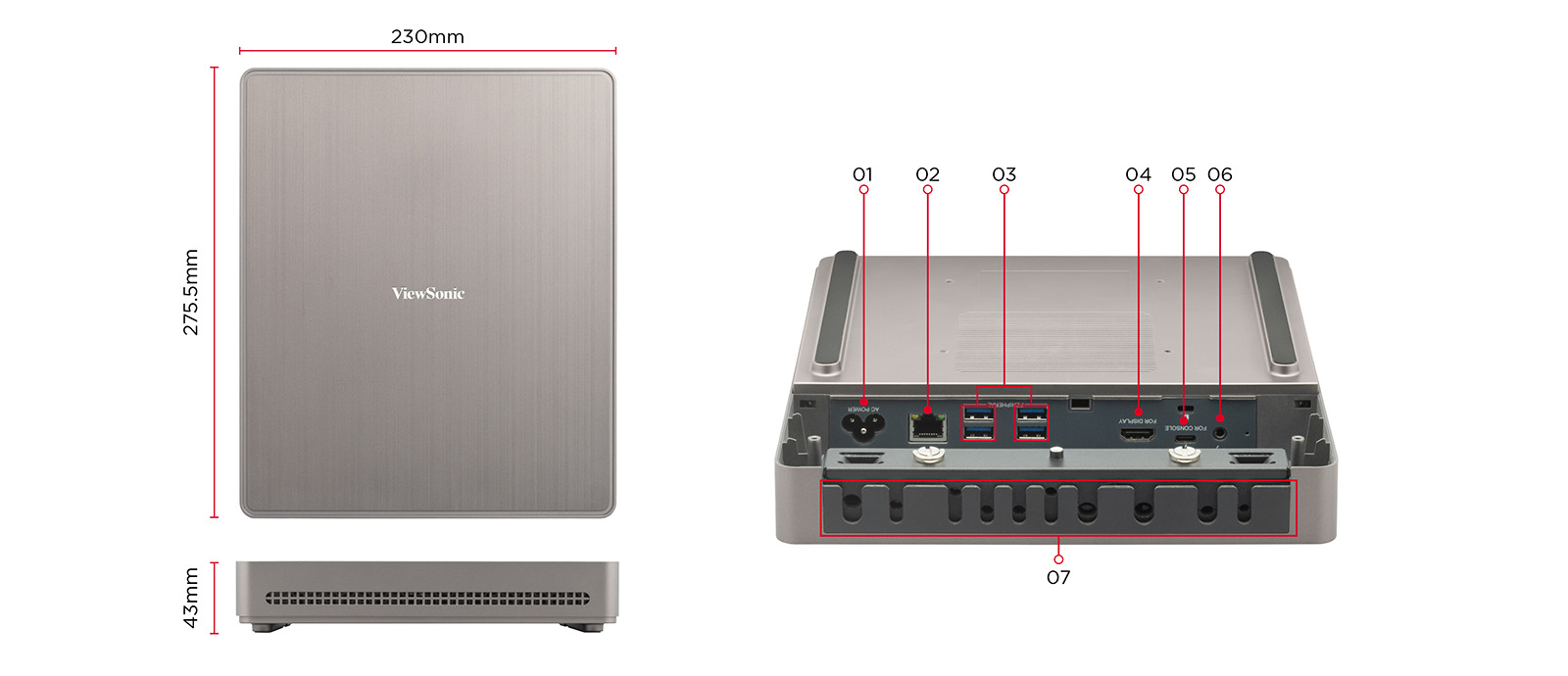
- AC Power
- RJ45
- USB 3.0 x4
- HDMI Out for Display
- USB-C for Console
- Audio Out
- Cable Management


SPÉCIFICATIONS
- CPUCPU: Intel i3-1220P (1.5G)
Turbo boost 4.4G
GPU: Intel UHD - MémoireType: Dual Channel DDR4
Interface: DDR4 SODIMM
Size: 8GB (4x2) - StockageType: M.2 2280 SSD
Interface: SATA
Size: 128GB
- InterfaceUSB type-A: 4 x USB3.0
USB type-C: 1 x USB3.0
(DP out 4K@30Hz, USB3.0 upstream(In)),
12V/2A PD
Audio: 1 x Audio Combo Jack
Ethernet: 1 x RJ45 (10M/100M/1000M)
HDMI out: 1 x HDMI Video Out
(Support Video out 4K@60Hz,
CEC control - screen power on/off)
Antenna: Built-in (BT)
Power button: 1 x Power button
Power LED: 1 x Power LED
(Power on: Blue)
OS recovery: 1 x OS recovery
Kensington Security Lock: 1 x Security slot - WIFI ExpansionWLAN spec: No Wi-Fi, BT5.3
- Operation SystemWindows: Windows 11 IoT Enterprise (x64)
- Bundled SoftwareLogiciel: Microsoft Teams Rooms
- AlimentationSupply mode: Internal power supply module
Input power: AC 100-240V 50/60Hz
Maximum power consumption: 111.9W (19V/5.89A)
Standby power consumption: 1.5W - Accessory (inbox)Quick Start Guide: x1
VESA mounting bracket: x1
Cordon d'alimentation: 1.8M x1 - Physical SpecificationsDimension WxHxD: 9.01 x 10.85 x 1.69 in
230 x 275.5 x 43 mm
Dimension (package) WxHxD: 14.53 x 11.85 x 4.76 in
369 x 301x121mm
Poids net: 1.86KG (4.10lb)
Gross Weight: 3.70kg (8.16lb)
COMPATIBLE AVEC MPC310-W31-TU
TÉLÉCHARGEMENTS
Feuille de données
Guides de l'utilisateur
MPC310-W31-TU User Guide (Français)
MPC310-W31-TU User Guide (Online View)
Voir toutes les langues
MPC310-W31-TU User Guide (Dansk)MPC310-W31-TU User Guide (Deutsch)MPC310-W31-TU User Guide (English)MPC310-W31-TU User Guide (Español )MPC310-W31-TU User Guide (Italiano)MPC310-W31-TU User Guide (Nederlands)MPC310-W31-TU User Guide (Norsk)MPC310-W31-TU User Guide (Polski)MPC310-W31-TU User Guide (Português)MPC310-W31-TU User Guide (Svenska)MPC310-W31-TU User Guide (Türkçe)MPC310-W31-TU User Guide (Česky)MPC310-W31-TU User Guide (繁體中文)MPC310-W31-TU User Guide (ﺍﻟﻌﺭﺑﻳﺔ)