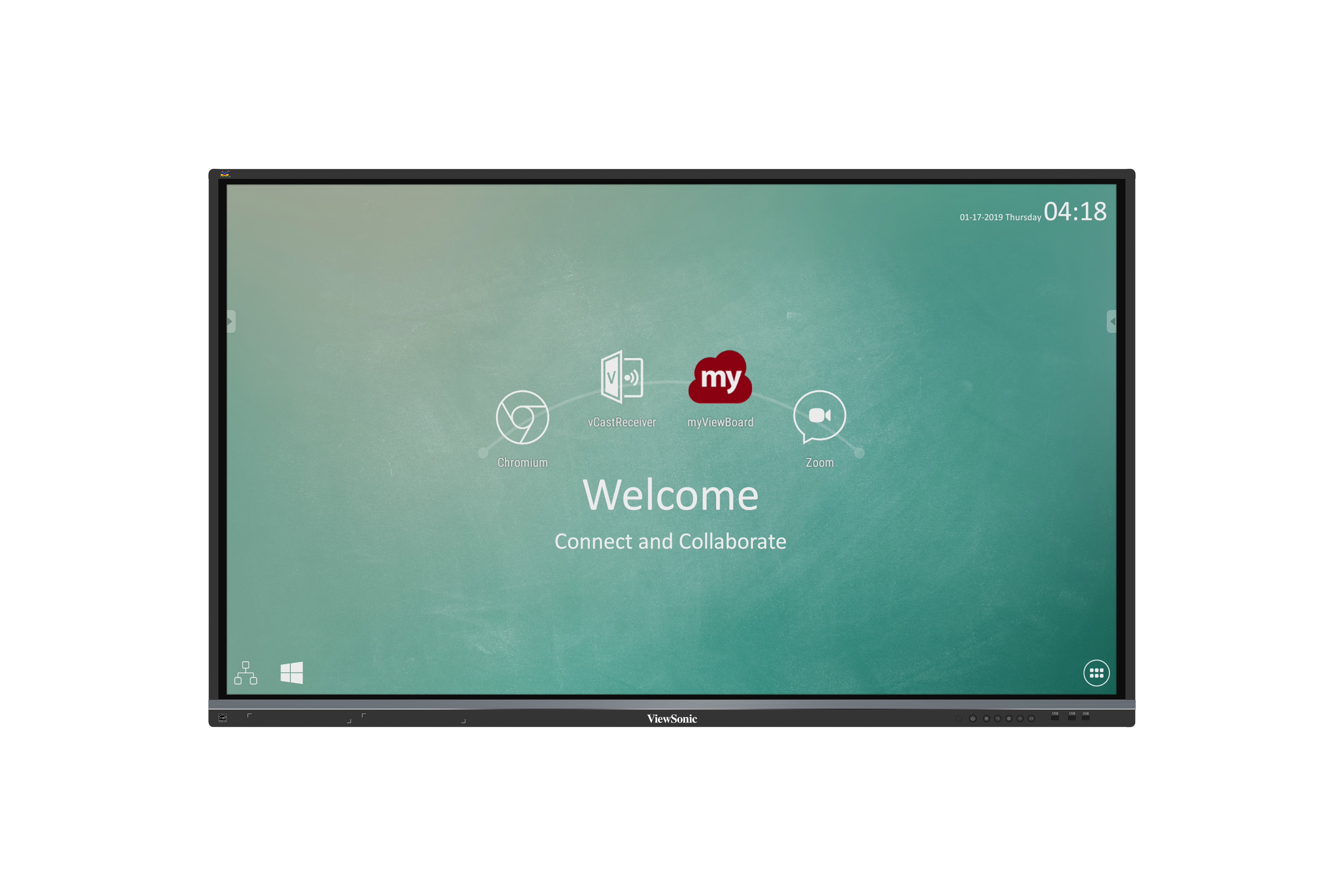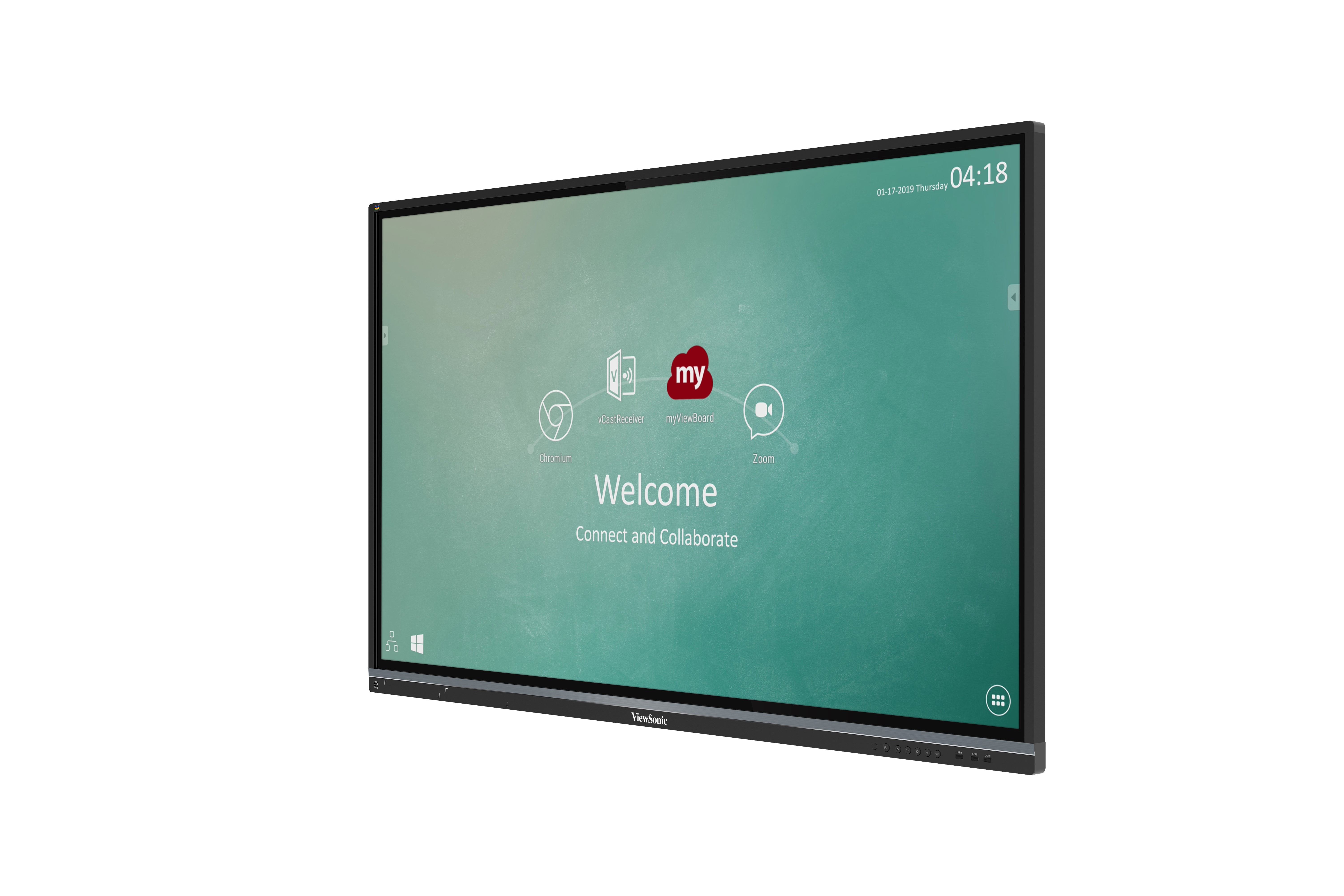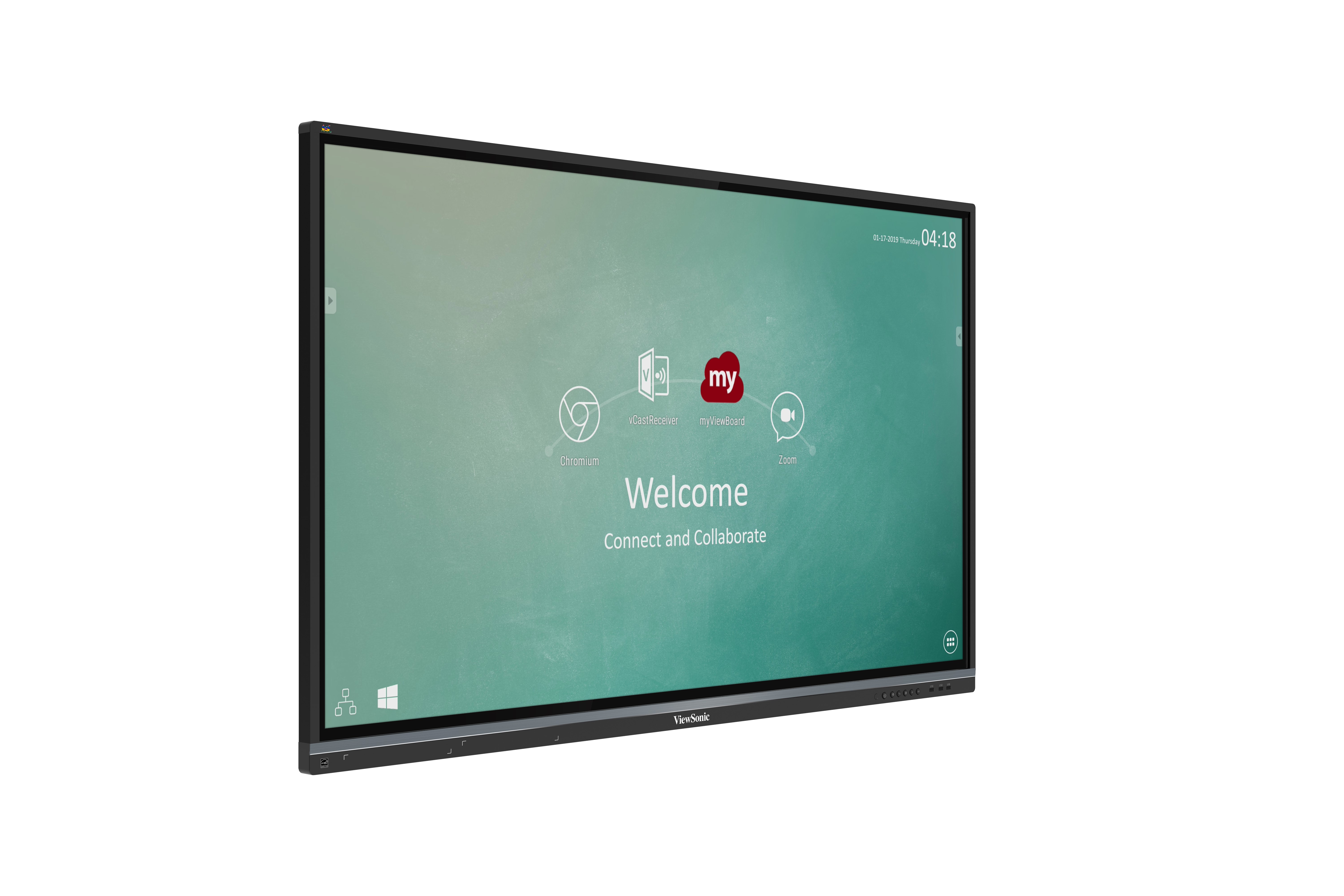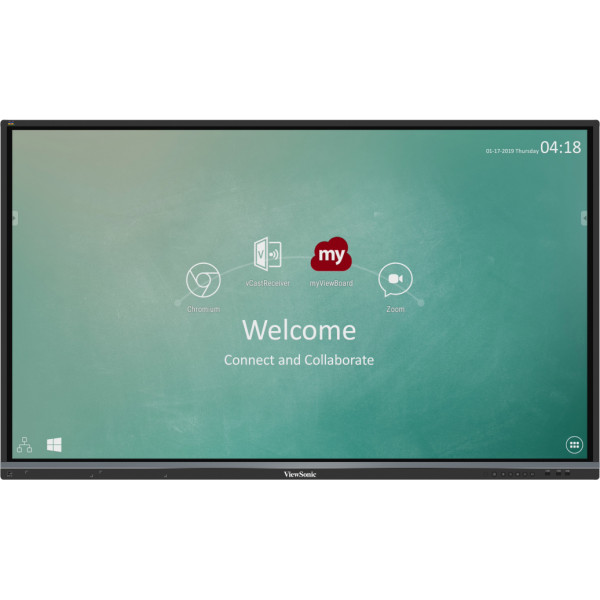
IFP5550
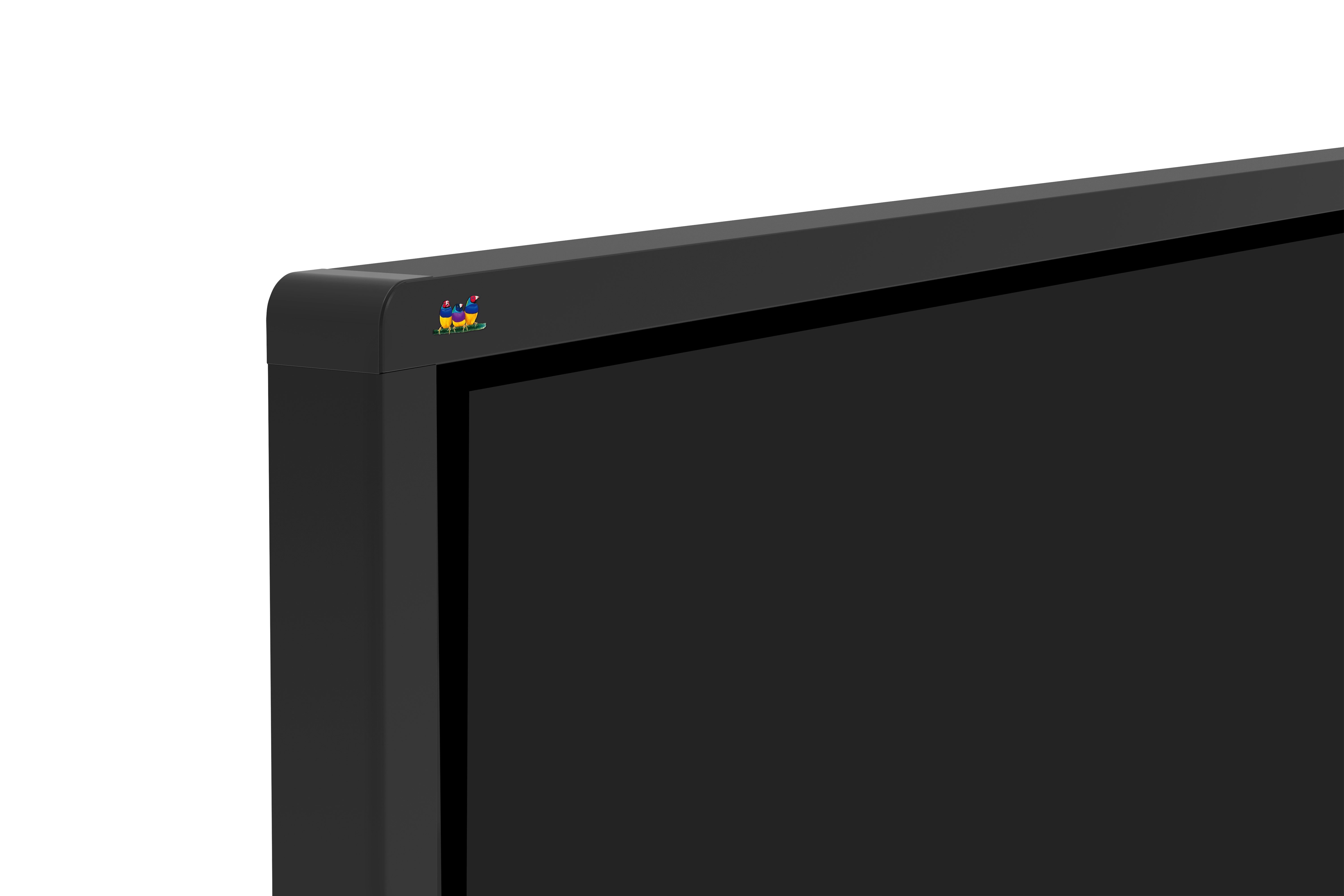
ViewBoard® 55" 4K Interactive Display
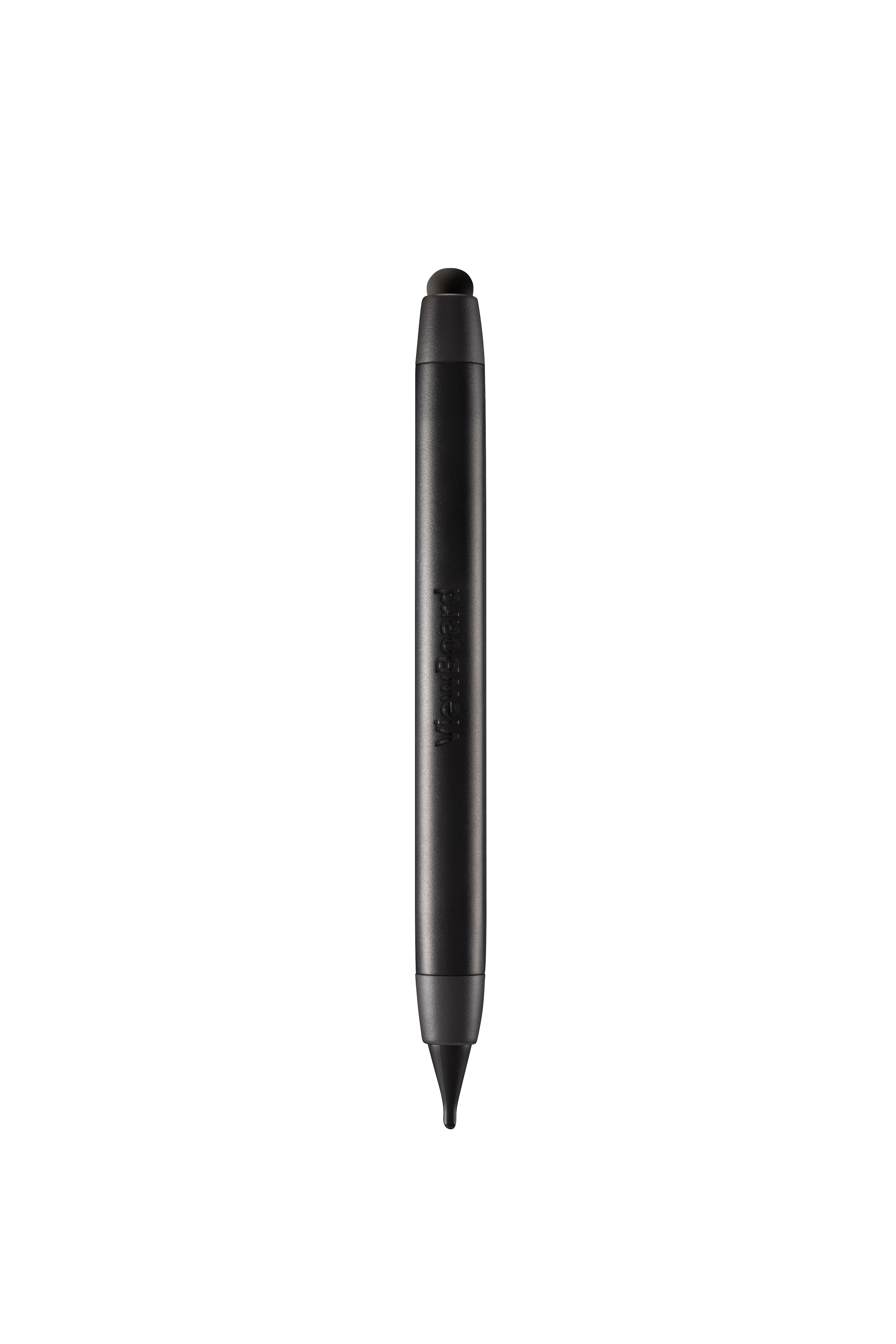
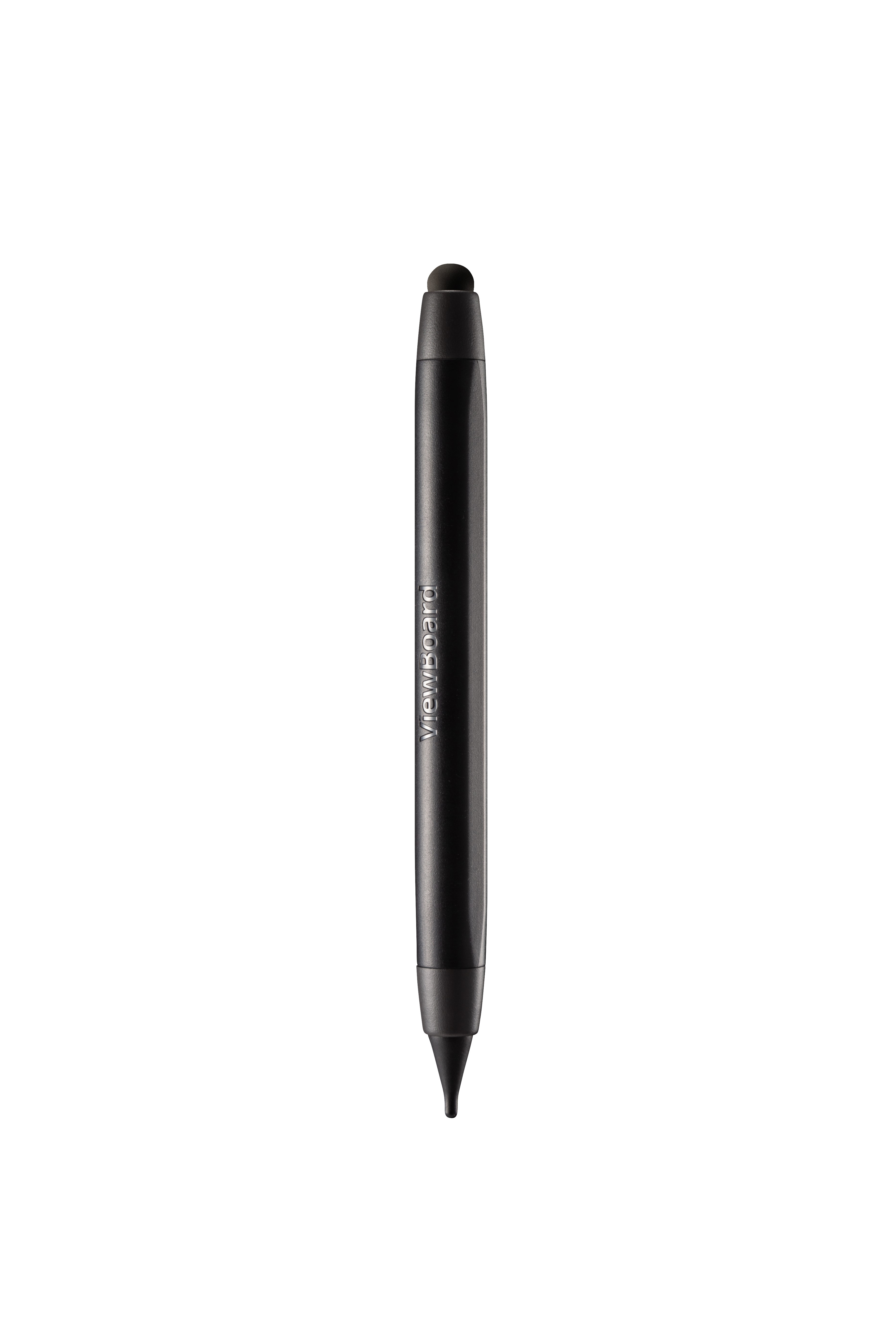
- Ultra fine touch technology enables real-time response dual-pen writing with a 3mm diameter pen tip
- 2.1 Stereo sound with a built-in woofer
- Built-in myViewBoard™ whiteboarding software to collaborate on the go
- 4-way split screen content sharing with built-in ViewBoard® Cast software
- SmartPort™ shared front USB ports for internal & external PCs
OVERVIEW
The ViewBoard® IFP50 series embraces ultra fine touch technology to offer fine precision writing. Along with slim IR touch and its optimized integration, the processing time is faster than traditional IR panels. Meanwhile, smooth dual-pen writing with our new, slim 3mm pens enables teachers and students to work efficiently on any detailed tasks that require the accurate use of fine tipped pens during group discussion. On top of that, the ViewBoard® IFP50 series is designed with a slim bezel to broaden your viewing experience, so that even at the edge you can write clearly and thinly. It is also well integrated with myViewBoard™ whiteboarding software to collaborate on the go, and further complimented by ViewBoard® Cast software for 4 way split screen content sharing.SPECIFICATIONS
- DisplayPanel Size: 55"
Type/Tech: TFT LCD Module with DLED Backlight.
Display Area (mm): 1209.6 (H) x 680.4 (V) (54.64” diagonal)
Aspect Ratio: 16:9
Native Resolution: UHD 3840x2160 (Pixels)
Colors: 1.07B colors (10bit)
Brightness: 350 nits (typ.) 300 nits (min.)
Contrast Ratio: 5000:1 (DCR)
Response Time: 8ms
Viewing Angles: H = 178, V = 178 Typ.
Backlight Life: 30,000 Hours (Min)
Surface Treatment: Anti-Glare
Bezel: Slim
Orientation: Landscape - PlatformProcessor: ARM Cortex A73 Dual-core 1.2GHz
RAM: 2GB DDR4
Storage: 16GB - TouchType/ Tech: IR Recognition
Touch Resolution: 32767 x 32767
Touch Point: 20 points touch, 10 points writing
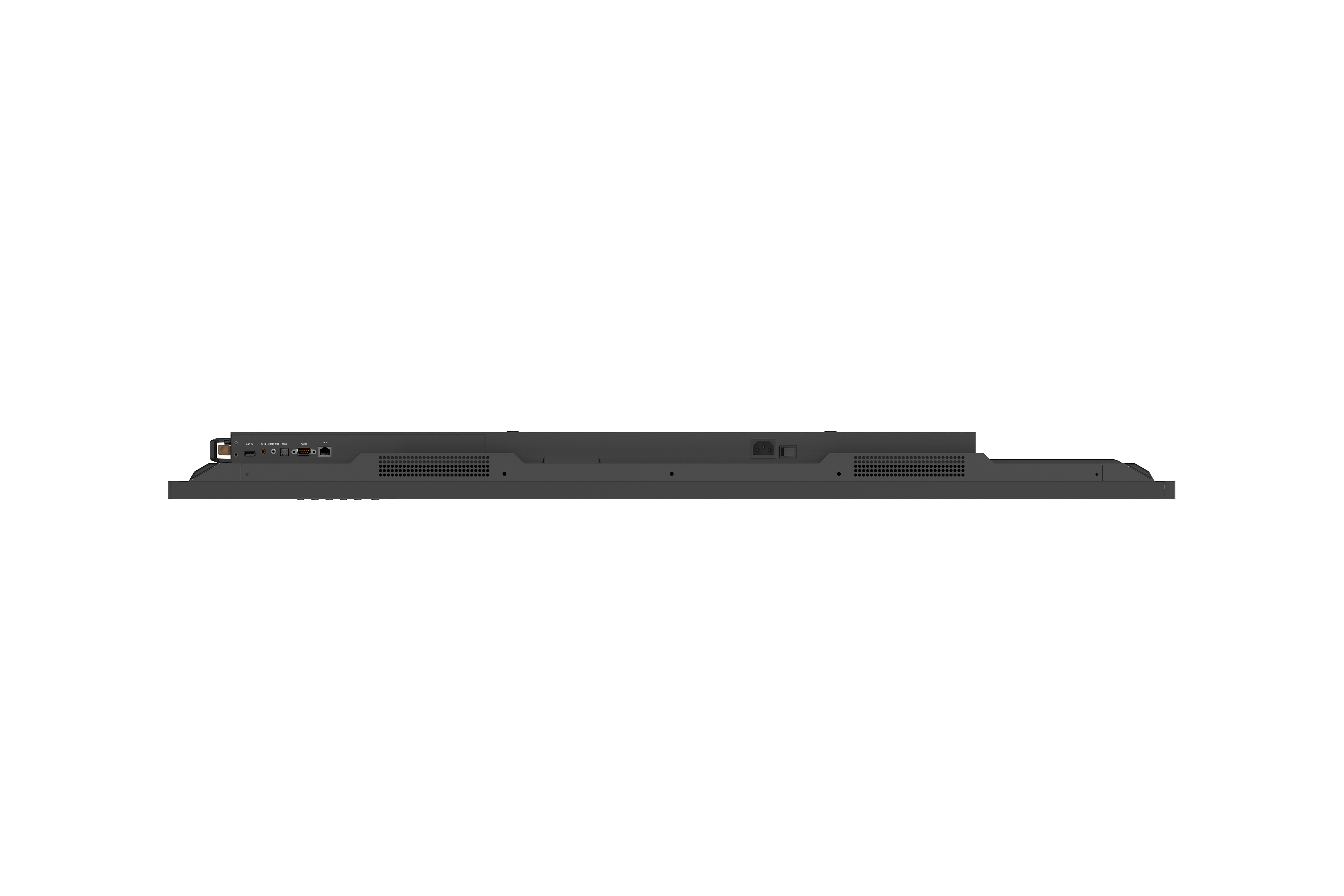
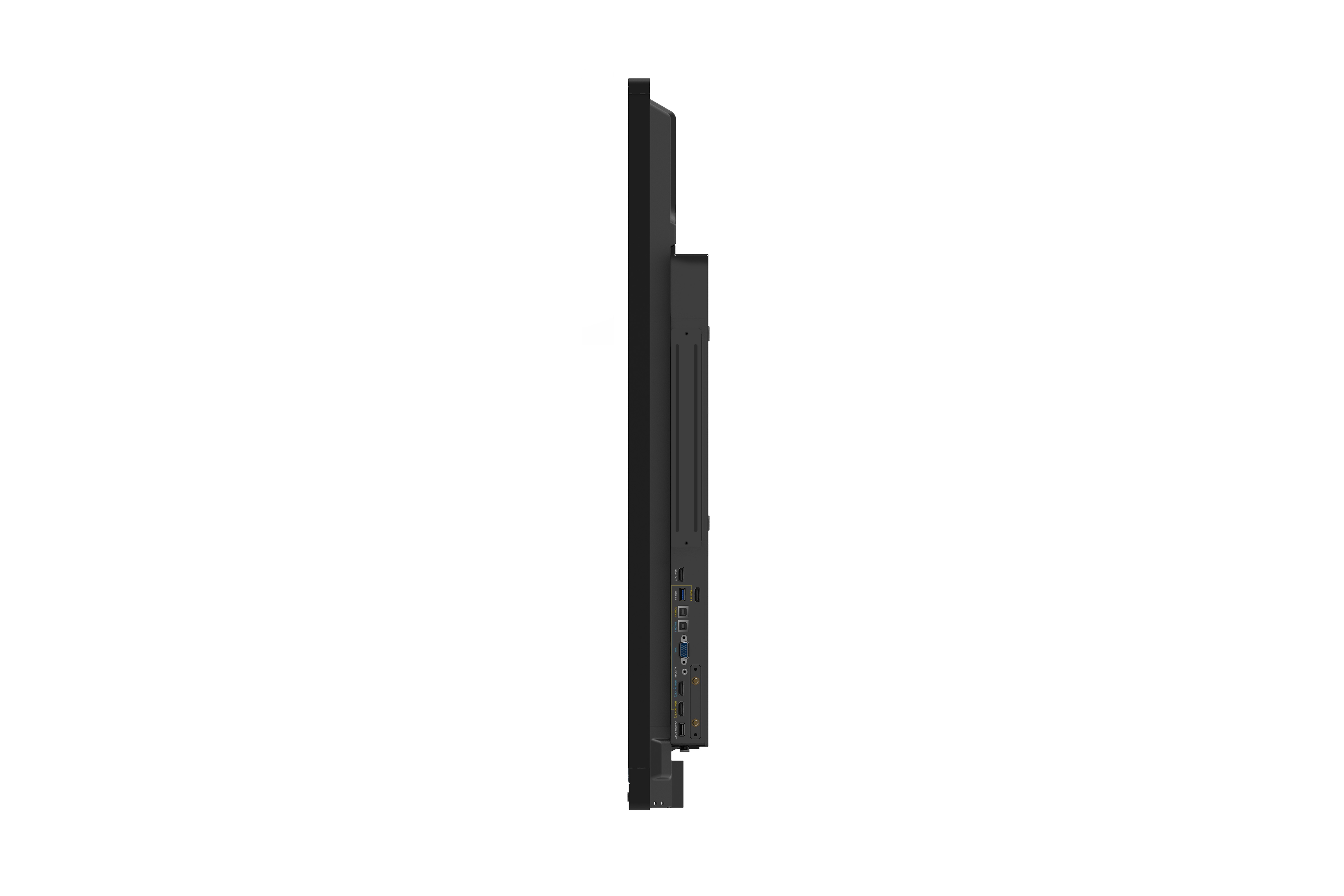
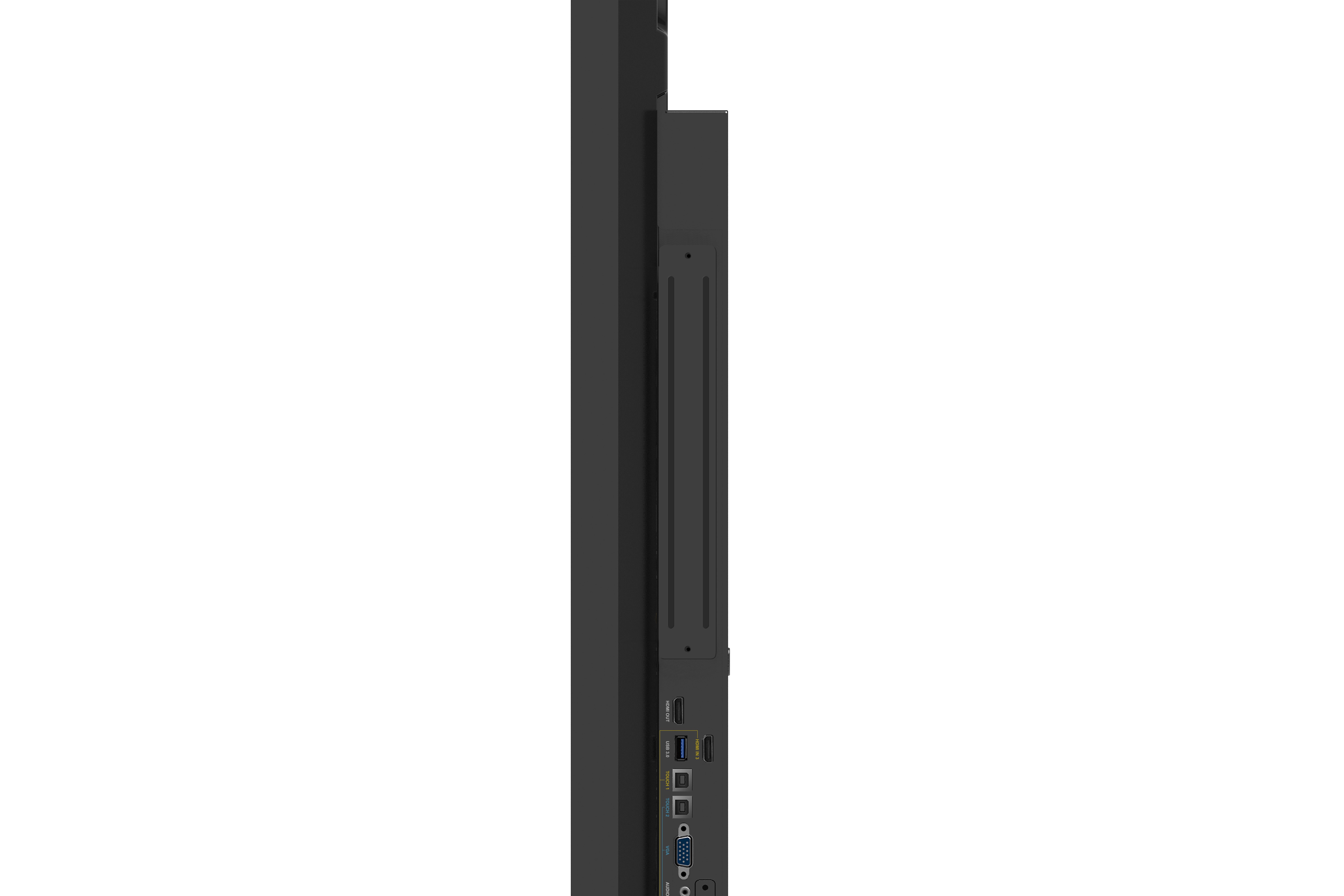
- INPUTHDMI: 2.0 x3 (3840x2160 @60Hz)
RGB / VGA: x1
Audio: x1 (PC audio in)
CVBS: x1
RS232: x1
OPS: x1 PC Slot (proprietary) - OUTPUTHDMI: x1
Audio: x1 (Earphone out)
SPDIF: 1 (optical) - LANRJ45: x1
- USBType A: USB 2.0 x4 (including 2 USB port in front), USB 3.0 x2 (including 1 USB port in front)
Type B: x2, for touch - SPEAKERSSPEAKERS: 10W x 2 + 15W x 1
- Embedded OSEmbedded OS: Android 7
- Bundle SoftwareBasic Annotation Software: myViewBoard / vBoard Lite
Pro Annotation Software: myViewBoard for Windows (Embedded in Windows Slot-in PC)
Wireless Presentation with Touch Feedback: Viewboard Cast: Yes
ViewSonic Launcher: Embedded - Special FeaturesAll-in-one USB port (combine Windows/Android USB port; no need to distinguish them anymore): Front “SmartPort™ USB” to all channels.
Simple LAN sharing between IFP and slot-in device: Yes - PowerVoltage: 100-240VAC +/- 10% Wide Range
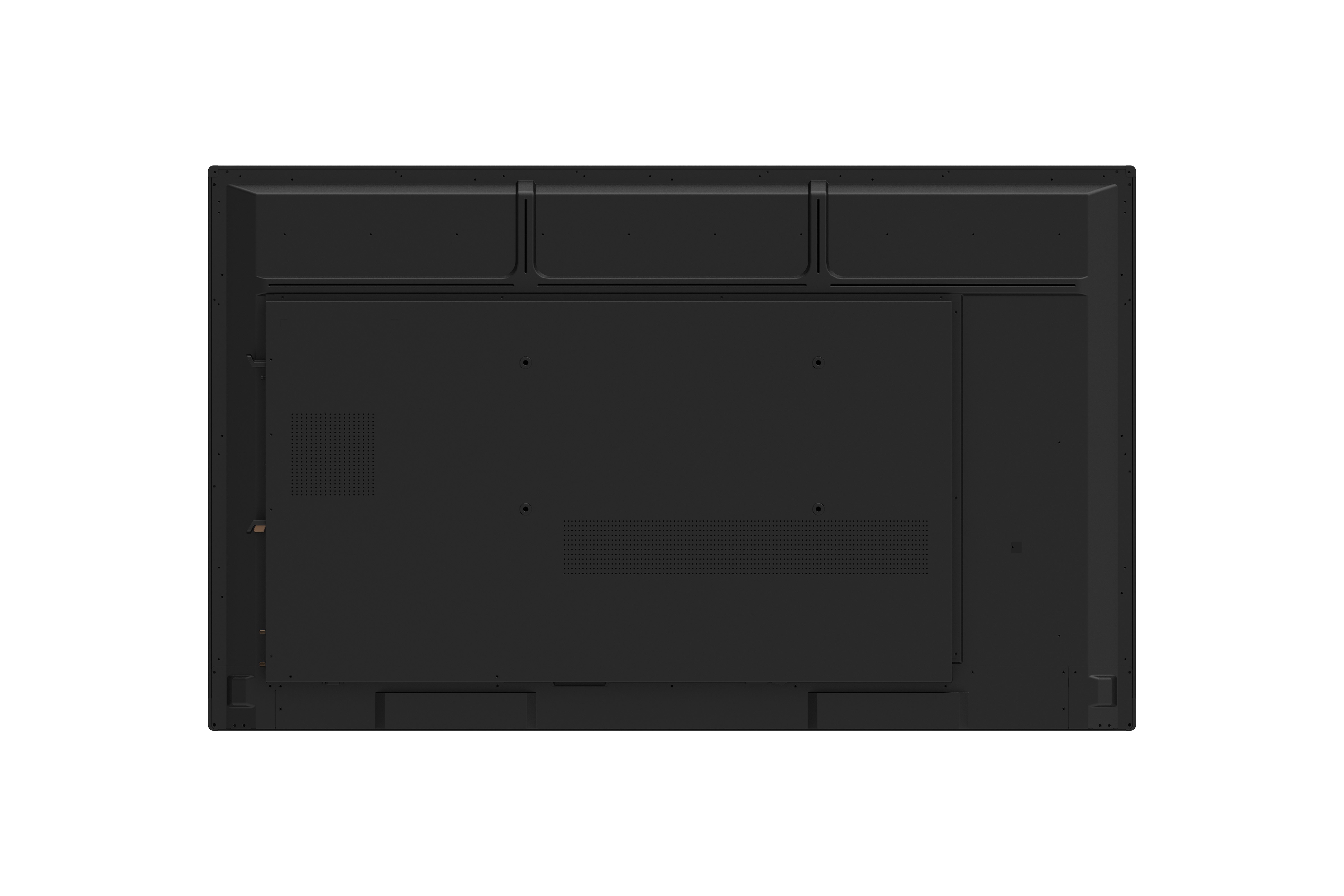
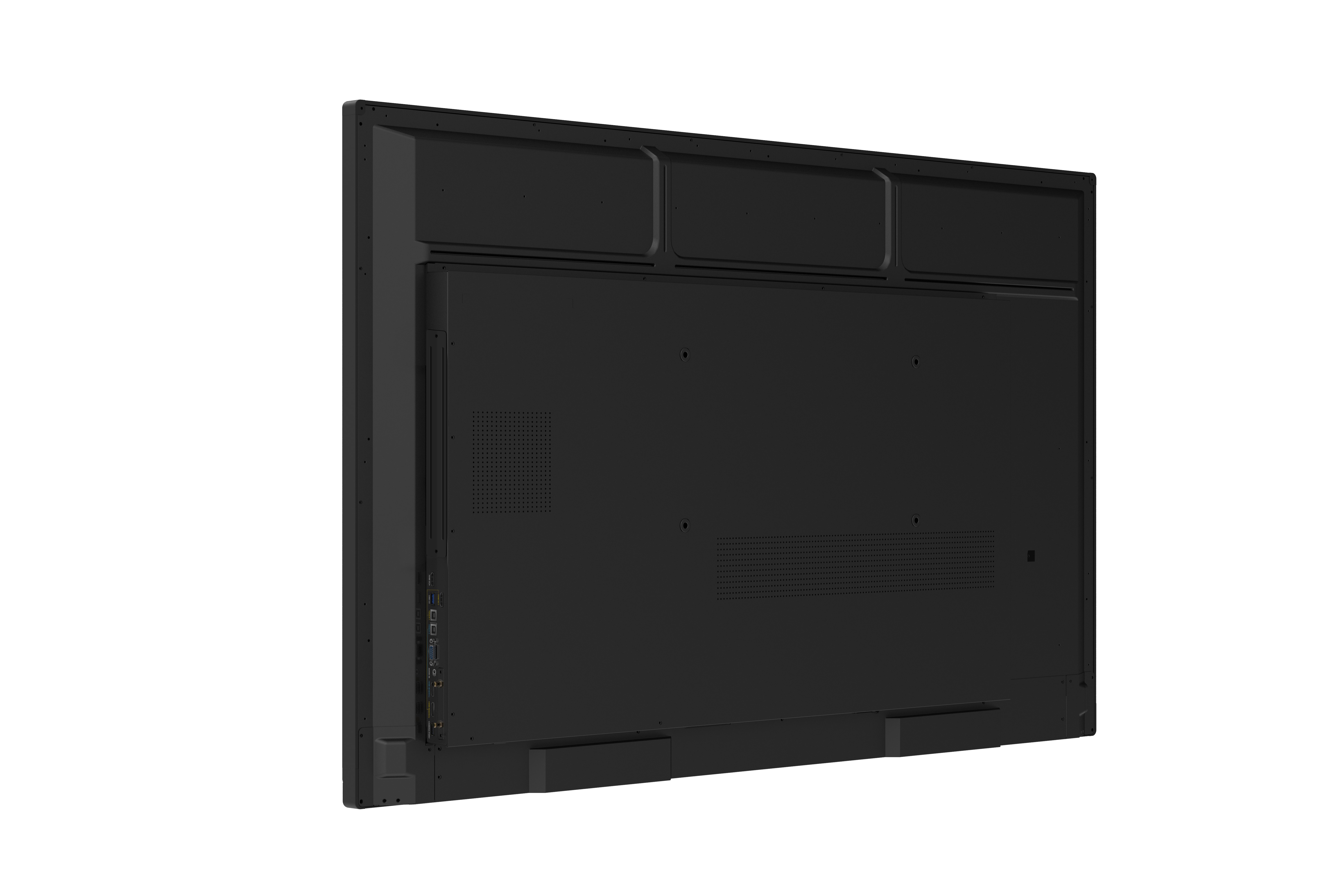
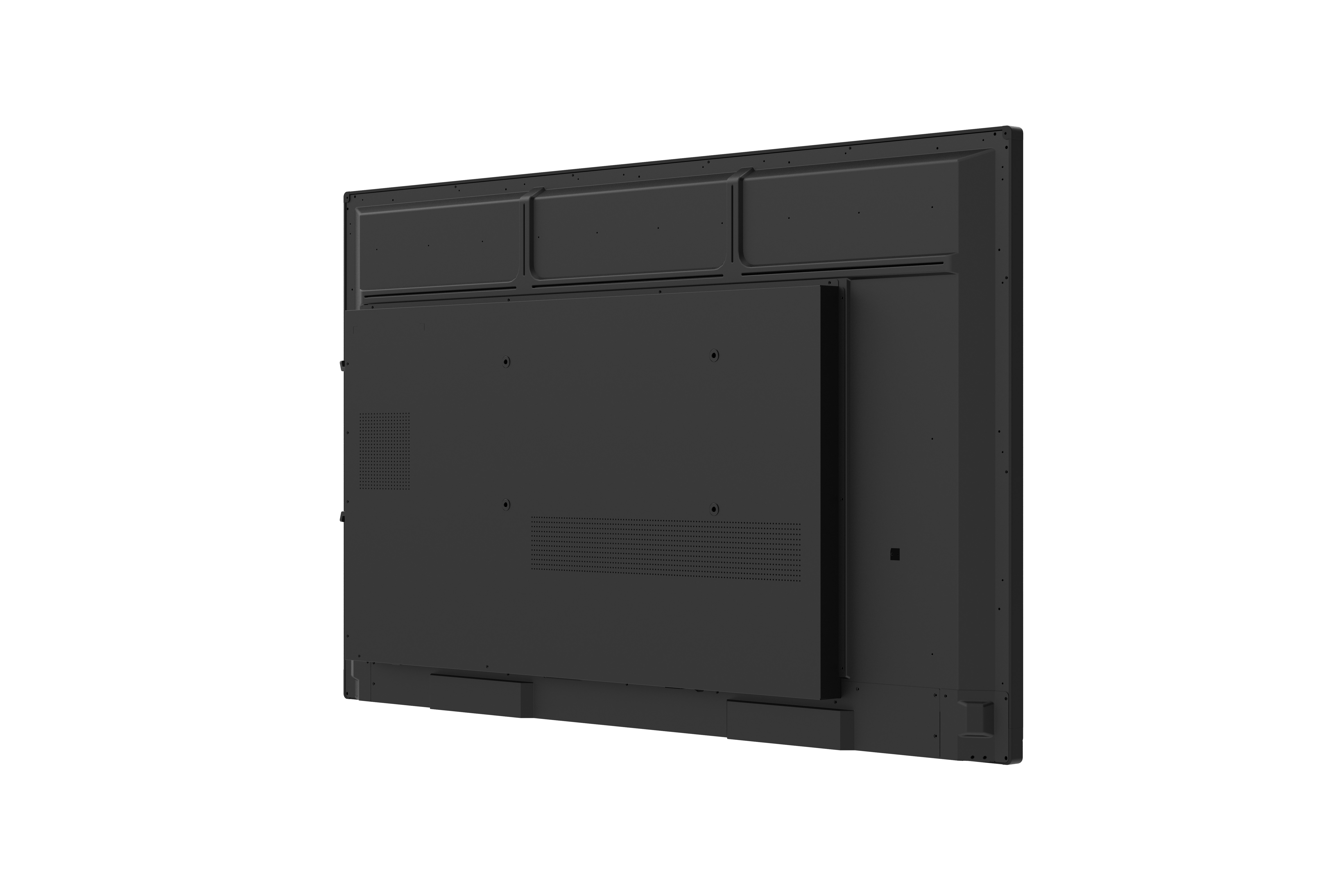
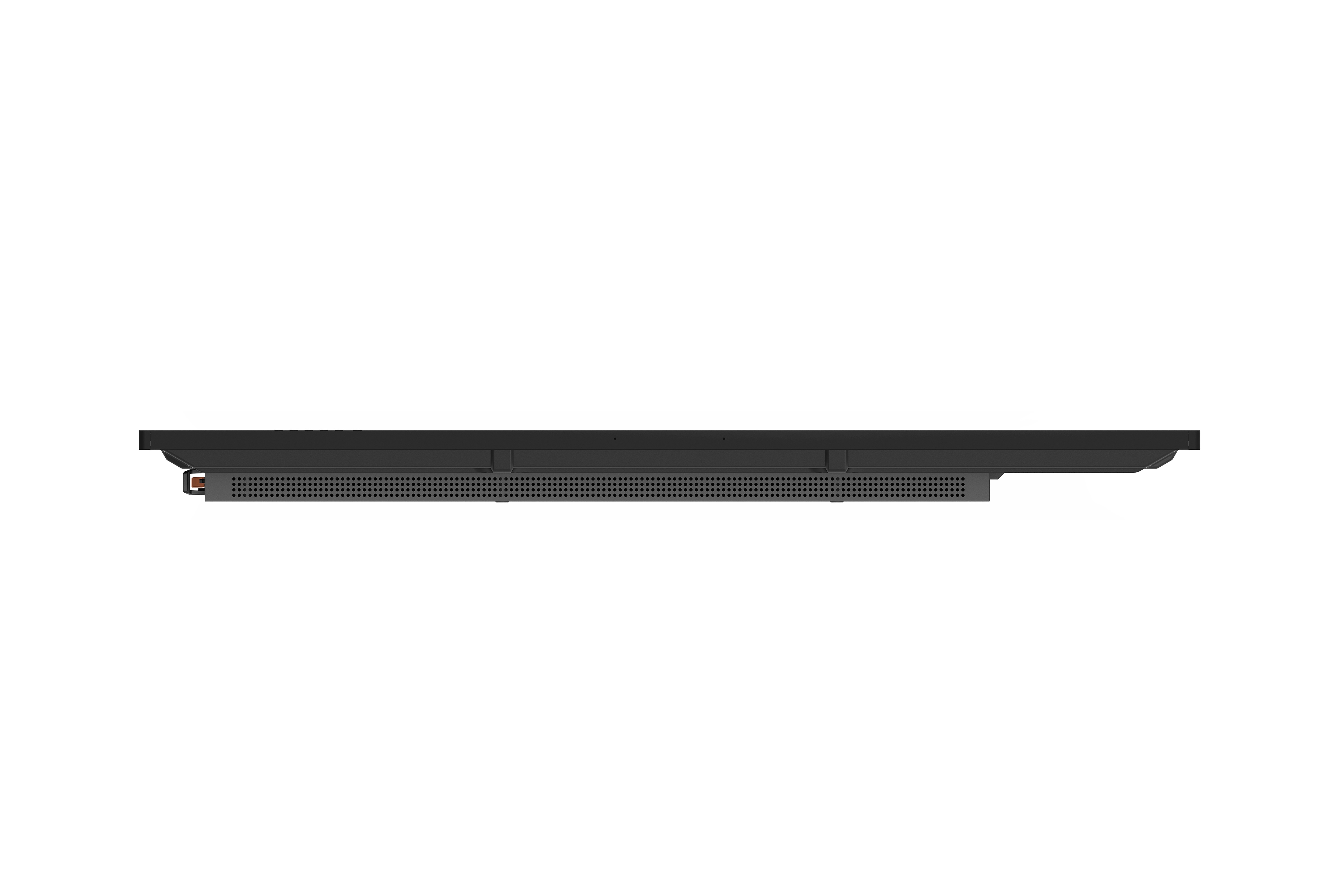
Consumption: 81W (Typ.) , < 0.5 W ("Off") - ERGONOMICSWall Mount (VESA® ): 400 x 200
- OPERATING CONDITIONSTemperature (º C): 0°C to 40°C
Humidity: 10% ~ 90% RH non-condensing - DIMENSIONS (W x H x D)Physical (inch / mm): 49.9 x 30.4 x 3.3 in / 1268 x 773 x 85 mm
Packaging (inch / mm): 56.2 x 34.6 x 8.7 in / 1428 x 878 x 220 mm - WEIGHTNet (lb / kg): 68.34 lb / 31 Kg
Gross (lb / kg): 85.98 lb / 39 Kg - REGULATIONSREGULATIONS: FCC, cTUVus, CB, CE, BSMI, RCM, EAC
- PACKAGE CONTENTSPACKAGE CONTENTS: 1. Power cable (3 meters) x 4, 2. Remote control, 3. USB cable (3 meters), 4. AV cable, 5. Touching pen x 2, 6. Quick Start Guide, 7. RS232 adapter, 8. Clamp x 5, 9. Plate, 10. Screw x 8, 11. HDMI cable
- Compatible Slot-in PCCompatible Slot-in PC: VPC14-WP series, VPC10-WP series, VPC15-WP series, VPC16-WP series, VPC17-WP series
COMPATIBLE WITH IFP5550
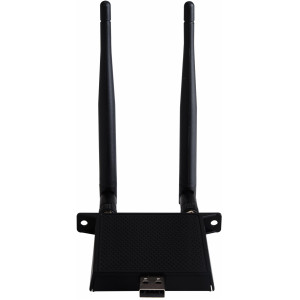
Dual Band Wireless Module for ViewBoard® IFP50 Series and IFP70(86”, 65”) series and CDE20 series(65”~86”)
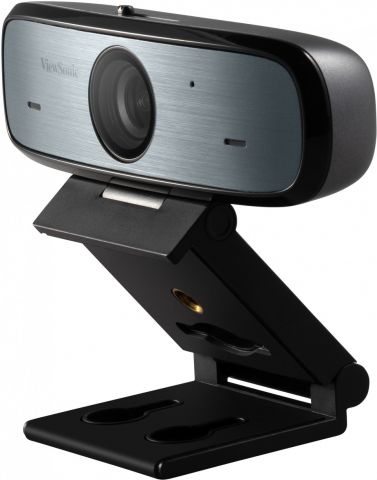
Full HD 1080p All-round Web Camera

Screen sharing button with USB-C connector

Screen sharing button with HDMI connector
SUPPORT & DOWNLOADS
Datasheets
User Guides
Driver & Software
Technical Document
Related FAQ
How can I reset IFP5550/IFP6550/IFP7550/IFP8650 screen lock password?
How can I lock the menu and input function on IFP5550/IFP 6550/IFP7550/IFP8650?
What to do when the IFP firmware update process failed and cannot enter the system?
How to make sound output from external speaker bypass integrated speaker in IFP30/50 series?
How do I configure on IFP and use player to power IFP on and off by HDMI CEC?