OVERVIEW
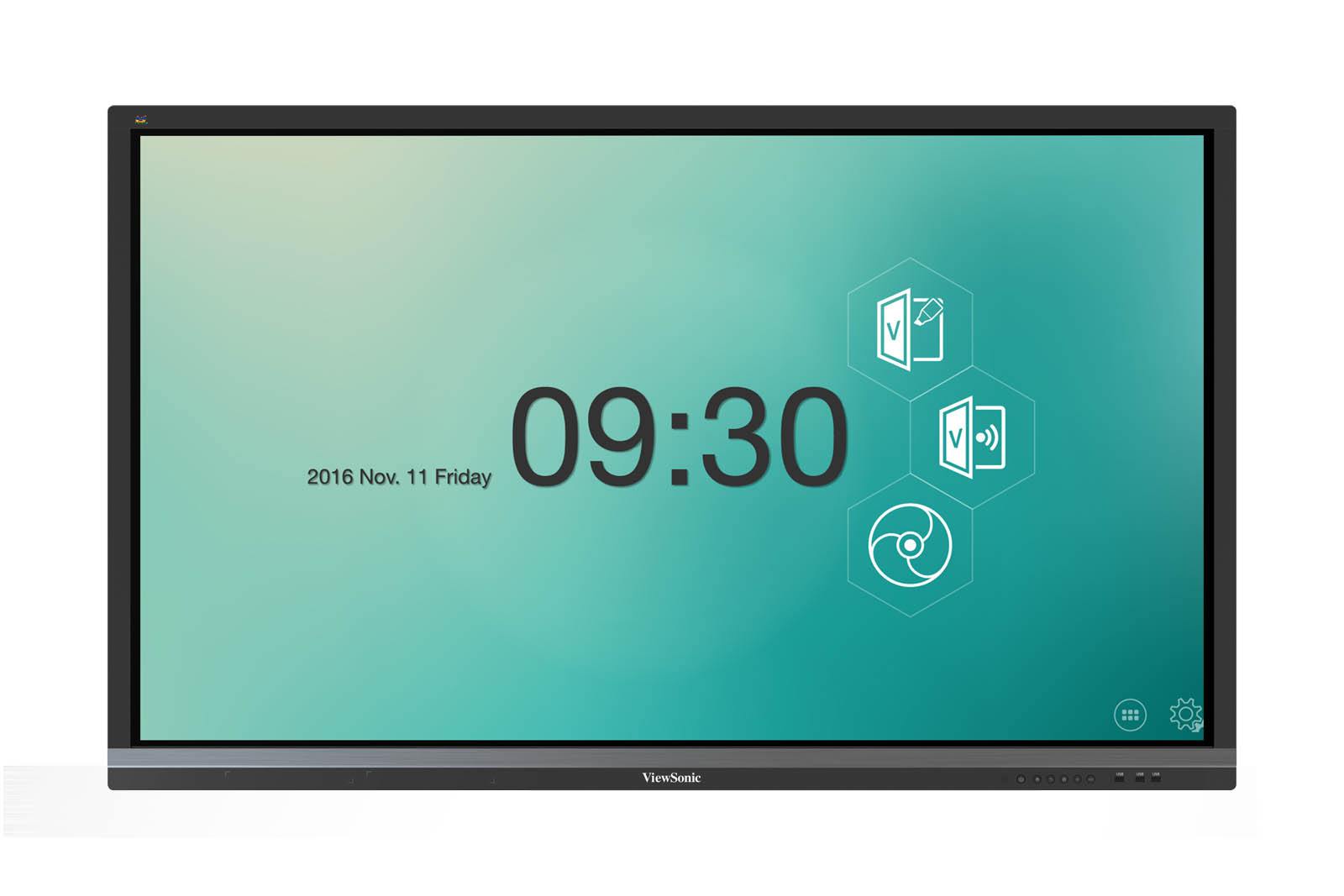
vBoard is an annotation app for on-site users to write and draw on the ViewBoard®. Compatible with major document and media formats, presenters always have the ability to create dynamic lessons or presentation with imported multimedia. The specialized design one-finger to draw, two-finger to move, and three-finger to erase, create a positive user experience. Whether in class or in a meeting, vBoard makes teaching and group discussions easy and convenient.Whiteboard functionality for writing and highlighting
Pen tool with different colors, thickness, transparency and shapes
Support for major picture, music, video, document formats
One-finger to draw, two-finger to move, and three-finger to erase
White and grid background switch
Page switch
Swipe-able bi-direction toolbar
On/Off date & time display
Option to set default startup page
Key Features
- Whiteboard functionality for writing and highlighting
- Pen tool with different colors, thickness, transparency and shapes
- Support for major picture, music, video, document formats
- One-finger to draw, two-finger to move, and three-finger to erase
- White and grid background switch
- Page switch
- Swipe-able bi-direction toolbar
- On/Off date & time display
- Option to set default startup page