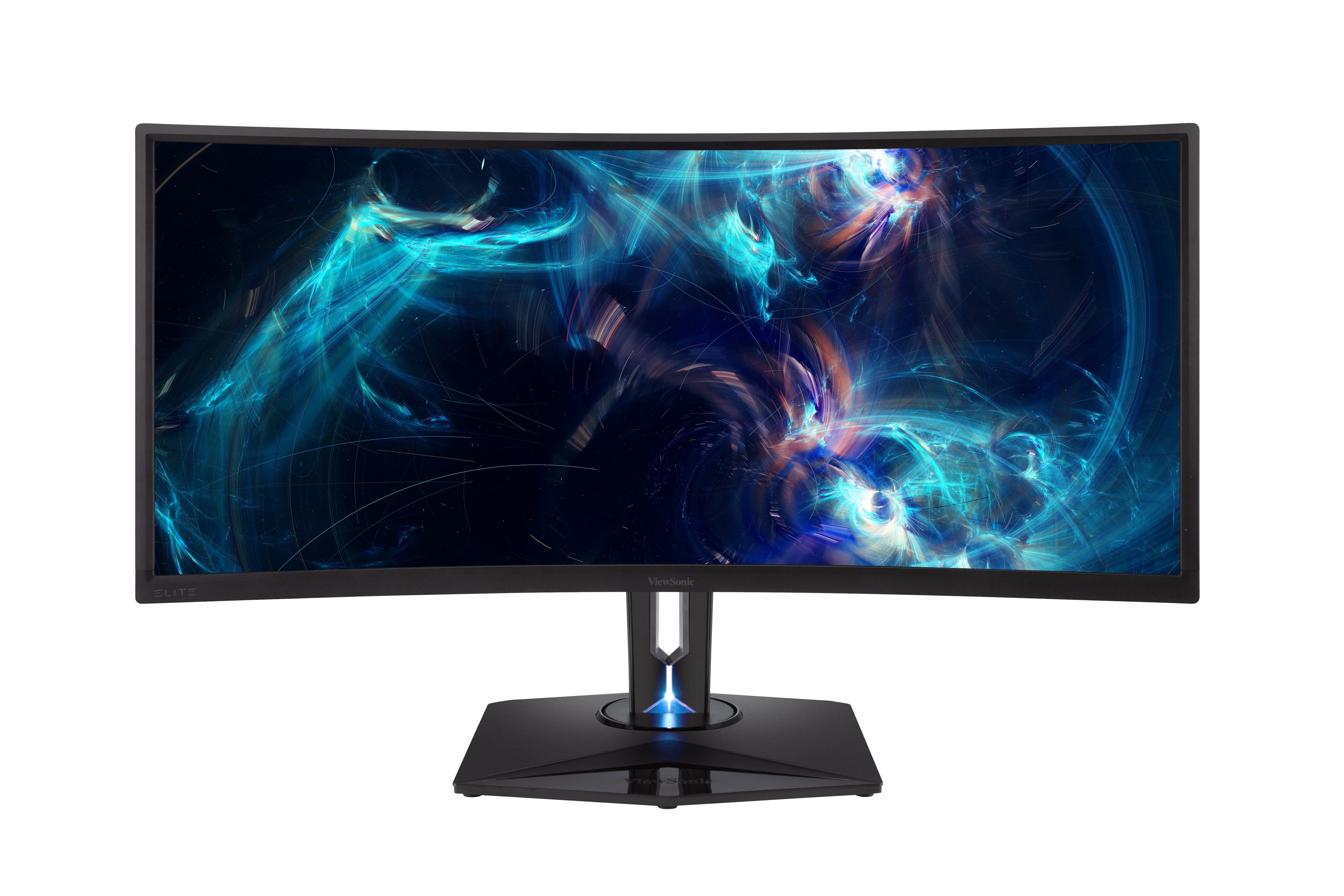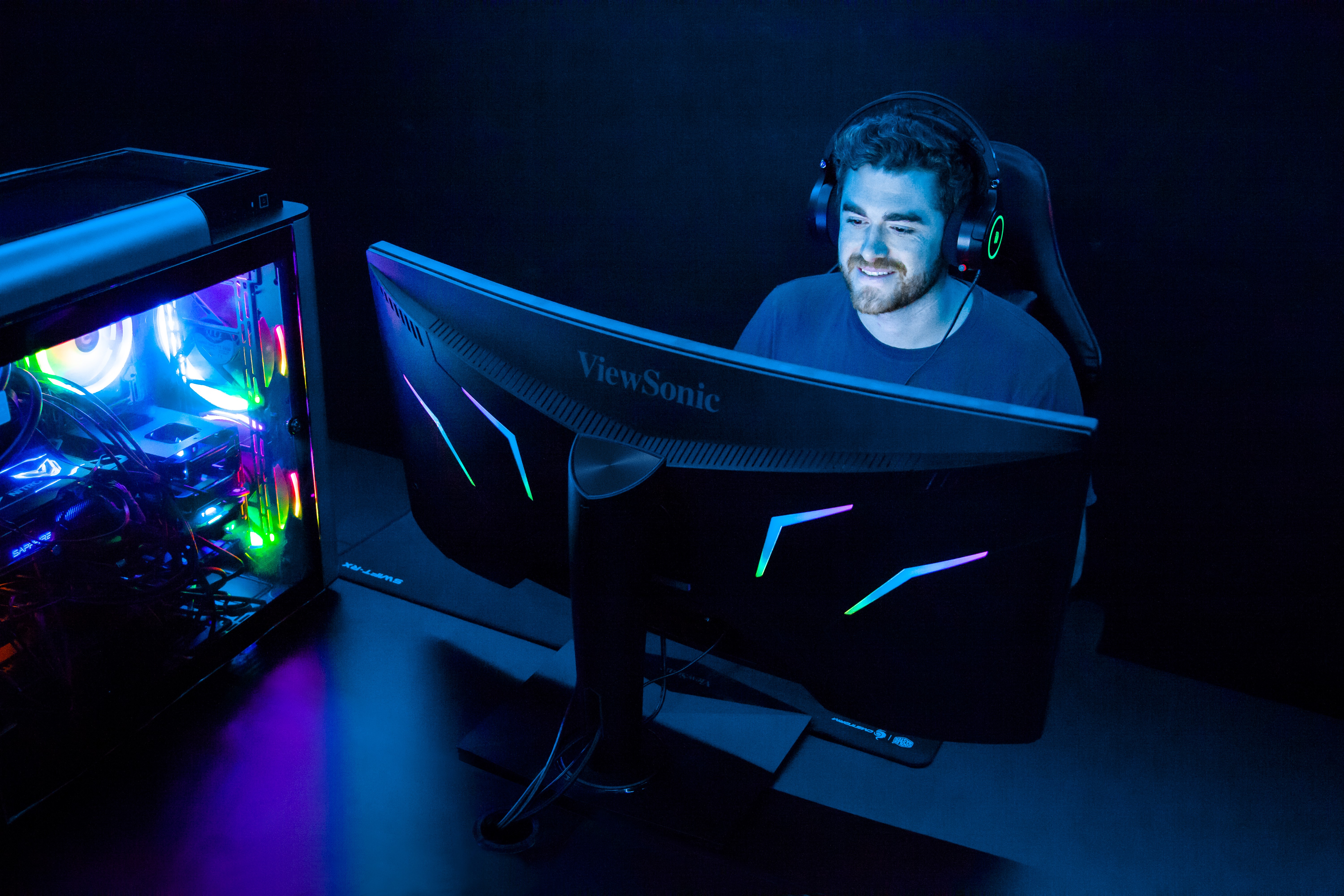





“Whether RGB is your thing or not, the XG350R-C was a sight to behold.”
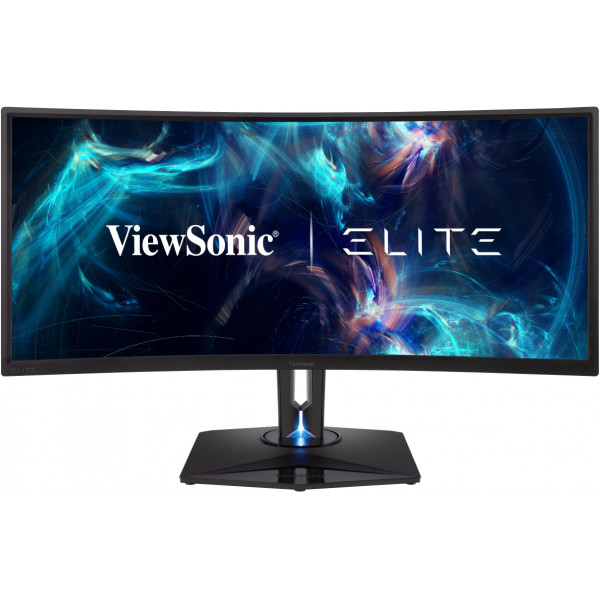
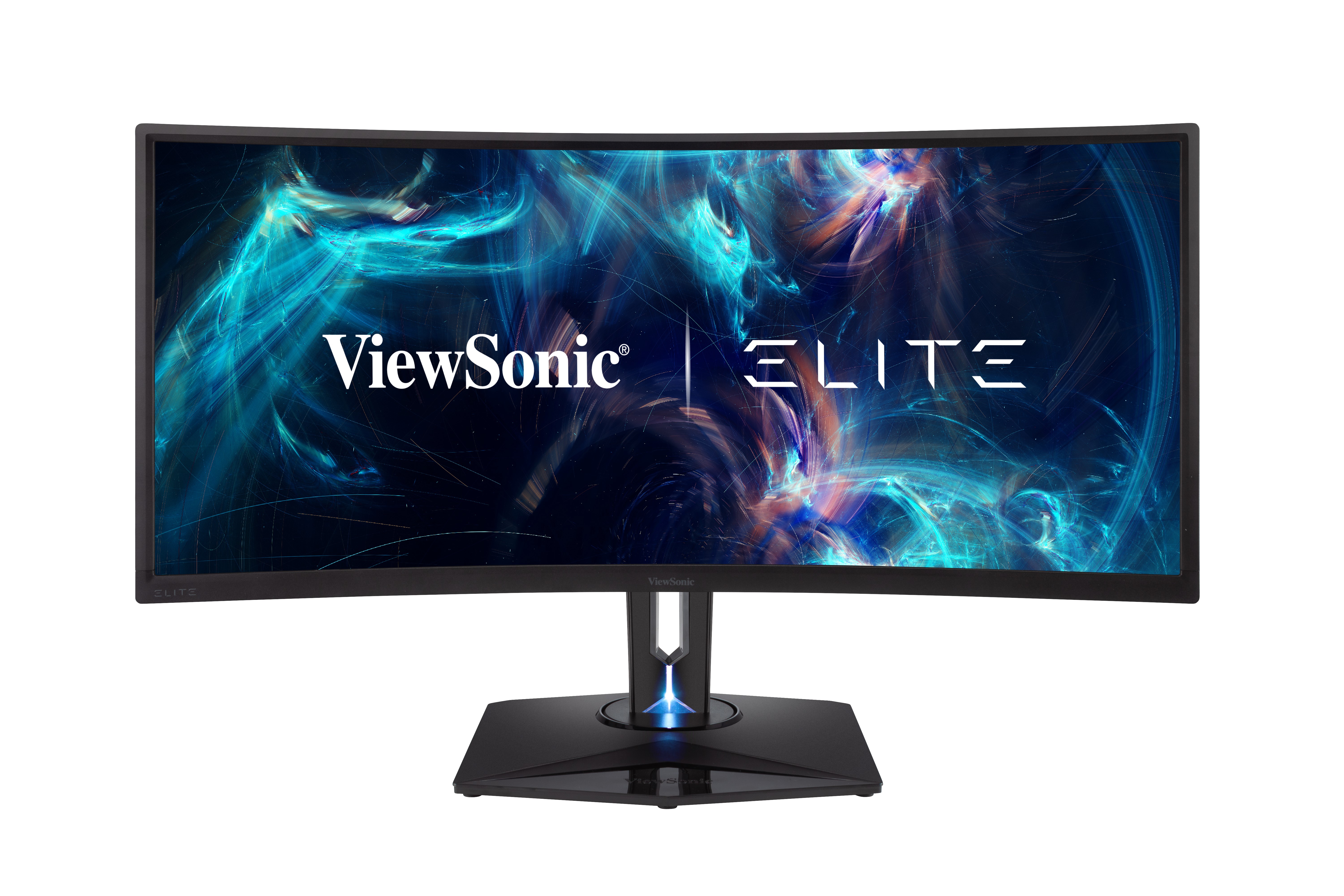
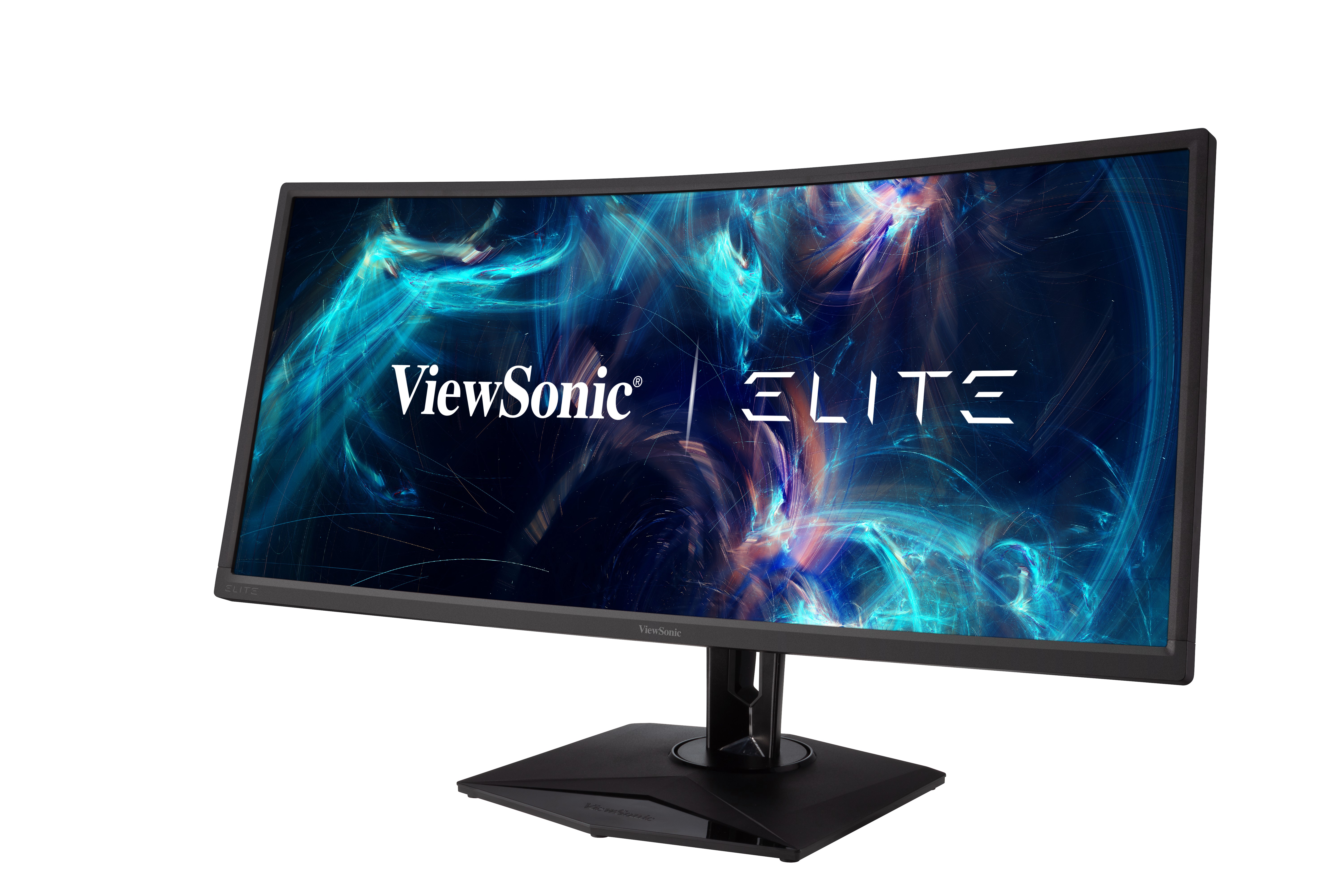
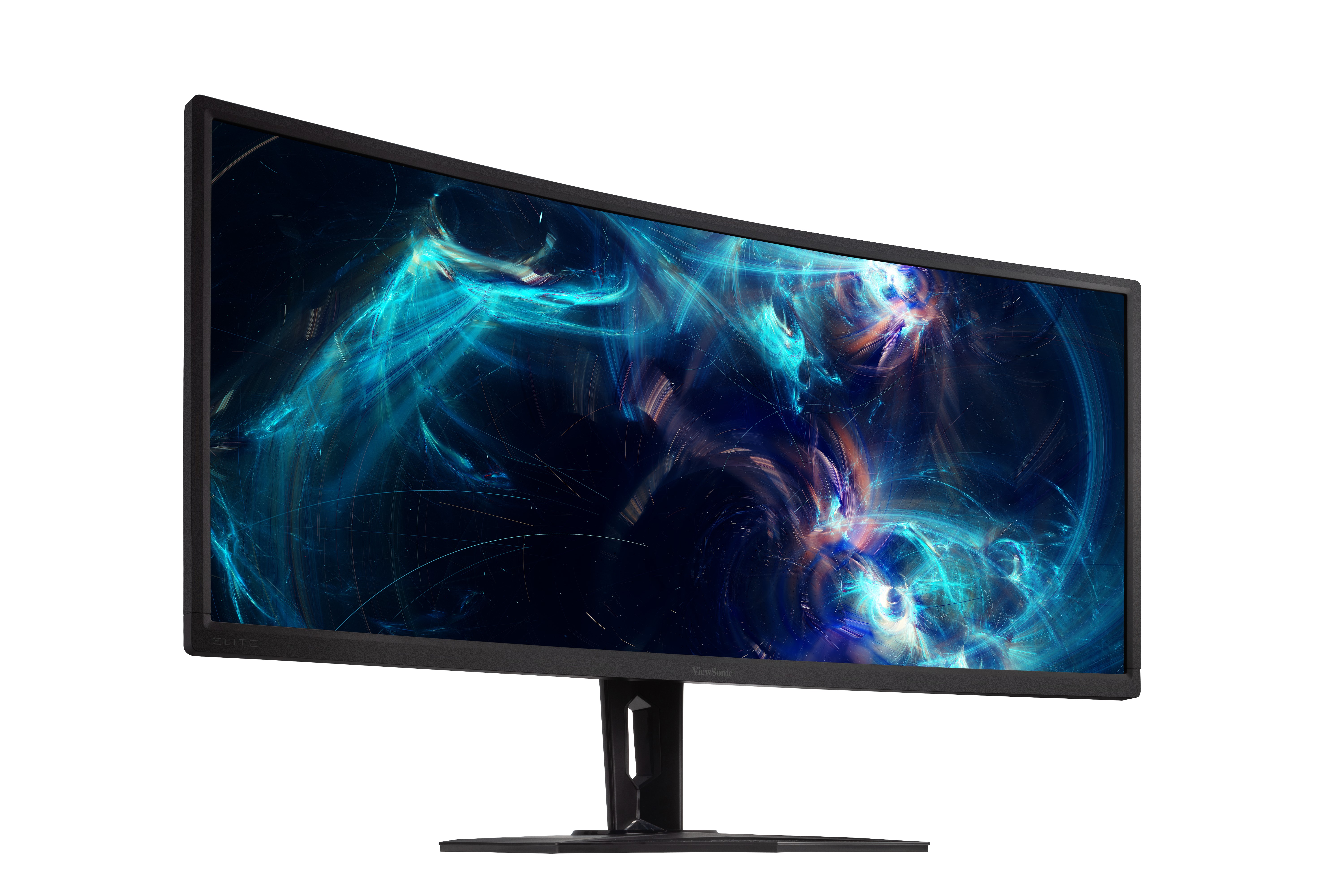
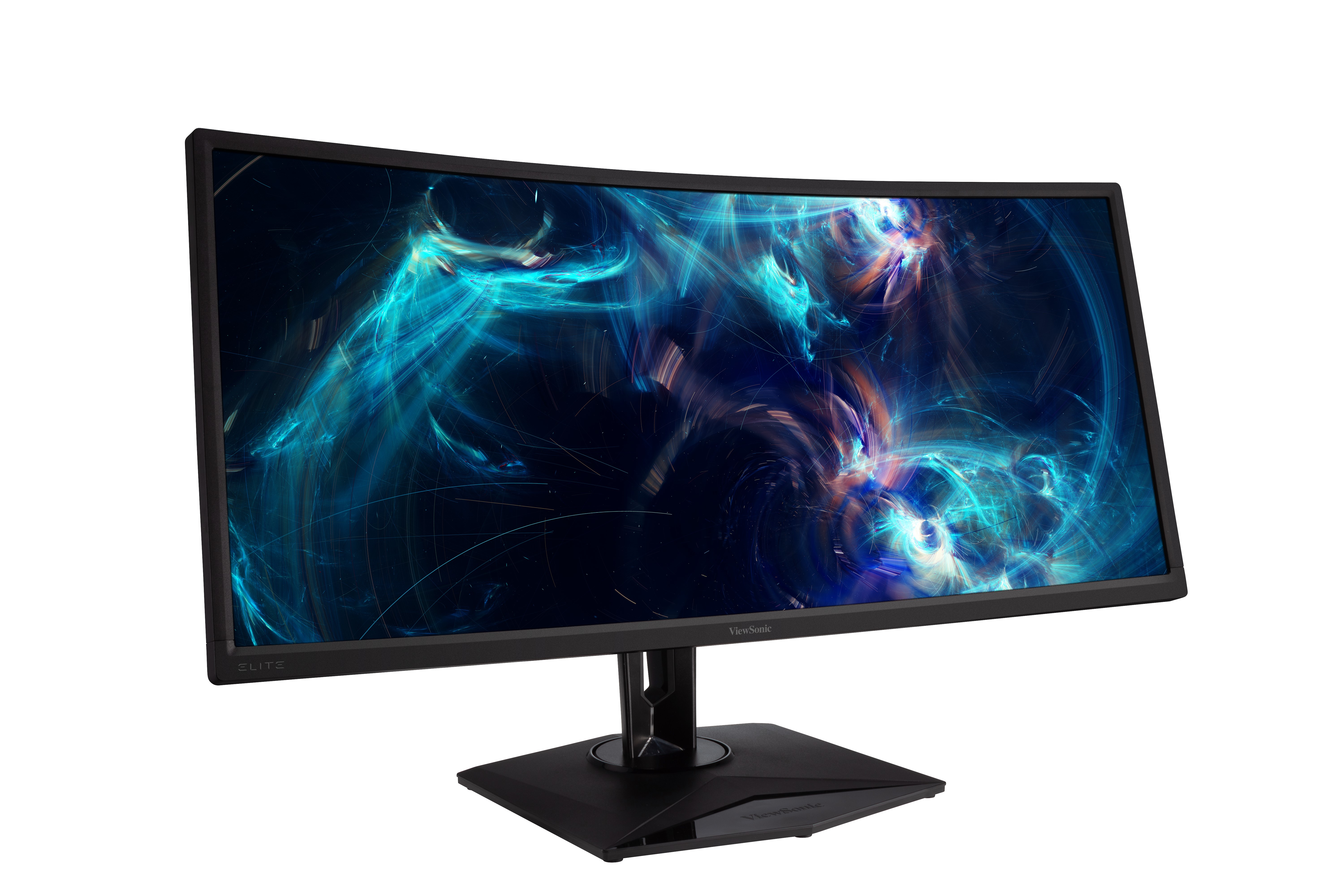
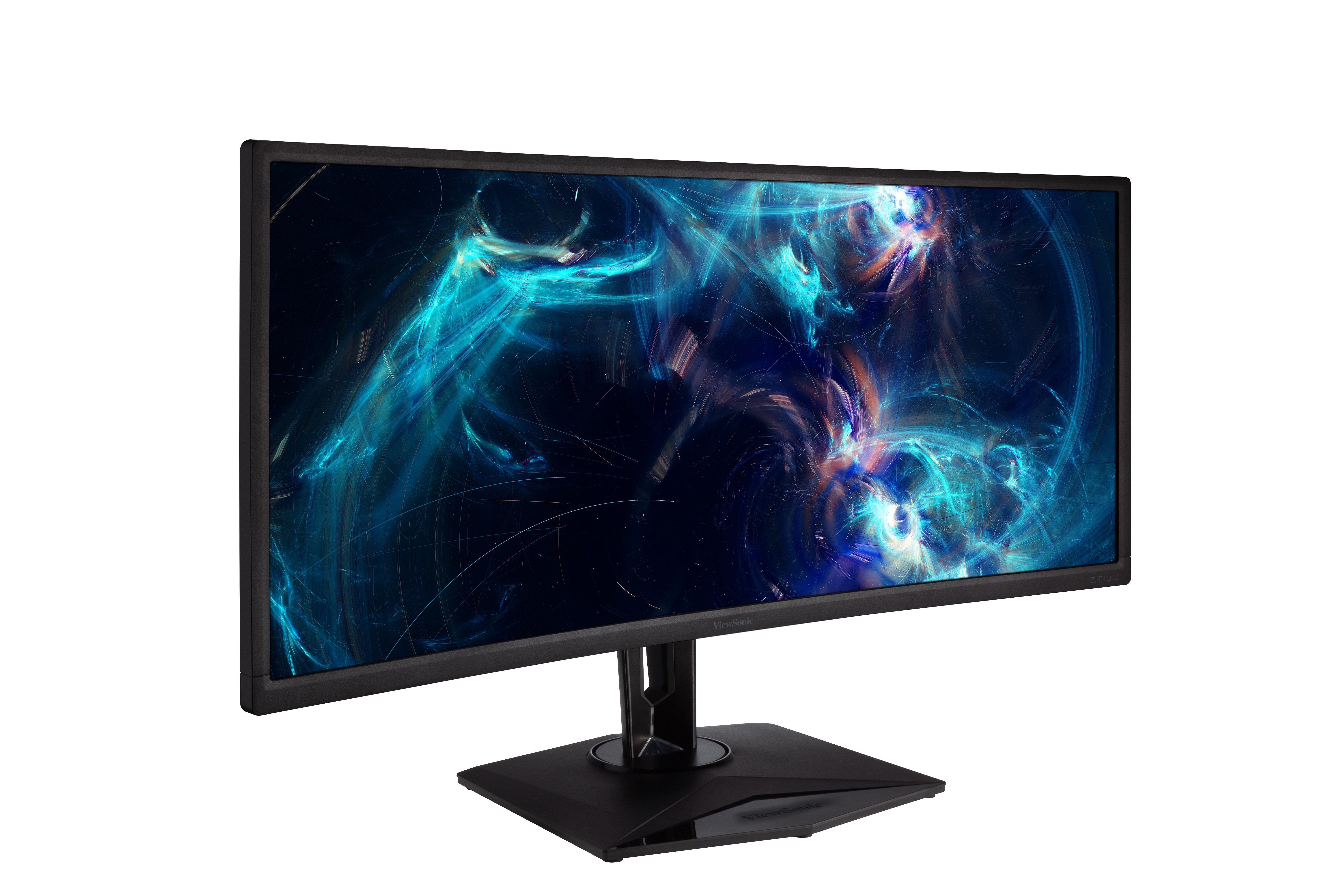
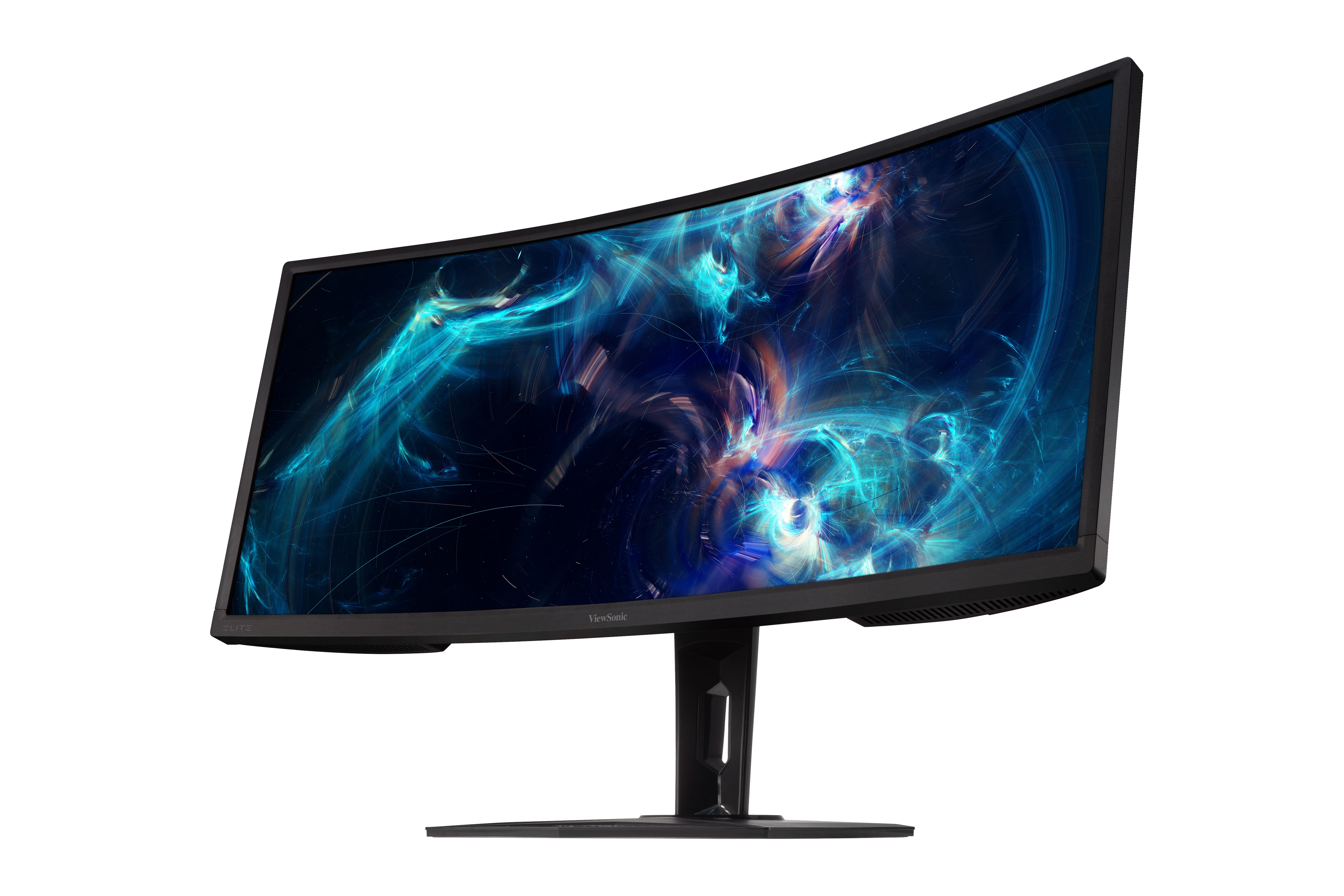
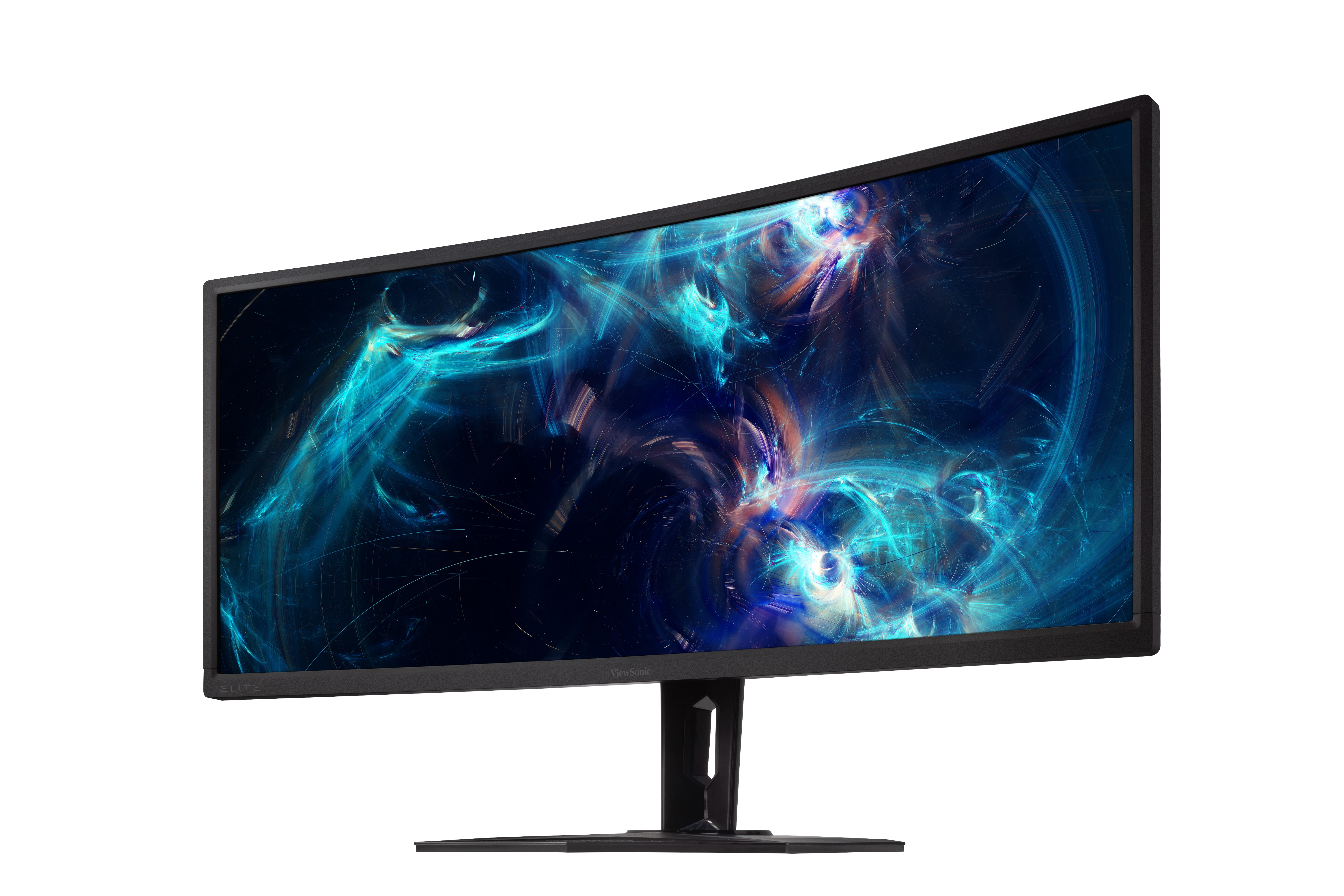
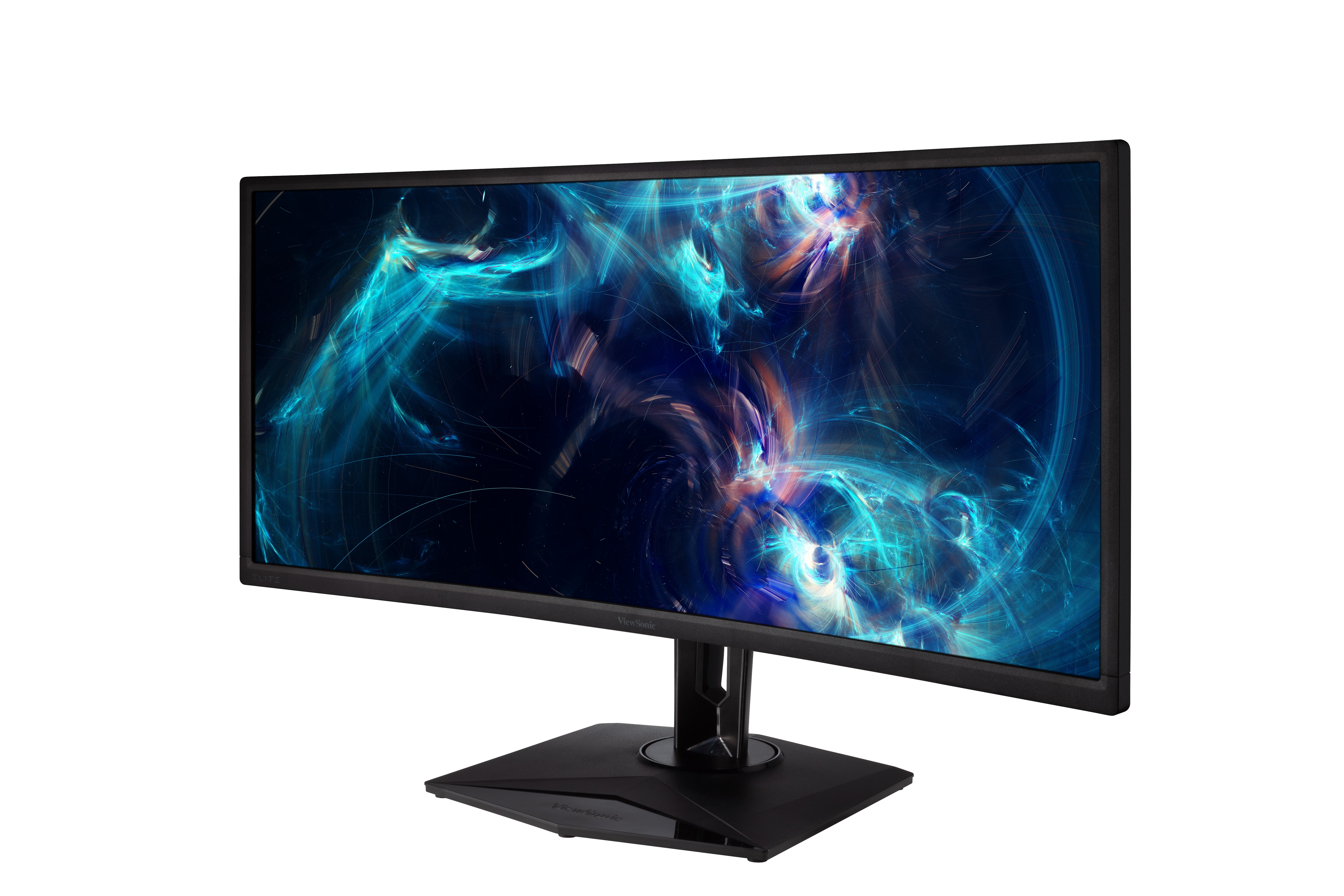
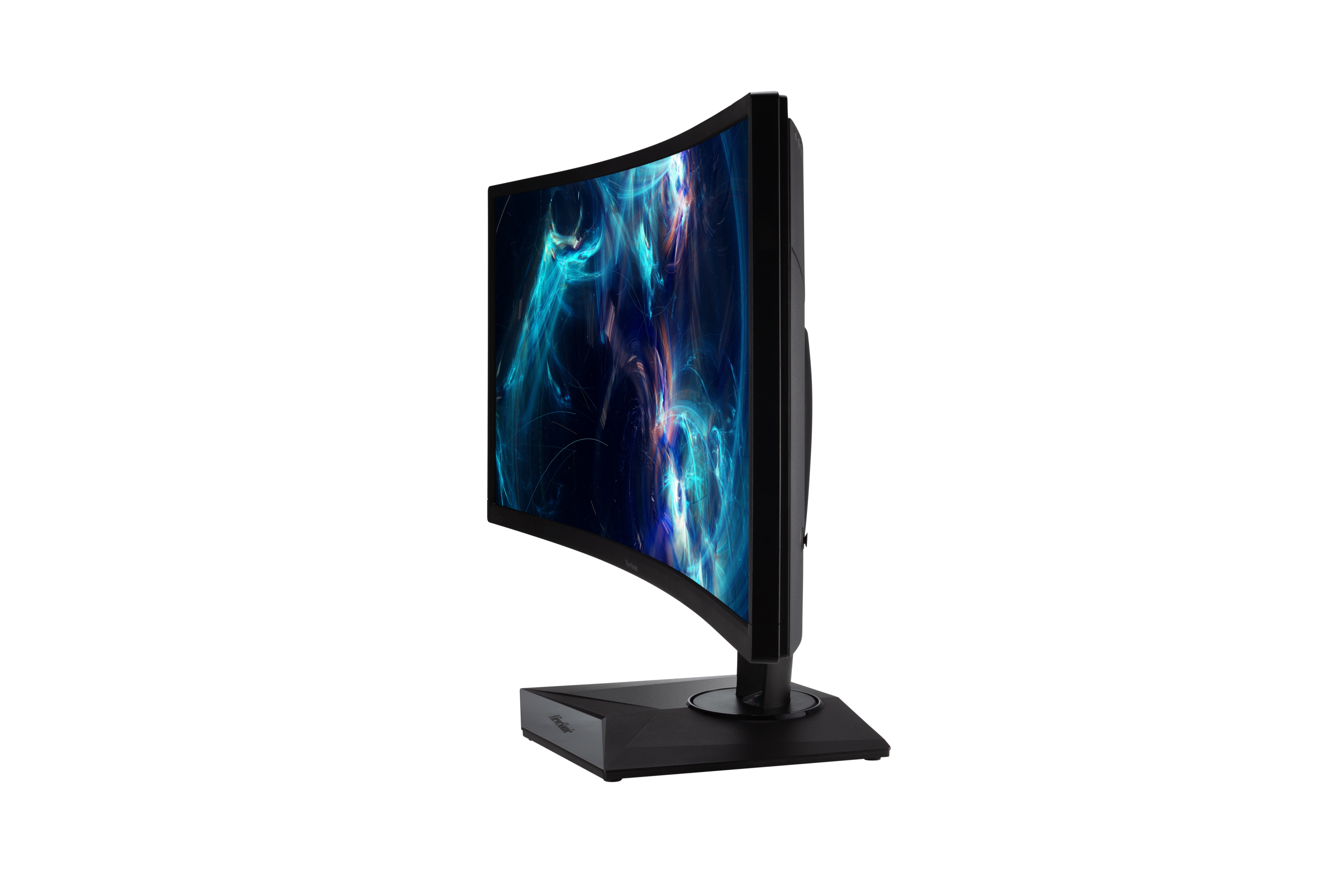
XG350R-C
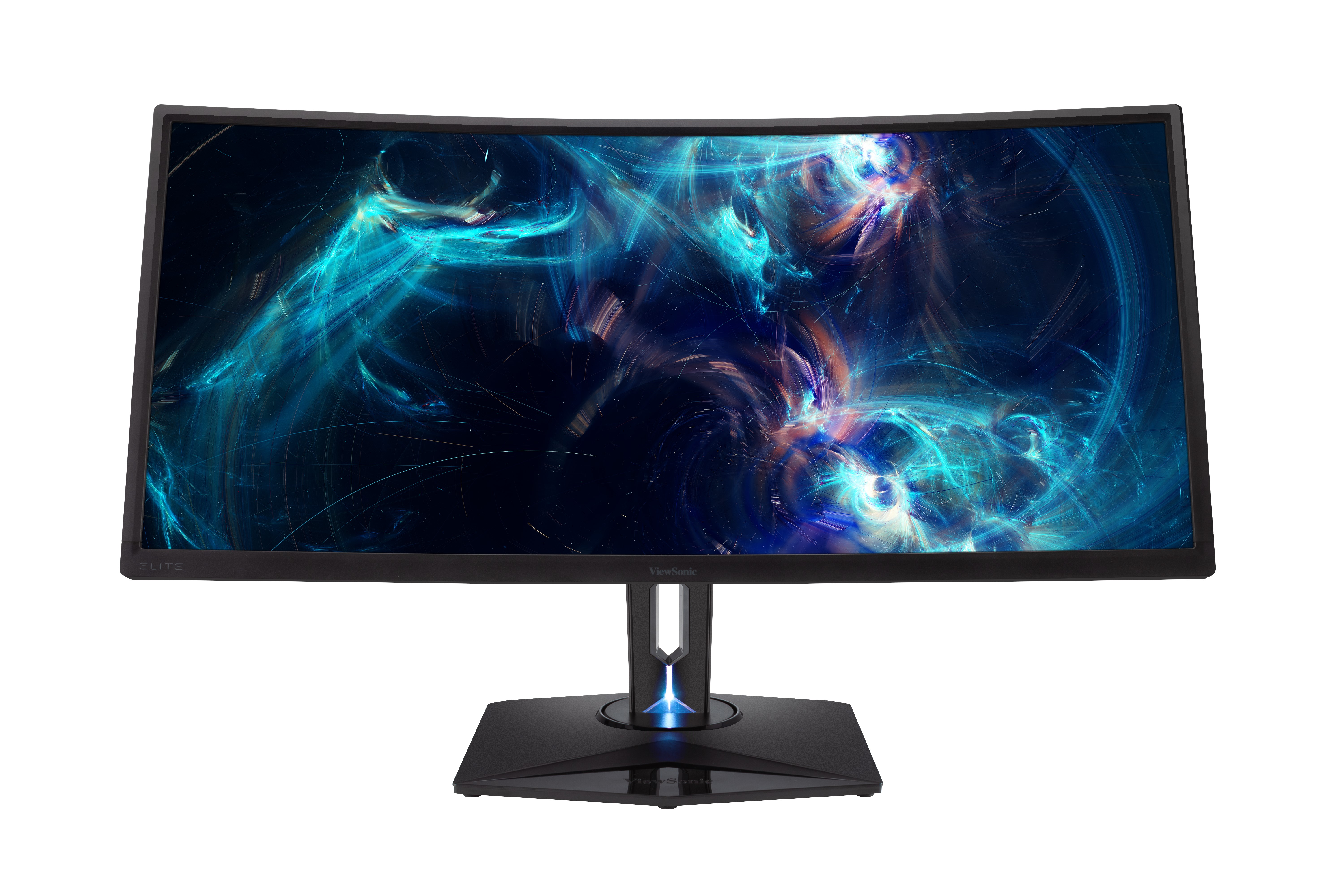
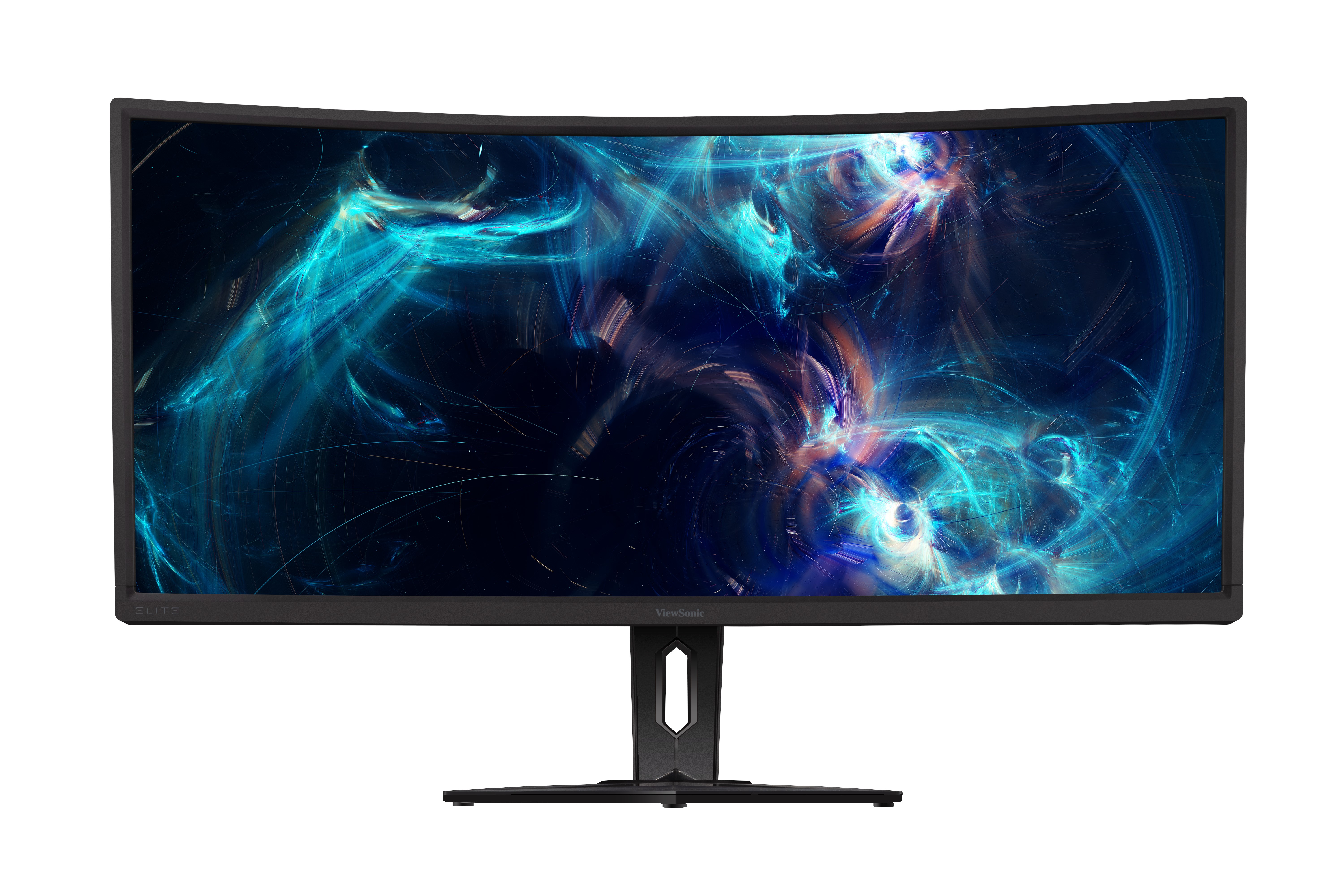
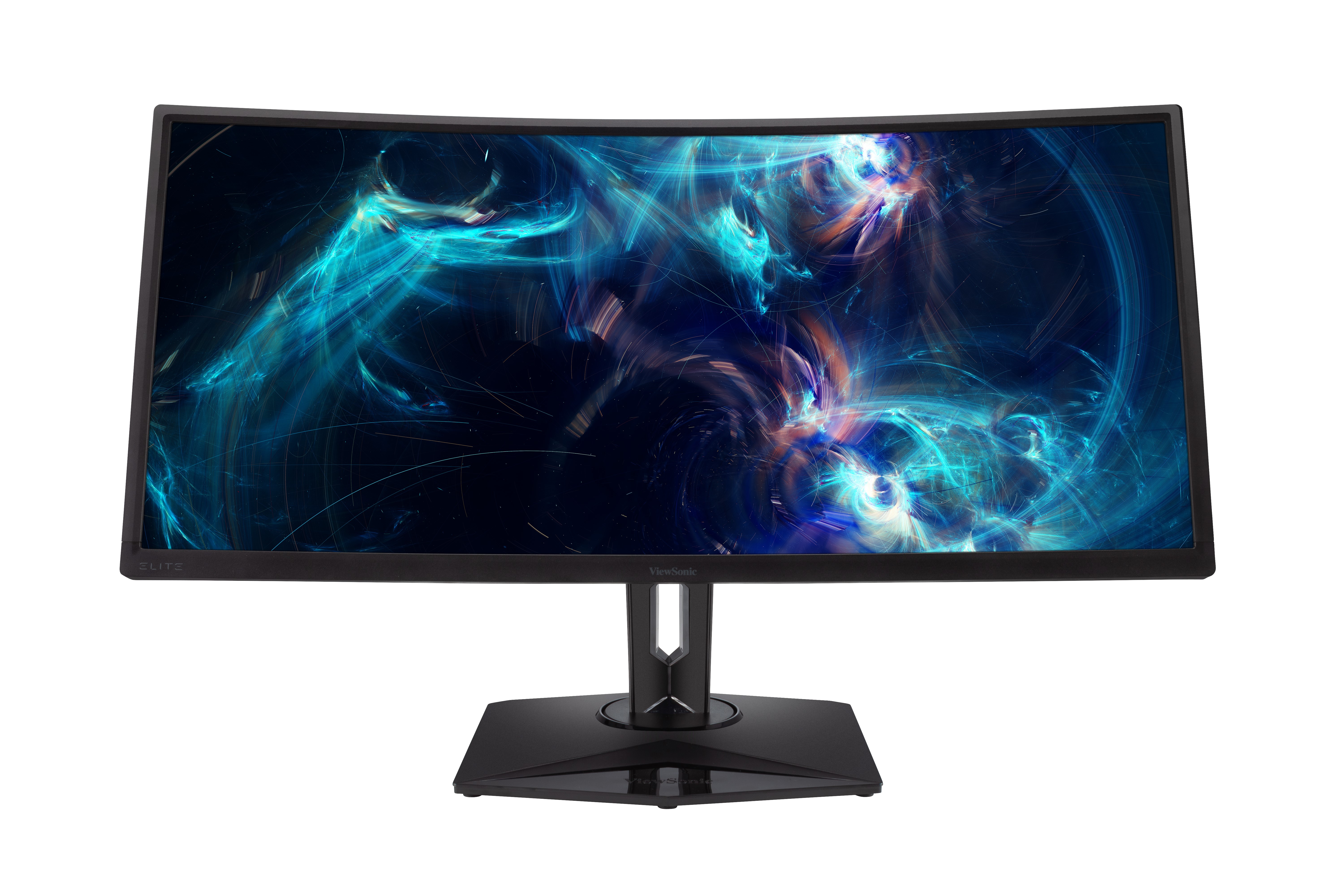
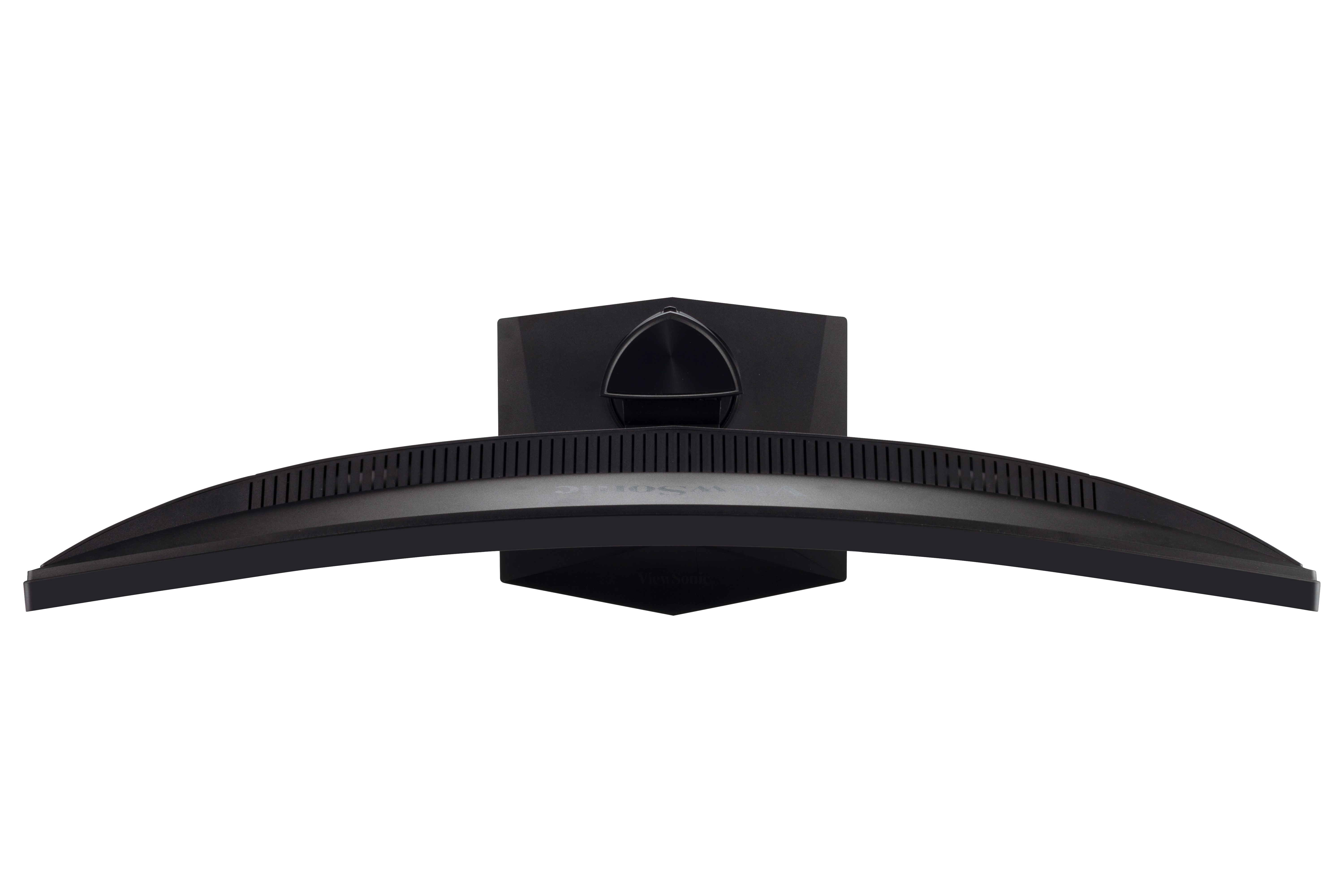
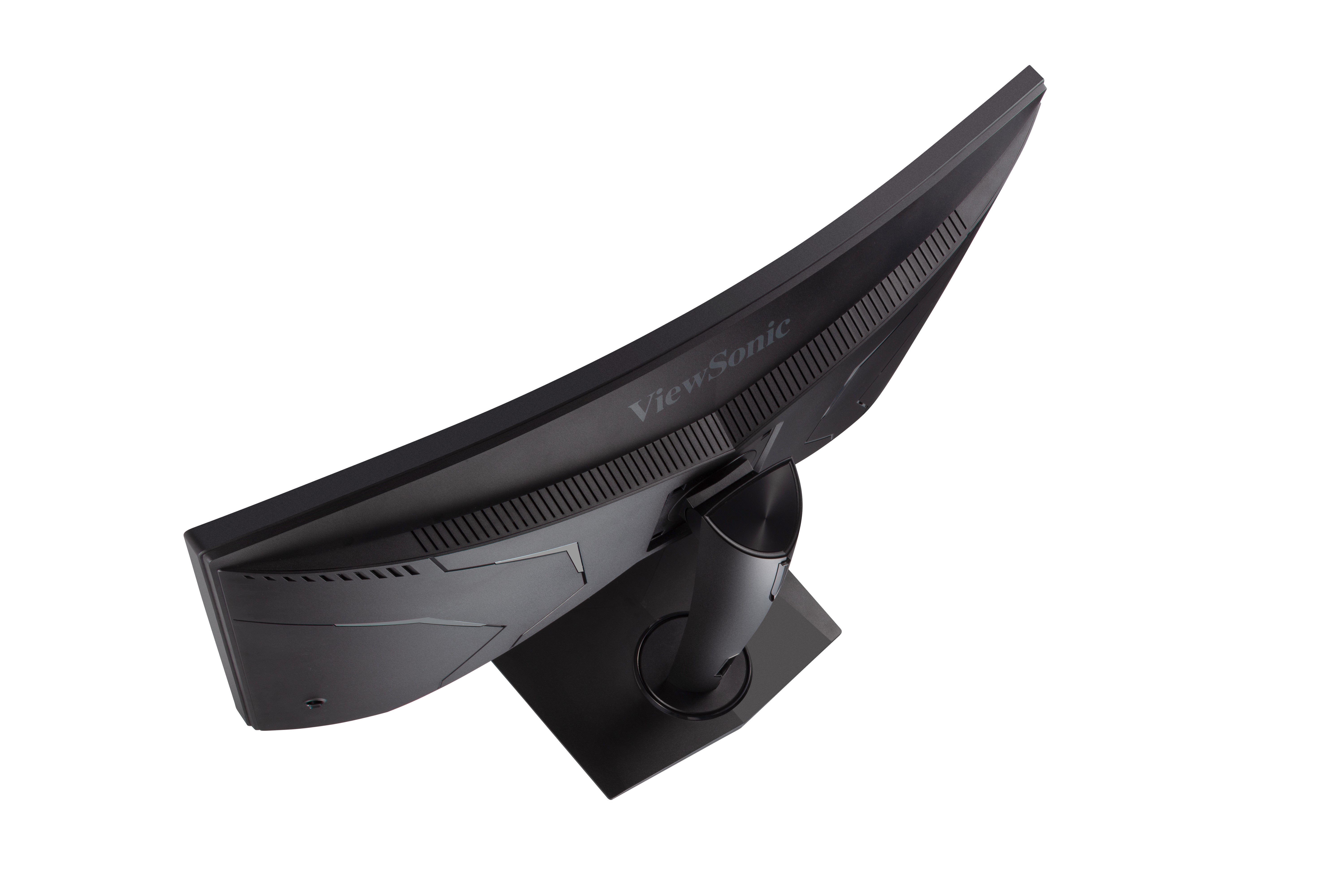
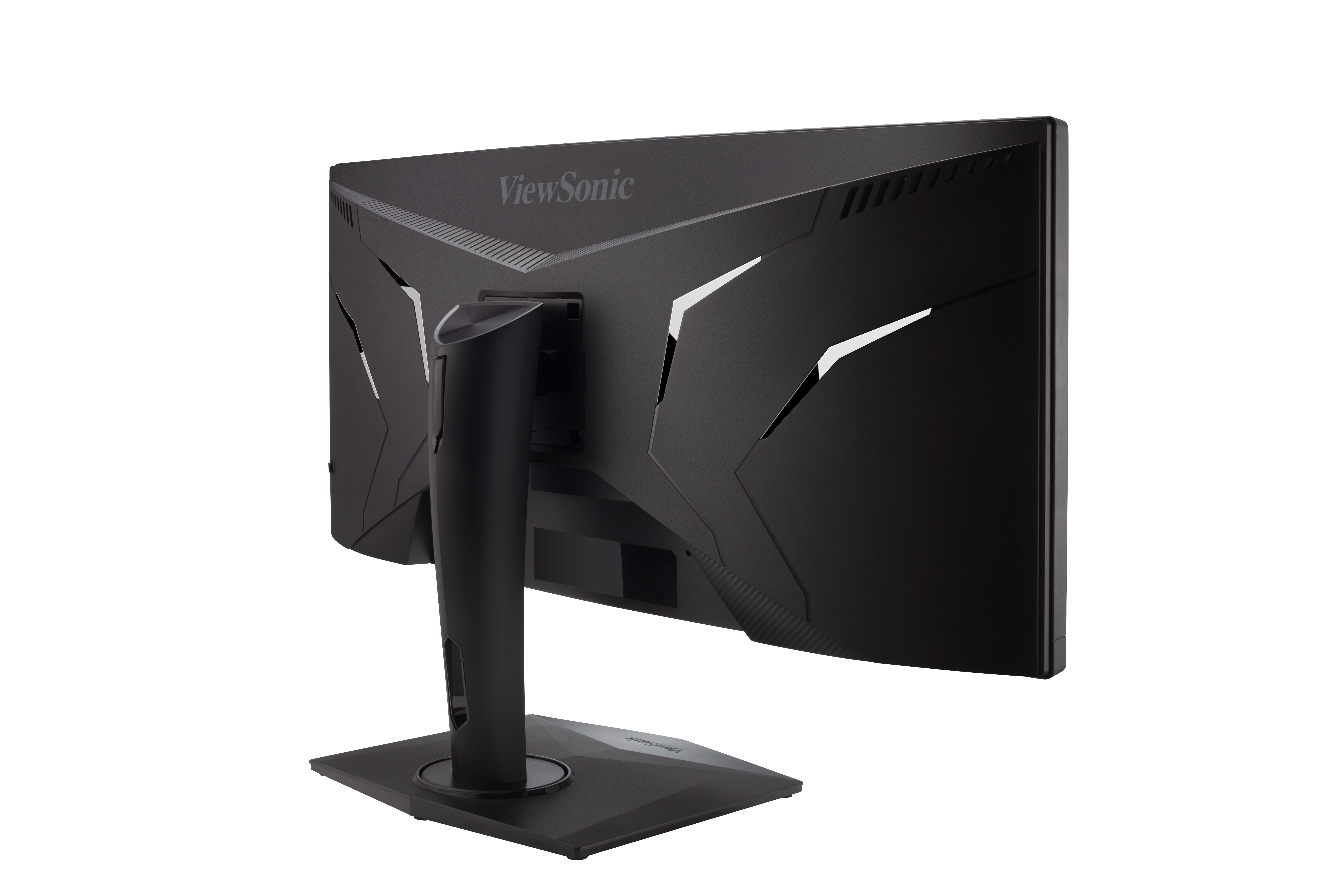
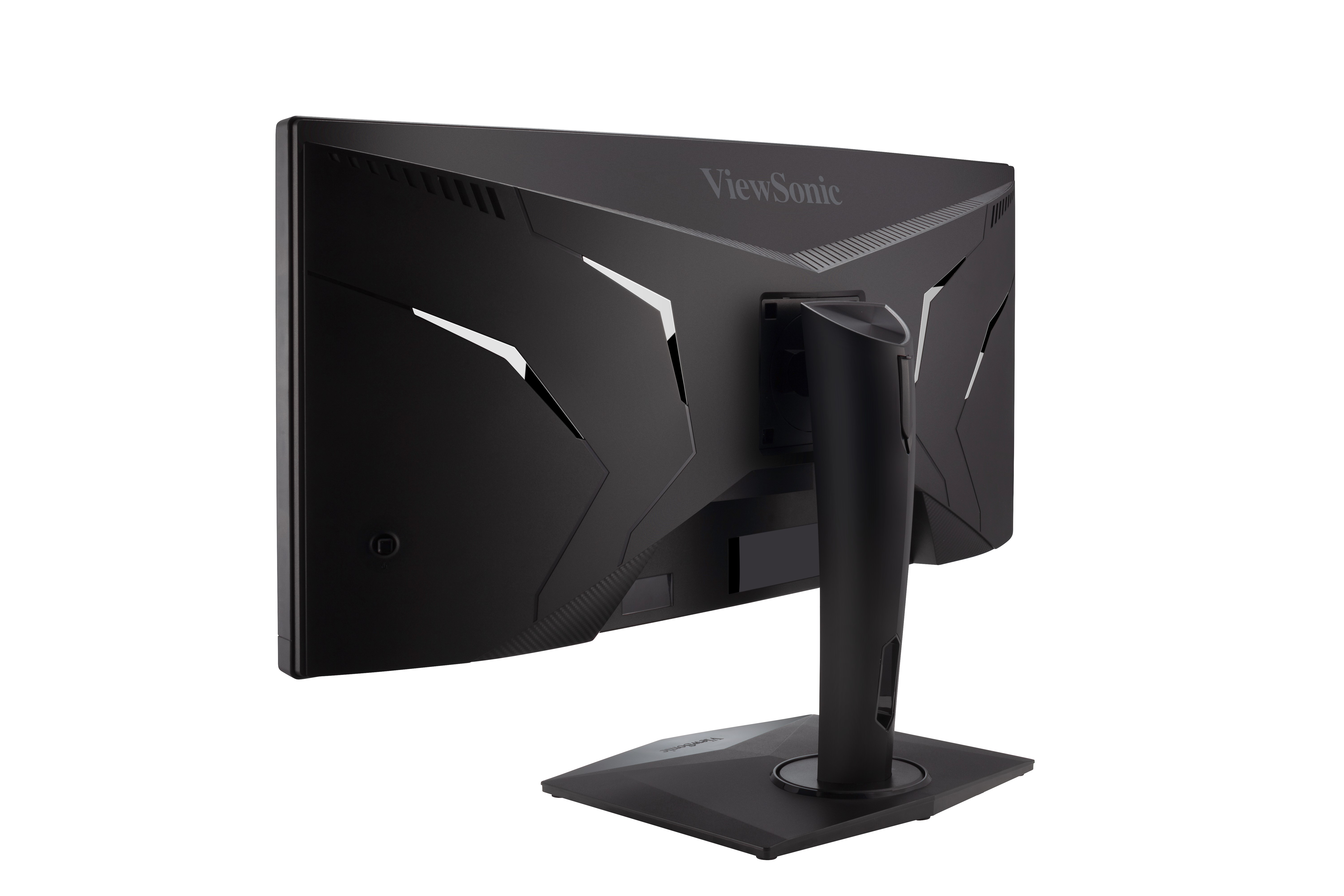
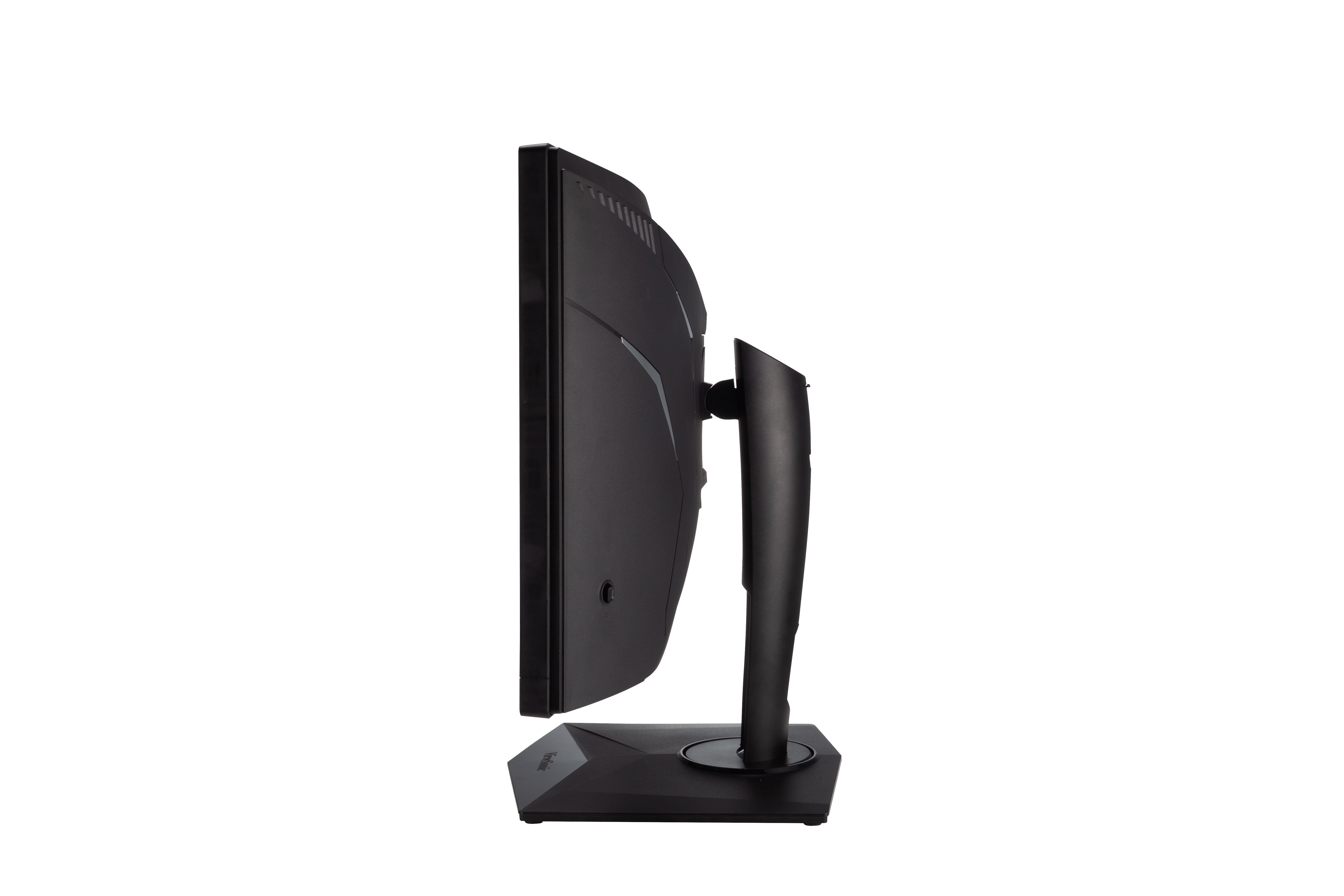
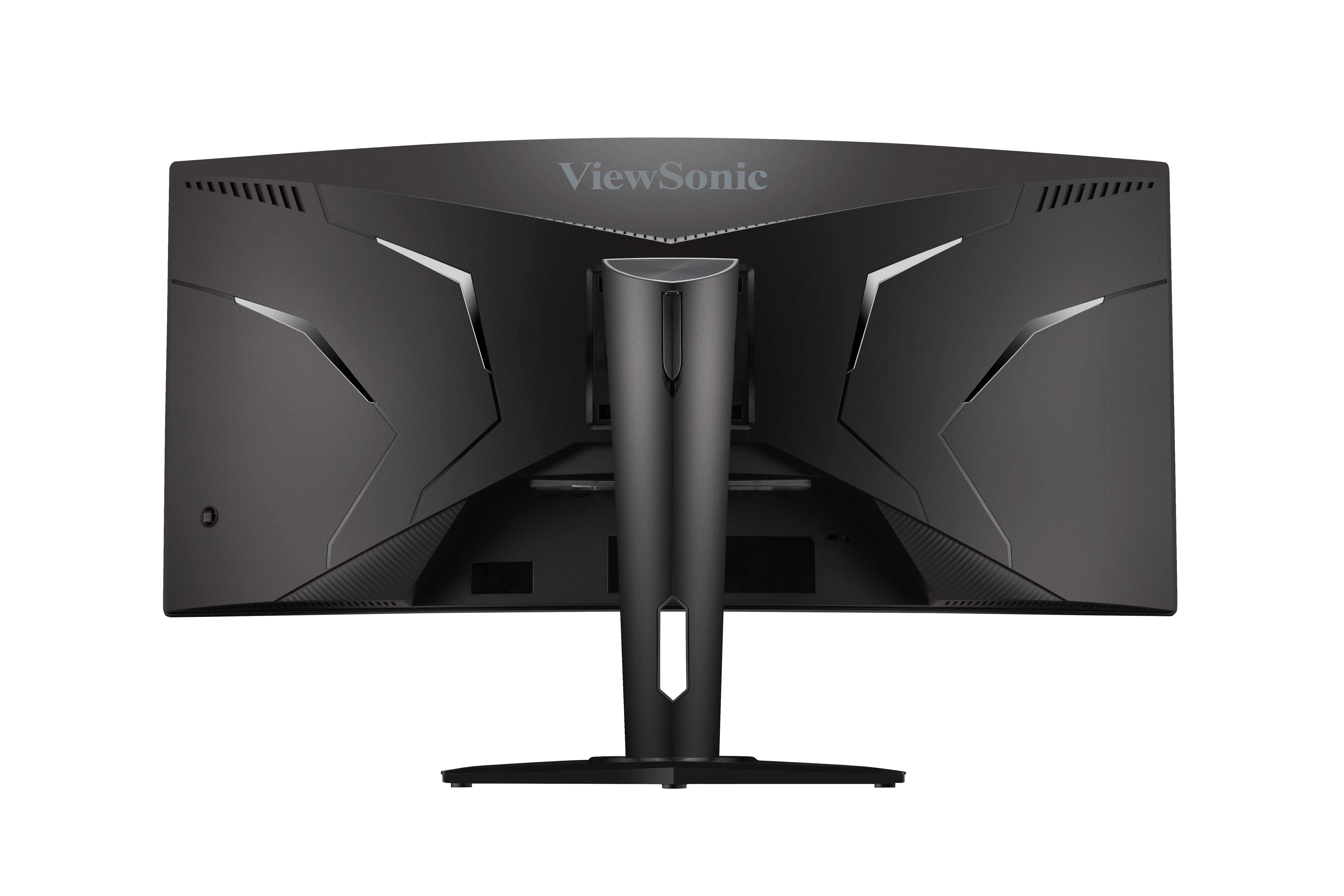
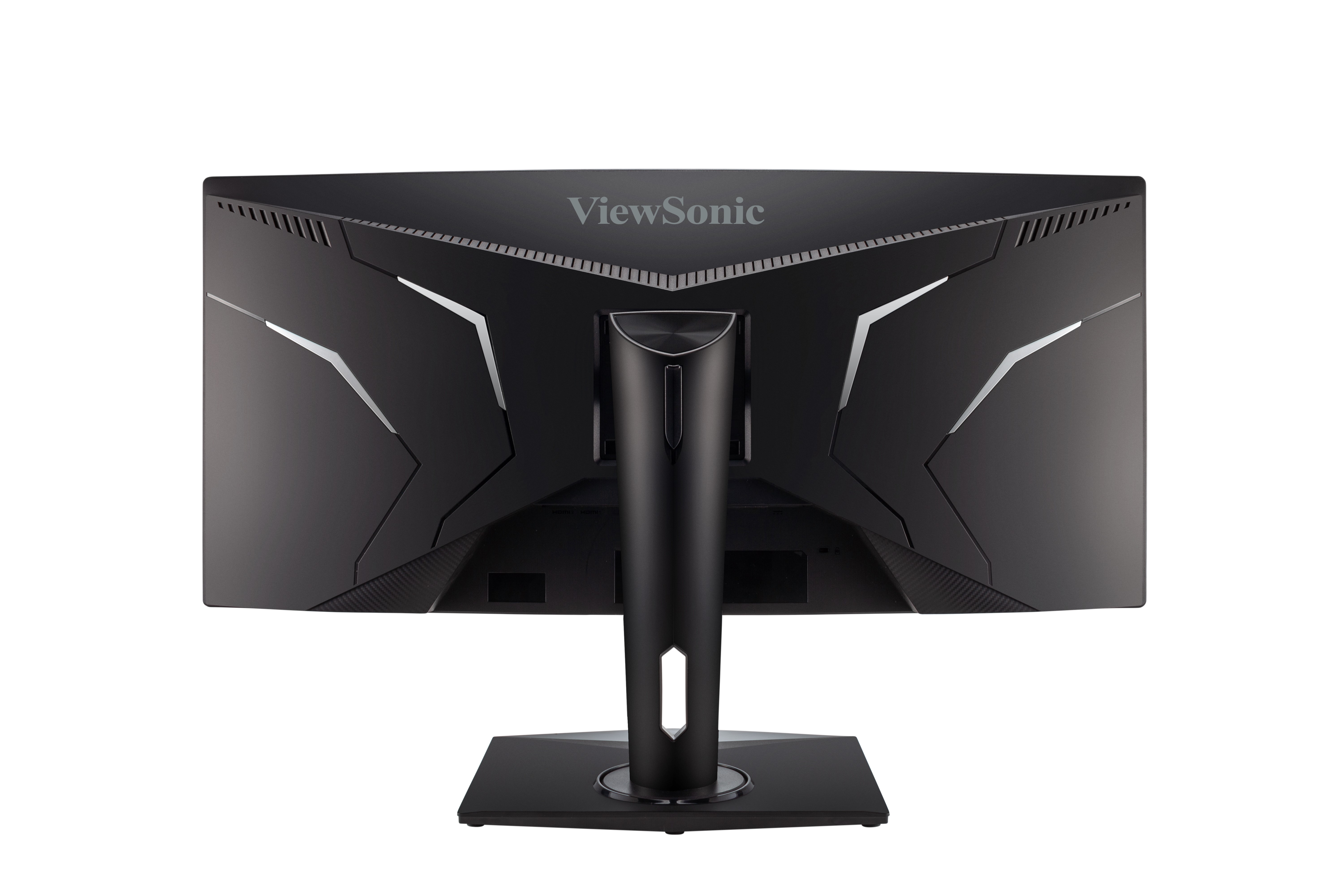
35” RGB Curved Gaming Monitor
- Ultra Wide QHD resolution
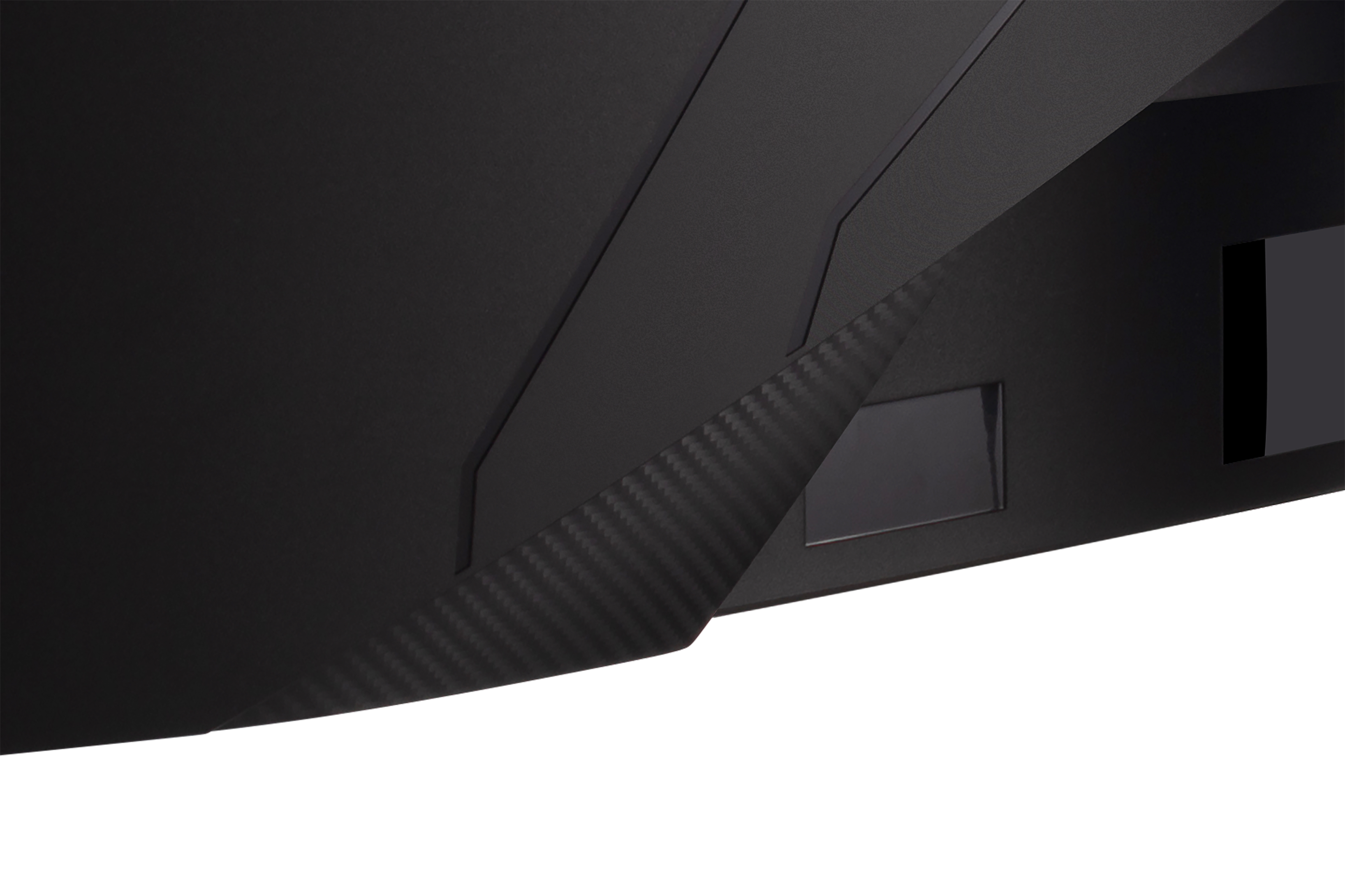
- ELITE RGB Alliance
- Adaptive Sync & AMD FreeSync™ technology
- ClearMotion backlight strobing technology
- 100Hz refresh rate
OVERVIEW
For RGB enthusiast gamers that hunger for wide-screen immersion, the XG350R-C is the only curved 35-inch UWQHD monitor that delivers a highly responsive gaming experience, with RGB backlights that can sync with multiple PC hardware partners. A 100Hz refresh rate, ClearMotion blur reduction, HDR10 support and Sonic sound modes, make losing yourself in large-scale worlds and simulation games a certainty. Perfect for multi-tasking, cinematic movie watching or immersive gaming, Elite game modes adapt to any viewing scenario.*This monitor is GeForce Driver G-Sync Enable-Ready [Disclaimer].
REVIEWS

SPECIFICATIONS
- DisplayDisplay Size (in.): 35
Viewable Area (in.): 35
Panel Type: VA Technology
Resolution: 3440 x 1440
Resolution Type: UWQHD (UltraWide QHD)
Static Contrast Ratio: 2,500:1 (typ)
Dynamic Contrast Ratio: 120M:1
High Dynamic Range: HDR10
Light Source: LED
Brightness: 300 cd/m² (typ)
Colors: 16.7M
Color Space Support: 8 bit true
Aspect Ratio: 21:9
Response Time (Typical GTG): 3ms
Viewing Angles: 178º horizontal, 178º vertical
Backlight Life (Hours): 30000 Hrs (Min)
Curvature: 1800R
Refresh Rate (Hz): 100
Variable Refresh Rate Technology: FreeSync
Low Blue Light: Software solution
Flicker-Free: Yes
Color Gamut: NTSC: 80% size (Typ)
sRGB: 115% size (Typ)
Pixel Size: 0.238 mm (H) x 0.24 mm (V)
Surface Treatment: Anti-Glare, Hard Coating (3H) - CompatibilityPC Resolution (max): 3440x1440
Mac® Resolution (max): 3440x1440
PC Operating System: Windows 10 certified; macOS tested
Mac® Resolution (min): 3440x1440 - ConnectorUSB 3.2 Type A Down Stream: 3
USB 3.2 Type B Up Stream: 1
3.5mm Audio Out: 1
HDMI 2.0 (with HDCP 2.2): 2
DisplayPort: 1
Power in: DC Socket (Center Positive)
- AudioInternal Speakers: 5Watts x2
- PowerEco Mode (Conserve): 50W
Eco Mode (optimized): 60W
Consumption (typical): 70W
Consumption (max): 80W
Voltage: AC 100-240V
Stand-by: 0.5W
Power Supply: External Power Adaptor - Additional HardwareKensington Lock Slot: 1
- ControlsPhysical Controls: Up, Right, Down, Left, Power
On Screen Display: Gaming Settings, Display, Input Selet, ViewMode, Audio Adjust, Setup Menu - Operating ConditionsTemperature: 32°F to 104°F (0°C to 40°C)
Humidity (non-condensing): 20% to 90% - Wall Mount VESA Compatible: 100 x 100 mm
- Input SignalFrequency Horizontal: 15 ~ 160KHz
Frequency Vertical: 48 ~ 100Hz - Video InputDigital Sync: TMDS - HDMI (v2.0), PCI-E - DisplayPort (v1.4)
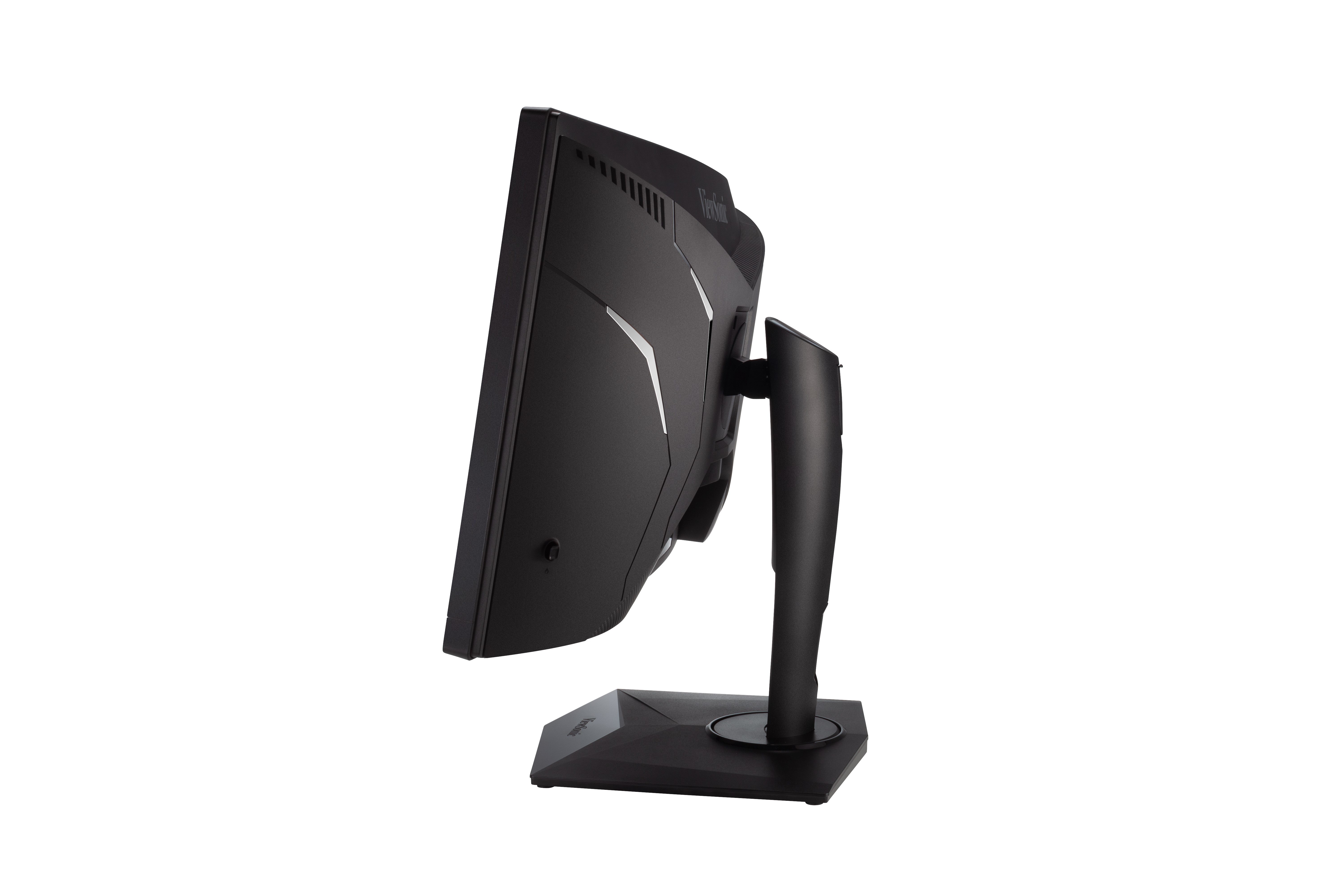
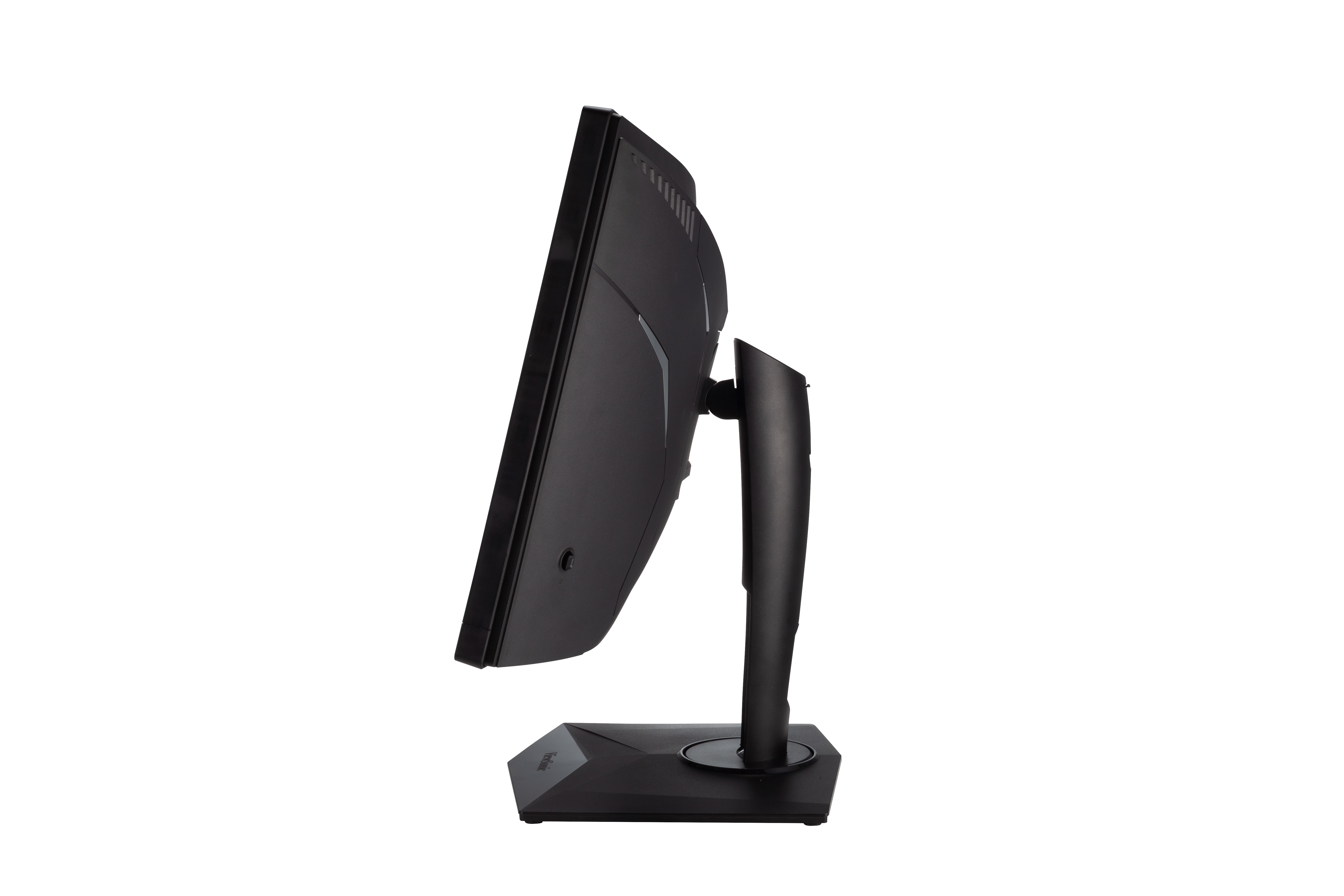
- ErgonomicsHeight Adjust (mm): 100
Swivel: 90º
Tilt (Forward/Back): -5º / 15º - Weight (imperial)Net (lbs): 29.8
Net Without Stand (lbs): 20.9
Gross (lbs): 40.7 - Weight (metric) Net (kg): 13.5
Net Without Stand (kg): 9.5
Gross (kg): 18.5 - Dimensions (imperial) (wxhxd)Packaging (in.): 38.9 x 19.8 x 11.3
Physical (in.): 33.4 x 17.11~21.05 x 12
Physical Without Stand (in.): 33.4 x 15.2 x 5 - Dimensions (metric) (wxhxd)Packaging (mm): 988 x 502 x 286
Physical (mm): 848 x 434.6~534.6 x 306
Physical Without Stand (mm): 848 x 387 x 127 - GeneralRegulations: cTUVus, FCC-B, ICES003, CEC, MX-CoC, Mexico Energy, REACH, WEEE
PACKAGE CONTENTS: B07MR337HK xXG350R-C x1, 3-pin Mickey Mouse Plug (IEC C5) x1, HDMI Cable (v2.0; Male-Male) x1, DisplayPort Cable (v1.2; Male-Male) x1, USB A/B Cable (v3.2; Male-Male) x1, AC/DC Adapter x1, Quick Start Guide x1, , 1 x1
Recycle/Disposal: Please dispose of in accordance with local, state or federal laws.
Warranty: *Warranty offered may differ from market to market
SUPPORT & DOWNLOADS
Datasheets
User Guides
XG350R-C User Guide (English)
See all languages
XG350R-C User Guide (Bahasa Indonesia)XG350R-C User Guide (Deutsch)XG350R-C User Guide (Español )XG350R-C User Guide (Français)XG350R-C User Guide (Hrvatski)XG350R-C User Guide (Italiano)XG350R-C User Guide (Magyar)XG350R-C User Guide (Nederlands)XG350R-C User Guide (Polski)XG350R-C User Guide (Português)XG350R-C User Guide (Română)XG350R-C User Guide (Slovenčina)XG350R-C User Guide (Slovenščina)XG350R-C User Guide (Srpski)XG350R-C User Guide (Suomi)XG350R-C User Guide (Svenska)XG350R-C User Guide (Türkçe)XG350R-C User Guide (Česky)XG350R-C User Guide (Ελληνικά)XG350R-C User Guide (Български)XG350R-C User Guide (Русский)XG350R-C User Guide (Українська)XG350R-C User Guide (日本語)XG350R-C User Guide (简体中文)XG350R-C User Guide (繁體中文)XG350R-C User Guide (한국어)XG350R-C User Guide (ﺍﻟﻌﺭﺑﻳﺔ)
Driver & Software
Razer How-To-GuideStandard Monitor Driver Signed Windows 10 x64Standard Monitor Driver Signed Windows 10 x86Standard Monitor Driver Signed Windows 7Standard Monitor Driver Signed Windows 7 x64Standard Monitor Driver Signed Windows 8 x64Standard Monitor Driver Signed Windows 8 x86Standard Monitor Driver Unsigned WindowsStandard Monitor Driver Unsigned Windows x64